
Exam Reader-Optical Test Grade PC
BEBYAZ
Download Exam Reader-Optical Test Grade on PC With GameLoop Emulator
Exam Reader-Optical Test Grade sa PC
Ang Exam Reader-Optical Test Grade, na nagmumula sa developer na BEBYAZ, ay tumatakbo sa Android systerm sa nakaraan.
Ngayon, maaari mong laruin ang Exam Reader-Optical Test Grade sa PC gamit ang GameLoop nang maayos.
I-download ito sa GameLoop library o mga resulta ng paghahanap. Hindi na tumitingin sa baterya o nakakadismaya na mga tawag sa maling oras.
I-enjoy lang ang Exam Reader-Optical Test Grade PC sa malaking screen nang libre!
Exam Reader-Optical Test Grade Panimula
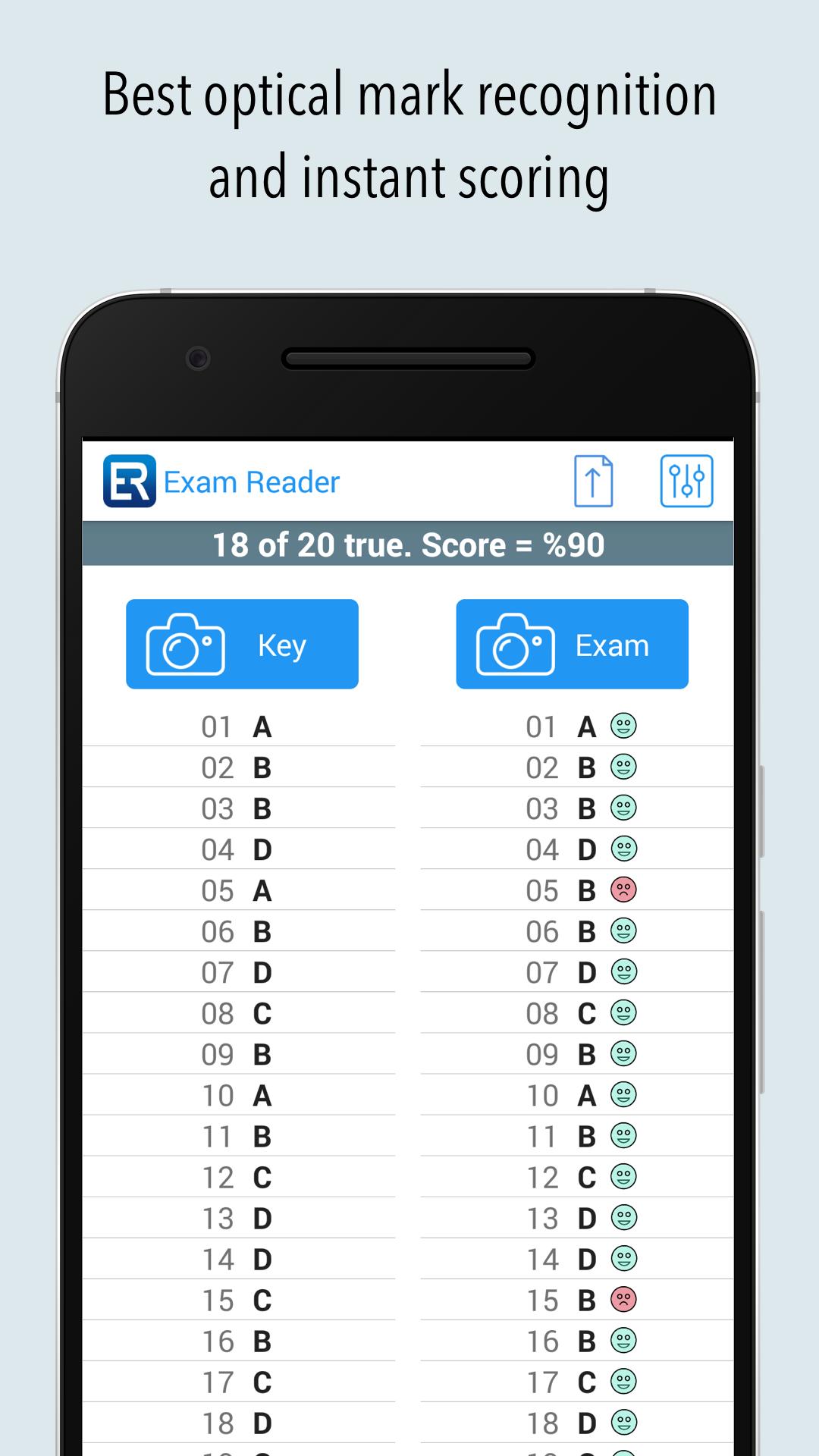
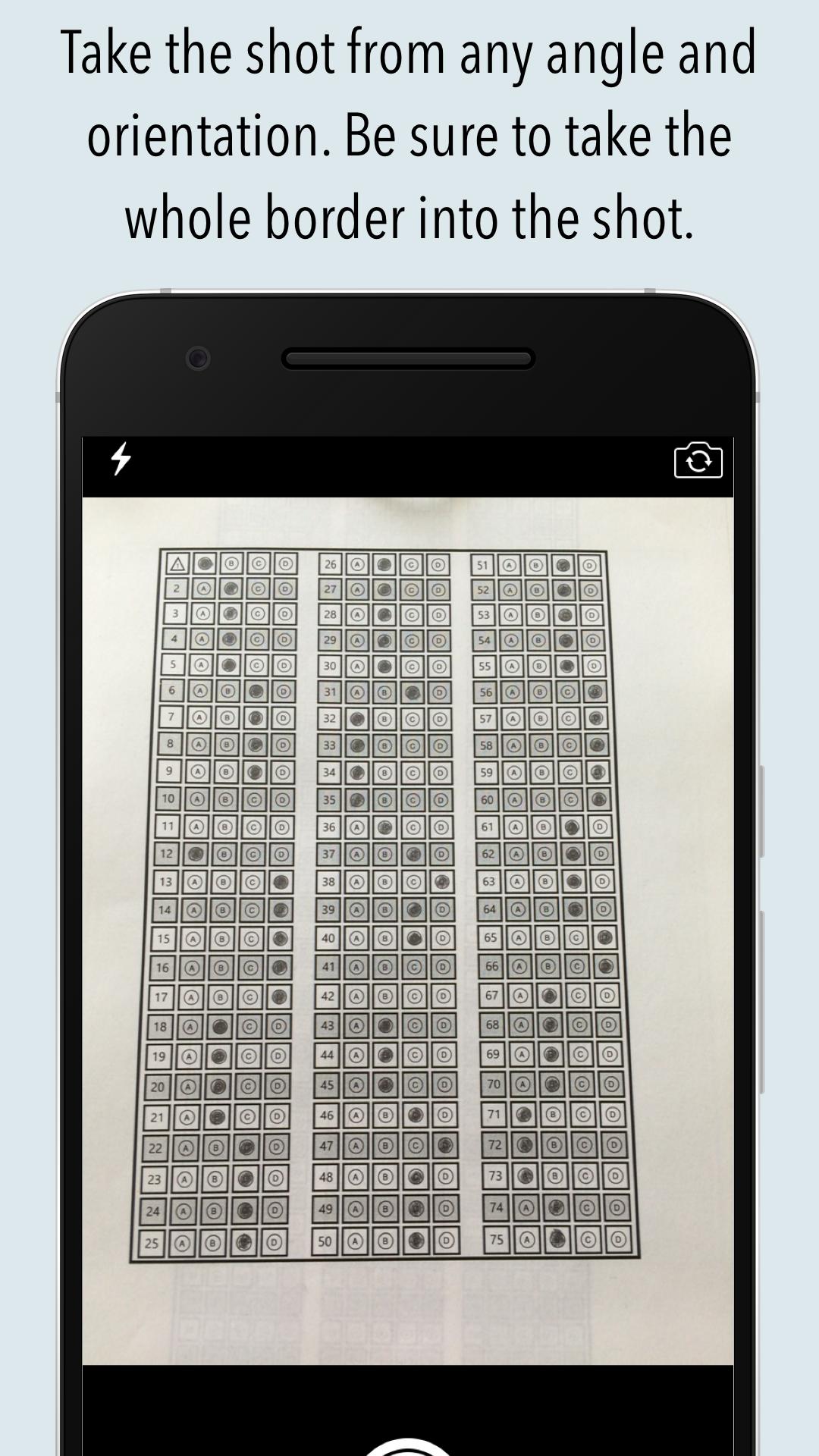
Grade multiple choice tests, quizzes, and assessment papers by using your phone's or tablet's camera as a grading scanner. It can also read over-written marks.
%100 success rate if used as described. Supports from 5 to 200 questions and 2 to 7 choices. Both horizontal and vertical sheets can be used (it is a first in this kind of application). Teachers and students can make their own sheets with our answer sheet generator (also a first). Right to left sheets (Arabic) support (again a first). Now with griddable questions support also.
Commercial users can publish exams that can be graded by the students themselves to see their ranks among the participants that took the same exam.
Please watch the tutorial videos for learning the basic usage of the mobile and cloud parts from our website.
You can decrease the size of the answer sheet to use less paper.
If you have trouble scanning the paper, you can send the last picture taken to us from the upload menu. We will analysis the paper and return to you ASAP (only app that gives this kind of support).
The best app alternative to ZipGrade, Quick Key or similar applications.
Great for assessments or regular quizzes. Giving teachers and students the flexibility to grade papers instantly anywhere. We're working hard to improve the product and need feedback from teachers & students like you. Write bulent@bebyaz.com with any feedback or suggestions. You can also use the build-in chat system for both online and offline messaging.
Supported languages: Dutch, English, French, German, Greek, Hindi, Indonesian, Italian, Japanese, Korean, Portuguese, Russian, Spanish, Thai, Turkish.
Preview
Tags
EducationInformation
Developer
BEBYAZ
Latest Version
4.0.2
Last Updated
2025-09-12
Category
Education
Available on
Google Play
Show More
How to play Exam Reader-Optical Test Grade with GameLoop on PC
1. Download GameLoop from the official website, then run the exe file to install GameLoop
2. Open GameLoop and search for “Exam Reader-Optical Test Grade” , find Exam Reader-Optical Test Grade in the search results and click “Install”
3. Enjoy playing Exam Reader-Optical Test Grade on GameLoop
Minimum requirements
OS
Windows 8.1 64-bit or Windows 10 64-bit
GPU
GTX 1050
CPU
i3-8300
Memory
8GB RAM
Storage
1GB available space
Recommended requirements
OS
Windows 8.1 64-bit or Windows 10 64-bit
GPU
GTX 1050
CPU
i3-9320
Memory
16GB RAM
Storage
1GB available space