
Estudy PC
The Zed Developer
Download Estudy on PC With GameLoop Emulator
Estudy sa PC
Ang Estudy, na nagmumula sa developer na The Zed Developer, ay tumatakbo sa Android systerm sa nakaraan.
Ngayon, maaari mong laruin ang Estudy sa PC gamit ang GameLoop nang maayos.
I-download ito sa GameLoop library o mga resulta ng paghahanap. Hindi na tumitingin sa baterya o nakakadismaya na mga tawag sa maling oras.
I-enjoy lang ang Estudy PC sa malaking screen nang libre!
Estudy Panimula
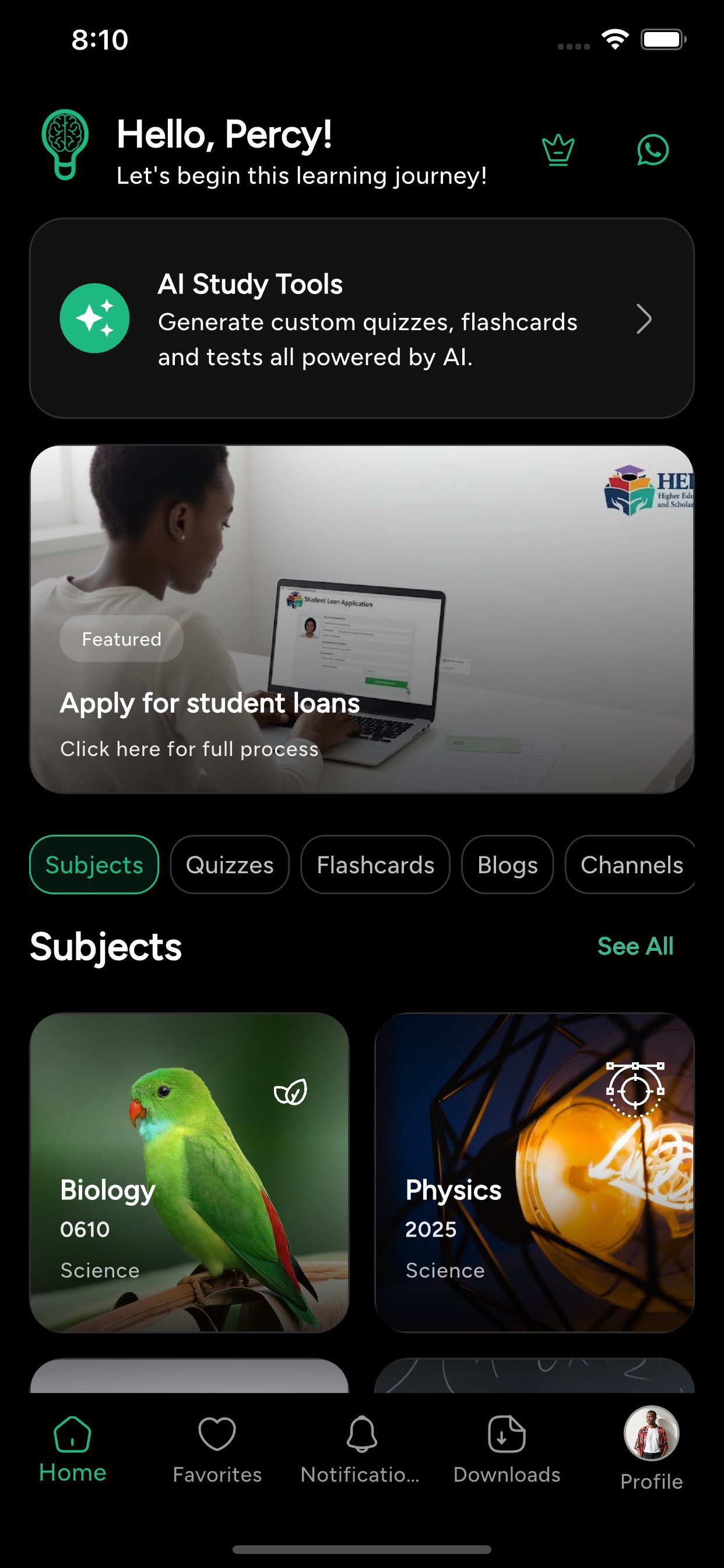
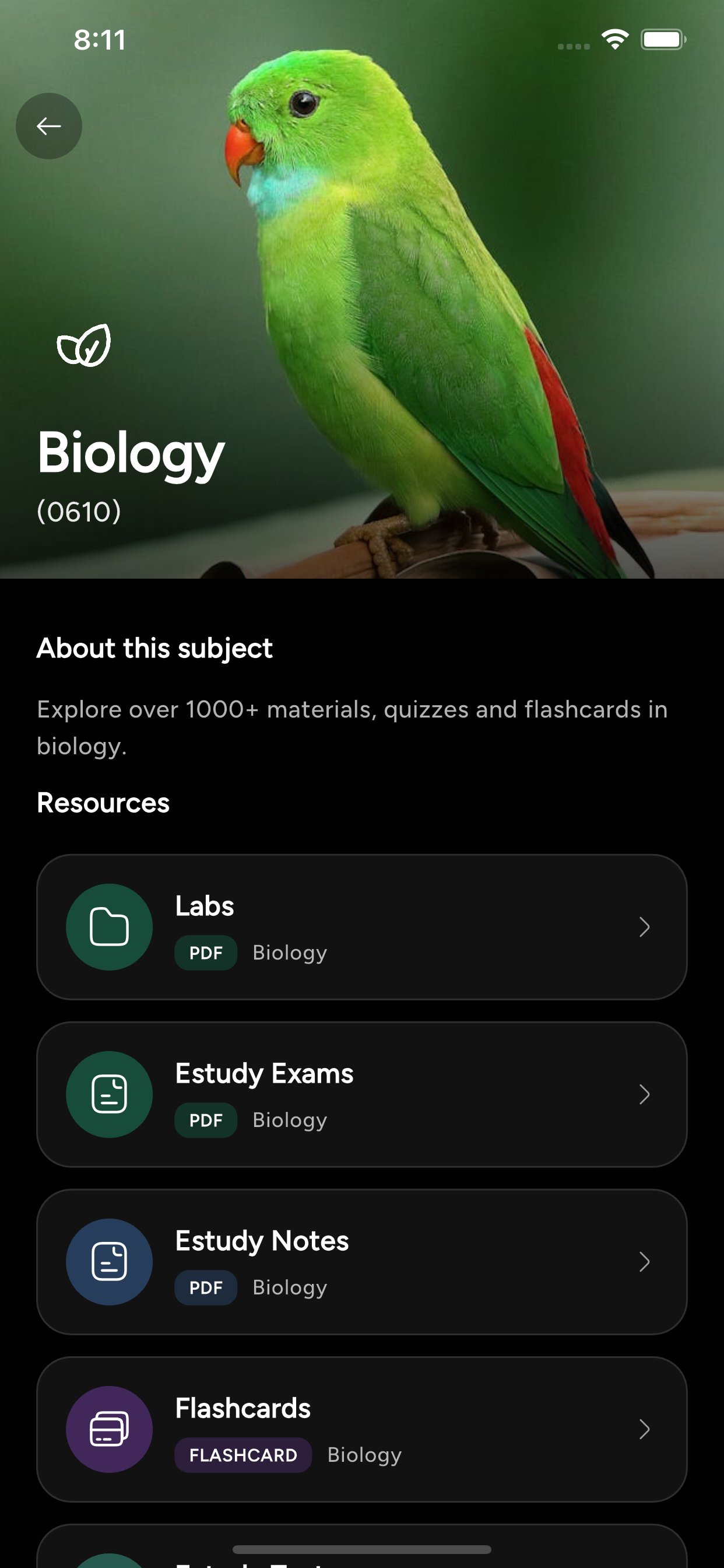
Estudy is a modern study companion built for students everywhere, with a growing library of educational content, practice tools, and learning support across many programs and institutions. Browse courses, subjects, and materials with a clean, organized structure, then dive into resources that make revision faster and more effective—whether you’re preparing for exams, revisiting topics, or staying ahead in class.
The app combines curated materials with interactive learning. You can explore quizzes by topic, review answers, and track your results, or use flashcards to reinforce key concepts in short bursts. Estudy also supports PDFs for deeper reading and study sessions, and helps you jump back into learning with recent activity and favorites so your most important resources are always within reach.
For students who want more, Estudy includes smart tools like quiz building, AI‑assisted flashcards, and notes helpers to generate study content on demand. With profiles, settings, and continuous content updates, the app is designed to grow alongside your learning journey—no matter where you study
Preview
Tags
EducationInformation
Developer
The Zed Developer
Latest Version
1.5.5
Last Updated
2026-01-01
Category
Education
Available on
Google Play
Show More
How to play Estudy with GameLoop on PC
1. Download GameLoop from the official website, then run the exe file to install GameLoop
2. Open GameLoop and search for “Estudy” , find Estudy in the search results and click “Install”
3. Enjoy playing Estudy on GameLoop
Minimum requirements
OS
Windows 8.1 64-bit or Windows 10 64-bit
GPU
GTX 1050
CPU
i3-8300
Memory
8GB RAM
Storage
1GB available space
Recommended requirements
OS
Windows 8.1 64-bit or Windows 10 64-bit
GPU
GTX 1050
CPU
i3-9320
Memory
16GB RAM
Storage
1GB available space