
English Grammar:Verbs & tenses PC
Nelly Latypova
Download English Grammar:Verbs & tenses on PC With GameLoop Emulator
English Grammar:Verbs & tenses sa PC
Ang English Grammar:Verbs & tenses, na nagmumula sa developer na Nelly Latypova, ay tumatakbo sa Android systerm sa nakaraan.
Ngayon, maaari mong laruin ang English Grammar:Verbs & tenses sa PC gamit ang GameLoop nang maayos.
I-download ito sa GameLoop library o mga resulta ng paghahanap. Hindi na tumitingin sa baterya o nakakadismaya na mga tawag sa maling oras.
I-enjoy lang ang English Grammar:Verbs & tenses PC sa malaking screen nang libre!
English Grammar:Verbs & tenses Panimula
🌟 Unlock the Power of English with Our Grammar App! 🌟
🎯 Struggling to Master English Verbs?
Do you find learning English confusing? Are tenses and grammar rules overwhelming you? Whether you're a teenager, adult, self-learner, or preparing for exams like IELTS or TOEFL, our app is here to simplify your language journey!
🛠 Solve Your Language Puzzles
Our app targets the intricate aspects of English, from basic to advanced levels. It is tailored to demystify the complexities of verb usage, ensuring a firm grasp of grammar that is essential for effective communication.
🔍 Main Features
Grammar Section:
• Learn Rules: Detailed explanations on the correct use of English verbs with various nouns.
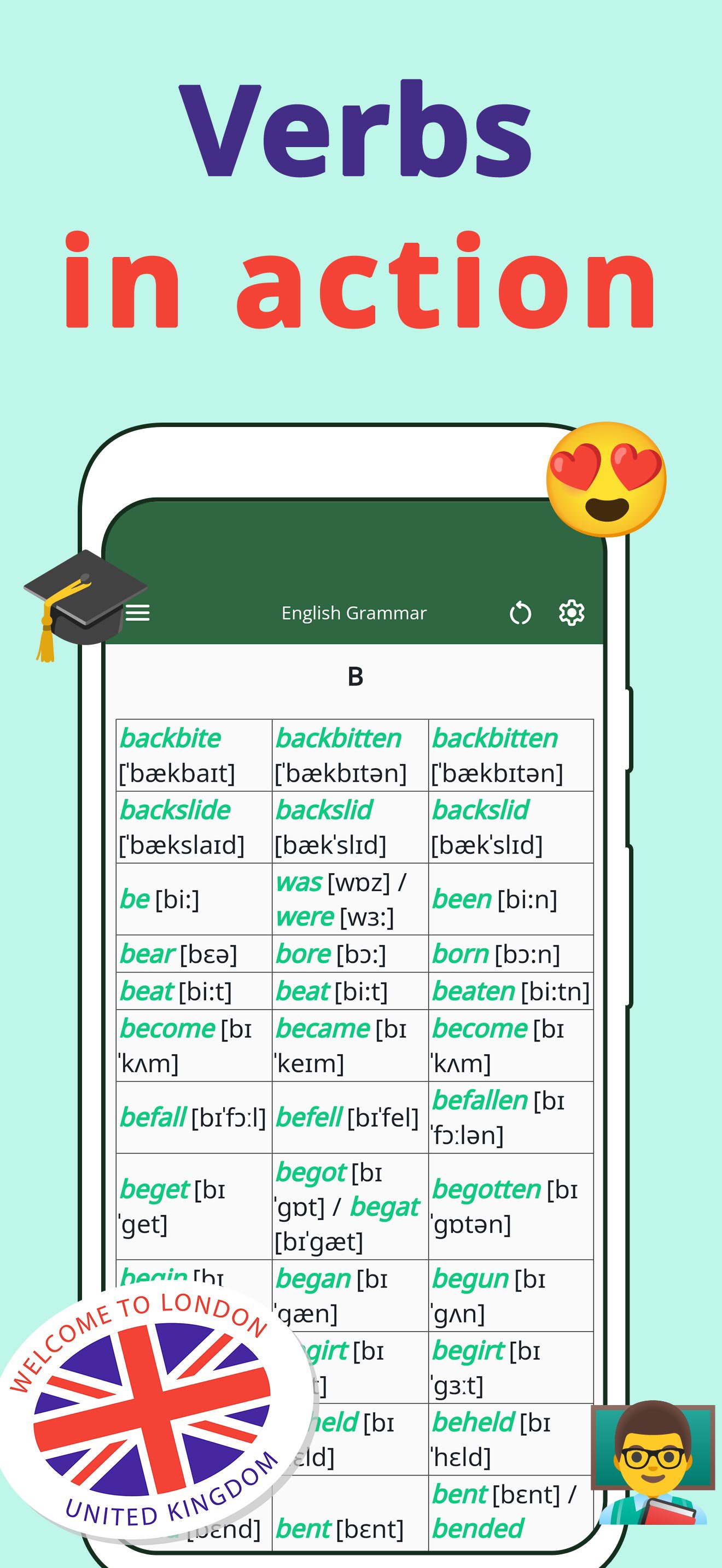
• Verbs in Action: Real-world examples showcasing proper verb usage.
• Preposition Exceptions: Explore exceptions in prepositional use, backed by solid examples.
• Grammar Tests: Check your understanding with quizzes after each topic-focused chapter.
Practical Learning through Texts:
• Reading Practice: Use texts from articles and books to see pronouns in context.
• Fill-the-Blank Exercises: Sharpen your skills by choosing the correct verb in sentences.
Interactive Exercises:
• Dynamic Questioning: Face sentences with missing verbs and select the correct option to proceed.
• Dual Practice Modes: Engage with excerpts from both articles and well-known books for varied learning experiences.
✅ Additional Features:
• Study Assistant: Get personalized help on tricky verbs and grammar points.
• Language Tenses: Master all English tenses through structured lessons.
• Vocabulary Expansion: Enhance your vocabulary alongside learning verbs.
🌟 Why Install Our App?
Our app not only makes learning verbs engaging but also builds a strong foundation in English grammar that is crucial for academic and professional success. With interactive exercises and comprehensive content, mastering English has never been more accessible and enjoyable.
🔔 Act Now!
Ready to conquer the challenges? Download our app today and transform your language skills! Let's make learning English a rewarding journey. 🚀
Preview

Tags
EducationInformation
Developer
Nelly Latypova
Latest Version
114.36.1
Last Updated
2026-04-04
Category
Education
Available on
Google Play
Show More
How to play English Grammar:Verbs & tenses with GameLoop on PC
1. Download GameLoop from the official website, then run the exe file to install GameLoop
2. Open GameLoop and search for “English Grammar:Verbs & tenses” , find English Grammar:Verbs & tenses in the search results and click “Install”
3. Enjoy playing English Grammar:Verbs & tenses on GameLoop
Minimum requirements
OS
Windows 8.1 64-bit or Windows 10 64-bit
GPU
GTX 1050
CPU
i3-8300
Memory
8GB RAM
Storage
1GB available space
Recommended requirements
OS
Windows 8.1 64-bit or Windows 10 64-bit
GPU
GTX 1050
CPU
i3-9320
Memory
16GB RAM
Storage
1GB available space