English Grammar App PC
bbest
Download English Grammar App on PC With GameLoop Emulator
English Grammar App sa PC
Ang English Grammar App, na nagmumula sa developer na bbest, ay tumatakbo sa Android systerm sa nakaraan.
Ngayon, maaari mong laruin ang English Grammar App sa PC gamit ang GameLoop nang maayos.
I-download ito sa GameLoop library o mga resulta ng paghahanap. Hindi na tumitingin sa baterya o nakakadismaya na mga tawag sa maling oras.
I-enjoy lang ang English Grammar App PC sa malaking screen nang libre!
English Grammar App Panimula
1) Basic English Grammar Topics
- Basic definitions: Noun, Pronoun, Adjective, Verbs, Adverbs
- Difference between Countable nouns and uncountable nouns
- English Tenses: Simple Present Tense, Present Continuous Tense, Present Perfect Tense, Present Perfect Continuous Tense, Simple Past Tense, Past Continuous Tense, Past Perfect Tense, Past Perfect Continuous Tense, Simple Future Tense, Future Continuous Tense, Future Perfect Tense, Future Perfect Continuous Tense
- Use of Article
- How to use Do, Does, Did
- How to use Be, Being, Been
- How to Use Wh Questions: Why, How, What, Which, Whose, Where
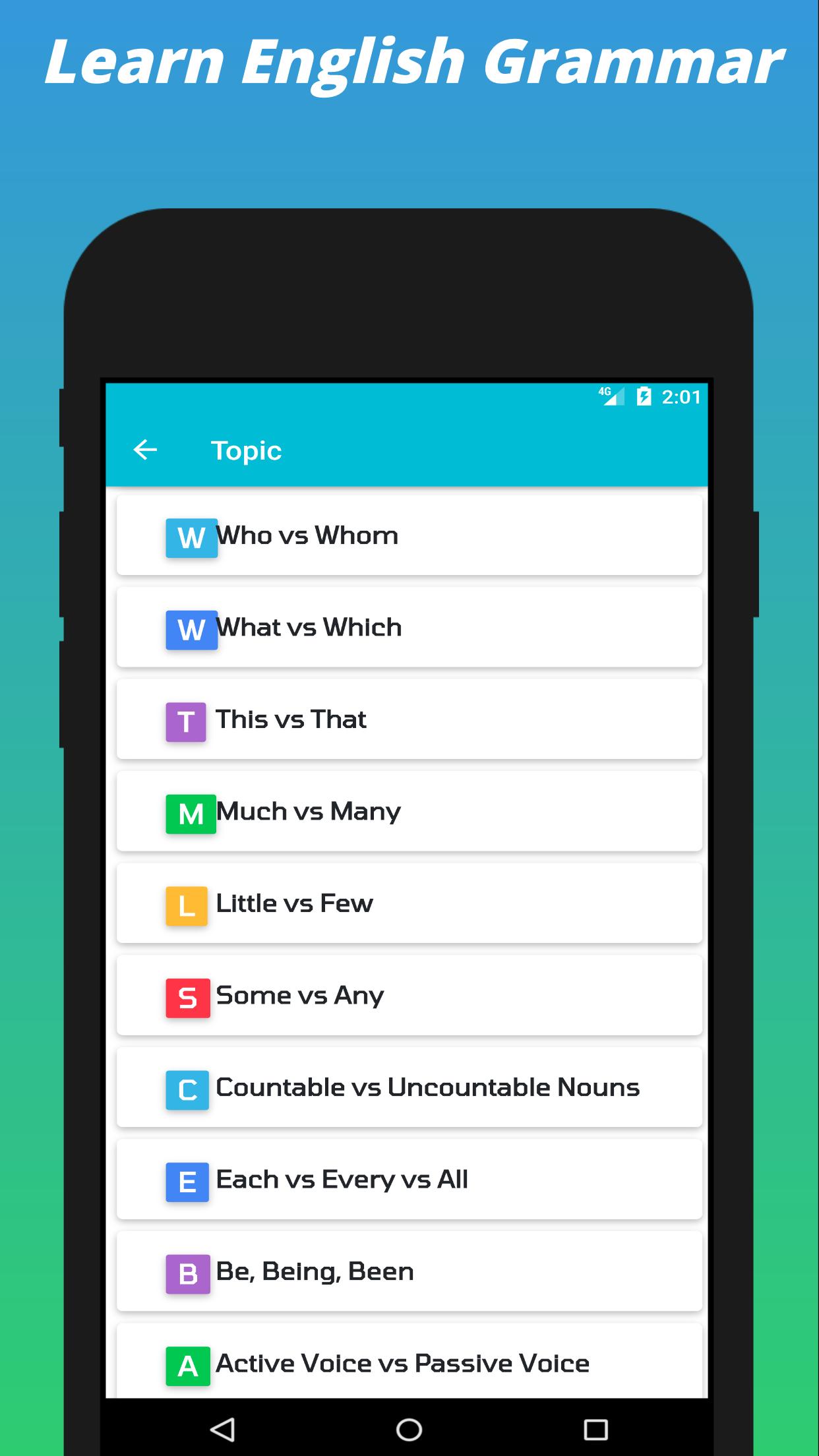
- Difference between Who and Whom (who vs whom)
- Difference between What and Which (what vs which)
- Difference between This and That (This vs That), These and Those (These vs Those), It’s vs Its
- Difference between Much and Many (Much vs Many)
- Difference between In and At and On
- Type of Degrees of comparison or Use of Degrees of comparison
- How to use Question Tags and Question Tags Rules
- Difference between Should and Could and Would
- Difference between Should and Must
- Difference between May and Might
2. Advanced English Grammar Topics
- Difference between Whatever, Whoever, Whenever
- Difference between Between and Among
- Difference between Beside and Besides
- Difference between Since and For
- Difference between Until and Unless
- Difference between So and Such
- Difference between Each, Every and All
- Difference between Little and Few, A little and A few, Much vs Many
- Difference between Some and Any
- Difference between To and For
- Use of Across
- Difference between Although, Even though and Though
- Active voice vs Passive Voice
- Reported Speech or Direct Indirect Speech
- Conditionals
- Use of Modal verbs: Could Would Should + Have
- Use of Used to
- Use of However
- Use of Having, Use of Having Said That, Use of Having To
- Difference between One, Ones, One’s and Once
3. Basic and Advance English Grammar Tests (Quiz)
4. English Grammar Topics for IELTS, TOEFL, SAT, MCAT, LSAT, GMAT, GRE, etc.
5. Daily in use examples of all the basic and advanced English level.
6. This app is 100% free. It has lots of great English grammar lessons and English exercises in elementary, intermediate, and advanced levels. It is also available for offline mode.
7. Highlighted all the points of common English grammar mistakes.
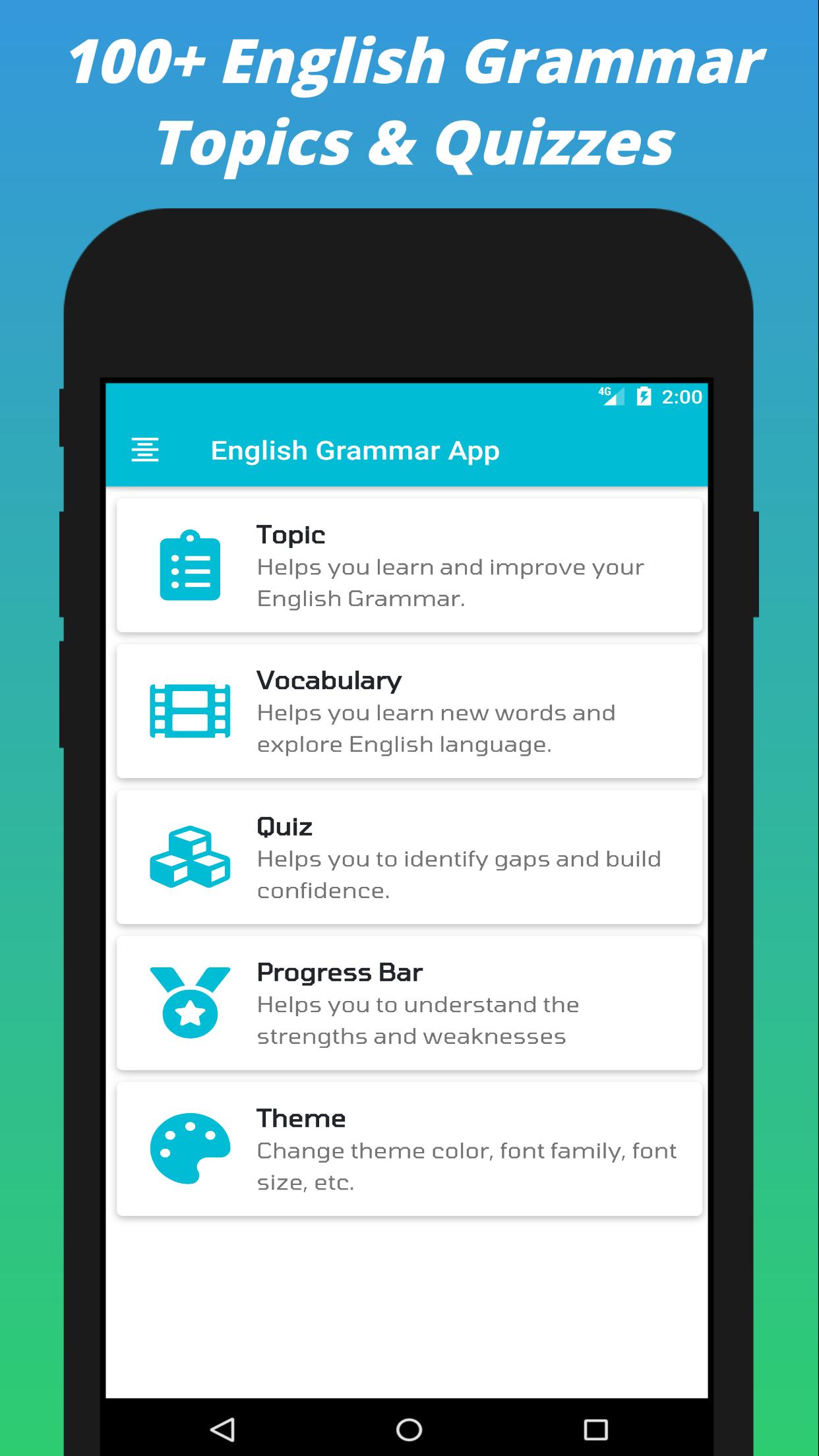
8. Cool User Interface: allow to change theme color, font family, font size, etc.
Preview
Tags
EducationInformation
Developer
bbest
Latest Version
1.32
Last Updated
2023-04-23
Category
Education
Available on
Google Play
Show More
How to play English Grammar App with GameLoop on PC
1. Download GameLoop from the official website, then run the exe file to install GameLoop
2. Open GameLoop and search for “English Grammar App” , find English Grammar App in the search results and click “Install”
3. Enjoy playing English Grammar App on GameLoop
Minimum requirements
OS
Windows 8.1 64-bit or Windows 10 64-bit
GPU
GTX 1050
CPU
i3-8300
Memory
8GB RAM
Storage
1GB available space
Recommended requirements
OS
Windows 8.1 64-bit or Windows 10 64-bit
GPU
GTX 1050
CPU
i3-9320
Memory
16GB RAM
Storage
1GB available space