
Dinosaurs: Encyclopedia PC
24Hours
Download Dinosaurs: Encyclopedia on PC With GameLoop Emulator
Dinosaurs: Encyclopedia sa PC
Ang Dinosaurs: Encyclopedia, na nagmumula sa developer na 24Hours, ay tumatakbo sa Android systerm sa nakaraan.
Ngayon, maaari mong laruin ang Dinosaurs: Encyclopedia sa PC gamit ang GameLoop nang maayos.
I-download ito sa GameLoop library o mga resulta ng paghahanap. Hindi na tumitingin sa baterya o nakakadismaya na mga tawag sa maling oras.
I-enjoy lang ang Dinosaurs: Encyclopedia PC sa malaking screen nang libre!
Dinosaurs: Encyclopedia Panimula
Dinosaurs: Encyclopedia. Description, Photo, Offline
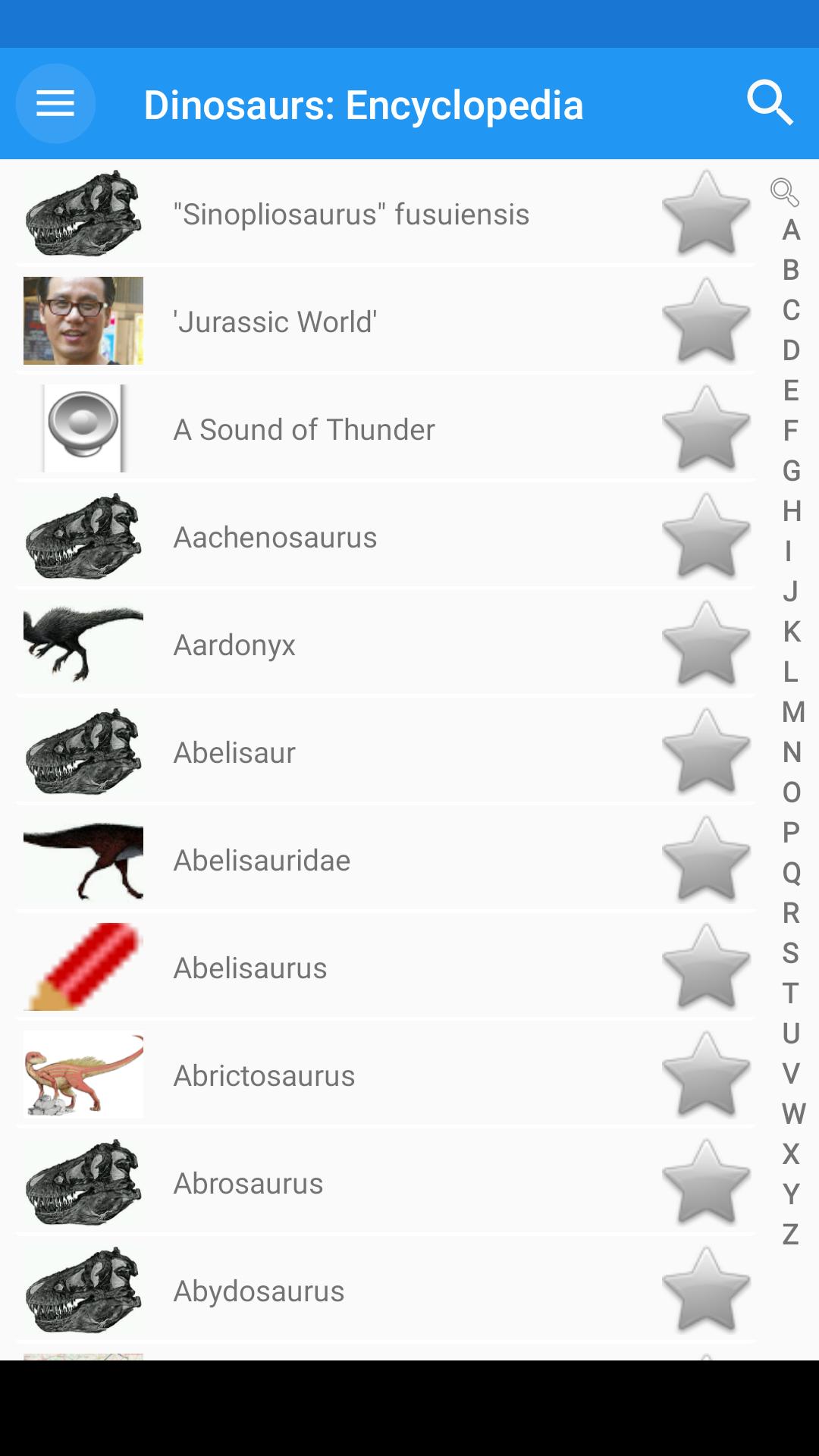
From slow, plant-eating giants to fierce scavengers and hunters, dinosaurs once dominated the land. Search in our app Dinosaurs: Encyclopedia, or explore dinosaurs by when and where they lived or what type they are.
Uncover what dinosaurs have been found in your country and how big they were. Learn the meaning of dinosaur names and how to say them. Browse your favourite dinosaurs or start with our top five.
Top 5 dinosaurs
1. Triceratops
Triceratops was a plant-eater with specialised teeth for cutting and slicing and a huge stomach for digesting tough plant matter. It would have used its horns for defending itself from predators like Tyrannosaurus.
2. Stegosaurus
This slow-moving plant-eater used spikes on its tail to fend off would-be predators. The jury is still out on what the spiny plates on its back were used for.
3. Tyrannosaurus
An infamous meat-eating predator. Look at the evidence as to whether Tyrannosaurus hunted in packs or alone.
4. Diplodocus
The Museum's cast of a Diplodocus skeleton is on a tour around the UK. What did this giant look like and how did it hold its enormous neck?
5. Coelophysis
This small meat-eater was one of the earliest dinosaurs. It was fast and agile and would have fed on animals like small reptiles and insects.
Features:
• The dictionary works offline - you do not need an internet connection. Access to articles (descriptions) offline, without an Internet connection (except for photographs);
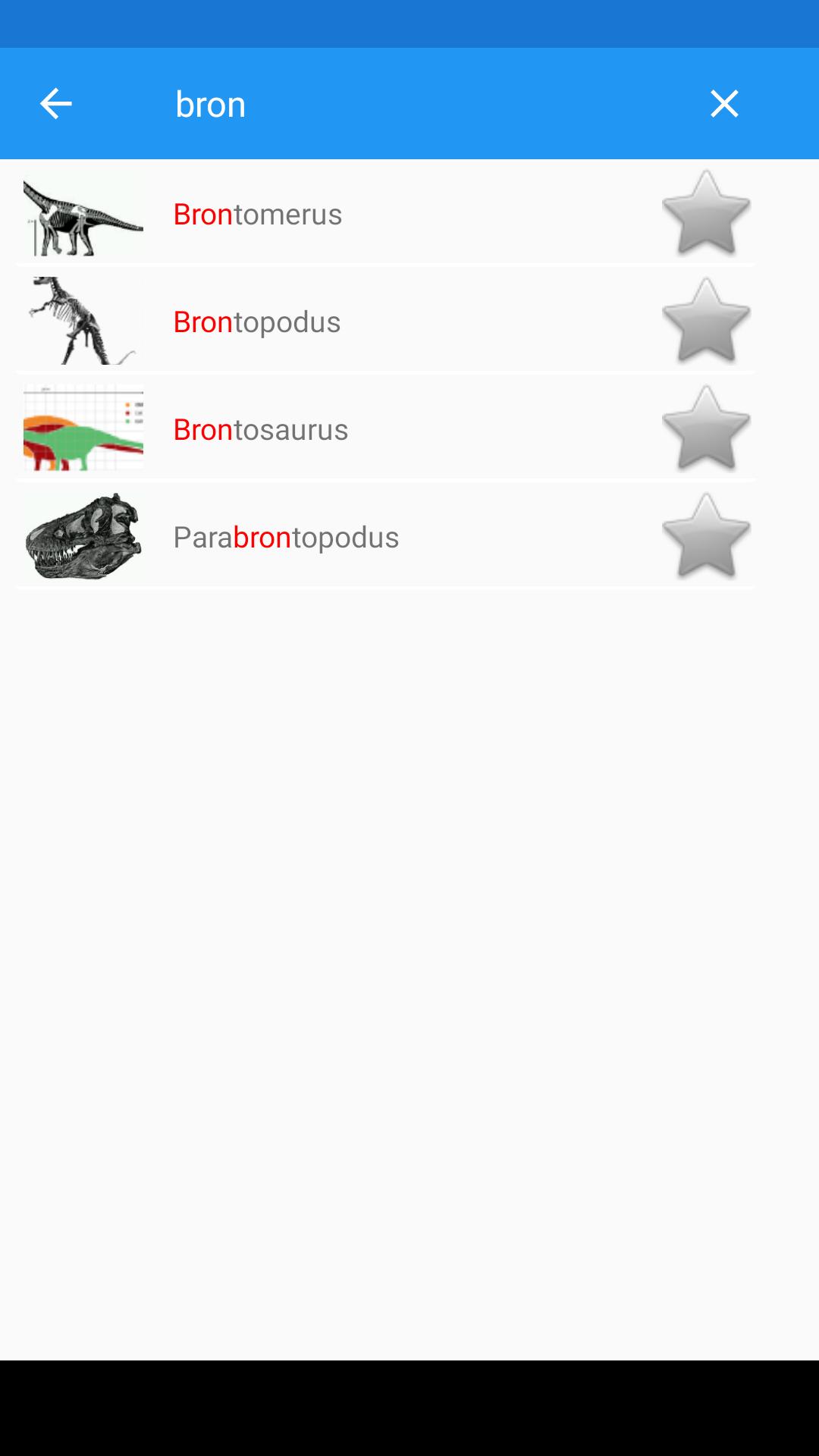
• Very quick search for descriptions. Equipped with a quick dynamic search function - the dictionary will start searching for words during input;
• Unlimited number of notes (favorites);
• Bookmark - you can add descriptions to your favorites list by clicking on the asterisk icon;
• Manage bookmark lists - you can edit your bookmark lists or clear them;
• Search History;
• Voice search;
• Compatible with modern versions of Android devices;
• Very efficient, fast and good performance;
• An easy way to share with friends;
• The application is very easy to use, fast and with extensive content;
• Automatic free updates every time new terms are added;
• The directory "Dinosaurs: Encyclopedia" is designed to occupy as little memory as possible.
Features Premium:
✓ no ads;
✓ photos, images of access offline;
✓ Clear browsing history.
Preview
Tags
EducationInformation
Developer
24Hours
Latest Version
1.0.36.137
Last Updated
2024-01-04
Category
Education
Available on
Google Play
Show More
How to play Dinosaurs: Encyclopedia with GameLoop on PC
1. Download GameLoop from the official website, then run the exe file to install GameLoop
2. Open GameLoop and search for “Dinosaurs: Encyclopedia” , find Dinosaurs: Encyclopedia in the search results and click “Install”
3. Enjoy playing Dinosaurs: Encyclopedia on GameLoop
Minimum requirements
OS
Windows 8.1 64-bit or Windows 10 64-bit
GPU
GTX 1050
CPU
i3-8300
Memory
8GB RAM
Storage
1GB available space
Recommended requirements
OS
Windows 8.1 64-bit or Windows 10 64-bit
GPU
GTX 1050
CPU
i3-9320
Memory
16GB RAM
Storage
1GB available space