
DinoBook ROOSSA PC
ROOSSA
Download DinoBook ROOSSA on PC With GameLoop Emulator
DinoBook ROOSSA sa PC
Ang DinoBook ROOSSA, na nagmumula sa developer na ROOSSA, ay tumatakbo sa Android systerm sa nakaraan.
Ngayon, maaari mong laruin ang DinoBook ROOSSA sa PC gamit ang GameLoop nang maayos.
I-download ito sa GameLoop library o mga resulta ng paghahanap. Hindi na tumitingin sa baterya o nakakadismaya na mga tawag sa maling oras.
I-enjoy lang ang DinoBook ROOSSA PC sa malaking screen nang libre!
DinoBook ROOSSA Panimula
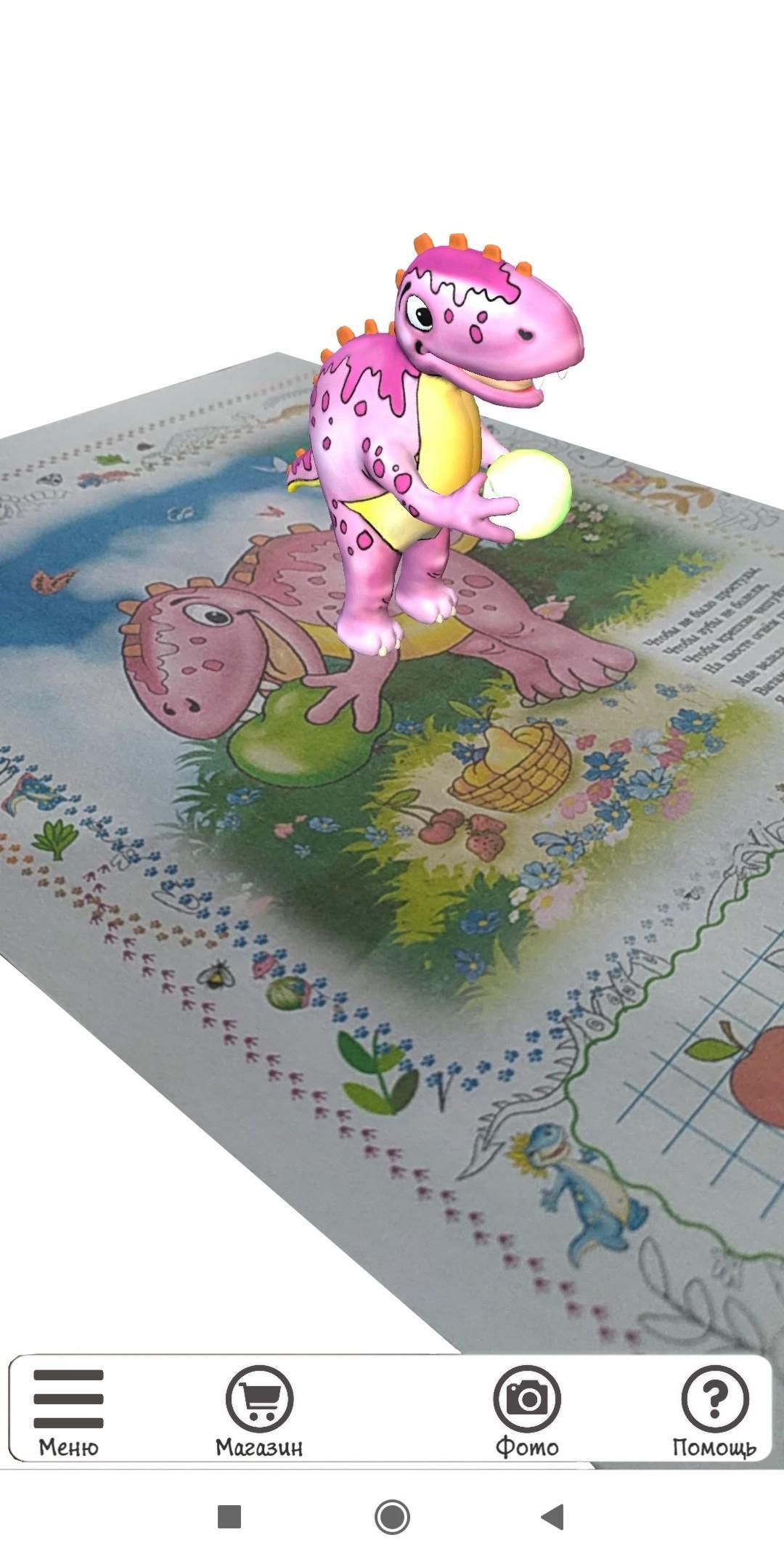
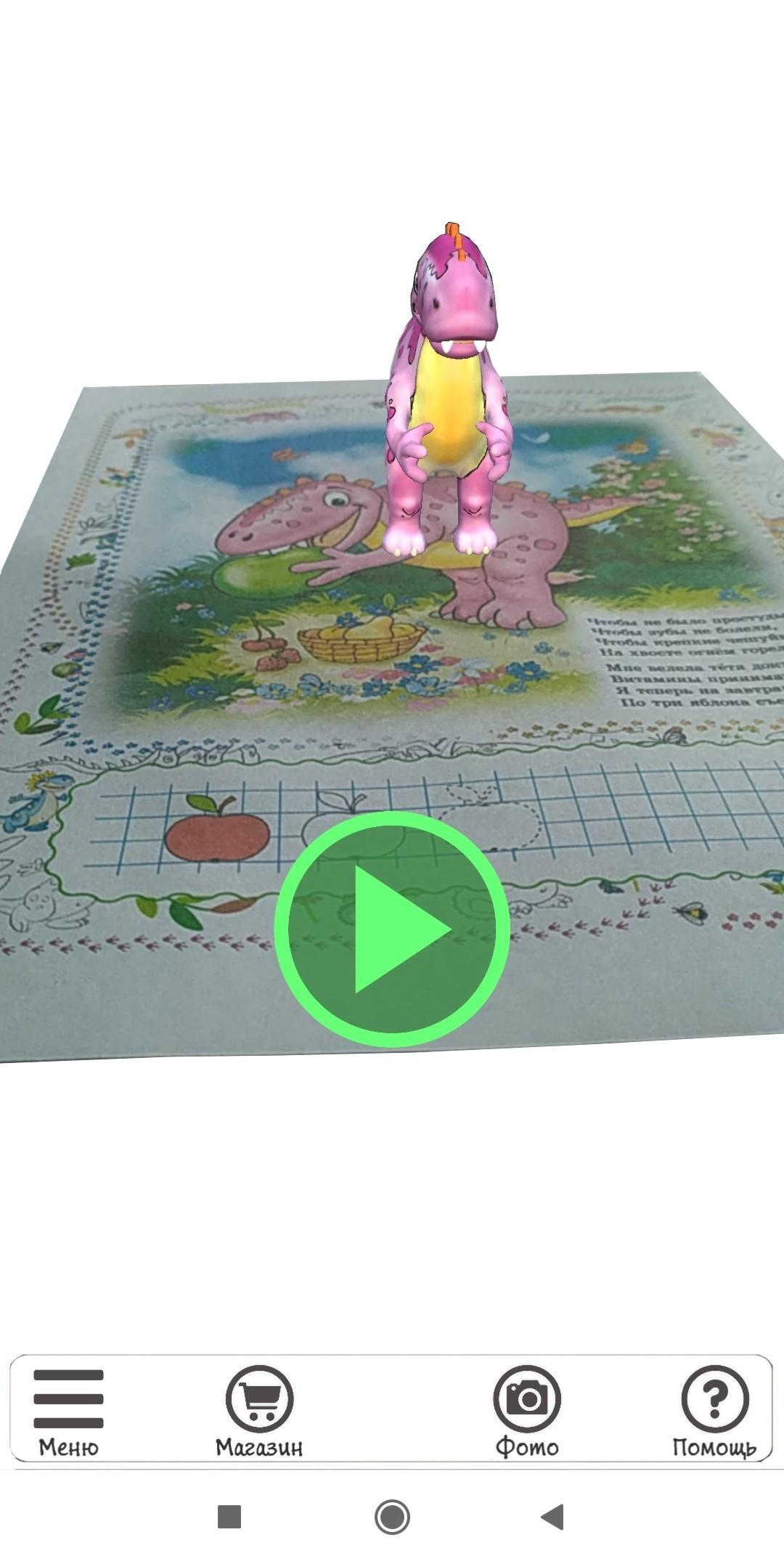
The augmented reality application for the book "Funny Dinosaurs".
Do you want girls, do you want boys, So that pictures from a book become live!
Of course you want! Then - get the "Funny Dinosaurs".
Real miracles happen under the cover of this coloring: not only animated, but also inanimate objects come to life!
Preview
Tags
EducationInformation
Developer
ROOSSA
Latest Version
3.41
Last Updated
2022-10-21
Category
Education
Available on
Google Play
Show More
How to play DinoBook ROOSSA with GameLoop on PC
1. Download GameLoop from the official website, then run the exe file to install GameLoop
2. Open GameLoop and search for “DinoBook ROOSSA” , find DinoBook ROOSSA in the search results and click “Install”
3. Enjoy playing DinoBook ROOSSA on GameLoop
Minimum requirements
OS
Windows 8.1 64-bit or Windows 10 64-bit
GPU
GTX 1050
CPU
i3-8300
Memory
8GB RAM
Storage
1GB available space
Recommended requirements
OS
Windows 8.1 64-bit or Windows 10 64-bit
GPU
GTX 1050
CPU
i3-9320
Memory
16GB RAM
Storage
1GB available space