
Seeker PC
The Seeker App
Download Seeker on PC With GameLoop Emulator
Seeker sa PC
Ang Seeker, na nagmumula sa developer na The Seeker App, ay tumatakbo sa Android systerm sa nakaraan.
Ngayon, maaari mong laruin ang Seeker sa PC gamit ang GameLoop nang maayos.
I-download ito sa GameLoop library o mga resulta ng paghahanap. Hindi na tumitingin sa baterya o nakakadismaya na mga tawag sa maling oras.
I-enjoy lang ang Seeker PC sa malaking screen nang libre!
Seeker Panimula
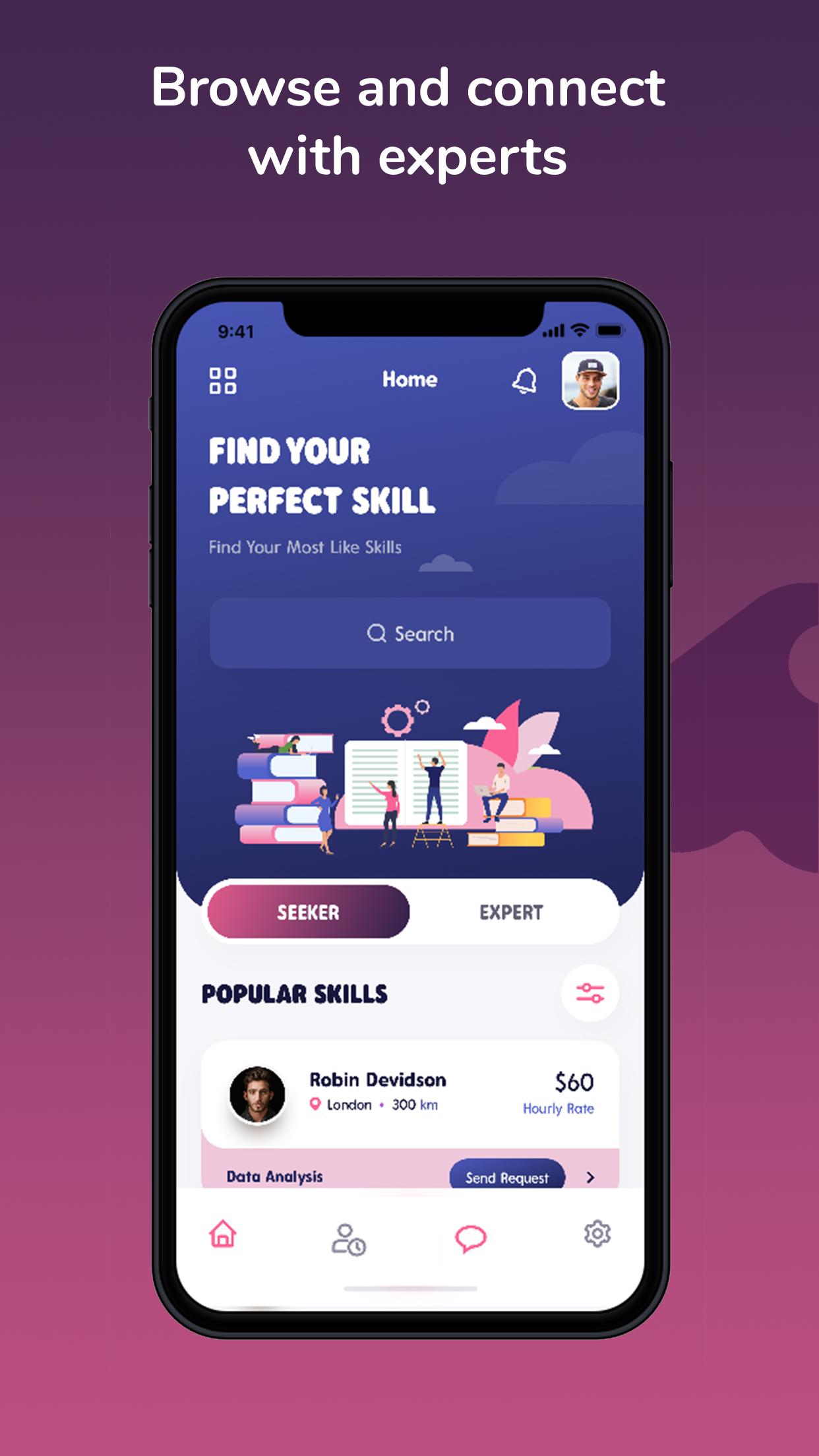
Are you looking to learn a new skill? Need a little extra help outside the classroom? Seeker can help with that. Seeker is the easy-to-use app that finally allows users to connect with exactly the right skilled individual that can help them towards success. Seeker’s platform lets you filter locations, hourly rates, and shows you all registered local mentors willing to teach the skill you’re looking for.
Seeker also offers a variety of other interests like learning a new instrument, picking up a new sport; even MCAT and LSAT prep mentorship . Simply create your profile, and start Seeking what you’re interested in.
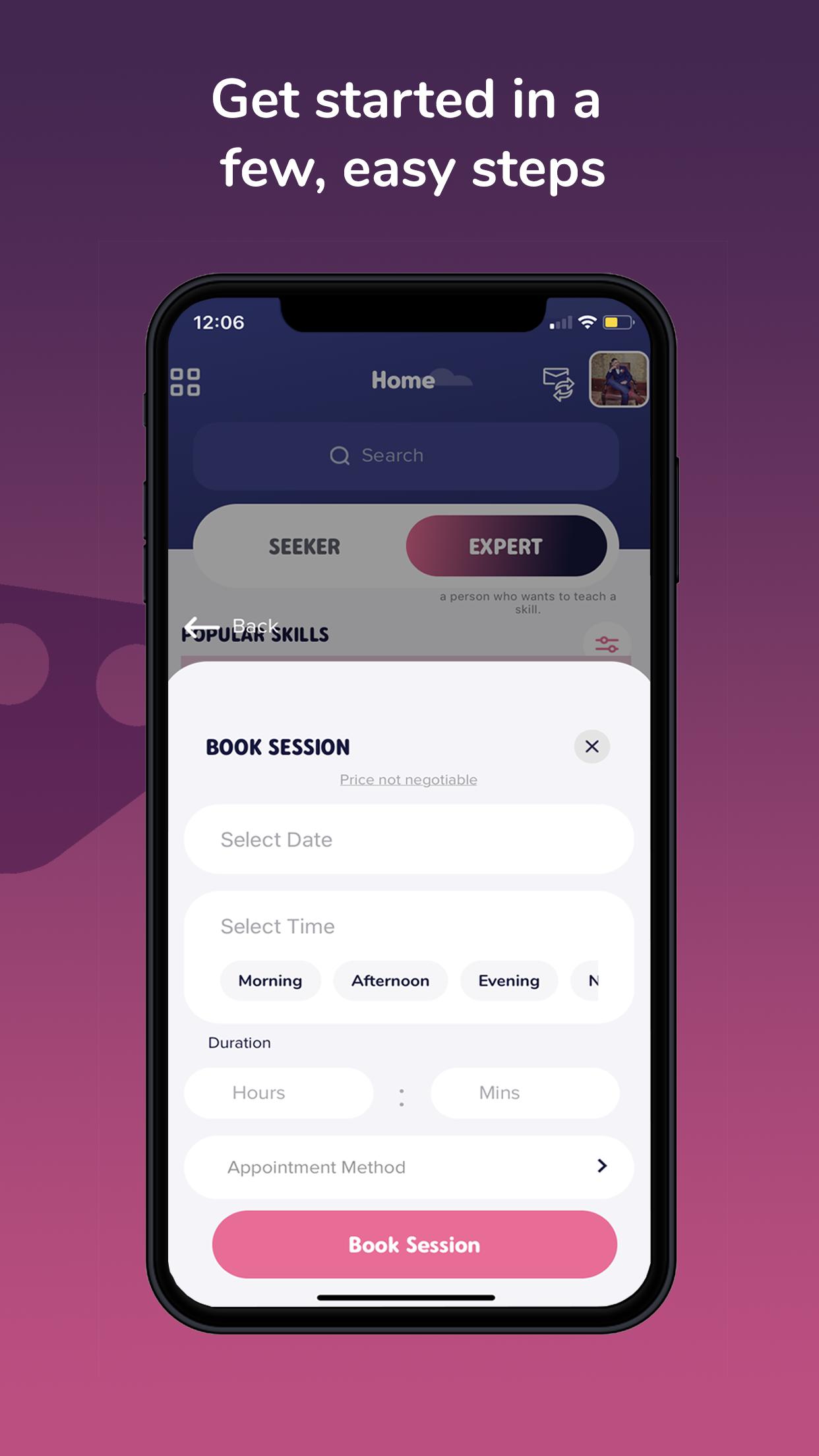
Already an expert in a certain skill? Want to start getting paid for your expertise? Seeker can help with that too. Registering as a mentor is as easy as creating your own mentor-profile, listing what skills you want to teach, and entering your hourly rates on your profile page. Users can then start rating you on how well they were taught the material. The better they understand, the better your mentor rating. Seeker makes learning a two-way street, just how it should be. Follow us and start Seeking exactly what you’re looking for.
Preview
Tags
EducationInformation
Developer
The Seeker App
Latest Version
4.0
Last Updated
2020-05-01
Category
Education
Available on
Google Play
Show More
How to play Seeker with GameLoop on PC
1. Download GameLoop from the official website, then run the exe file to install GameLoop
2. Open GameLoop and search for “Seeker” , find Seeker in the search results and click “Install”
3. Enjoy playing Seeker on GameLoop
Minimum requirements
OS
Windows 8.1 64-bit or Windows 10 64-bit
GPU
GTX 1050
CPU
i3-8300
Memory
8GB RAM
Storage
1GB available space
Recommended requirements
OS
Windows 8.1 64-bit or Windows 10 64-bit
GPU
GTX 1050
CPU
i3-9320
Memory
16GB RAM
Storage
1GB available space