Language Translator, Translate PC
Lutech Ltd
Download Language Translator, Translate on PC With GameLoop Emulator
Language Translator, Translate sa PC
Ang Language Translator, Translate, na nagmumula sa developer na Lutech Ltd, ay tumatakbo sa Android systerm sa nakaraan.
Ngayon, maaari mong laruin ang Language Translator, Translate sa PC gamit ang GameLoop nang maayos.
I-download ito sa GameLoop library o mga resulta ng paghahanap. Hindi na tumitingin sa baterya o nakakadismaya na mga tawag sa maling oras.
I-enjoy lang ang Language Translator, Translate PC sa malaking screen nang libre!
Language Translator, Translate Panimula
🌟Language Translator, Translate🌟- No more language barrier! Enjoy and translate any language you want with voice translator, photo translator, text translator,... Our all-language interpreter & translator tools allow you to do an offline translation even if you have no internet connection.
🌐Main feature of Language Translator, Translate🌐
☀️Quickly translate☀️
✔ Fast, and easy translations between the following languages are supported: translate English to Hindi, Tagalog, Spanish, Arabic, Japanese, Korean, Chinese, German, French, Italian, Dutch, etc. The Translator app has +100 languages for your daily translate needs.
👁️🗨️Photo translator
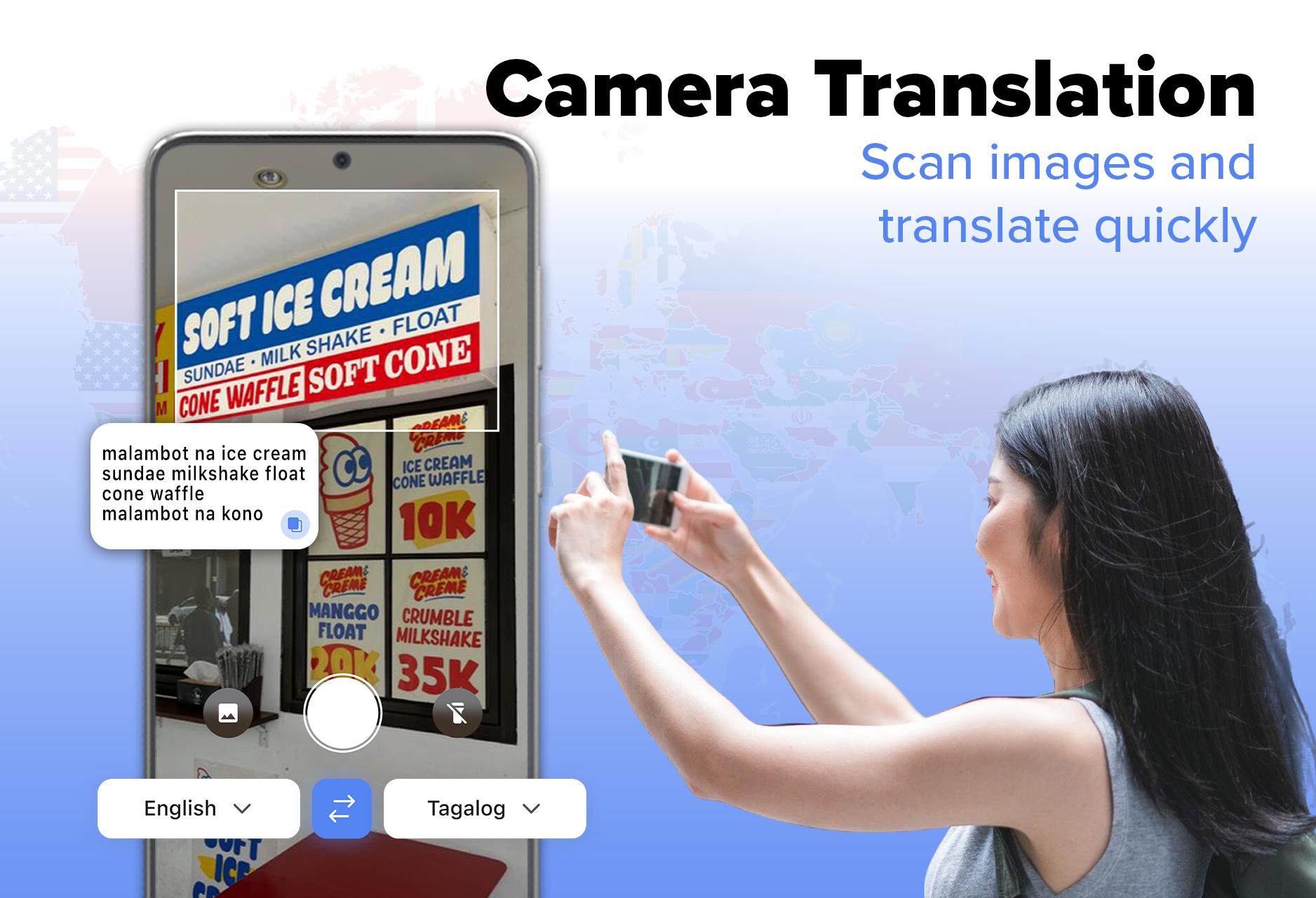
✔ Turn your camera into an instant online translator. Take a photo and easily translate images with one tap. Translation text will be rendered directly in the photo with the live camera and image translator feature. Photo translation of the object will allow you to understand everything you see.
✔ Your trusted document translator: Point your camera at a document and get instant translation with image translation.
📢Voice translator
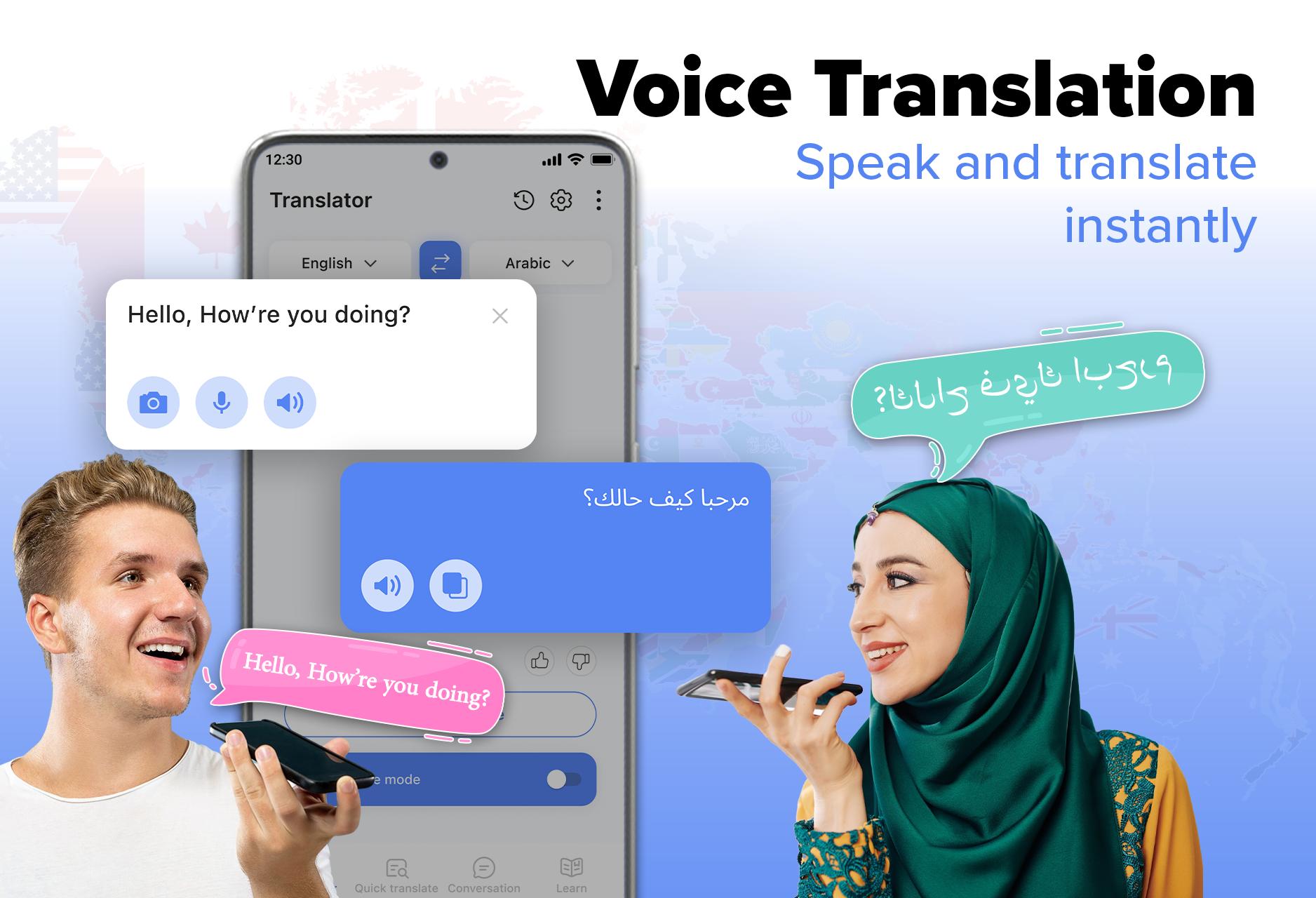
✔ Become your interpreter to help record sound to transcribe speech to text. Voice-to-voice real time translation is the ideal feature to help you communicate with people around the world or travel, simply talk and Language Translator app will translate for you. Accurate translation of conversation, dialog, etc.
✔ Text to speech of the voice translator allows you to understand everything you hear.
📋Chat, Text Translator
✔ Quick text translation on screen: this function is ready with a tap screen to translate the text you want.
✔ Chat translator: Translate all messages that have come to you with an instant language translator. Just click on messages, copy a text, and auto-translate from chat, website with language tool.
☀️Learn all languages☀️
✔ Learn multiple languages with this language exchange app: quickly improve vocabulary with this language translator app, which allows easy translation of all languages in parallel and offers English idioms, new phrases, and over 200 topic recognitions, along with vocabulary and sentence exercises for deep memorization and skill enhancement.
Note
In instant translator mode, app use Accessibility Service to be able to get screen text.
Contact us: teammarketing@lutech.ltd
Preview
Tags
EducationInformation
Developer
Lutech Ltd
Latest Version
92
Last Updated
2025-04-03
Category
Education
Available on
Google Play
Show More
How to play Language Translator, Translate with GameLoop on PC
1. Download GameLoop from the official website, then run the exe file to install GameLoop
2. Open GameLoop and search for “Language Translator, Translate” , find Language Translator, Translate in the search results and click “Install”
3. Enjoy playing Language Translator, Translate on GameLoop
Minimum requirements
OS
Windows 8.1 64-bit or Windows 10 64-bit
GPU
GTX 1050
CPU
i3-8300
Memory
8GB RAM
Storage
1GB available space
Recommended requirements
OS
Windows 8.1 64-bit or Windows 10 64-bit
GPU
GTX 1050
CPU
i3-9320
Memory
16GB RAM
Storage
1GB available space