Learn Android App Development: PC
Bluestream.io
Download Learn Android App Development: on PC With GameLoop Emulator
Learn Android App Development: sa PC
Ang Learn Android App Development:, na nagmumula sa developer na Bluestream.io, ay tumatakbo sa Android systerm sa nakaraan.
Ngayon, maaari mong laruin ang Learn Android App Development: sa PC gamit ang GameLoop nang maayos.
I-download ito sa GameLoop library o mga resulta ng paghahanap. Hindi na tumitingin sa baterya o nakakadismaya na mga tawag sa maling oras.
I-enjoy lang ang Learn Android App Development: PC sa malaking screen nang libre!
Learn Android App Development: Panimula
A Full Packed Android App Development Tutorials App 👍 with examples and explanations for you to take a step forward in your career. The App is designed in a way that even a layman who has no prior knowledge of Android but has some basic knowledge of Java can learn android app development and become a professional developer with advance level concepts and tutorials. Professional Android Developers can use this Android Tutorials app to recall basic concepts when needed for coding.
The Best Android App Development Course
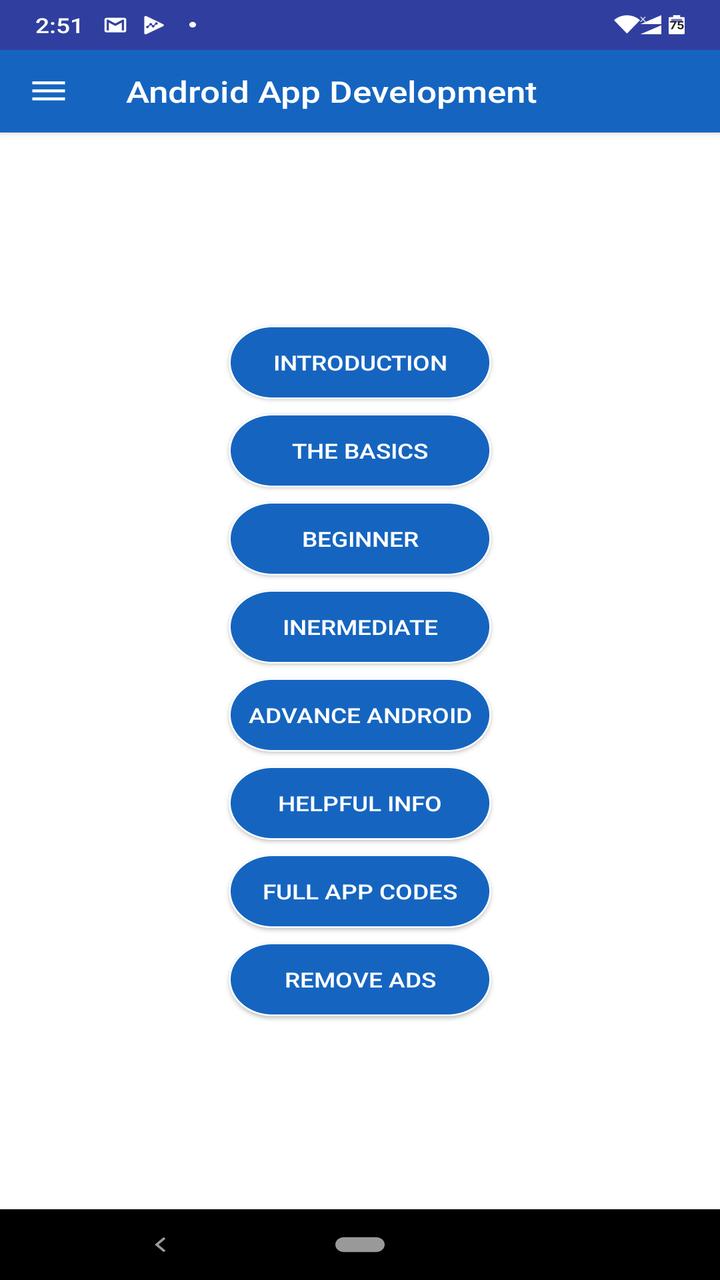
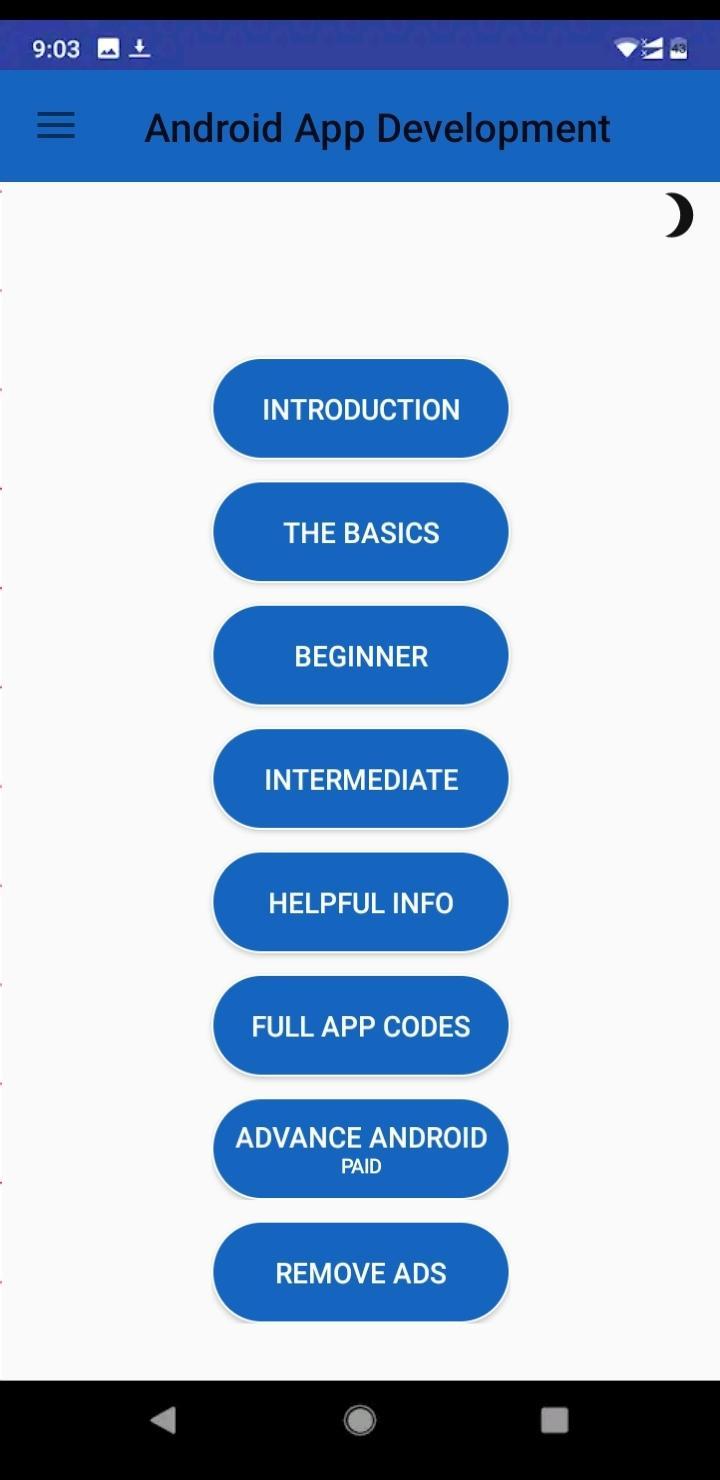
The app consists of tutorials, code examples, demo, and theoretical explanations. You can learn basic concepts of android app development, beginner level android development concepts and examples with code and demo, advance level android features with code and demo, professional android app codes with explanation and helpful info segments with important information about becoming a professional android developer and knowledge about different important things related to Android App Development. Further we have given 9 professional apps fully developed with advance android development coding techniques which you can buy and enhance your skills further.
The Basics
- Introduction To Android
- Architecture & Software Stack
- Studio
- Project Structure
- Application Fundamentals
- Intent
- Views, Layouts & Resources
- Fragments
- UI Widgets
- Containers
- Menu
- Data Storage
- JSON Parsing
- Firebase
Beginner Level
- UI Widgets
- Menu
- Intent
- Fragments
Intermediate Level
- Advance UI
- Containers
- Material Design
- Notifications
- Storage
- SQLite
Advance Android
- Using The Android Download Manager
- Flashlight Torch Application Using Camera2 API
- QR Code Scanner Application
- Convert Speech to Text
- Convert Text to Speech
- Bitcoin Price Index Application using JSON
- Firebase User Authentication App
- Youtube Player Application
- Convert Website to Application
- PDF Creator Application
Helpful Info
- General Tips
- Helpful Resources
- Useful Plugins
- Important Libraries
- Android Studio Keyboard Shortcuts
- Play Store Optimisation (ASO)
- App Monetization
Full App Codes
Professionally developed Android Apps which you can buy to learn professional level programming or re-skin them as your own apps.
- Grocery Super Store
- Fitness Workout App
- Material Design
- VPN App
- Daily Time Tracker
- Memory Game
- Movies and Live TV App
- Document Reminder
- Health Calculator
All these incredible tutorials with demo and many more to come for you. Become a professional Android App Developer with the help of this amazing app by Bluestream.io. The more you learn, the more you groom and the more you practice, the more you gain skill. So learn and practice Android App Development to Become a skilful Android Developer and change the world for the better.
Preview
Tags
EducationInformation
Developer
Bluestream.io
Latest Version
6.6.1
Last Updated
2024-08-16
Category
Education
Available on
Google Play
Show More
How to play Learn Android App Development: with GameLoop on PC
1. Download GameLoop from the official website, then run the exe file to install GameLoop
2. Open GameLoop and search for “Learn Android App Development:” , find Learn Android App Development: in the search results and click “Install”
3. Enjoy playing Learn Android App Development: on GameLoop
Minimum requirements
OS
Windows 8.1 64-bit or Windows 10 64-bit
GPU
GTX 1050
CPU
i3-8300
Memory
8GB RAM
Storage
1GB available space
Recommended requirements
OS
Windows 8.1 64-bit or Windows 10 64-bit
GPU
GTX 1050
CPU
i3-9320
Memory
16GB RAM
Storage
1GB available space