
VoltSim - circuit simulator PC
fallenbug
Download VoltSim - circuit simulator on PC With GameLoop Emulator
VoltSim - circuit simulator sa PC
Ang VoltSim - circuit simulator, na nagmumula sa developer na fallenbug, ay tumatakbo sa Android systerm sa nakaraan.
Ngayon, maaari mong laruin ang VoltSim - circuit simulator sa PC gamit ang GameLoop nang maayos.
I-download ito sa GameLoop library o mga resulta ng paghahanap. Hindi na tumitingin sa baterya o nakakadismaya na mga tawag sa maling oras.
I-enjoy lang ang VoltSim - circuit simulator PC sa malaking screen nang libre!
VoltSim - circuit simulator Panimula
VoltSim is a realtime electronic circuit simulator like Multisim, SPICE, LTspice, Altium or Proto for circuit design with a better user experience.
VoltSim is a complete circuit app in which you can design circuit with various components and simulate an electric or digital circuit.
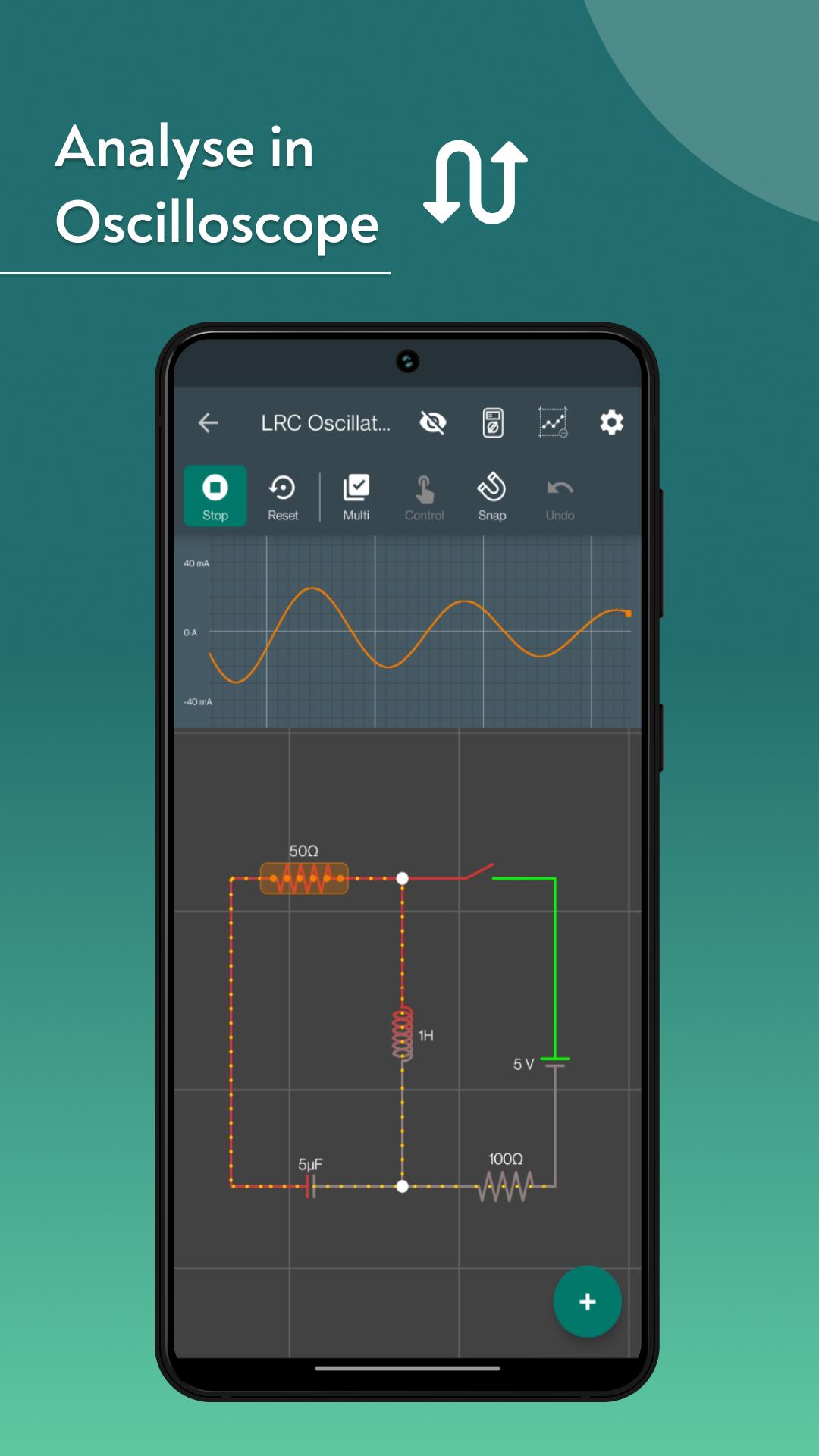
During simulation you can check voltage, current and many other variables. Check signals on multichannel oscilloscope or multimeter and tune your circuit in real time! You can also use VoltSim as logic circuit simulator and perform digital electronic analysis! This app will help you visualize how the voltage varies across the circuit and how current flows through it.
Voltsim is an electronic circuit simulator app with in-build logic circuit simulator and digital circuit simulator.
The examples provided with the app cover the basic functionality of all components.
Some app use-cases:
learn electronics
electronics circuit simulator
circuit simulator arduino (upcoming)
electric circuit simulator
You can report an issue or make component request at https://github.com/VoltSim/VoltSim/issues or just email us :)
Feature highlights:
* Material, intuitive user interface
* Unlimited workspace
* Animation of potential difference and current
* Automatic wire routing
* Manually adjust wire routing
* Automatic simulation
* Plot values in oscilloscope
* view values in multimeter
* Export circuits
Components:
+ Voltage sources (single and double terminal)
+ Current source
+ Resistor
+ Potentiometer
+ Capacitor (polarised and non-polarised)
+ Inductor (inductance)
+ Transformer
+ Diode
+ Zener diode
+ Tunnel Diode
+ LED
+ Transistor (NPN, PNP)
+ Mosfet (n, p)
+ Switches (SPST, Push, SPDT)
+ Operational amplifier
+ Voltmeter
+ Ammeter
+ ohmmeter
+ Fuse
+ Joint ( for creating cross joints in wire )
+ Text
+ Relay
+ Bulb
+ Digital gates (and, or, xor, nand, nor, xnor, not, logic in/out)
+ FlipFlops
+ 555 IC
+ schmitt trigger
+ ADC
+ DC Motor
+ SparkGap
+ Buzzer
+ Probe
+ OhmMeter
+ Speaker
+ LDR
+ Diac
+ oscillator
+ thyristor
Realtime Simulation: VoltSim offers realtime electronic circuit simulation, just like the industryleading tools Multisim, SPICE, LTspice, Altium, and Proto. Experience the magic of circuits coming to life as you build and test them.
UserFriendly Interface: Say goodbye to the steep learning curve! VoltSim provides a better user experience, making it accessible to beginners and experts alike. You don't need to be an electrical engineer to get started.
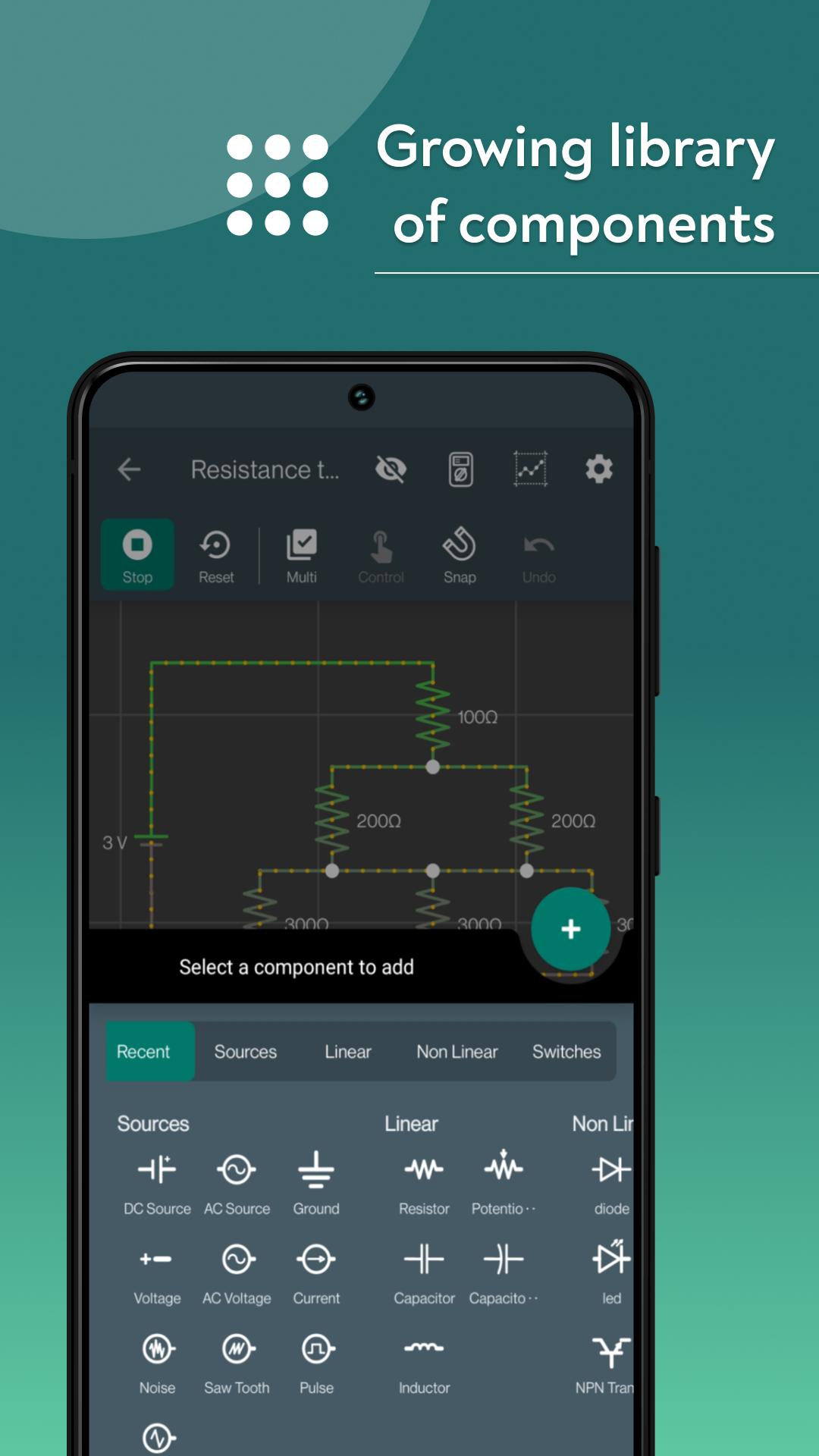
Comprehensive Component Library: Design circuits using a wide range of components at your disposal. From resistors and capacitors to microcontrollers and sensors, VoltSim has it all. Unleash your creativity with endless possibilities.
Electric and Digital Circuits: Whether you're interested in analog electric circuits or digital circuits, VoltSim caters to your needs. Create and simulate circuits with ease, and watch as your ideas evolve into functional systems.
DOWNLOAD VOLTSIM NOW AND SPARK YOUR CIRCUIT DESIGN PASSION!
Preview
Tags
EducationInformation
Developer
fallenbug
Latest Version
0.3.11
Last Updated
2025-01-26
Category
Education
Available on
Google Play
Show More
How to play VoltSim - circuit simulator with GameLoop on PC
1. Download GameLoop from the official website, then run the exe file to install GameLoop
2. Open GameLoop and search for “VoltSim - circuit simulator” , find VoltSim - circuit simulator in the search results and click “Install”
3. Enjoy playing VoltSim - circuit simulator on GameLoop
Minimum requirements
OS
Windows 8.1 64-bit or Windows 10 64-bit
GPU
GTX 1050
CPU
i3-8300
Memory
8GB RAM
Storage
1GB available space
Recommended requirements
OS
Windows 8.1 64-bit or Windows 10 64-bit
GPU
GTX 1050
CPU
i3-9320
Memory
16GB RAM
Storage
1GB available space