
Learn MS PowerPoint PC
Softied Apps
Download Learn MS PowerPoint on PC With GameLoop Emulator
Learn MS PowerPoint sa PC
Ang Learn MS PowerPoint, na nagmumula sa developer na Softied Apps, ay tumatakbo sa Android systerm sa nakaraan.
Ngayon, maaari mong laruin ang Learn MS PowerPoint sa PC gamit ang GameLoop nang maayos.
I-download ito sa GameLoop library o mga resulta ng paghahanap. Hindi na tumitingin sa baterya o nakakadismaya na mga tawag sa maling oras.
I-enjoy lang ang Learn MS PowerPoint PC sa malaking screen nang libre!
Learn MS PowerPoint Panimula
Microsoft PowerPoint is a presentation program, created by Robert Gaskins and Dennis Austin at a software company named Forethought, Inc. It was released on April 20, 1987, initially for Macintosh computers only. Microsoft acquired PowerPoint for $14 million three months after it appeared. This was Microsoft's first significant acquisition, and Microsoft set up a new business unit for PowerPoint in Silicon Valley where Forethought had been located. Microsoft PowerPoint is one of many programs run by the company Microsoft and can be identified by its trademark orange, and P initial on the logo. It offers users many ways to display information from simple presentations to complex multimedia presentations.
PowerPoint became a component of the Microsoft Office suite, first offered in 1989 for Macintosh and in 1990 for Windows, which bundled several Microsoft apps. Beginning with PowerPoint 4.0 (1994), PowerPoint was integrated into Microsoft Office development, and adopted shared common components and a converged user interface.
PowerPoint's market share was very small at first, prior to introducing a version for Microsoft Windows, but grew rapidly with the growth of Windows and of Office.(pp402–404) Since the late 1990s, PowerPoint's worldwide market share of presentation software has been estimated at 95 percent.
PowerPoint was originally designed to provide visuals for group presentations within business organizations, but has come to be very widely used in many other communication situations, both in business and beyond. The impact of this much wider use of PowerPoint has been experienced as a powerful change throughout society, with strong reactions including advice that it should be used less, should be used differently, or should be used better.
The first PowerPoint version (Macintosh 1987) was used to produce overhead transparencies, the second (Macintosh 1988, Windows 1990) could also produce color 35mm slides. The third version (Windows and Macintosh 1992) introduced video output of virtual slideshows to digital projectors, which would over time completely replace physical transparencies and slides. A dozen major versions since then have added many additional features and modes of operation and have made PowerPoint available beyond Apple Macintosh and Microsoft Windows, adding versions for iOS, Android, and web access. [Source: Wikipedia]
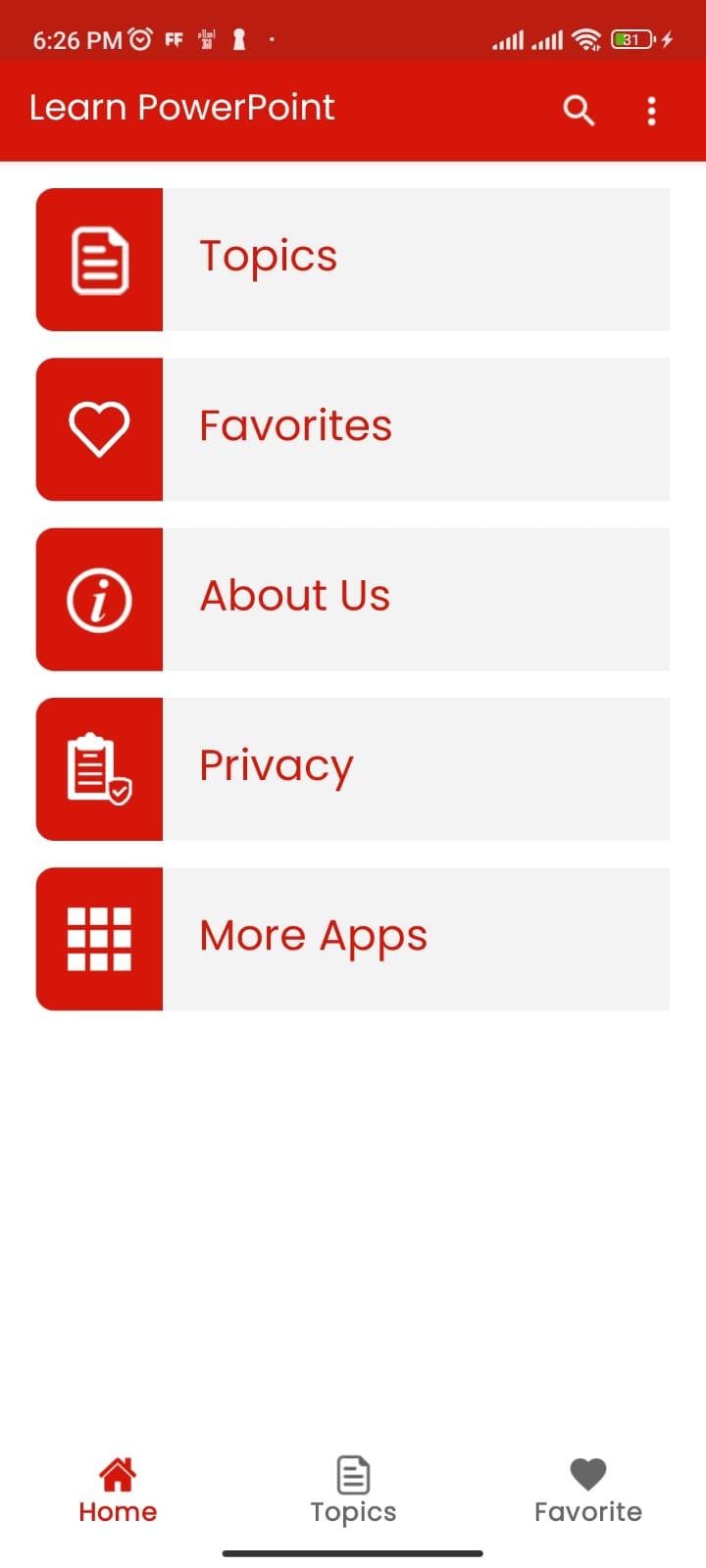
This app contains notes for learning PowerPoint Software
Download this app to Learn Presentation Software
Preview
Tags
EducationInformation
Developer
Softied Apps
Latest Version
1.1
Last Updated
2023-03-28
Category
Education
Available on
Google Play
Show More
How to play Learn MS PowerPoint with GameLoop on PC
1. Download GameLoop from the official website, then run the exe file to install GameLoop
2. Open GameLoop and search for “Learn MS PowerPoint” , find Learn MS PowerPoint in the search results and click “Install”
3. Enjoy playing Learn MS PowerPoint on GameLoop
Minimum requirements
OS
Windows 8.1 64-bit or Windows 10 64-bit
GPU
GTX 1050
CPU
i3-8300
Memory
8GB RAM
Storage
1GB available space
Recommended requirements
OS
Windows 8.1 64-bit or Windows 10 64-bit
GPU
GTX 1050
CPU
i3-9320
Memory
16GB RAM
Storage
1GB available space