
Chính tả Tiếng Việt Lớp 1 PC
Nahu Studio
Download Chính tả Tiếng Việt Lớp 1 on PC With GameLoop Emulator
Chính tả Tiếng Việt Lớp 1 sa PC
Ang Chính tả Tiếng Việt Lớp 1, na nagmumula sa developer na Nahu Studio, ay tumatakbo sa Android systerm sa nakaraan.
Ngayon, maaari mong laruin ang Chính tả Tiếng Việt Lớp 1 sa PC gamit ang GameLoop nang maayos.
I-download ito sa GameLoop library o mga resulta ng paghahanap. Hindi na tumitingin sa baterya o nakakadismaya na mga tawag sa maling oras.
I-enjoy lang ang Chính tả Tiếng Việt Lớp 1 PC sa malaking screen nang libre!
Chính tả Tiếng Việt Lớp 1 Panimula
The first phase layer 1, the correct pronunciation of the teacher (as s, x, ch, tr) help children visualize properly and speak very good episode. But at a later stage, when the exam spelling or exposure to the standard pronunciation, they will not be able to figure out how to write properly for each pronounced, leading to achieve the test results are not high and not self-correct pronunciation is.
This app aims to train your child to solve problems.
Functions
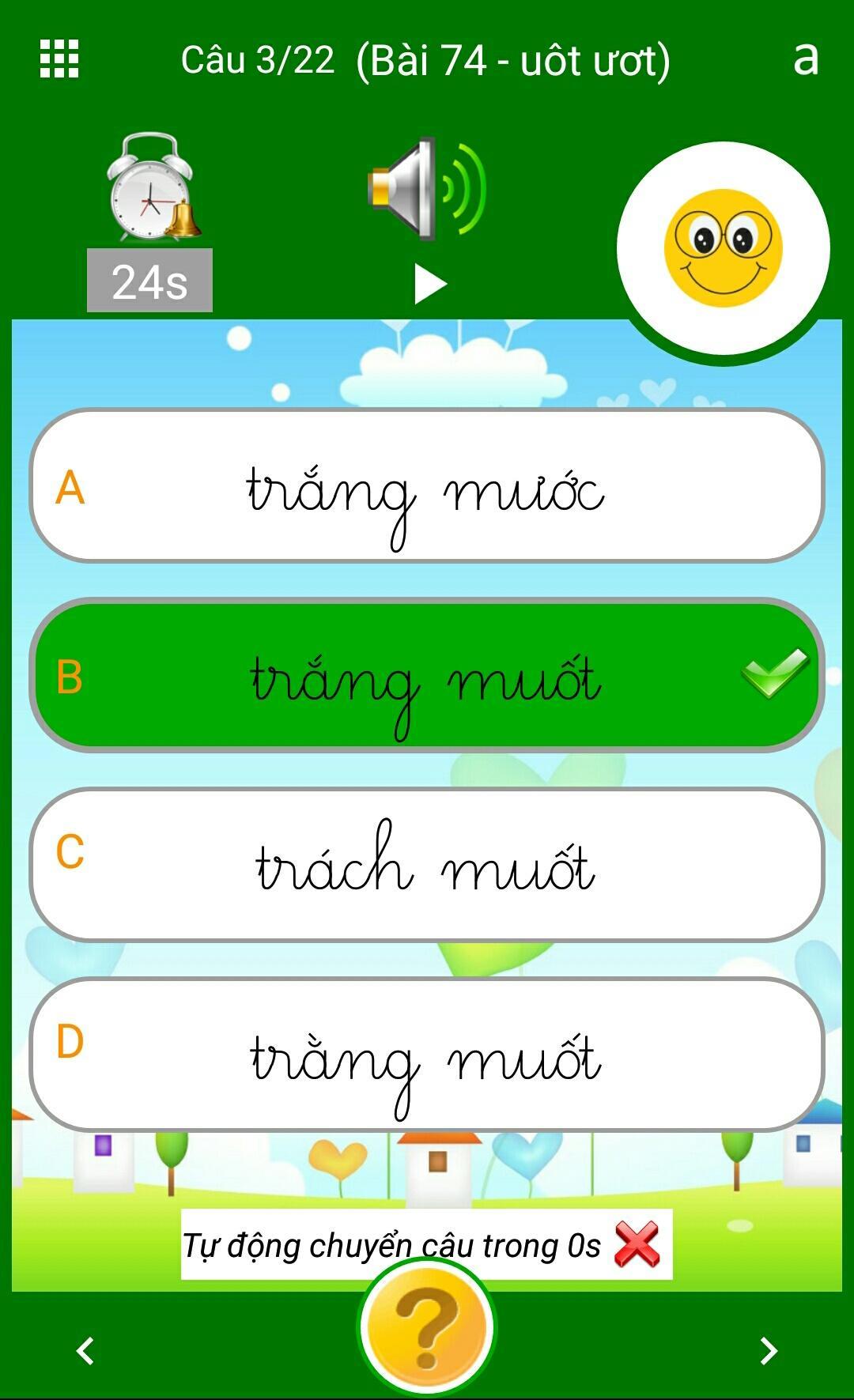
+ Pronounce a word or a short sentence, followed the textbook content class 1
+ Display the wrong answer and the correct answer to the child to choose
Press + 30s to baby now completed or the results are out of time
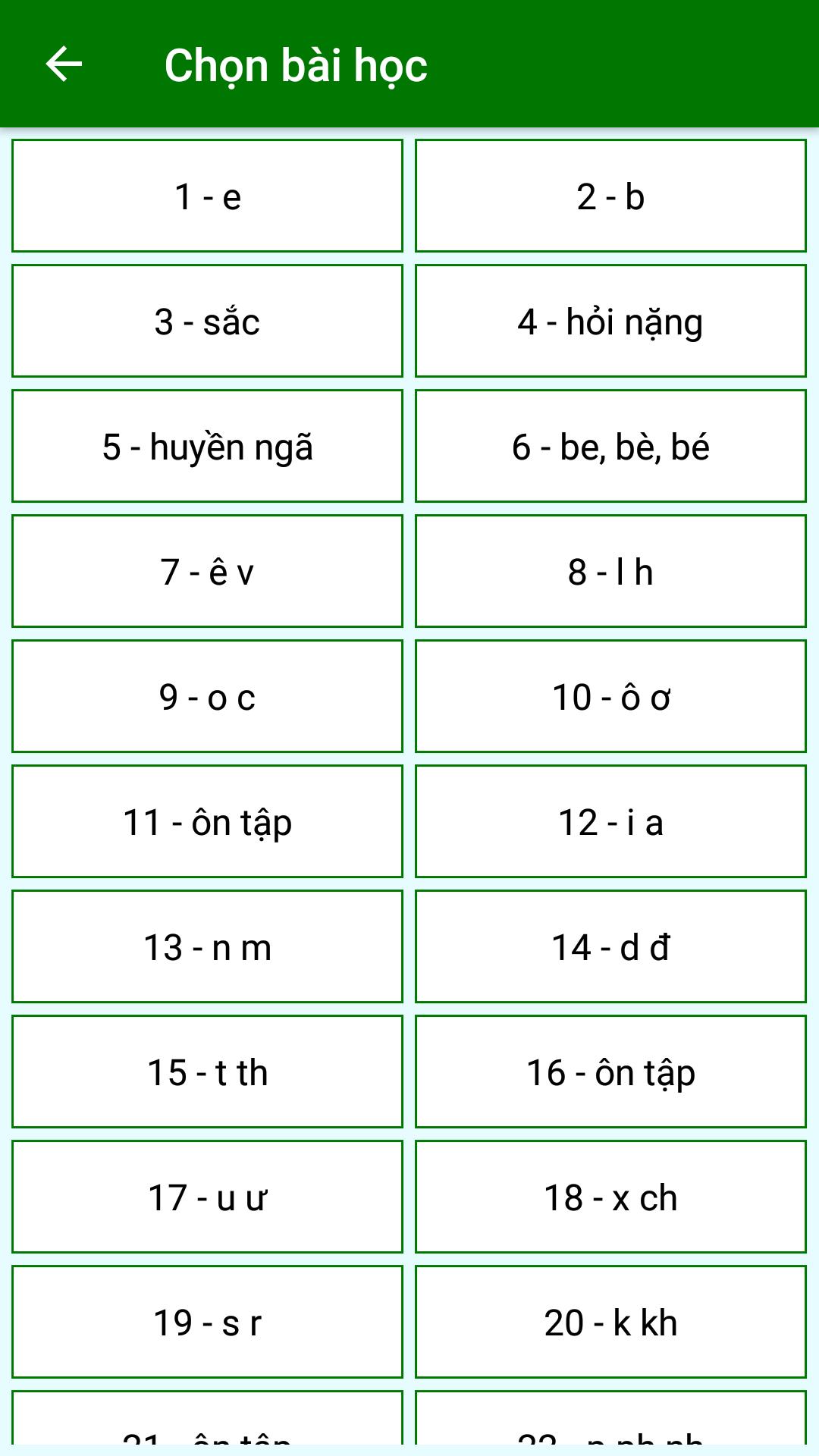
+ Statistics results by question, according to the Post
+ Content heard and the wrong results are generated automatically
+ Show sentence as printed or handwriting
Preview
Tags
EducationInformation
Developer
Nahu Studio
Latest Version
1.0
Last Updated
2018-05-07
Category
Education
Available on
Google Play
Show More
How to play Chính tả Tiếng Việt Lớp 1 with GameLoop on PC
1. Download GameLoop from the official website, then run the exe file to install GameLoop
2. Open GameLoop and search for “Chính tả Tiếng Việt Lớp 1” , find Chính tả Tiếng Việt Lớp 1 in the search results and click “Install”
3. Enjoy playing Chính tả Tiếng Việt Lớp 1 on GameLoop
Minimum requirements
OS
Windows 8.1 64-bit or Windows 10 64-bit
GPU
GTX 1050
CPU
i3-8300
Memory
8GB RAM
Storage
1GB available space
Recommended requirements
OS
Windows 8.1 64-bit or Windows 10 64-bit
GPU
GTX 1050
CPU
i3-9320
Memory
16GB RAM
Storage
1GB available space