Atom App PC
Awarathon
Download Atom App on PC With GameLoop Emulator
Atom App sa PC
Ang Atom App, na nagmumula sa developer na Awarathon, ay tumatakbo sa Android systerm sa nakaraan.
Ngayon, maaari mong laruin ang Atom App sa PC gamit ang GameLoop nang maayos.
I-download ito sa GameLoop library o mga resulta ng paghahanap. Hindi na tumitingin sa baterya o nakakadismaya na mga tawag sa maling oras.
I-enjoy lang ang Atom App PC sa malaking screen nang libre!
Atom App Panimula
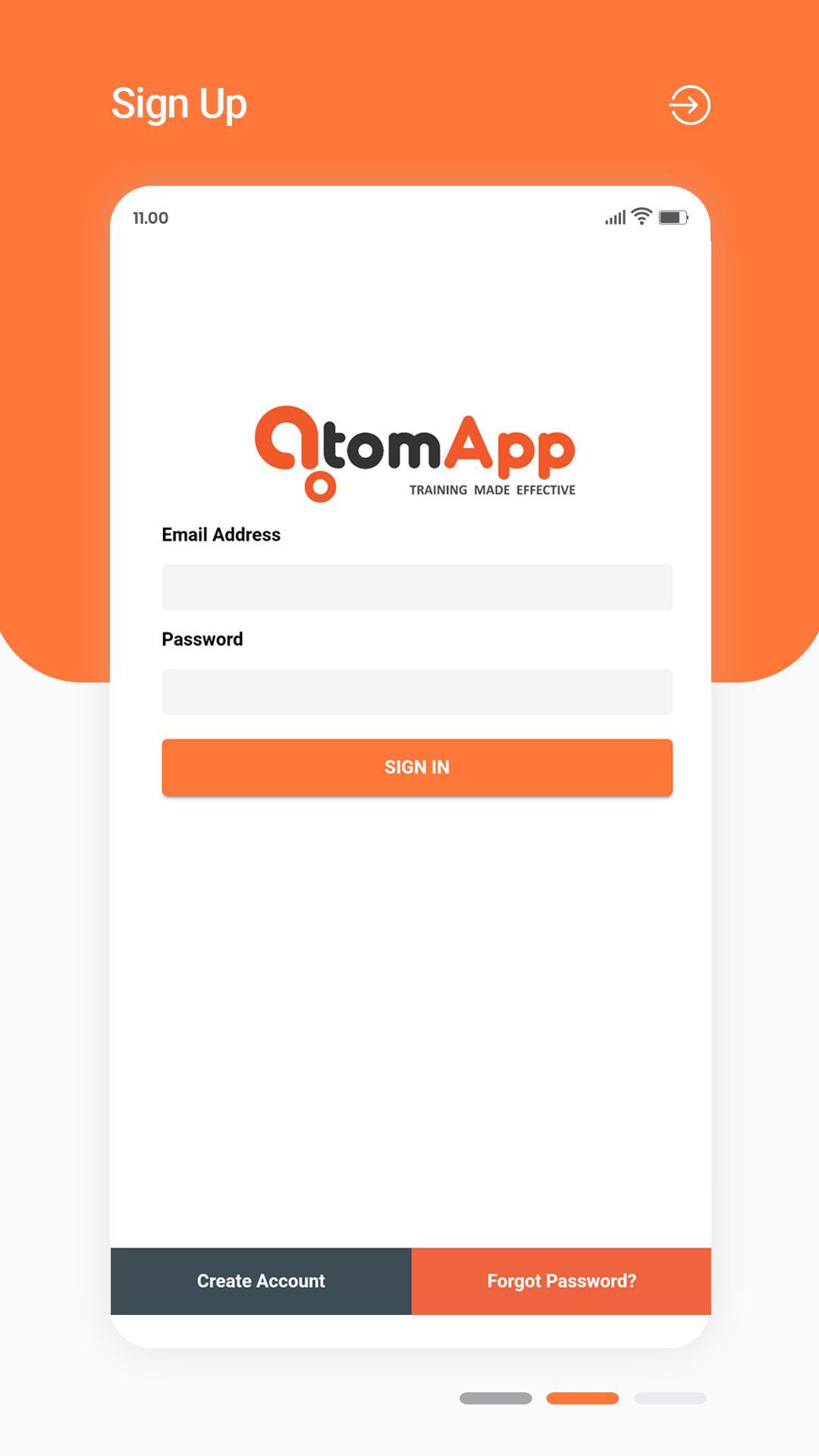
We are a first-of-its-kind AI enabled cloud platform, which helps organizations in measuring and enhancing the effectiveness of their sales team. We have prepared a short video on what exactly we do. Please click on the link to find more https://www.youtube.com/watch?v=Iz682n-Qsh0
Our research finds that the biggest dilemma faced by the Organisation is accurately and quickly identifying competency gaps in their team. By blending data analytics with our proprietary technology, the Awarathon Platform helps Organizations do just that.
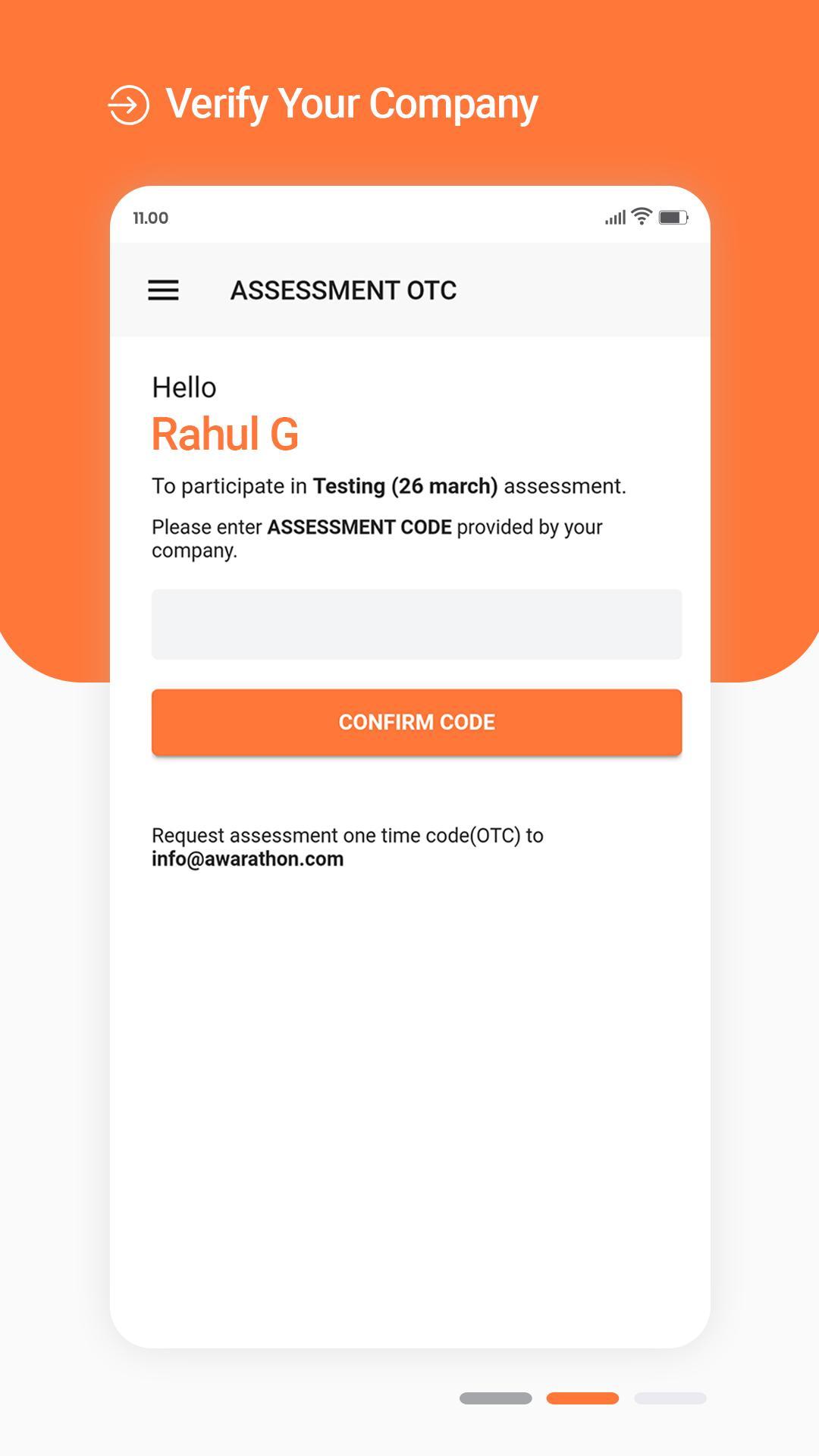
Our platform simulates real life situations on mobile phones. Participants shoot their reactions (making a sales pitch, handling conflict, negotiation, etc.) to these situations and submit them for your review. By spending just 5 minutes, through our AI enabled automated assessments, you will get the entire organization’s competencies mapped for corrective actions (training, counselling, mentoring, etc.).
Preview
Information
Developer
Awarathon
Latest Version
1.4.8
Last Updated
2020-05-27
Category
Education
Available on
Google Play
Show More
How to play Atom App with GameLoop on PC
1. Download GameLoop from the official website, then run the exe file to install GameLoop
2. Open GameLoop and search for “Atom App” , find Atom App in the search results and click “Install”
3. Enjoy playing Atom App on GameLoop
Minimum requirements
OS
Windows 8.1 64-bit or Windows 10 64-bit
GPU
GTX 1050
CPU
i3-8300
Memory
8GB RAM
Storage
1GB available space
Recommended requirements
OS
Windows 8.1 64-bit or Windows 10 64-bit
GPU
GTX 1050
CPU
i3-9320
Memory
16GB RAM
Storage
1GB available space