
Apprendre à lire - CP PC
nemla
Download Apprendre à lire - CP on PC With GameLoop Emulator
Apprendre à lire - CP sa PC
Ang Apprendre à lire - CP, na nagmumula sa developer na nemla, ay tumatakbo sa Android systerm sa nakaraan.
Ngayon, maaari mong laruin ang Apprendre à lire - CP sa PC gamit ang GameLoop nang maayos.
I-download ito sa GameLoop library o mga resulta ng paghahanap. Hindi na tumitingin sa baterya o nakakadismaya na mga tawag sa maling oras.
I-enjoy lang ang Apprendre à lire - CP PC sa malaking screen nang libre!
Apprendre à lire - CP Panimula
Learn to read French, learn to read in CP, French Maternal alphabet, large section, CP, FLE
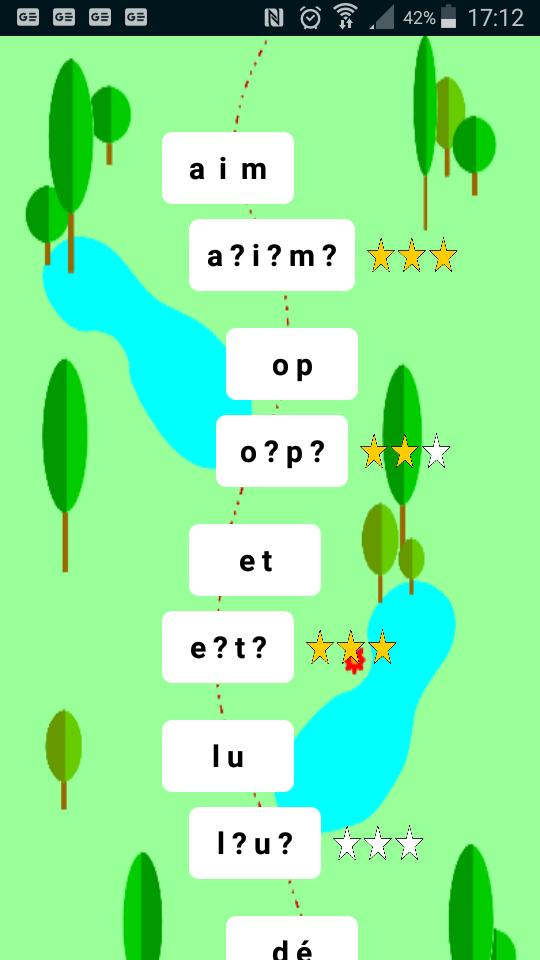
First part: We start by learning a part of the French alphabet in script and out of order. We learn the pronunciation of the letter and not the name of the letter. A quiz for each course to check that the letters are learned and that the alphabet is memorized.
A little game to practice hearing sounds. We have to find the words that start with one sound or another and move them to a box.
Second part: We move on to learning syllables. A mix of the B-A BA method, the Boscher method and other syllabic methods. From the first lessons the child begins to read words with the letters learned. Learning is progressive: we take 3 letters, we read the words made with these letters, then next lesson we add 2 letters and we get new words. Words are composed only of letters and combinations of letters already learned. The difficulty is growing.
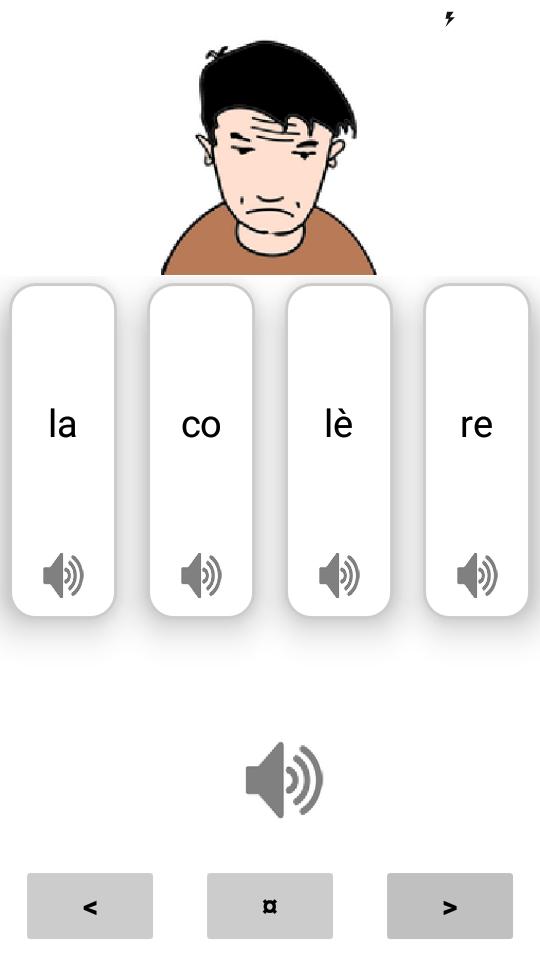
Each syllable can be listened to using an audio button. Then the whole word can also be heard. An illustration of the word then appears. The audios are clear and spoken softly to hear each sound correctly. Quizzes are regularly offered to work on listening.
This application is intended for children in CP or GS large section or CE1 CE2, parents, teachers and anyone who wants to learn to read or help someone learn to read.
Can also be useful for anyone wishing to perfect their accent in French.
Preview
Tags
EducationInformation
Developer
nemla
Latest Version
10.0
Last Updated
2020-03-24
Category
Education
Available on
Google Play
Show More
How to play Apprendre à lire - CP with GameLoop on PC
1. Download GameLoop from the official website, then run the exe file to install GameLoop
2. Open GameLoop and search for “Apprendre à lire - CP” , find Apprendre à lire - CP in the search results and click “Install”
3. Enjoy playing Apprendre à lire - CP on GameLoop
Minimum requirements
OS
Windows 8.1 64-bit or Windows 10 64-bit
GPU
GTX 1050
CPU
i3-8300
Memory
8GB RAM
Storage
1GB available space
Recommended requirements
OS
Windows 8.1 64-bit or Windows 10 64-bit
GPU
GTX 1050
CPU
i3-9320
Memory
16GB RAM
Storage
1GB available space