C++ STL Libraries from Github PC
Yashasvi.dev
Download C++ STL Libraries from Github on PC With GameLoop Emulator
C++ STL Libraries from Github sa PC
Ang C++ STL Libraries from Github, na nagmumula sa developer na Yashasvi.dev, ay tumatakbo sa Android systerm sa nakaraan.
Ngayon, maaari mong laruin ang C++ STL Libraries from Github sa PC gamit ang GameLoop nang maayos.
I-download ito sa GameLoop library o mga resulta ng paghahanap. Hindi na tumitingin sa baterya o nakakadismaya na mga tawag sa maling oras.
I-enjoy lang ang C++ STL Libraries from Github PC sa malaking screen nang libre!
C++ STL Libraries from Github Panimula
"Master C++ STL Libraries, Conquer Programming Challenges!"
🚀 Discover the ultimate companion for competitive programmers and C++ developers! C++ STL Libraries App is here to revolutionize your coding journey with its incredible features:
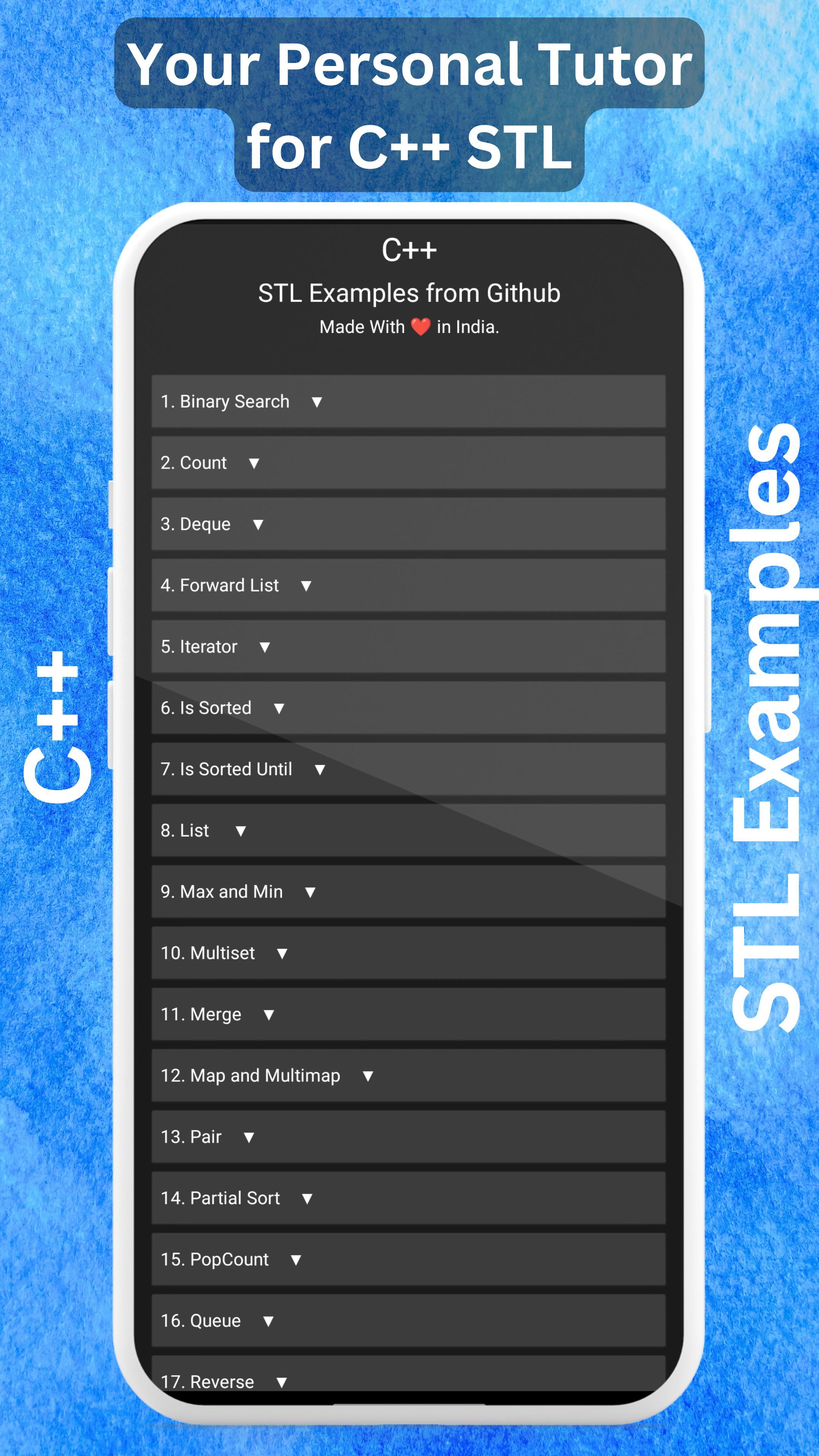
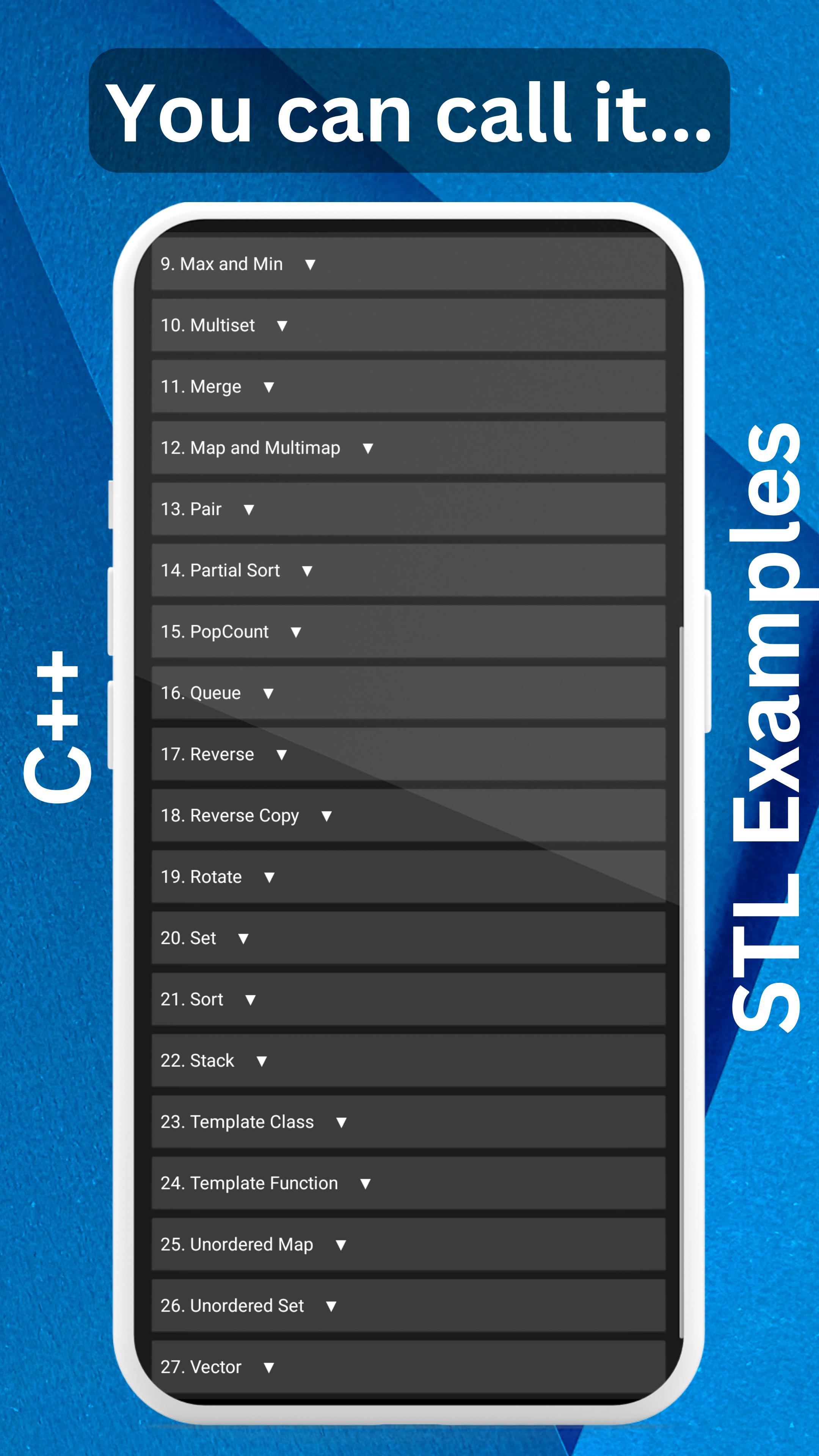
📚 Keep the Commonly Used STL Libraries: Access a comprehensive collection of essential STL libraries in C++ at your fingertips.
🔒 Ad-Free Experience: Enjoy uninterrupted learning and coding sessions without any pesky ads popping up.
🌐 Offline Capability: No internet? No problem! Benefit from offline access, with the internet only required for code indentation and highlighting.
🔒 Privacy and Data Protection: Rest easy knowing that your data is never collected or shared anywhere. Your privacy is our top priority.
💡 Lightweight and Storage-Friendly: We understand your storage concerns, so we've crafted a super-lightweight app under 5 MB.
🔧 Constant Upgrades and Enhancements: Our dedicated team is committed to improving performance and adding new features regularly.
👀 We Value Your Feedback: We genuinely care about your experience. We actively monitor user reviews to address any issues you encounter.
💡 User-Requested Features: Your voice matters! We prioritize adding features based on user requests and suggestions.
🚀 Reliable and Crash-Free: Count on C++ STL Libraries App as your trustworthy companion—no reported crashes so far. It's a reliable friend you can rely on.
🌙 Eye-Friendly Dark Theme: Say goodbye to strained eyes! Our app offers a soothing dark theme to prioritize your health and comfort.
💻 Proper Code Indentation and Highlighting: Enjoy clean and organized code with proper indentation and highlighting for enhanced readability.
🗒️ Comprehensive Code Comments: We've gone the extra mile to explain each code example with detailed comments. Request further explanations, and we'll gladly assist you.
Ready to level up your C++ skills? Install C++ STL Libraries App now and explore the world of STL libraries, backed by real-world examples from our GitHub repository.
⭐️ NEW in Prime Version: Online C++ Compiler ⭐️
Access the power of an online C++ compiler directly within C++ STL Prime. Write, compile, and run your C++ code seamlessly, all from within the app. No need for separate compiler installations or switching between apps.
It has a better explanation of the codes also.
Get the C++ STL Prime App from: https://play.google.com/store/apps/details?id=appinventor.ai_kmryashasvi.stlcpp_premium_app
🔗 Visit our GitHub repository for more: https://github.com/stlyash/Cpp-STL-Examples
Preview
Tags
EducationInformation
Developer
Yashasvi.dev
Latest Version
Target API Increase
Last Updated
2025-07-22
Category
Education
Available on
Google Play
Show More
How to play C++ STL Libraries from Github with GameLoop on PC
1. Download GameLoop from the official website, then run the exe file to install GameLoop
2. Open GameLoop and search for “C++ STL Libraries from Github” , find C++ STL Libraries from Github in the search results and click “Install”
3. Enjoy playing C++ STL Libraries from Github on GameLoop
Minimum requirements
OS
Windows 8.1 64-bit or Windows 10 64-bit
GPU
GTX 1050
CPU
i3-8300
Memory
8GB RAM
Storage
1GB available space
Recommended requirements
OS
Windows 8.1 64-bit or Windows 10 64-bit
GPU
GTX 1050
CPU
i3-9320
Memory
16GB RAM
Storage
1GB available space