AGO Phonics Sound Pad PC
AGO Educational
Download AGO Phonics Sound Pad on PC With GameLoop Emulator
AGO Phonics Sound Pad sa PC
Ang AGO Phonics Sound Pad, na nagmumula sa developer na AGO Educational, ay tumatakbo sa Android systerm sa nakaraan.
Ngayon, maaari mong laruin ang AGO Phonics Sound Pad sa PC gamit ang GameLoop nang maayos.
I-download ito sa GameLoop library o mga resulta ng paghahanap. Hindi na tumitingin sa baterya o nakakadismaya na mga tawag sa maling oras.
I-enjoy lang ang AGO Phonics Sound Pad PC sa malaking screen nang libre!
AGO Phonics Sound Pad Panimula
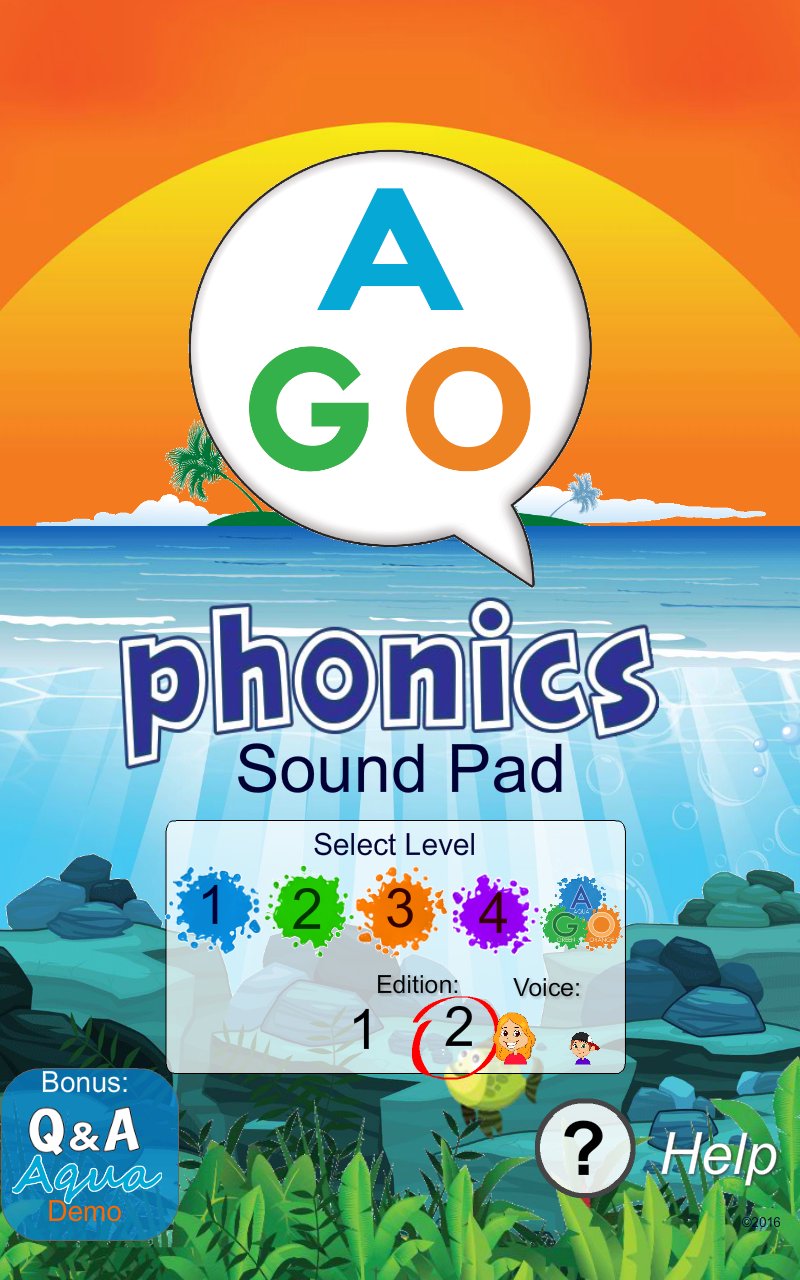
AGO Phonics Sound Pad is a free, ad-free English phonics app for ESL/EFL learners, beginning readers, teachers and parents.
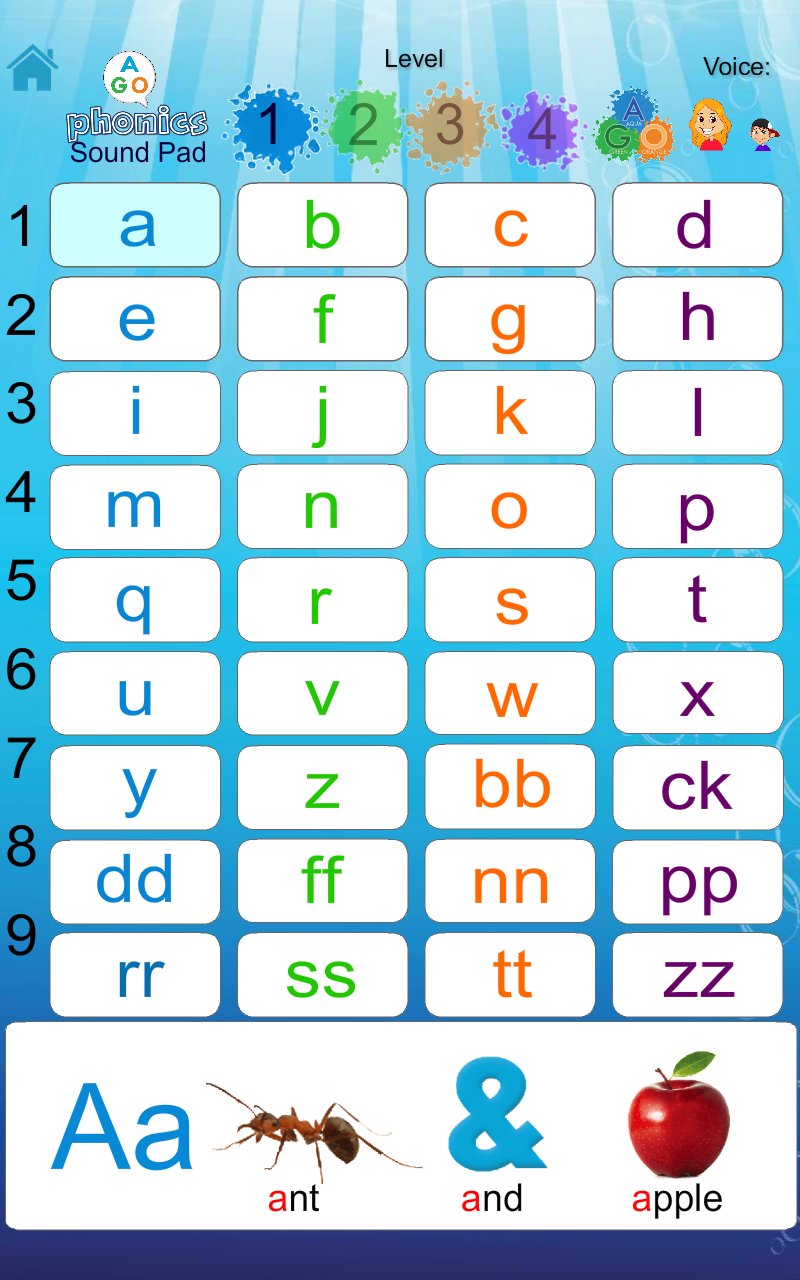
Explore more than 250 phonics sound targets and over 700 example words across seven levels: Zero, Levels 1–5, and Link. Tap sounds and words to hear clear pronunciation in a male or female voice.
Features include:
• Over 700 English words and 250+ phonics sound targets
• Seven graded phonics levels
• Male and female pronunciation audio
• Multilingual support in 12 languages
• 8 illustrated phonics card game ideas and other learning resources.
• Simple touchscreen learning for classroom and home use
• Completely free, with no ads or subscriptions
AGO Phonics covers a wide range of English phonics patterns, including short and long vowels, consonant sounds, blends, digraphs, vowel teams, r-controlled vowels, diphthongs and silent-letter patterns.
The app can be used on its own for phonics practice, pronunciation and early reading support, or alongside AGO Phonics card games.
AGO Phonics card games use the same graded phonics system, helping learners practice sounds and words through hands-on games, speaking, reading and group activities. The app makes it easy to check pronunciation while playing.
Explore the app, try the game ideas, and discover the AGO Phonics card game range for even more ways to learn English through play.
Preview
Tags
EducationInformation
Developer
AGO Educational
Latest Version
4.0
Last Updated
2026-10-09
Category
Education
Available on
Google Play
Show More
How to play AGO Phonics Sound Pad with GameLoop on PC
1. Download GameLoop from the official website, then run the exe file to install GameLoop
2. Open GameLoop and search for “AGO Phonics Sound Pad” , find AGO Phonics Sound Pad in the search results and click “Install”
3. Enjoy playing AGO Phonics Sound Pad on GameLoop
Minimum requirements
OS
Windows 8.1 64-bit or Windows 10 64-bit
GPU
GTX 1050
CPU
i3-8300
Memory
8GB RAM
Storage
1GB available space
Recommended requirements
OS
Windows 8.1 64-bit or Windows 10 64-bit
GPU
GTX 1050
CPU
i3-9320
Memory
16GB RAM
Storage
1GB available space