
Ace Fluency: English Speaking PC
Acefluency
Download Ace Fluency: English Speaking on PC With GameLoop Emulator
Ace Fluency: English Speaking sa PC
Ang Ace Fluency: English Speaking, na nagmumula sa developer na Acefluency, ay tumatakbo sa Android systerm sa nakaraan.
Ngayon, maaari mong laruin ang Ace Fluency: English Speaking sa PC gamit ang GameLoop nang maayos.
I-download ito sa GameLoop library o mga resulta ng paghahanap. Hindi na tumitingin sa baterya o nakakadismaya na mga tawag sa maling oras.
I-enjoy lang ang Ace Fluency: English Speaking PC sa malaking screen nang libre!
Ace Fluency: English Speaking Panimula
Welcome to AceFluency, the free app designed to help you speak English fluently through engaging spoken English practice and daily English conversations. Whether you’re preparing for job interviews, traveling, or simply wanting to improve your communication skills, AceFluency provides the perfect platform for all learners. Our user-friendly app is dedicated to helping you master spoken English with confidence and ease.
Key Features:
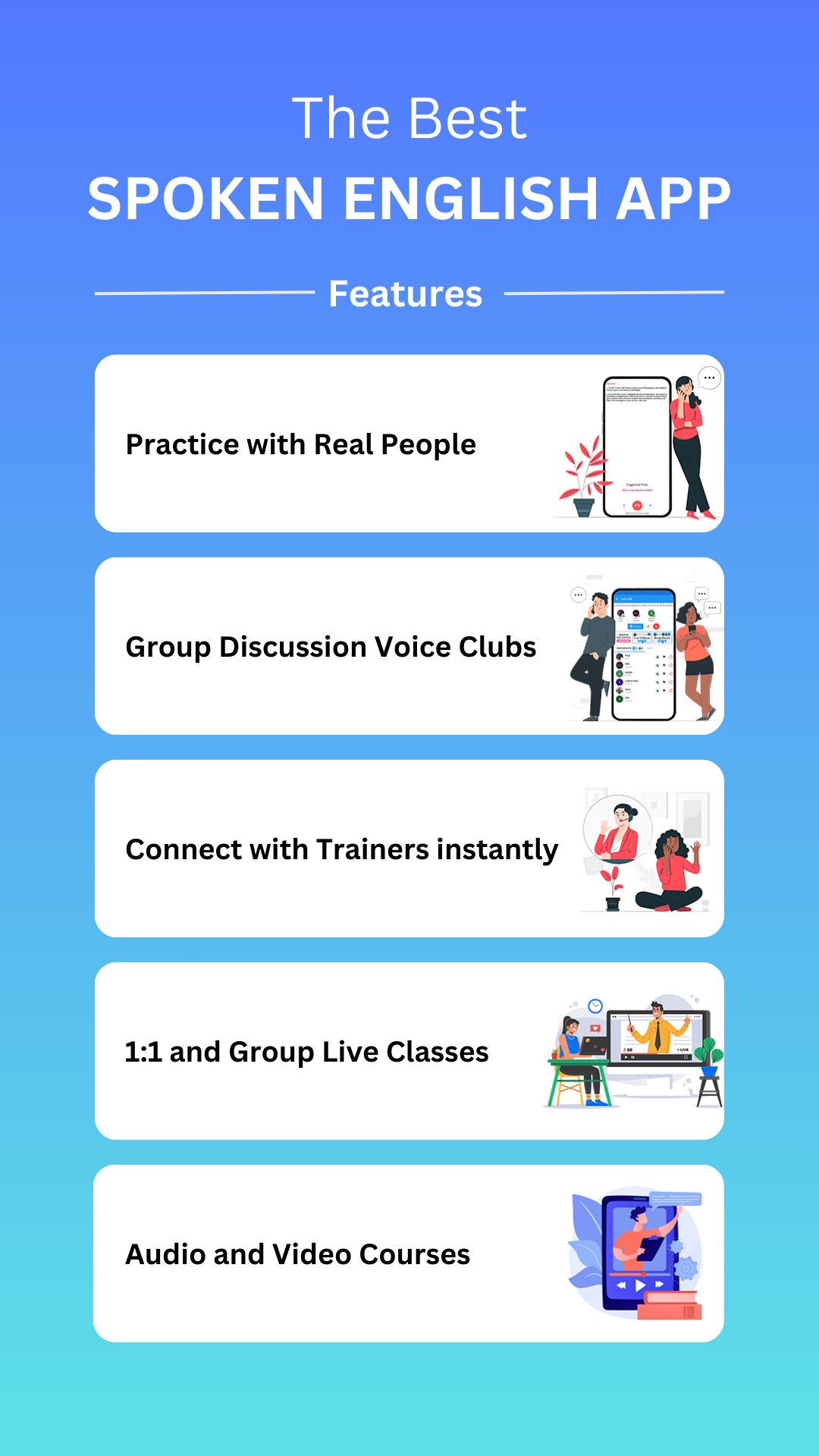
1. Speak English Fluently: With AceFluency, you can build fluency and confidence through daily spoken English practice sessions. Engage in authentic English conversations that simulate real-life interactions, ensuring you are well-prepared for any speaking scenario.
2. Daily English Speaking Practice: Immerse yourself in English speaking activities that allow you to practice regularly. Our free app provides an array of resources to help you practice spoken English daily, making fluency achievable for everyone.
3. 1:1 English Conversations: Experience live calls with fellow learners to enhance your spoken English skills. These English conversations are designed to improve your pronunciation and vocabulary while providing an opportunity to speak English without fear.
4. Interactive Voice Clubs: Join our voice clubs for engaging discussions on various topics. These clubs create a vibrant community where you can practice spoken English in a relaxed environment, helping you become more comfortable in English conversations.
5. English Learning for All Levels: AceFluency caters to every learner—from beginners to advanced speakers. Our free app ensures that you can access quality resources to enhance your English speaking skills, regardless of your starting point.
6. Spoken English for Professional Growth: Whether you’re preparing for interviews or looking to advance in your career, AceFluency equips you with the necessary tools to succeed. Our English speaking practice is tailored for professional contexts to help you articulate your thoughts clearly.
7. Learn English Anytime, Anywhere: With AceFluency, practicing spoken English is easy and convenient. Our free app allows you to learn and practice English speaking skills at your own pace, fitting seamlessly into your daily routine.
8. Structured Courses: Gain access to a variety of structured courses focused on pronunciation, vocabulary, and grammar. This comprehensive approach ensures you improve all aspects of your spoken English, making you a confident communicator in no time.
9. Tailored for Indian Learners: AceFluency addresses the specific needs of Indian learners, where 4 out of 5 individuals face challenges with spoken English fluency. Our app is crafted to help you overcome these barriers, offering a supportive environment to practice English speaking effectively.
Why Choose AceFluency?
AceFluency stands out with its community-driven approach to learning. The app’s clean, moderated environment provides a safe space for you to speak English confidently. With a wealth of resources and interactive features, AceFluency empowers you to enhance your spoken English skills and open up new opportunities in your personal and professional life.
Join millions of users who are successfully speaking English fluently through our free app. Whether for career advancement, academic success, or personal growth, AceFluency is your go-to platform for mastering spoken English through daily practice and engaging English conversations.
Download AceFluency today and take the first step towards confidently speaking English fluently!
Preview

Tags
EducationInformation
Developer
Acefluency
Latest Version
8.6.3
Last Updated
2026-03-30
Category
Education
Available on
Google Play
Show More
How to play Ace Fluency: English Speaking with GameLoop on PC
1. Download GameLoop from the official website, then run the exe file to install GameLoop
2. Open GameLoop and search for “Ace Fluency: English Speaking” , find Ace Fluency: English Speaking in the search results and click “Install”
3. Enjoy playing Ace Fluency: English Speaking on GameLoop
Minimum requirements
OS
Windows 8.1 64-bit or Windows 10 64-bit
GPU
GTX 1050
CPU
i3-8300
Memory
8GB RAM
Storage
1GB available space
Recommended requirements
OS
Windows 8.1 64-bit or Windows 10 64-bit
GPU
GTX 1050
CPU
i3-9320
Memory
16GB RAM
Storage
1GB available space