2nd Grade Activities PC
Active Panda
Download 2nd Grade Activities on PC With GameLoop Emulator
2nd Grade Activities sa PC
Ang 2nd Grade Activities, na nagmumula sa developer na Active Panda, ay tumatakbo sa Android systerm sa nakaraan.
Ngayon, maaari mong laruin ang 2nd Grade Activities sa PC gamit ang GameLoop nang maayos.
I-download ito sa GameLoop library o mga resulta ng paghahanap. Hindi na tumitingin sa baterya o nakakadismaya na mga tawag sa maling oras.
I-enjoy lang ang 2nd Grade Activities PC sa malaking screen nang libre!
2nd Grade Activities Panimula
Try before buying. If you like this app, please consider purchasing the full version.
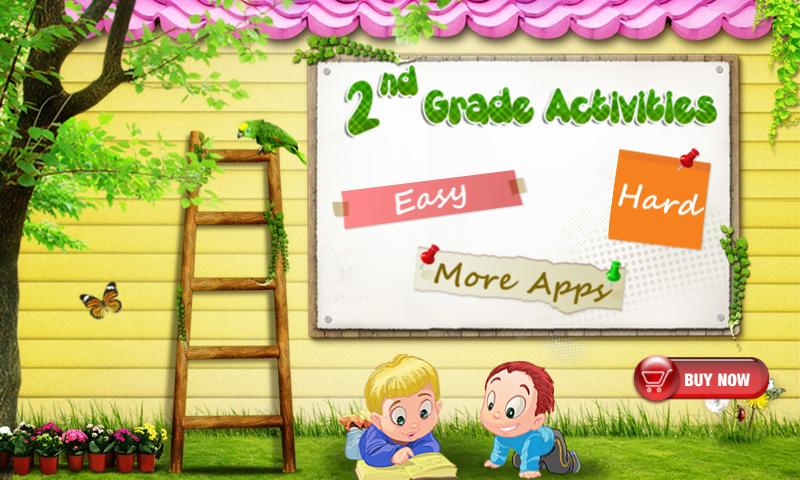
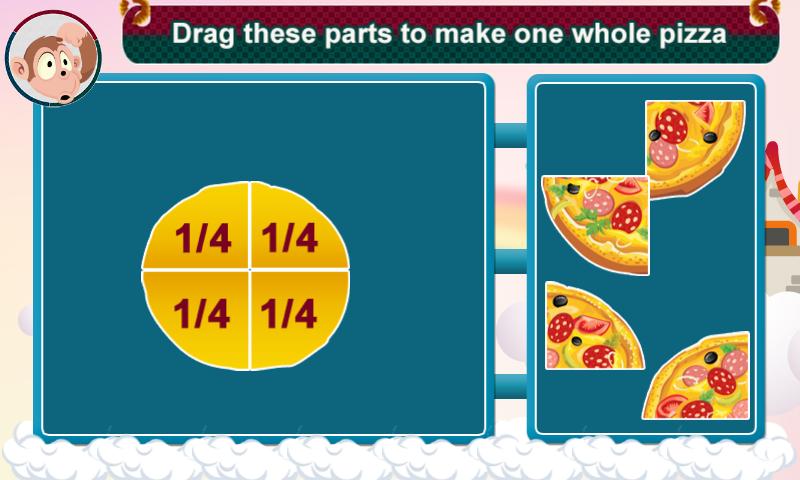
Developed by California credentialed teachers, Second Grade Activities app is a collection of 60 exciting educational games for second graders.
Features:
* 60 different games that teach first graders about colors, shapes, size, letters, numbers, differences, words, matching and math.
* Dozens of sounds and voice recordings of colors, letters, fruit names, shapes and more.
* Designed for children — no confusing menus or navigation.
* Unlimited play! Each game flows right into the next.
* Earn stickers as you complete the lessons.
* "Child Lock" feature allows children to learn without parental supervision.
Preview
Tags
EducationInformation
Developer
Active Panda
Latest Version
4.0.9
Last Updated
2021-01-03
Category
Education
Available on
Google Play
Show More
How to play 2nd Grade Activities with GameLoop on PC
1. Download GameLoop from the official website, then run the exe file to install GameLoop
2. Open GameLoop and search for “2nd Grade Activities” , find 2nd Grade Activities in the search results and click “Install”
3. Enjoy playing 2nd Grade Activities on GameLoop
Minimum requirements
OS
Windows 8.1 64-bit or Windows 10 64-bit
GPU
GTX 1050
CPU
i3-8300
Memory
8GB RAM
Storage
1GB available space
Recommended requirements
OS
Windows 8.1 64-bit or Windows 10 64-bit
GPU
GTX 1050
CPU
i3-9320
Memory
16GB RAM
Storage
1GB available space