
Focus: Study Time Tracker PC
bondavi Inc.
Download Focus: Study Time Tracker on PC With GameLoop Emulator
Focus: Study Time Tracker sa PC
Ang Focus: Study Time Tracker, na nagmumula sa developer na bondavi Inc., ay tumatakbo sa Android systerm sa nakaraan.
Ngayon, maaari mong laruin ang Focus: Study Time Tracker sa PC gamit ang GameLoop nang maayos.
I-download ito sa GameLoop library o mga resulta ng paghahanap. Hindi na tumitingin sa baterya o nakakadismaya na mga tawag sa maling oras.
I-enjoy lang ang Focus: Study Time Tracker PC sa malaking screen nang libre!
Focus: Study Time Tracker Panimula
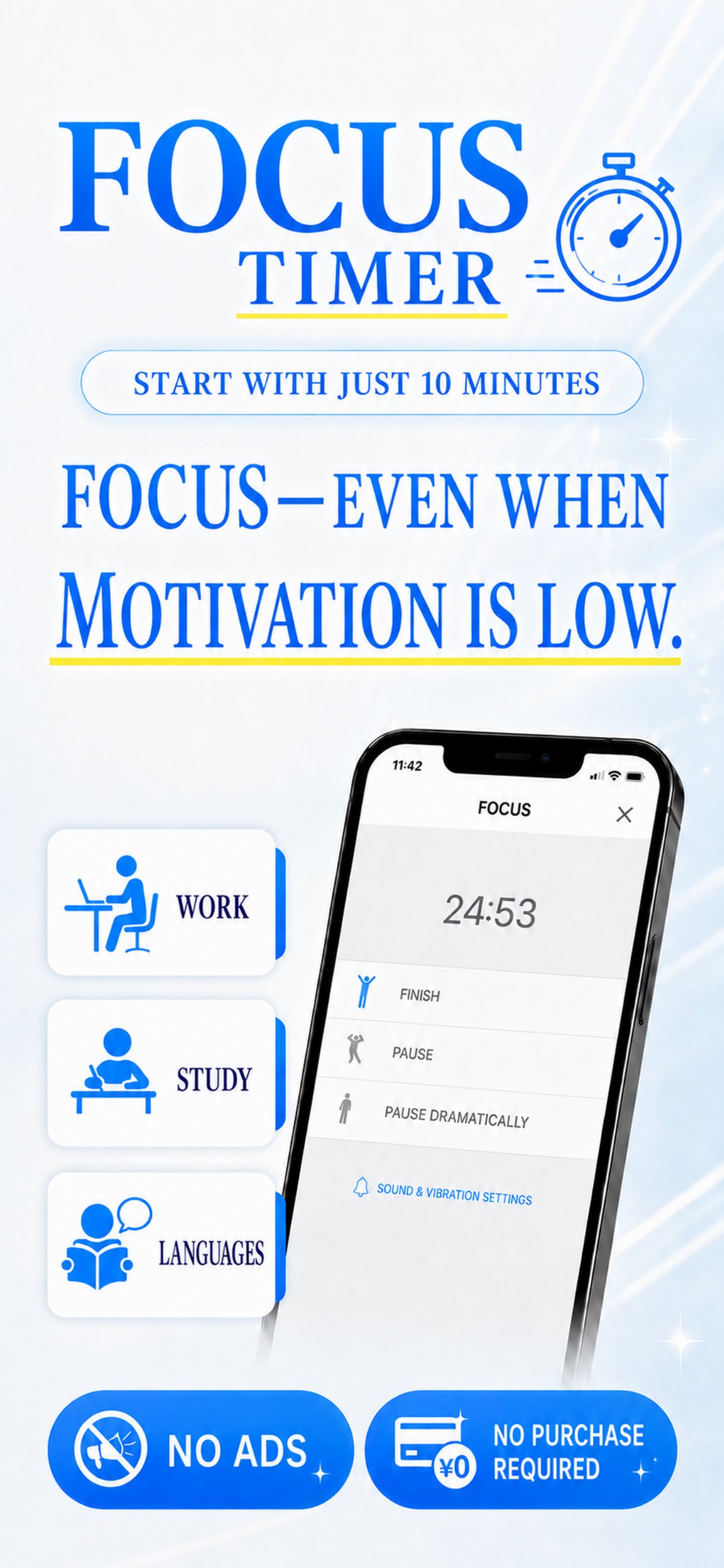
Focus is a simple Study Time Tracker for students who want to record study hours, stay focused, and see where their time goes.
Choose a subject, start the timer, and each completed session is added to your study log. Use Focus as a subject timer for daily homework, an exam prep timer for important tests, or a study session tracker for building a consistent routine.
CAN'T GET STARTED?
An exam is coming up. A paper is due. Tasks are piling up, but you still don't feel like studying. Focus uses the Pomodoro Technique to make starting easier:
1) Choose how long you want to study or work.
2) Focus until the timer ends.
3) Take a short break.
4) Repeat when you're ready.
KEY FEATURES
■ Customizable Pomodoro timer
- Focus presets: 10, 25, or 60 minutes
- Break presets: 1, 5, or 30 minutes
- Set your own focus and break durations
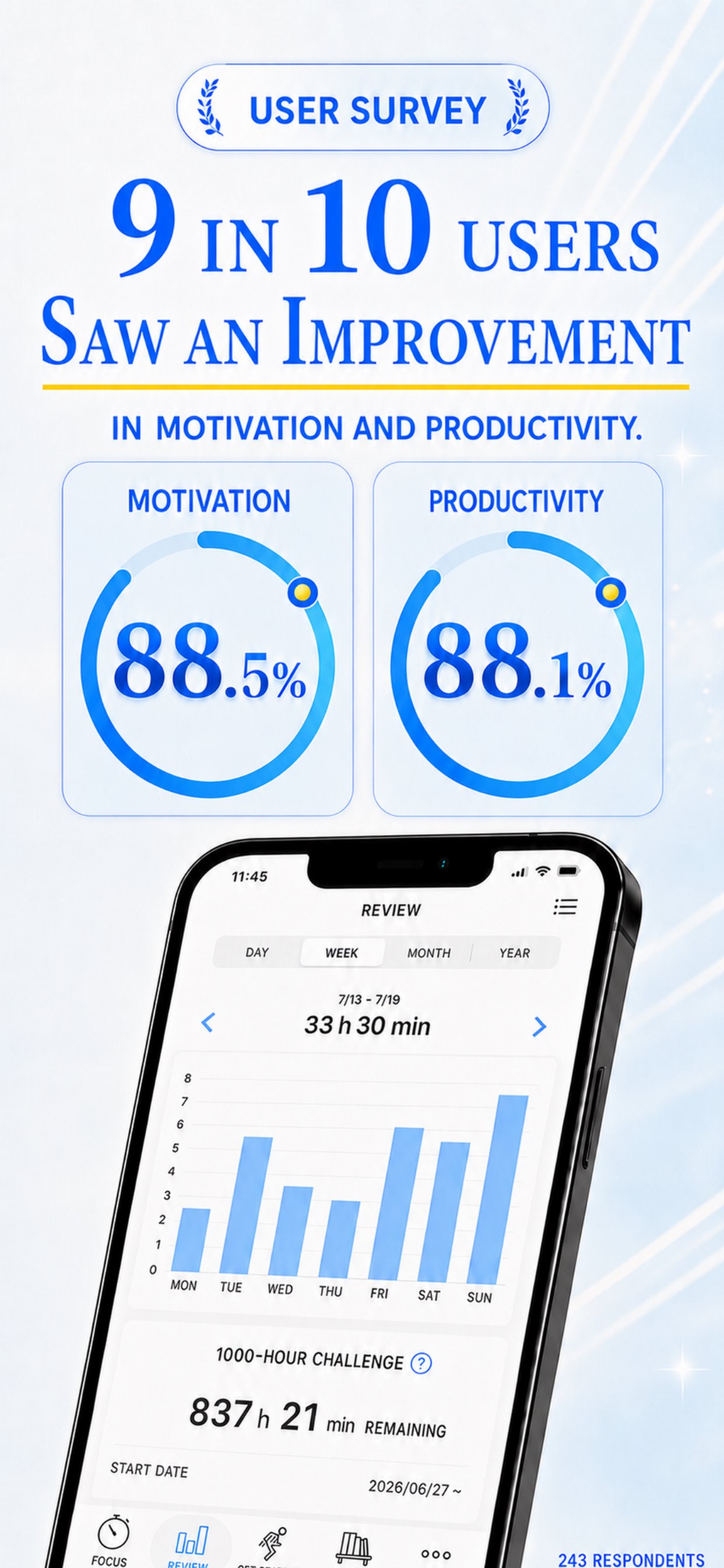
■ Study hours tracker and study log
- Record your focused study time
- Review your focus patterns with helpful graphs
- See how you spend time across subjects and activities
■ Track time by subject
Use the subject timer for:
- English, Math, History, and Physics
- Reading, listening, memorizing, and note-taking
- Test prep, assignments, and language learning
■ Work and deep focus
Focus also works as a deep work timer for:
- Writing, programming, and creative projects
- Emails, meetings, and professional tasks
- Meditation and other activities that need uninterrupted attention
■ Practical focus tips
Read bite-sized articles about:
- Preventing smartphone distractions
- Breaking habits that interrupt concentration
- Using rest effectively
WHO IT'S FOR
- Students preparing for exams, quizzes, and assignments
- People who want a simple study time tracker instead of a complicated planner
- Professionals who want to record focused work sessions
- Language learners preparing for certifications
Focus is intentionally small and simple: choose what you want to do, start the timer, and build a visible record of your effort.
Preview
Tags
EducationInformation
Developer
bondavi Inc.
Latest Version
1.9.1
Last Updated
2026-08-31
Category
Education
Available on
Google Play
Show More
How to play Focus: Study Time Tracker with GameLoop on PC
1. Download GameLoop from the official website, then run the exe file to install GameLoop
2. Open GameLoop and search for “Focus: Study Time Tracker” , find Focus: Study Time Tracker in the search results and click “Install”
3. Enjoy playing Focus: Study Time Tracker on GameLoop
Minimum requirements
OS
Windows 8.1 64-bit or Windows 10 64-bit
GPU
GTX 1050
CPU
i3-8300
Memory
8GB RAM
Storage
1GB available space
Recommended requirements
OS
Windows 8.1 64-bit or Windows 10 64-bit
GPU
GTX 1050
CPU
i3-9320
Memory
16GB RAM
Storage
1GB available space