
キャンパス手帳・学生版 PC
DreamNet's, Inc.
Download キャンパス手帳・学生版 on PC With GameLoop Emulator
キャンパス手帳・学生版 sa PC
Ang キャンパス手帳・学生版, na nagmumula sa developer na DreamNet's, Inc., ay tumatakbo sa Android systerm sa nakaraan.
Ngayon, maaari mong laruin ang キャンパス手帳・学生版 sa PC gamit ang GameLoop nang maayos.
I-download ito sa GameLoop library o mga resulta ng paghahanap. Hindi na tumitingin sa baterya o nakakadismaya na mga tawag sa maling oras.
I-enjoy lang ang キャンパス手帳・学生版 PC sa malaking screen nang libre!
キャンパス手帳・学生版 Panimula
Support communication between current students and the university.
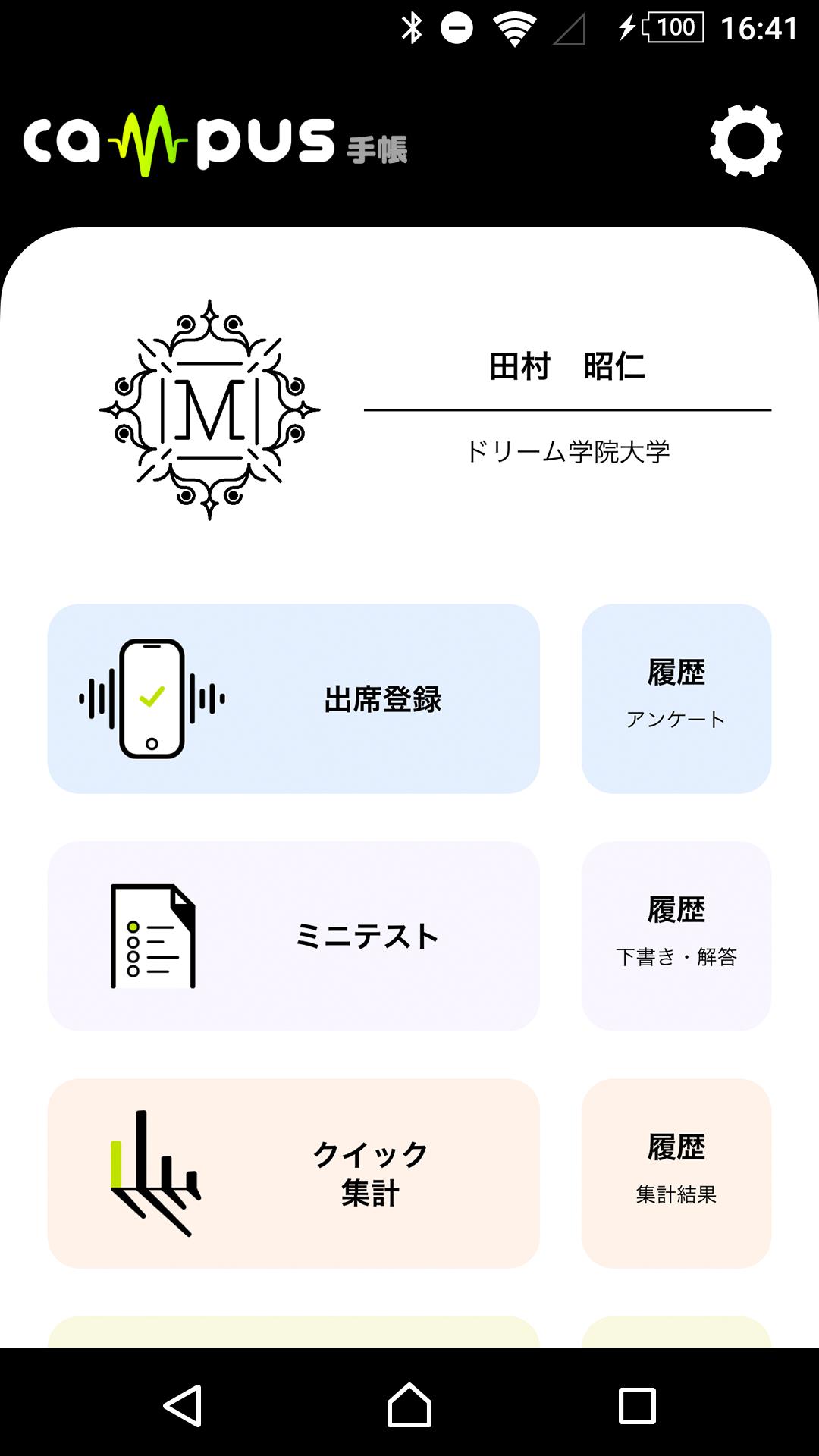
At universities that require interaction with hundreds of students, if classes do not go smoothly or information is delayed, motivation will be lost. This campus notebook is a support tool that shortens the distance between students and the university and motivates them to learn by speedy exchanges, such as confirmation of attendance by sound waves and submission of tests on your smartphone application, and automatic counting of information.
Connect teachers and students to deepen teaching and learning.
◆ Easy operation for anyone
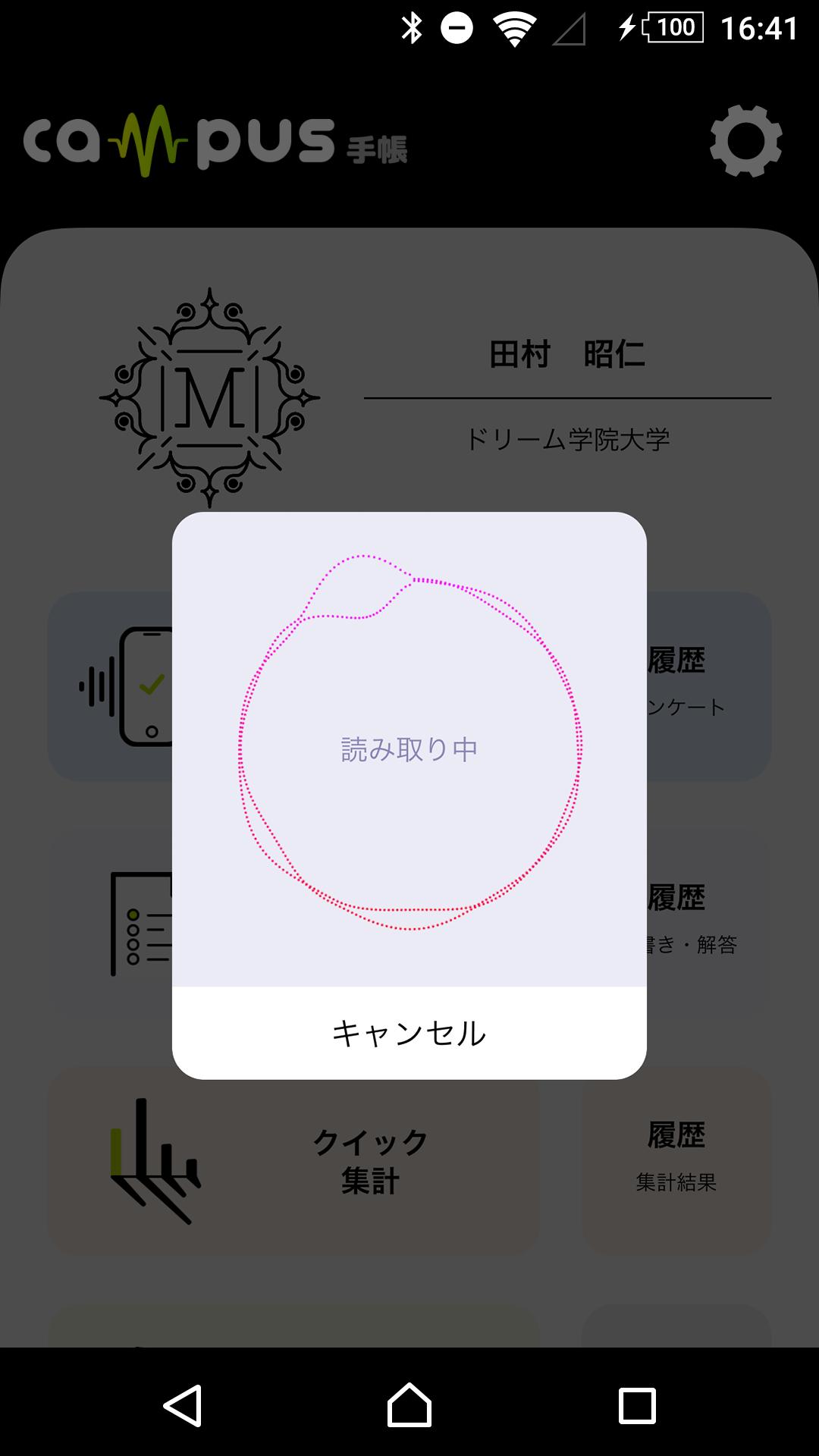
◆ Attendance confirmation using sound wave
◆ Mini test that can be done with the application
◆ Information that is automatically aggregated and stored
◆ Connect students to school
◆ Perfect security
※Notes
This application accesses information using a mobile network or Wi-Fi. If you cannot connect to the network when starting the application, the latest information may not be displayed.
Preview
Tags
EducationInformation
Developer
DreamNet's, Inc.
Latest Version
1.1.15
Last Updated
2023-11-16
Category
Education
Available on
Google Play
Show More
How to play キャンパス手帳・学生版 with GameLoop on PC
1. Download GameLoop from the official website, then run the exe file to install GameLoop
2. Open GameLoop and search for “キャンパス手帳・学生版” , find キャンパス手帳・学生版 in the search results and click “Install”
3. Enjoy playing キャンパス手帳・学生版 on GameLoop
Minimum requirements
OS
Windows 8.1 64-bit or Windows 10 64-bit
GPU
GTX 1050
CPU
i3-8300
Memory
8GB RAM
Storage
1GB available space
Recommended requirements
OS
Windows 8.1 64-bit or Windows 10 64-bit
GPU
GTX 1050
CPU
i3-9320
Memory
16GB RAM
Storage
1GB available space