
おうちゼミ 1~6年生の学習 本+アプリで毎日楽しく勉強! PC
Gakken Plus Co.,Ltd
Download おうちゼミ 1~6年生の学習 本+アプリで毎日楽しく勉強! on PC With GameLoop Emulator
おうちゼミ 1~6年生の学習 本+アプリで毎日楽しく勉強! sa PC
Ang おうちゼミ 1~6年生の学習 本+アプリで毎日楽しく勉強!, na nagmumula sa developer na Gakken Plus Co.,Ltd, ay tumatakbo sa Android systerm sa nakaraan.
Ngayon, maaari mong laruin ang おうちゼミ 1~6年生の学習 本+アプリで毎日楽しく勉強! sa PC gamit ang GameLoop nang maayos.
I-download ito sa GameLoop library o mga resulta ng paghahanap. Hindi na tumitingin sa baterya o nakakadismaya na mga tawag sa maling oras.
I-enjoy lang ang おうちゼミ 1~6年生の学習 本+アプリで毎日楽しく勉強! PC sa malaking screen nang libre!
おうちゼミ 1~6年生の学習 本+アプリで毎日楽しく勉強! Panimula
Watch lesson videos for all subjects on the app!
Book purchasers can watch lesson videos for all subjects (Japanese, math, science, and social studies) for free. This allows for personalized home study, whether you're getting ahead or reviewing.
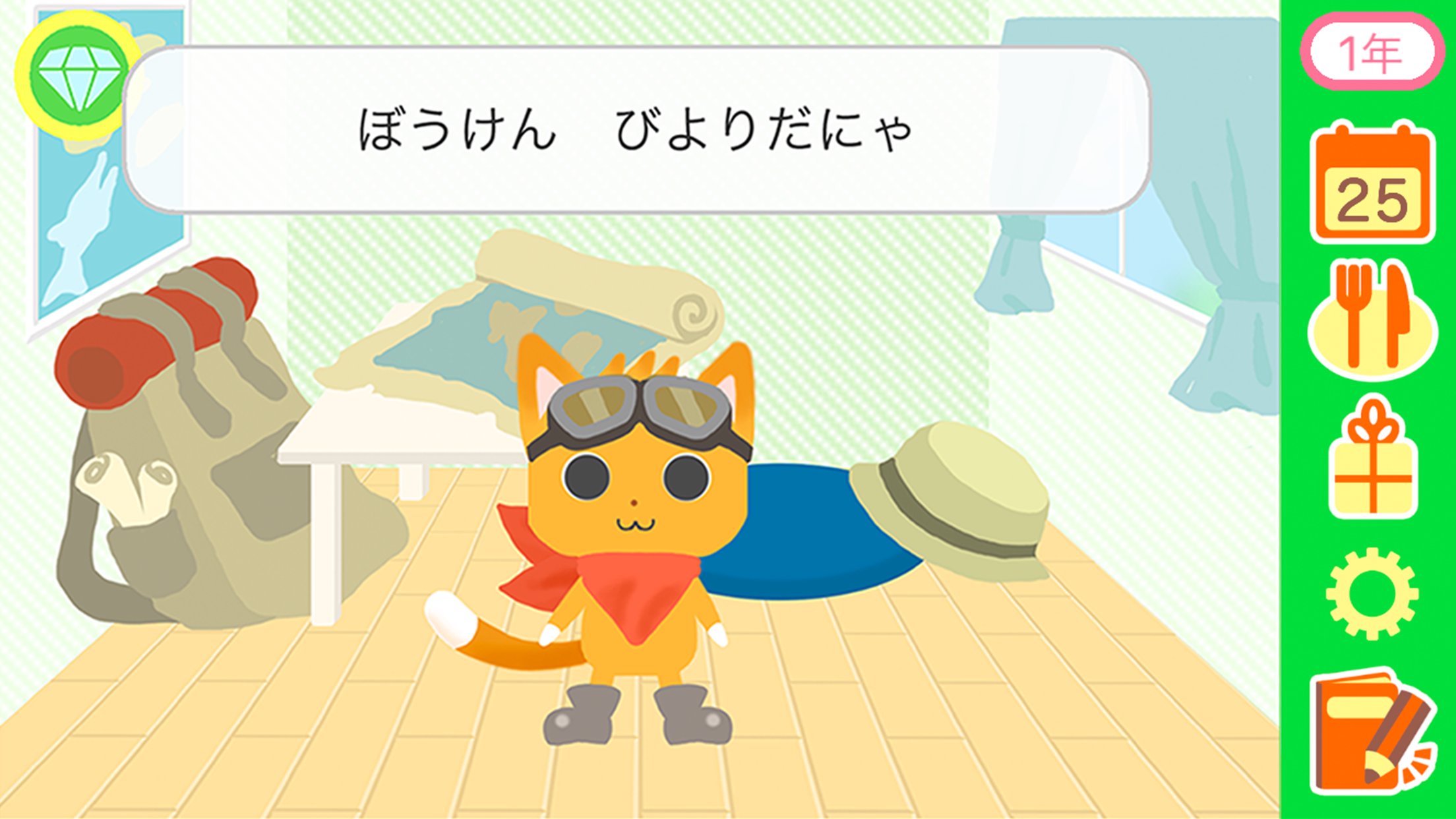
◇ Character Growth Through Study
Your chosen character will gain more "secrets" and "techniques," and you'll earn a title that's perfect for you, making learning fun.
It also features a study time timer and a study calendar.
◇ Supervised by Professor Hideo Kageyama
Professor Kageyama's advice on lifestyle habits, essential for improving academic performance, is also included.
By using this app in conjunction with Gakken's "Ouchi Seminar" series of books, you can experience a new learning experience that combines "learning that can only be done on paper," such as writing, with "support that paper can't provide," such as lesson videos and development apps.
◆ This app is intended for users who own the companion book, "Ouchi Seminar" (grades 1, 2, 3, 4, 5, and 6).
All features within this app are free to use, however, some functions require "book purchase confirmation" in order to be used.
For details on how to confirm your book purchase, please refer to the "How to Use the App" page on page 4 of "Ouchi Seminar."
Book purchase confirmation is used to confirm that you own the book that is linked to the app, and there is no charge for it.
*The "book purchase confirmation function" using the camera may not be available on some devices.
In that case, to confirm your book purchase, please enter the "purchase confirmation code" listed on page 4 of "Ouchi Seminar" for the book you purchased.
*This app can be used on devices with Android OS version 10.0 or higher.
Even if the OS is compatible, it may not work properly on devices with an Intel CPU (x86 Atom).
Preview

Tags
EducationInformation
Developer
Gakken Plus Co.,Ltd
Latest Version
1.0.6
Last Updated
2025-11-26
Category
Education
Available on
Google Play
Show More
How to play おうちゼミ 1~6年生の学習 本+アプリで毎日楽しく勉強! with GameLoop on PC
1. Download GameLoop from the official website, then run the exe file to install GameLoop
2. Open GameLoop and search for “おうちゼミ 1~6年生の学習 本+アプリで毎日楽しく勉強!” , find おうちゼミ 1~6年生の学習 本+アプリで毎日楽しく勉強! in the search results and click “Install”
3. Enjoy playing おうちゼミ 1~6年生の学習 本+アプリで毎日楽しく勉強! on GameLoop
Minimum requirements
OS
Windows 8.1 64-bit or Windows 10 64-bit
GPU
GTX 1050
CPU
i3-8300
Memory
8GB RAM
Storage
1GB available space
Recommended requirements
OS
Windows 8.1 64-bit or Windows 10 64-bit
GPU
GTX 1050
CPU
i3-9320
Memory
16GB RAM
Storage
1GB available space