
AIUEOsushi PC
sapies
Download AIUEOsushi on PC With GameLoop Emulator
AIUEOsushi sa PC
Ang AIUEOsushi, na nagmumula sa developer na sapies, ay tumatakbo sa Android systerm sa nakaraan.
Ngayon, maaari mong laruin ang AIUEOsushi sa PC gamit ang GameLoop nang maayos.
I-download ito sa GameLoop library o mga resulta ng paghahanap. Hindi na tumitingin sa baterya o nakakadismaya na mga tawag sa maling oras.
I-enjoy lang ang AIUEOsushi PC sa malaking screen nang libre!
AIUEOsushi Panimula
Try Writing Hiragana! This app is perfect for beginners and is used in Japan for children learning hiragana for the first time. You can have fun while collecting items and making progress, like a game. Fill in the "Aiueo" chart with the letters you write yourself!
● Key Features for Beginners:
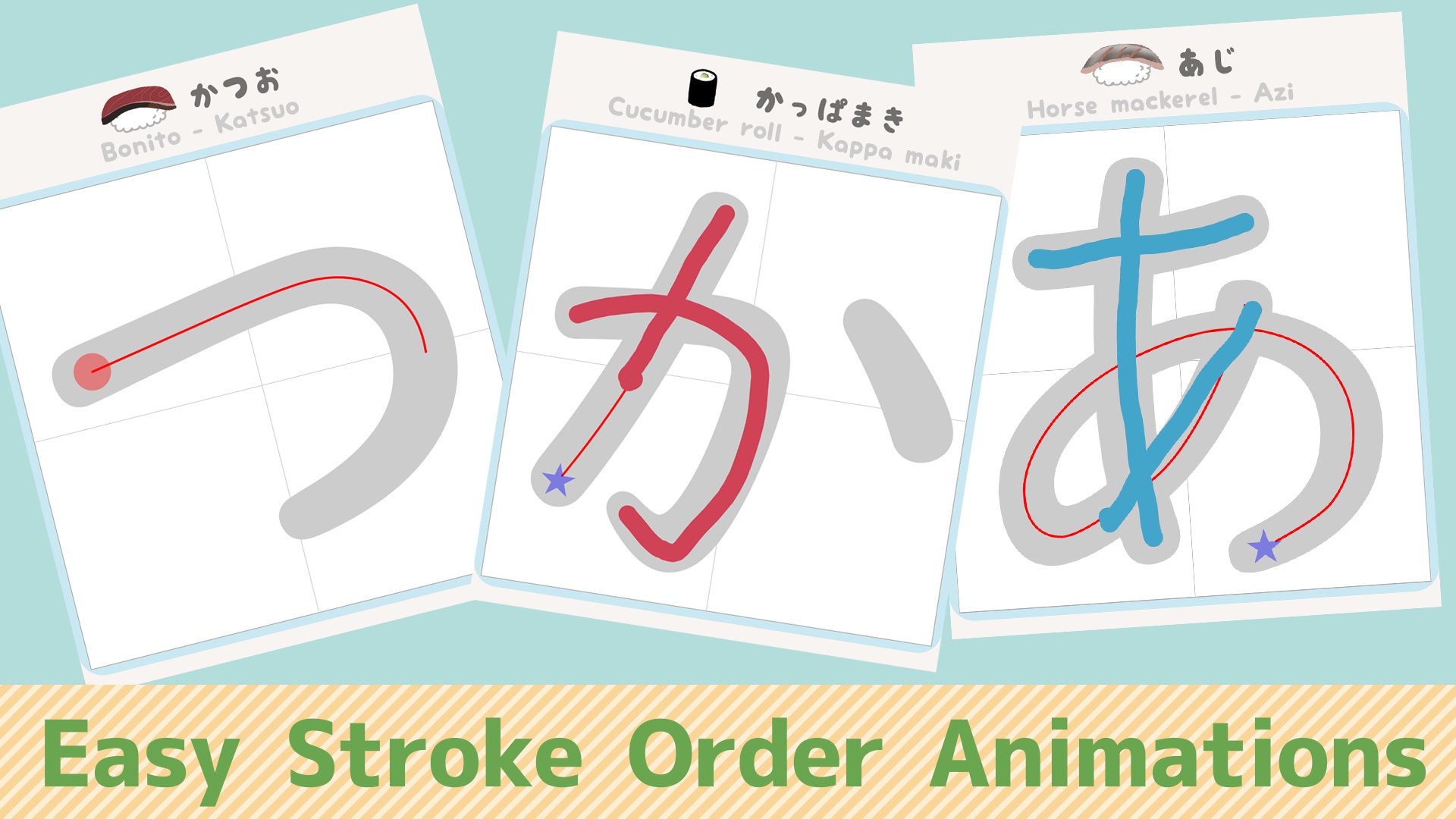
It's easy to start! Red circles show where to begin, and blue stars show where to finish.
Stroke order animations make sure you never lose your way!
Includes voice guidance!
Keep up your motivation with the fun of dressing up Osushikun and collecting pens!
★ Create Your Own Handwritten "Aiueo" Chart! As you write each hiragana, the "Aiueo" chart changes to your own handwriting. Create your personalized "Aiueo" chart!
★ Unlock More Pens as You Progress! As you complete the sushi tasks, you'll unlock more pens to use. Switching pens makes the process even more enjoyable!
★ A Great Reference for Writing on Paper! Now you can select any character from the "Aiueo" chart screen and watch an animated demonstration of the stroke order. The animation runs more slowly than on the "Tasks" screen, showing each stroke one by one, making it perfect for copying onto paper.
★If your system language is set to English but you wish to use the app in Japanese, you can adjust the app-specific language settings by going to your device's App Info-> AIUEOsushi.
[Free content is available up to Task 2 of the Sushi Work.]
Please note: the app may not function on some devices. Before making any in-app purchases, please check that the free content works properly on your smartphone.
Preview

Tags
EducationInformation
Developer
sapies
Latest Version
4.3
Last Updated
2025-08-12
Category
Education
Available on
Google Play
Show More
How to play AIUEOsushi with GameLoop on PC
1. Download GameLoop from the official website, then run the exe file to install GameLoop
2. Open GameLoop and search for “AIUEOsushi” , find AIUEOsushi in the search results and click “Install”
3. Enjoy playing AIUEOsushi on GameLoop
Minimum requirements
OS
Windows 8.1 64-bit or Windows 10 64-bit
GPU
GTX 1050
CPU
i3-8300
Memory
8GB RAM
Storage
1GB available space
Recommended requirements
OS
Windows 8.1 64-bit or Windows 10 64-bit
GPU
GTX 1050
CPU
i3-9320
Memory
16GB RAM
Storage
1GB available space