
Flirtual - VR Dating App PC
Flirtual
Download Flirtual - VR Dating App on PC With GameLoop Emulator
Flirtual - VR Dating App sa PC
Ang Flirtual - VR Dating App, na nagmumula sa developer na Flirtual, ay tumatakbo sa Android systerm sa nakaraan.
Ngayon, maaari mong laruin ang Flirtual - VR Dating App sa PC gamit ang GameLoop nang maayos.
I-download ito sa GameLoop library o mga resulta ng paghahanap. Hindi na tumitingin sa baterya o nakakadismaya na mga tawag sa maling oras.
I-enjoy lang ang Flirtual - VR Dating App PC sa malaking screen nang libre!
Flirtual - VR Dating App Panimula
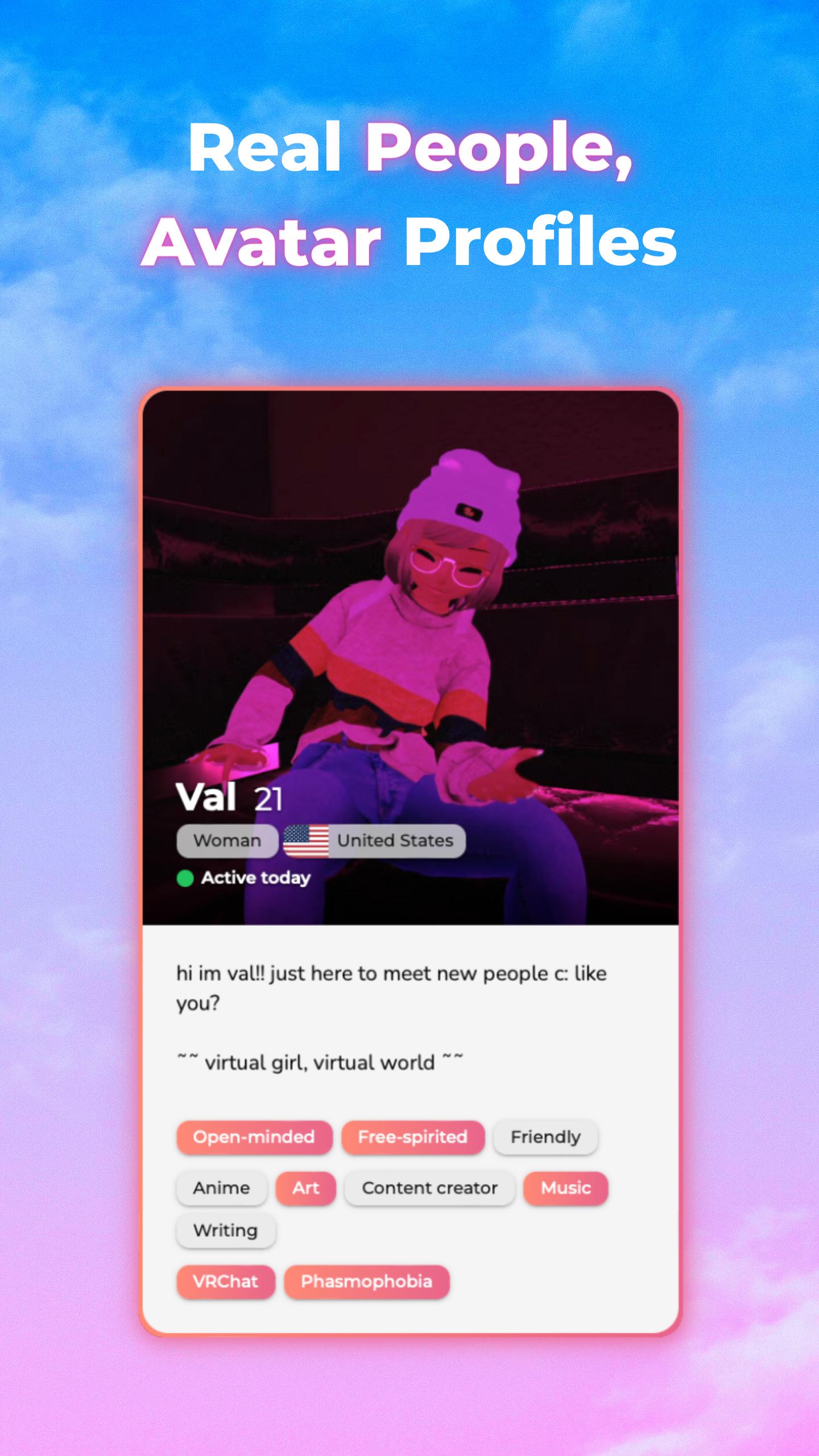
Make an avatar profile, match and message other users, then go on safe, magical dates in Virtual Reality!
> Avatar profiles
VR lets you express yourself fully. Meeting other people through avatars is fun, safe, and low-stress.
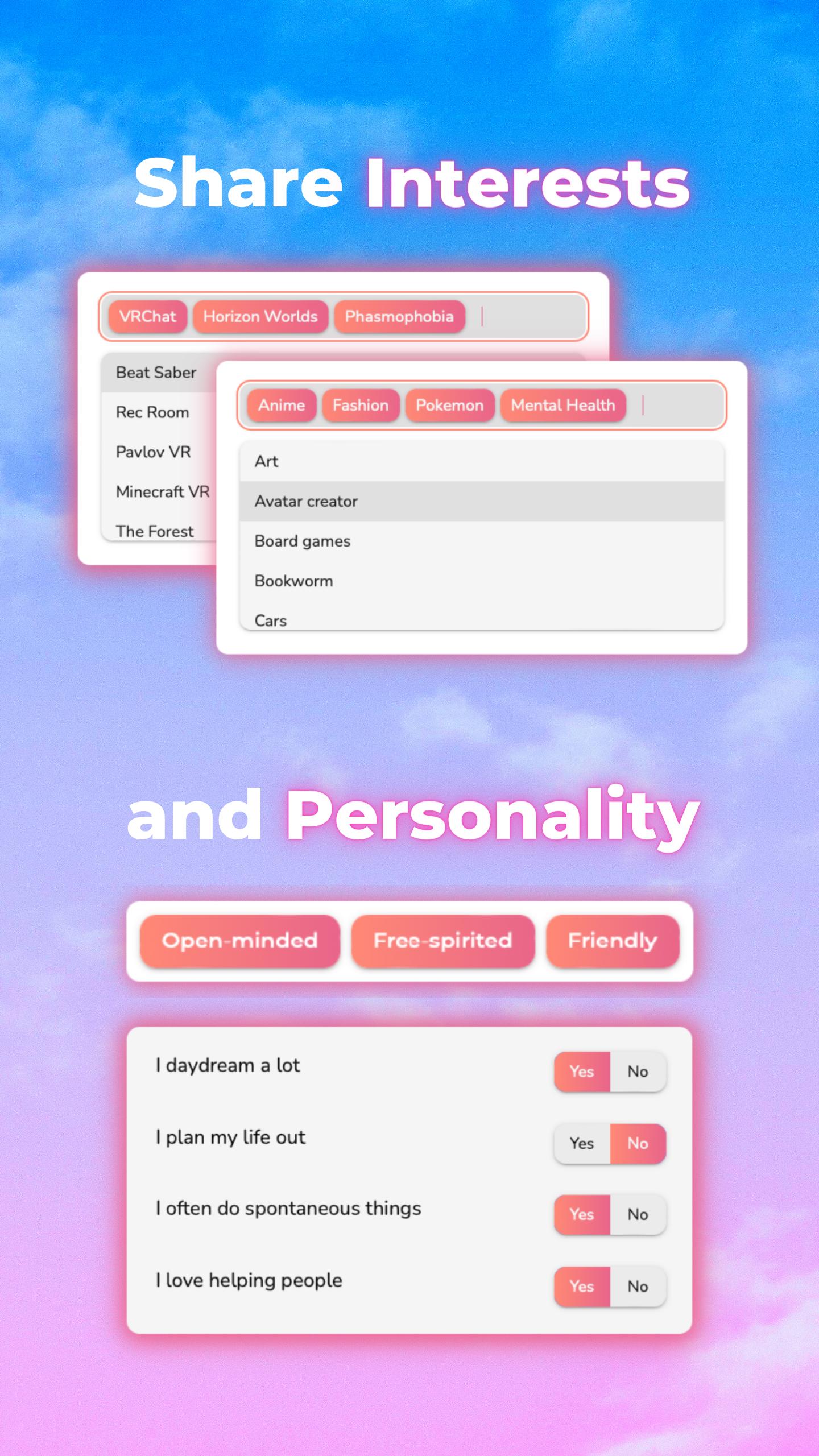
> Personality-first
VR dates let your personality shine. Get to know someone before face-revealing or going on a video call.
> Match through interests and identities
Select from dozens of profile tags, or add your own custom tags! Our matchmaking system is extremely customizable and helps you find compatible matches.
> Meet in VR
After you match on Flirtual, you can meet up in any VR app or game. This includes: VRChat, Horizon Worlds, Zenith, and more.
You can also exchange Discord and VR usernames on Flirtual.
GET STARTED
Set up your profile in 3 steps:
1. Upload pictures of your VR avatar from SteamVR, VRChat, or your Oculus/Meta account.
2. Write a short bio (or use our bio prompts).
3. List your favorite VR games, do a personality quiz, and share your favorite interests.
SAFETY
You must be 18 or older to use Flirtual. Safety is our priority. VR lets you go on dates without risking your physical safety. Flirtual has an active moderation team and a user report system. We have zero tolerance for underage profiles, NSFW content, or discrimination. You can read more about your privacy and data rights on Flirtual at flirtu.al/privacy and flirtu.al/terms
X: x.com/getflirtual
Our Discord community: discord.gg/flirtual
Preview
Tags
DatingInformation
Developer
Flirtual
Latest Version
1.2.10.0
Last Updated
2025-03-08
Category
Dating
Available on
Google Play
Show More
How to play Flirtual - VR Dating App with GameLoop on PC
1. Download GameLoop from the official website, then run the exe file to install GameLoop
2. Open GameLoop and search for “Flirtual - VR Dating App” , find Flirtual - VR Dating App in the search results and click “Install”
3. Enjoy playing Flirtual - VR Dating App on GameLoop
Minimum requirements
OS
Windows 8.1 64-bit or Windows 10 64-bit
GPU
GTX 1050
CPU
i3-8300
Memory
8GB RAM
Storage
1GB available space
Recommended requirements
OS
Windows 8.1 64-bit or Windows 10 64-bit
GPU
GTX 1050
CPU
i3-9320
Memory
16GB RAM
Storage
1GB available space