
Love Stickers PC
peter_jm
Download Love Stickers on PC With GameLoop Emulator
Love Stickers sa PC
Ang Love Stickers, na nagmumula sa developer na peter_jm, ay tumatakbo sa Android systerm sa nakaraan.
Ngayon, maaari mong laruin ang Love Stickers sa PC gamit ang GameLoop nang maayos.
I-download ito sa GameLoop library o mga resulta ng paghahanap. Hindi na tumitingin sa baterya o nakakadismaya na mga tawag sa maling oras.
I-enjoy lang ang Love Stickers PC sa malaking screen nang libre!
Love Stickers Panimula
Keep it in mind : Love stickers
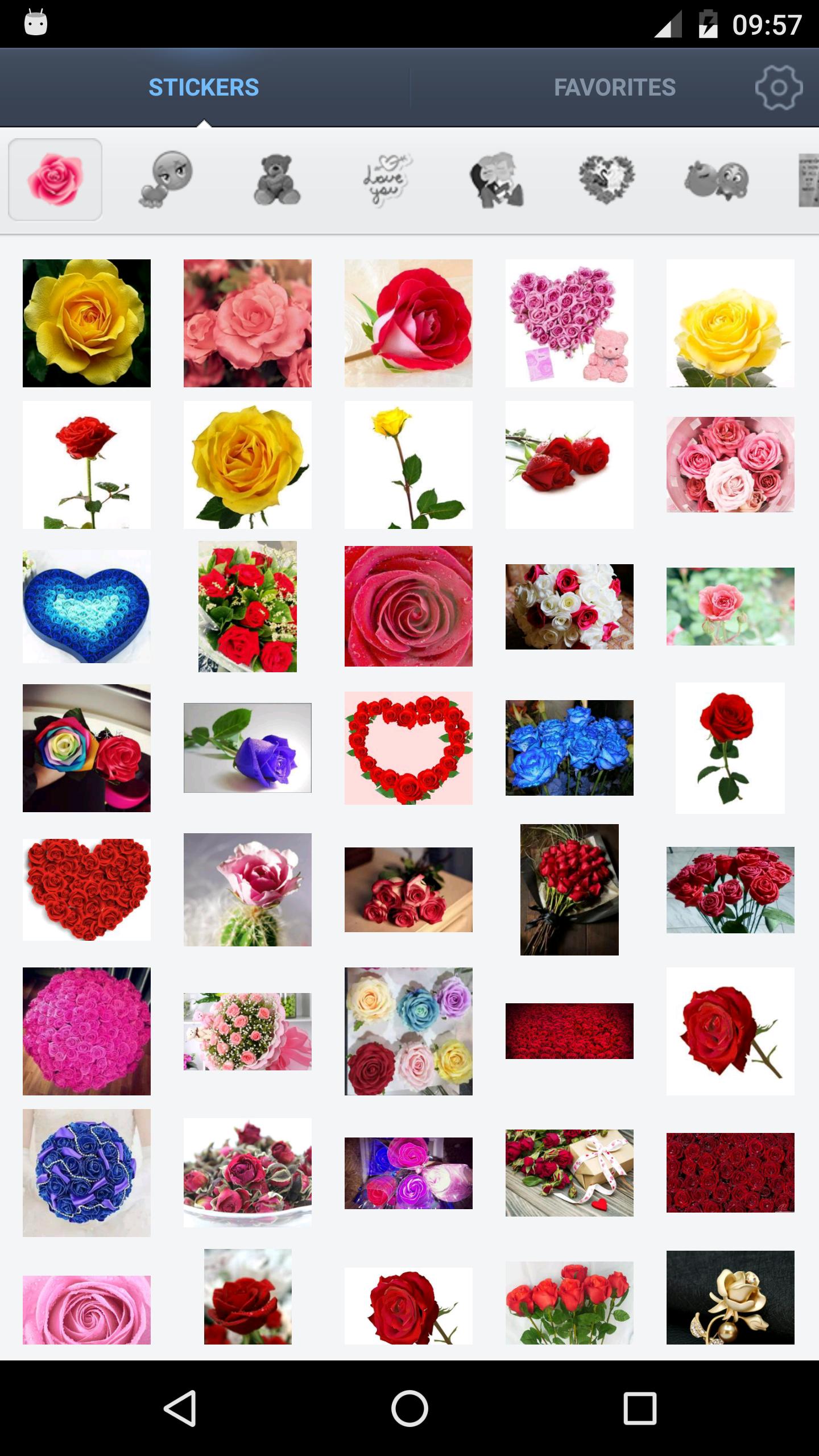
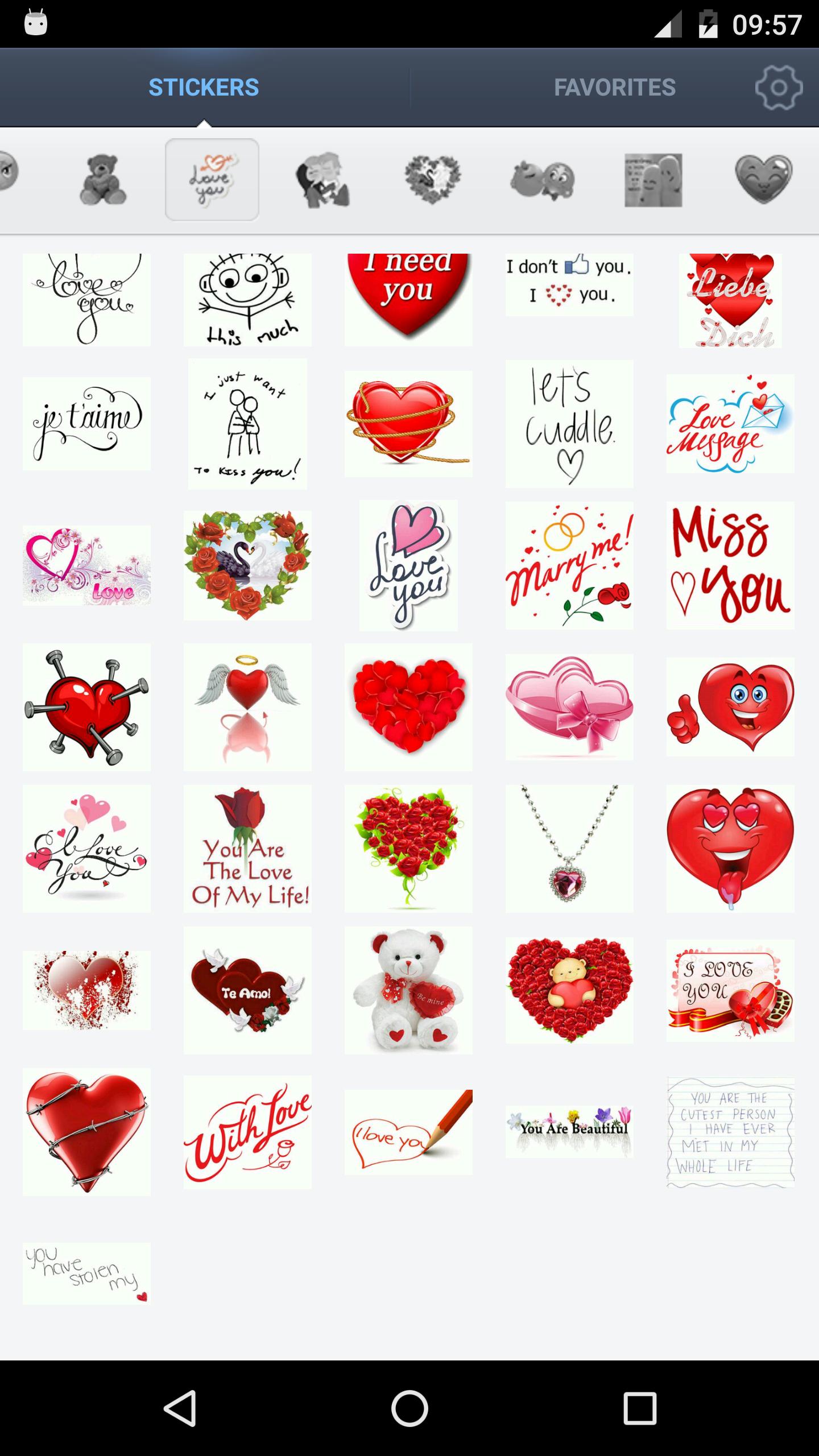
This app offers you a series of love for your chat. Please enjoy sending those stickers to your loved ones. Your family and friends will definitely appreciate and feel happy getting a loving reminder about how much you care for them. Please feel free to send those stickers and tell someone how much you love them today!
These love Stickers are absolutely free and provides you the facility to
use them on any platform of android phone and makes your gossip more romantic and naughty.
These superb collection of love sticker make your chat most passionate and dreamy.
Love you in the fluttering snow when Winter comes;
Love for you, no one could replace!
♥ Features: • Large variety of cute love stickers • Enable you to express your love in different way (heart, flowers, rose, bear,lover ) • Easy to share on social media (messenger , twitter ,fb …) • It is free and easy to use
♥After use, I think you would say:
•Awesome This app is so cute and so awesome, you have to download it。
•Love stickers are Beautiful!!
•Love sticker. Takes to long to choose from so many great sticker
Preview
Information
Developer
peter_jm
Latest Version
1.8.0
Last Updated
2018-05-15
Category
Dating
Available on
Google Play
Show More
How to play Love Stickers with GameLoop on PC
1. Download GameLoop from the official website, then run the exe file to install GameLoop
2. Open GameLoop and search for “Love Stickers” , find Love Stickers in the search results and click “Install”
3. Enjoy playing Love Stickers on GameLoop
Minimum requirements
OS
Windows 8.1 64-bit or Windows 10 64-bit
GPU
GTX 1050
CPU
i3-8300
Memory
8GB RAM
Storage
1GB available space
Recommended requirements
OS
Windows 8.1 64-bit or Windows 10 64-bit
GPU
GTX 1050
CPU
i3-9320
Memory
16GB RAM
Storage
1GB available space