wherecom k2 PC
Wherecom Technologies Limited
Download wherecom k2 on PC With GameLoop Emulator
wherecom k2 sa PC
Ang wherecom k2, na nagmumula sa developer na Wherecom Technologies Limited, ay tumatakbo sa Android systerm sa nakaraan.
Ngayon, maaari mong laruin ang wherecom k2 sa PC gamit ang GameLoop nang maayos.
I-download ito sa GameLoop library o mga resulta ng paghahanap. Hindi na tumitingin sa baterya o nakakadismaya na mga tawag sa maling oras.
I-enjoy lang ang wherecom k2 PC sa malaking screen nang libre!
wherecom k2 Panimula
The Wherecom K2 app is the companion app for the Whereocom wearable phone and locator for kids 4-12 years old. Parents can call, locate their child right from their phone using the Wherecom app.
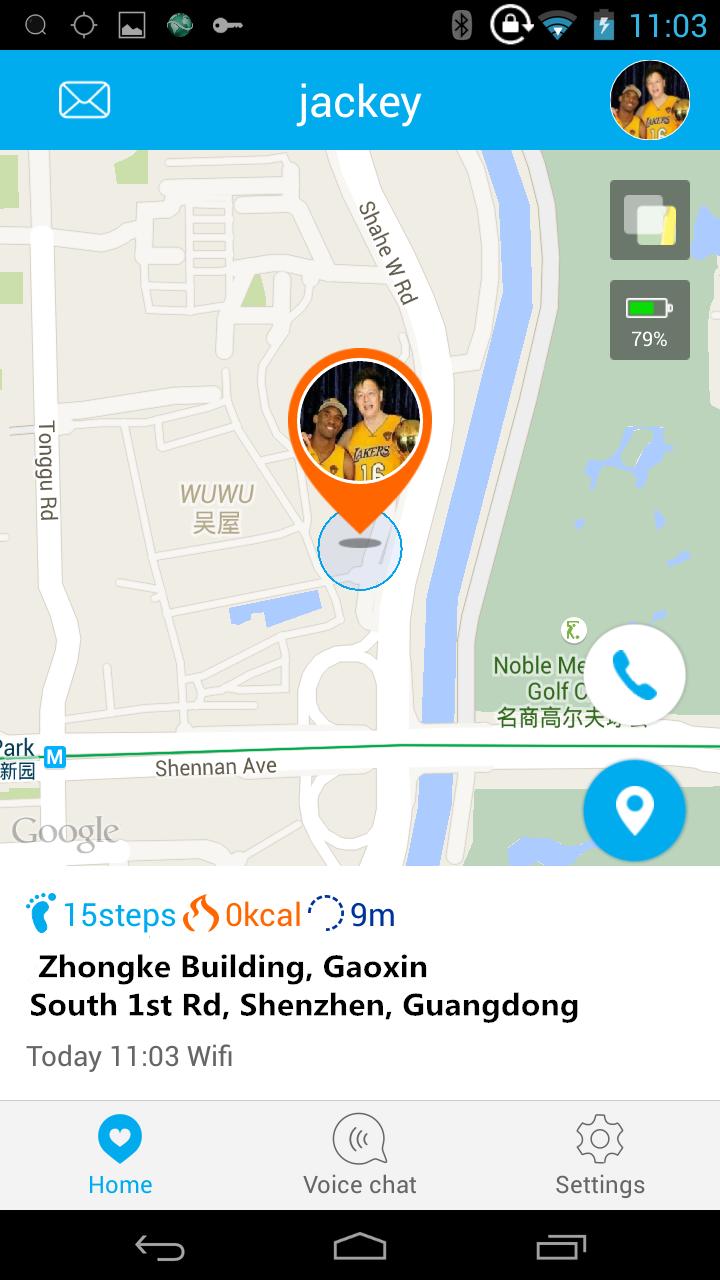
The Wherecom Kids Watch can make and receive calls with up to 20 parent-set numbers. The Wherecom Kids Watch uses a blend of GPS,wifi, GSM to provide the most accurate location information, indoors and out, giving kids the freedom to be kids and parents a little extra peace of mind.
Through the Wherecom app you can:
1、COMMUNICATE
-Call a Wherecom Kids Watch from your Smartphone
2、LOCATE
-Check the location of the child wearing Wherecom
-Set the frequency of automatic location updates or manually update location for the device
3、SAFEZONES
A SafeZone is a virtual boundary parents can set around a particular location. Once a SafeZone is set via the app,
you will receive a notification when your child leaves the boundary of the SafeZone.
You can sent time parameters for each safe zone (for example around a school only during school hours).
4、Voice Chat
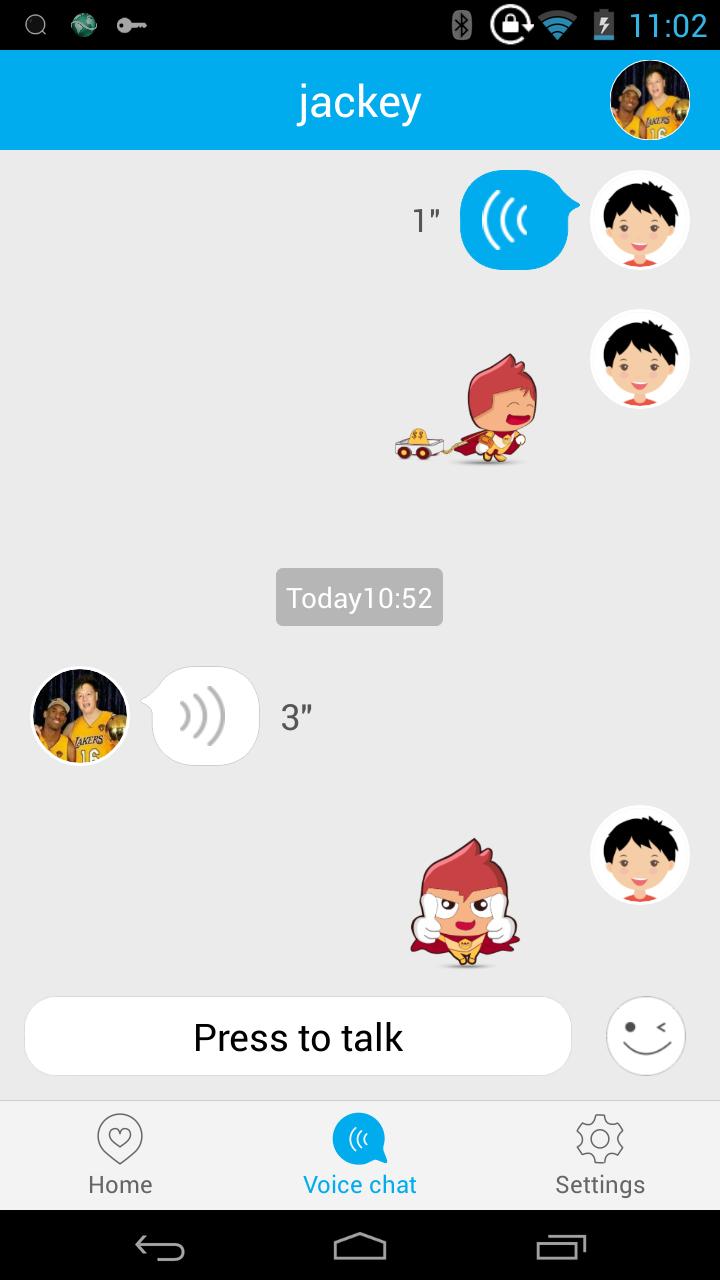
Parents and children can communicate with each other via voice chat, and also parents can send fun vivid expression to children for interaction
5、FAMILY MEMBERS
invite the family or friends to be the family members of Kids Watch ,the family members can check the location of the child wearing Wherecom.
6、EMERGENCY MODE
By tapping Emergency from the SOS button on the watch, it triggers an automatic location, ambient sound recording and send to all the family members.
Preview
Information
Developer
Wherecom Technologies Limited
Latest Version
2.0
Last Updated
2017-09-19
Category
Communications
Available on
Google Play
Show More
How to play wherecom k2 with GameLoop on PC
1. Download GameLoop from the official website, then run the exe file to install GameLoop
2. Open GameLoop and search for “wherecom k2” , find wherecom k2 in the search results and click “Install”
3. Enjoy playing wherecom k2 on GameLoop
Minimum requirements
OS
Windows 8.1 64-bit or Windows 10 64-bit
GPU
GTX 1050
CPU
i3-8300
Memory
8GB RAM
Storage
1GB available space
Recommended requirements
OS
Windows 8.1 64-bit or Windows 10 64-bit
GPU
GTX 1050
CPU
i3-9320
Memory
16GB RAM
Storage
1GB available space