
Skinny Jump PC
Spark New Zealand Trading Limited
Download Skinny Jump on PC With GameLoop Emulator
Skinny Jump sa PC
Ang Skinny Jump, na nagmumula sa developer na Spark New Zealand Trading Limited, ay tumatakbo sa Android systerm sa nakaraan.
Ngayon, maaari mong laruin ang Skinny Jump sa PC gamit ang GameLoop nang maayos.
I-download ito sa GameLoop library o mga resulta ng paghahanap. Hindi na tumitingin sa baterya o nakakadismaya na mga tawag sa maling oras.
I-enjoy lang ang Skinny Jump PC sa malaking screen nang libre!
Skinny Jump Panimula
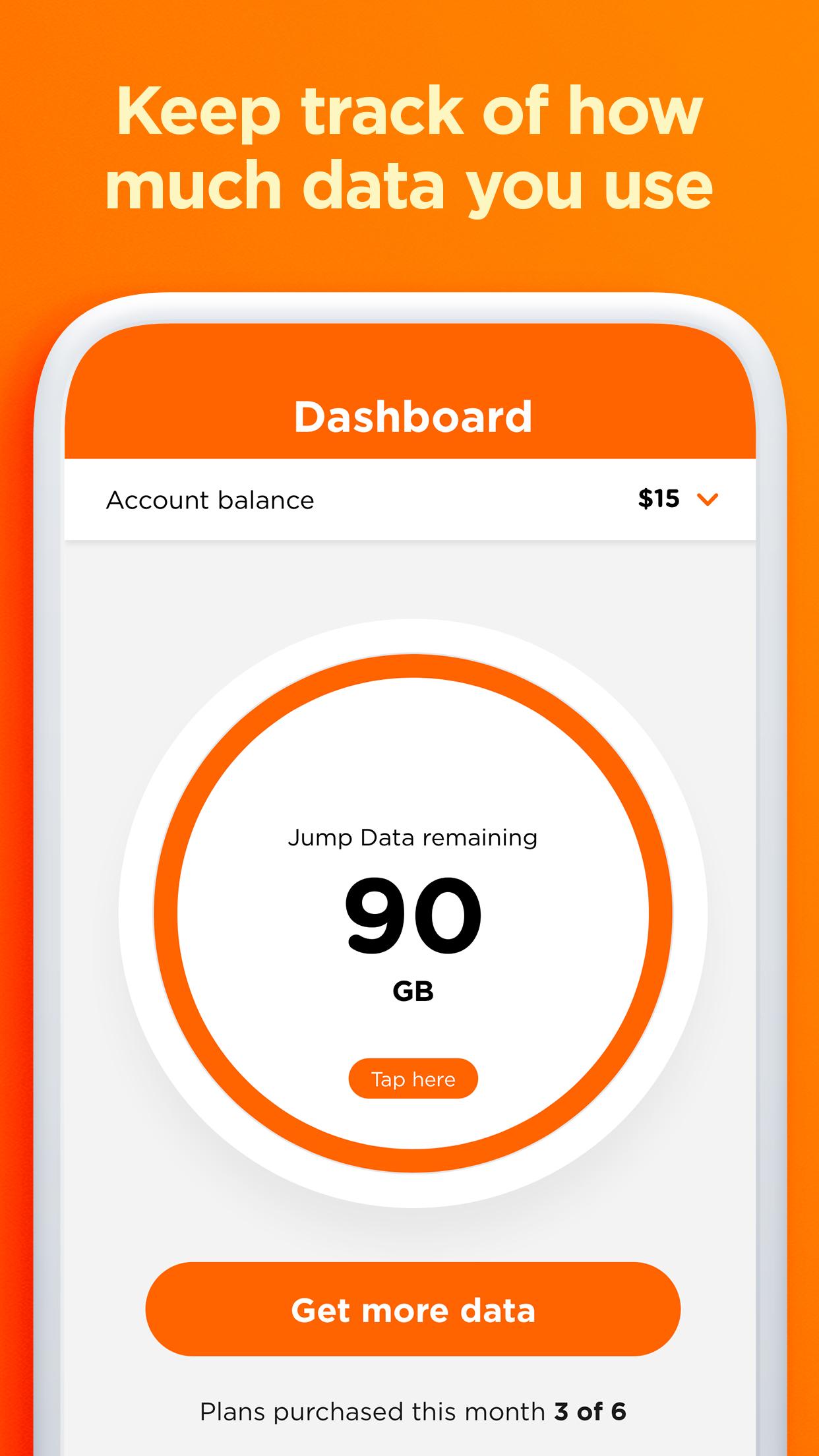
The Skinny Jump app makes it easy to manage your account – check your balance, top up and renew your Skinny Jump plan when you’re on the go.
*****Handy tips for getting the app setup*****
If you are new to Skinny Jump to set up this app you will need to enter the broadband number from your Skinny Jump modem. To receive your Skinny Jump modem and to register for Skinny Jump you need to visit a local Jump partner before downloading this app. To find your nearest partner check out www.skinny.co.nz/jump/. The broadband number can be found at the back or underneath the Skinny Jump modem.
If you are an existing Skinny Jump customer you need to Sign Up to set up the app, your username and password can be the same as your current sign in, but these are not linked.
*****About the app*****
1. Manage your account with the Skinny Jump app:
Activate your Skinny Jump modem and get connected
2. Top up your account using a voucher or a new card.
3. Renew your Skinny Jump plan- up to 6 times each month.
4. Check your balance to see how much data you have, and how much more you can use.
Use the app and start making the most of it. The app is free, but just a heads up: You’ll use a little bit of data downloading it, so be savvy and hook into some Wi-Fi if you’re running low on data.
Preview

Tags
CommunicationsInformation
Developer
Spark New Zealand Trading Limited
Latest Version
1.3.0
Last Updated
2024-12-09
Category
Communications
Available on
Google Play
Show More
How to play Skinny Jump with GameLoop on PC
1. Download GameLoop from the official website, then run the exe file to install GameLoop
2. Open GameLoop and search for “Skinny Jump” , find Skinny Jump in the search results and click “Install”
3. Enjoy playing Skinny Jump on GameLoop
Minimum requirements
OS
Windows 8.1 64-bit or Windows 10 64-bit
GPU
GTX 1050
CPU
i3-8300
Memory
8GB RAM
Storage
1GB available space
Recommended requirements
OS
Windows 8.1 64-bit or Windows 10 64-bit
GPU
GTX 1050
CPU
i3-9320
Memory
16GB RAM
Storage
1GB available space