
Sangoma Chat PC
Sangoma Technologies
Download Sangoma Chat on PC With GameLoop Emulator
Sangoma Chat sa PC
Ang Sangoma Chat, na nagmumula sa developer na Sangoma Technologies, ay tumatakbo sa Android systerm sa nakaraan.
Ngayon, maaari mong laruin ang Sangoma Chat sa PC gamit ang GameLoop nang maayos.
I-download ito sa GameLoop library o mga resulta ng paghahanap. Hindi na tumitingin sa baterya o nakakadismaya na mga tawag sa maling oras.
I-enjoy lang ang Sangoma Chat PC sa malaking screen nang libre!
Sangoma Chat Panimula
Sangoma Chat lets you
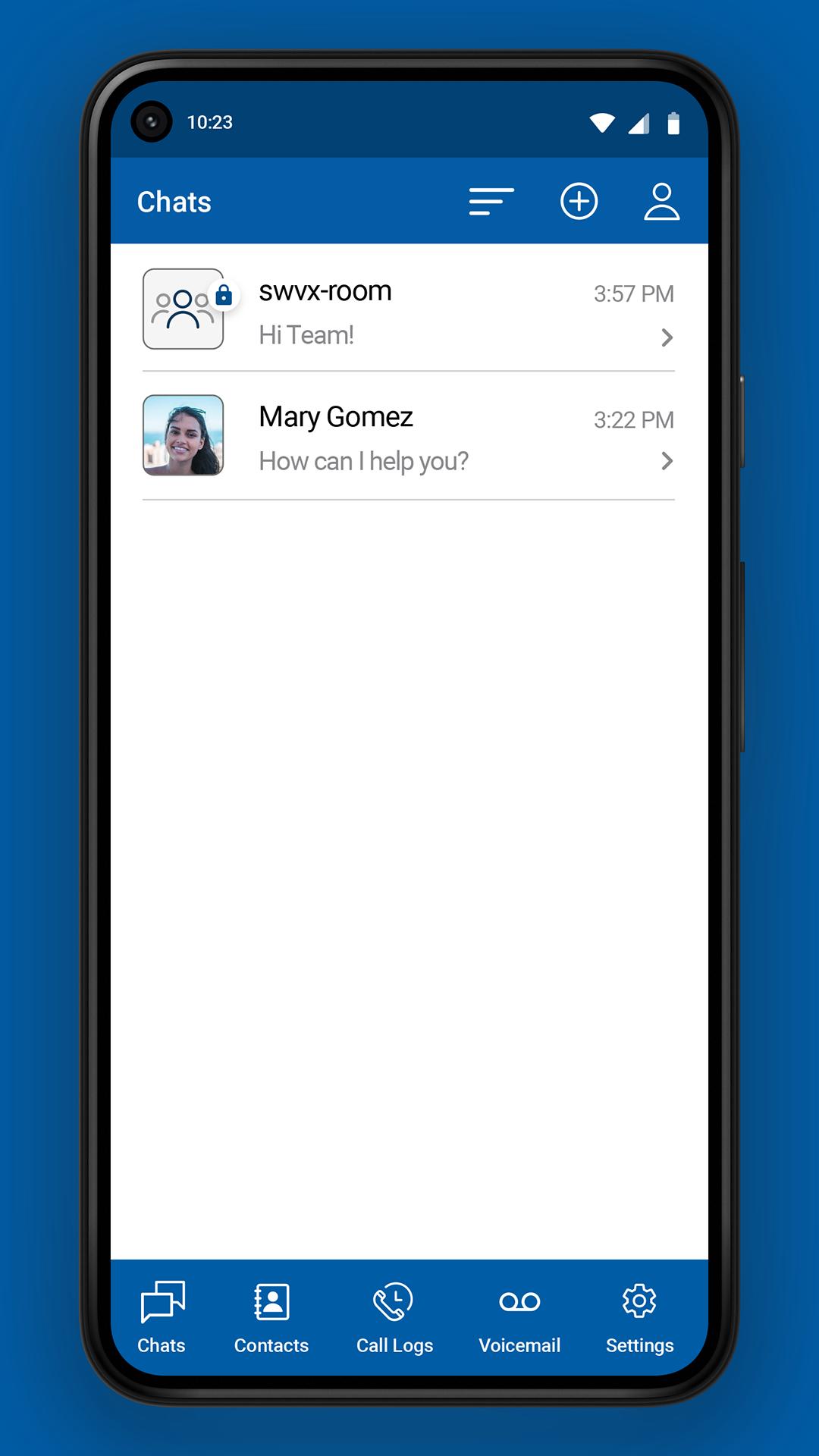
* Exchange text messages with your coworkers, and SMS messages with external phone numbers
* Find your contacts and send a text or SMS message, or place a call to them using the Sangoma Talk app (formerly Sangoma Connect)
* Create and join video conferences using the Sangoma Meet app
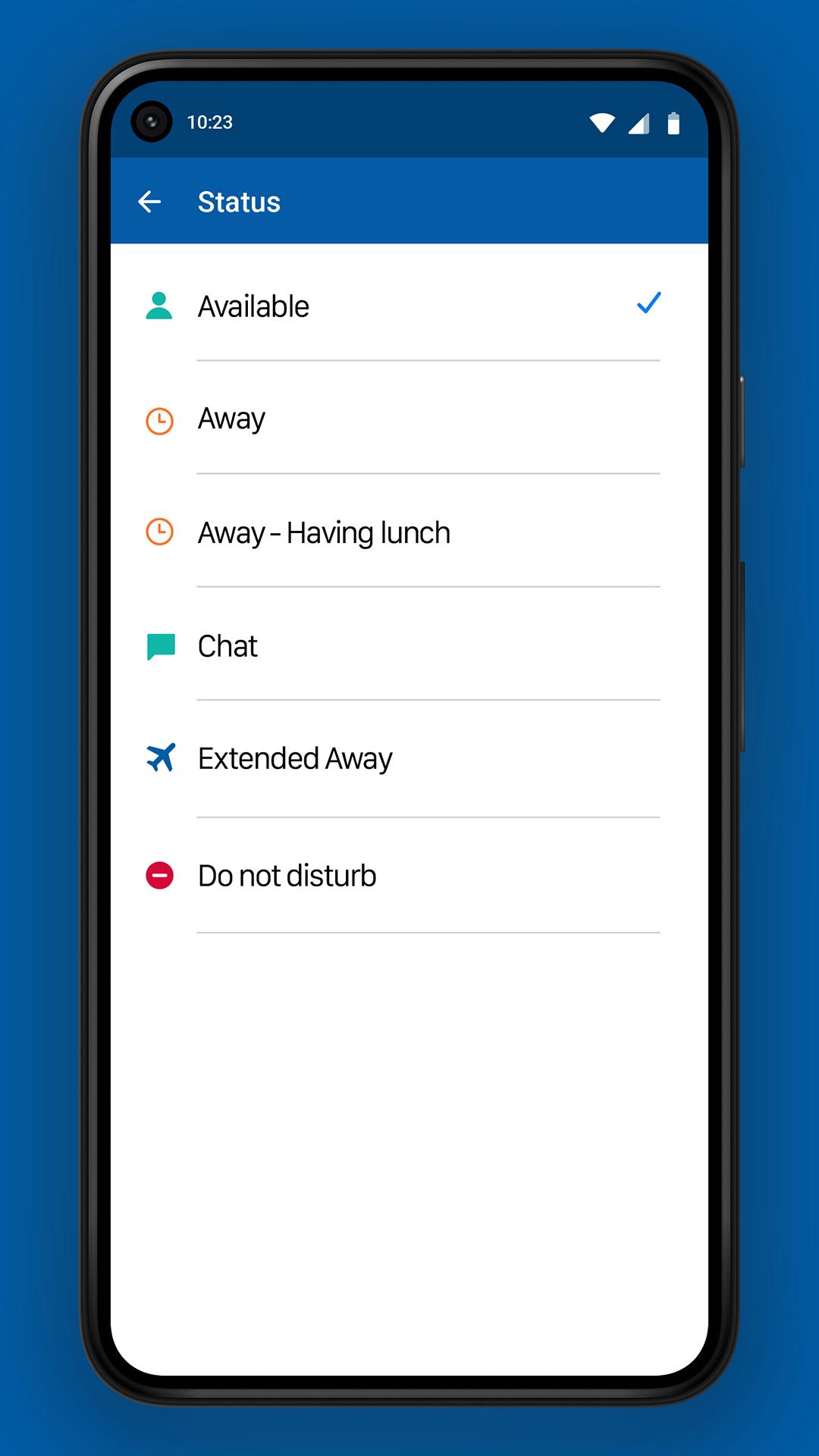
*Change your Status and listen to your Voicemail messages, plus see your Call Log and Favorite contacts.
Requirements:
- An account with Switchvox, FreePBX, or PBXact business phone system from Sangoma Technologies (your PBX).
- The most recent version of your PBX. (Previous versions may support some of the features of the app.)
- A valid SSL certificate on your PBX, signed by a trusted 3rd party certificate authority.
Once you have the app on your iPhone, open the app and enter the fully qualified domain name (meaning the hostname, not the numeric IP address) of your PBX, your extension number, and your password, and click Sign in.
Preview
Tags
CommunicationsInformation
Developer
Sangoma Technologies
Latest Version
2.6.3
Last Updated
2024-07-29
Category
Communications
Available on
Google Play
Show More
How to play Sangoma Chat with GameLoop on PC
1. Download GameLoop from the official website, then run the exe file to install GameLoop
2. Open GameLoop and search for “Sangoma Chat” , find Sangoma Chat in the search results and click “Install”
3. Enjoy playing Sangoma Chat on GameLoop
Minimum requirements
OS
Windows 8.1 64-bit or Windows 10 64-bit
GPU
GTX 1050
CPU
i3-8300
Memory
8GB RAM
Storage
1GB available space
Recommended requirements
OS
Windows 8.1 64-bit or Windows 10 64-bit
GPU
GTX 1050
CPU
i3-9320
Memory
16GB RAM
Storage
1GB available space