
Purple VRI PC
Purple Communications
Download Purple VRI on PC With GameLoop Emulator
Purple VRI sa PC
Ang Purple VRI, na nagmumula sa developer na Purple Communications, ay tumatakbo sa Android systerm sa nakaraan.
Ngayon, maaari mong laruin ang Purple VRI sa PC gamit ang GameLoop nang maayos.
I-download ito sa GameLoop library o mga resulta ng paghahanap. Hindi na tumitingin sa baterya o nakakadismaya na mga tawag sa maling oras.
I-enjoy lang ang Purple VRI PC sa malaking screen nang libre!
Purple VRI Panimula
Video Remote Interpreting (VRI) is a convenient, on-demand sign language interpreting service delivered over a live Internet video connection.
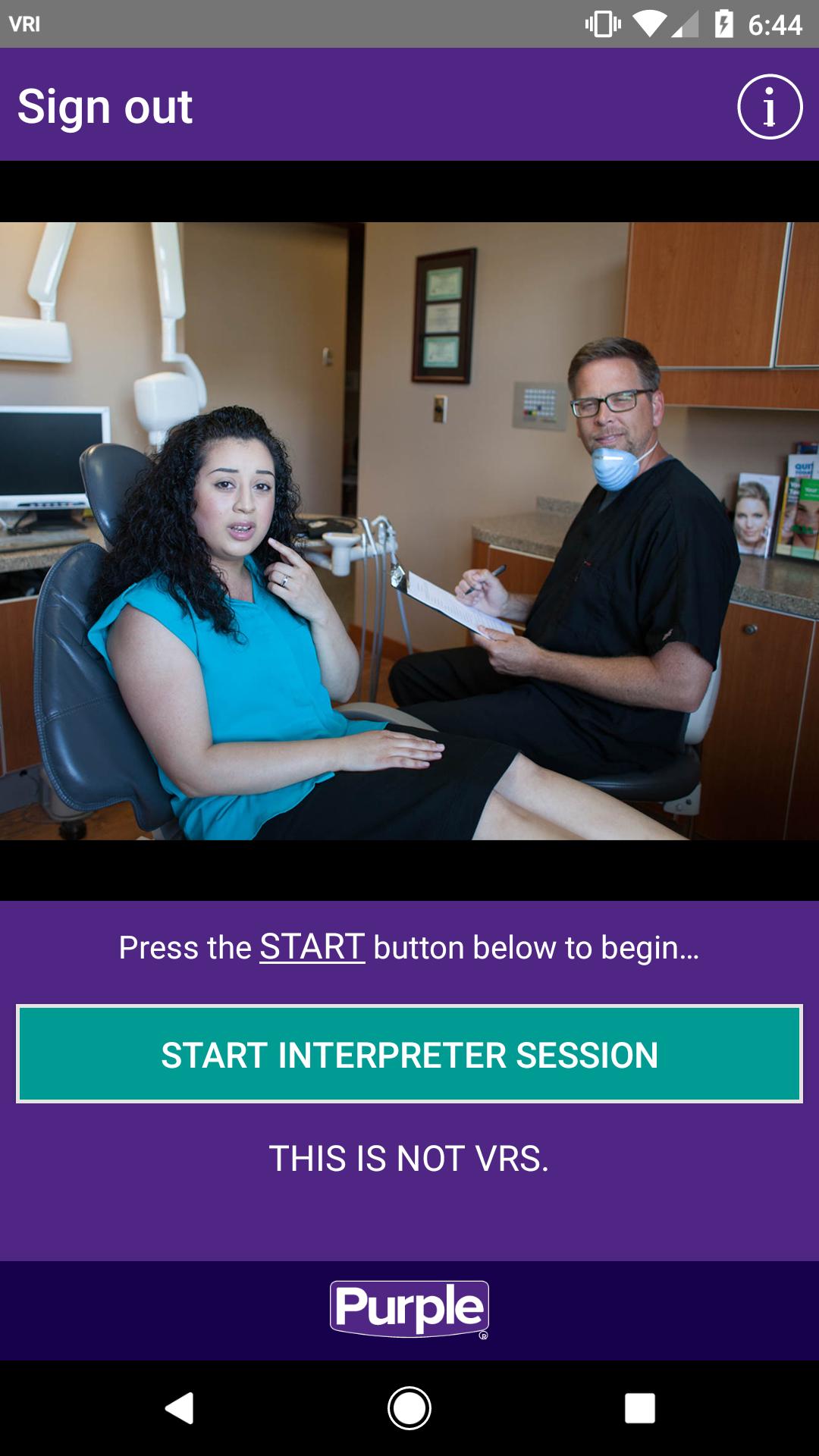
Purple VRI for Android transforms your tablet or phone into a full-functioning, “mobile interpreter” to help in situations where interpreters are needed to relay communications for deaf, hard-of-hearing or speech-impaired individuals and hearing individuals when they are in the same room.
To use Purple VRI, you need a Purple VRI account. VRI services require payment for use. To sign up for an account, contact Purple at vri@purple.us.
Features:
- Easy-to-use and convenient; make Purple VRI calls virtually anywhere, anyplace, anytime on a WiFi or cellular connection.
- Skilled interpreters, clear audio and high-quality video make it like the interpreter is in the same room with you!
- Purple VRI is perfect for work, schools, meetings, doctor’s appointments, on-the-go and much, much more!
- Last minute requests made easy – on-demand technology allows you to access services at any time, 24/7, 365 days per year.
If you are interested in Video Relay Services (VRS), please download a Purple VRS app from www.purple.us/trynow. Purple VRI cannot be used for VRS.
Preview
Tags
CommunicationsInformation
Developer
Purple Communications
Latest Version
v2.4.0-r36466
Last Updated
2023-08-31
Category
Communications
Available on
Google Play
Show More
How to play Purple VRI with GameLoop on PC
1. Download GameLoop from the official website, then run the exe file to install GameLoop
2. Open GameLoop and search for “Purple VRI” , find Purple VRI in the search results and click “Install”
3. Enjoy playing Purple VRI on GameLoop
Minimum requirements
OS
Windows 8.1 64-bit or Windows 10 64-bit
GPU
GTX 1050
CPU
i3-8300
Memory
8GB RAM
Storage
1GB available space
Recommended requirements
OS
Windows 8.1 64-bit or Windows 10 64-bit
GPU
GTX 1050
CPU
i3-9320
Memory
16GB RAM
Storage
1GB available space