
phoo PC
Dwyco, Inc.
Download phoo on PC With GameLoop Emulator
phoo sa PC
Ang phoo, na nagmumula sa developer na Dwyco, Inc., ay tumatakbo sa Android systerm sa nakaraan.
Ngayon, maaari mong laruin ang phoo sa PC gamit ang GameLoop nang maayos.
I-download ito sa GameLoop library o mga resulta ng paghahanap. Hindi na tumitingin sa baterya o nakakadismaya na mga tawag sa maling oras.
I-enjoy lang ang phoo PC sa malaking screen nang libre!
phoo Panimula
This app is generally compatible with the desktop version of Dwyco Video CDC-X, except:
There is no real-time audio/video calling at the moment.
You can only send still pics from your camera, not video.
We're working on this functionality, and it should appear in an update in the near future.
NOTE: the app is set by default to only display reviewed, non-explicit profiles. If you prefer to view all profiles, visit the app settings and check "show unreviewed content".
PERMISSIONS: this app requires the "WRITE_EXTERNAL_STORAGE" permission so it can store your messages on the phone. If you deny it this permission, the app will not run. There will be a fix for this in the future.
Quick rundown of features:
* Privacy oriented: no accounts to create, messages are end-to-end encrypted, we don't use your contact list unless you tell us to (and even then, we do not keep a copy of it), we don't data-mine your phone, we don't require you to enter your phone number or email address.
* Send and receive audio/picture/video messages, even when someone is offline.
* Tag messages as favorites, or hidden.
* Simple public chat trivia game, with a listing of who might be playing.
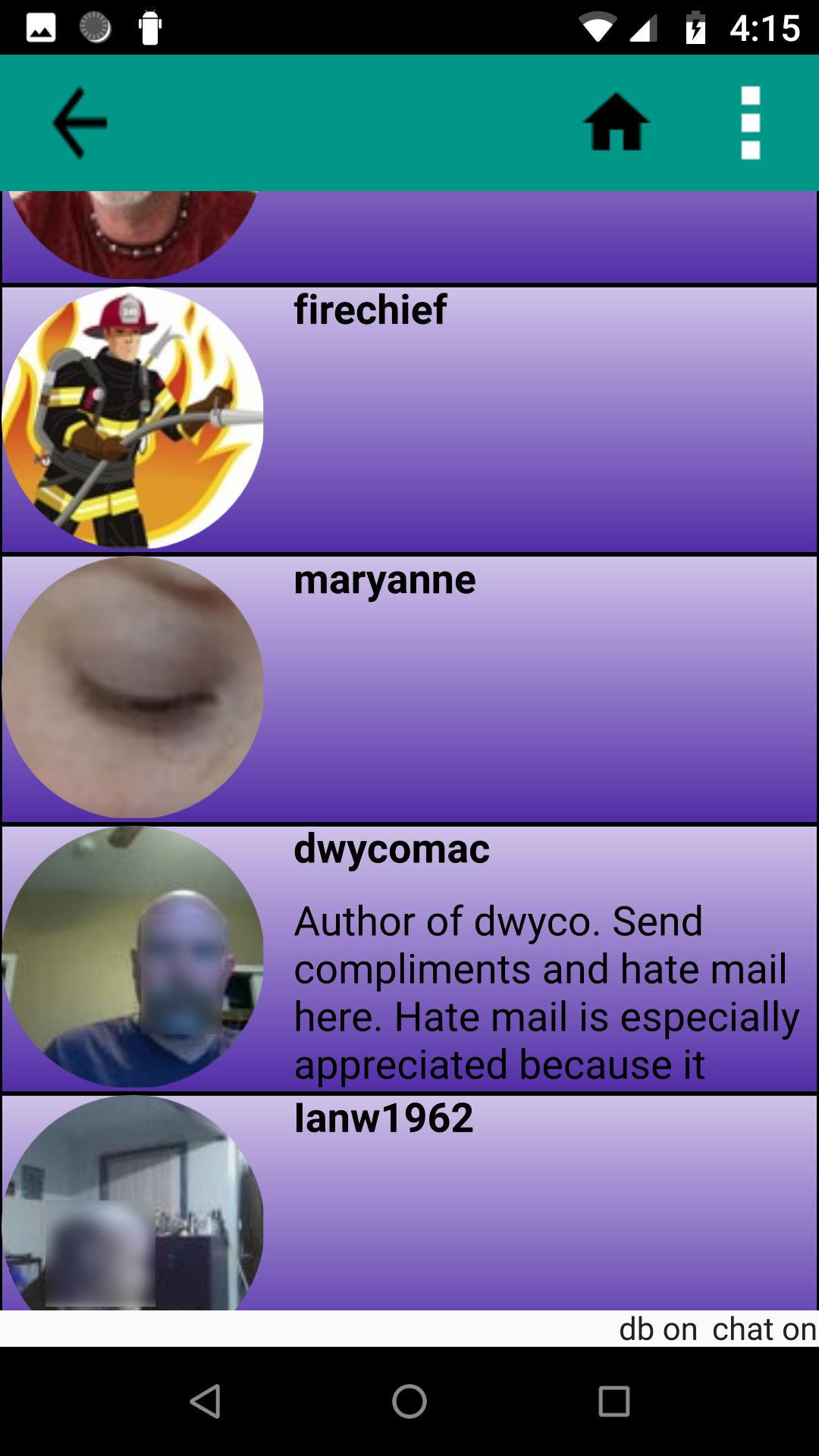
* Public directory so you can browse people who have been using the app recently. You can make yourself invisible in the directory if you wish.
* Open source, send email to cdchelp@dwyco.com for GitHub link.
I'm sure there are tons of peculiarities and bugs, feel free to send any feedback to cdchelp@dwyco.com.
Preview

Tags
CommunicationsInformation
Developer
Dwyco, Inc.
Latest Version
3.96
Last Updated
2024-01-30
Category
Communications
Available on
Google Play
Show More
How to play phoo with GameLoop on PC
1. Download GameLoop from the official website, then run the exe file to install GameLoop
2. Open GameLoop and search for “phoo” , find phoo in the search results and click “Install”
3. Enjoy playing phoo on GameLoop
Minimum requirements
OS
Windows 8.1 64-bit or Windows 10 64-bit
GPU
GTX 1050
CPU
i3-8300
Memory
8GB RAM
Storage
1GB available space
Recommended requirements
OS
Windows 8.1 64-bit or Windows 10 64-bit
GPU
GTX 1050
CPU
i3-9320
Memory
16GB RAM
Storage
1GB available space