
SMS Receive, Temp Phone Number PC
VectorWaves
Download SMS Receive, Temp Phone Number on PC With GameLoop Emulator
SMS Receive, Temp Phone Number sa PC
Ang SMS Receive, Temp Phone Number, na nagmumula sa developer na VectorWaves, ay tumatakbo sa Android systerm sa nakaraan.
Ngayon, maaari mong laruin ang SMS Receive, Temp Phone Number sa PC gamit ang GameLoop nang maayos.
I-download ito sa GameLoop library o mga resulta ng paghahanap. Hindi na tumitingin sa baterya o nakakadismaya na mga tawag sa maling oras.
I-enjoy lang ang SMS Receive, Temp Phone Number PC sa malaking screen nang libre!
SMS Receive, Temp Phone Number Panimula
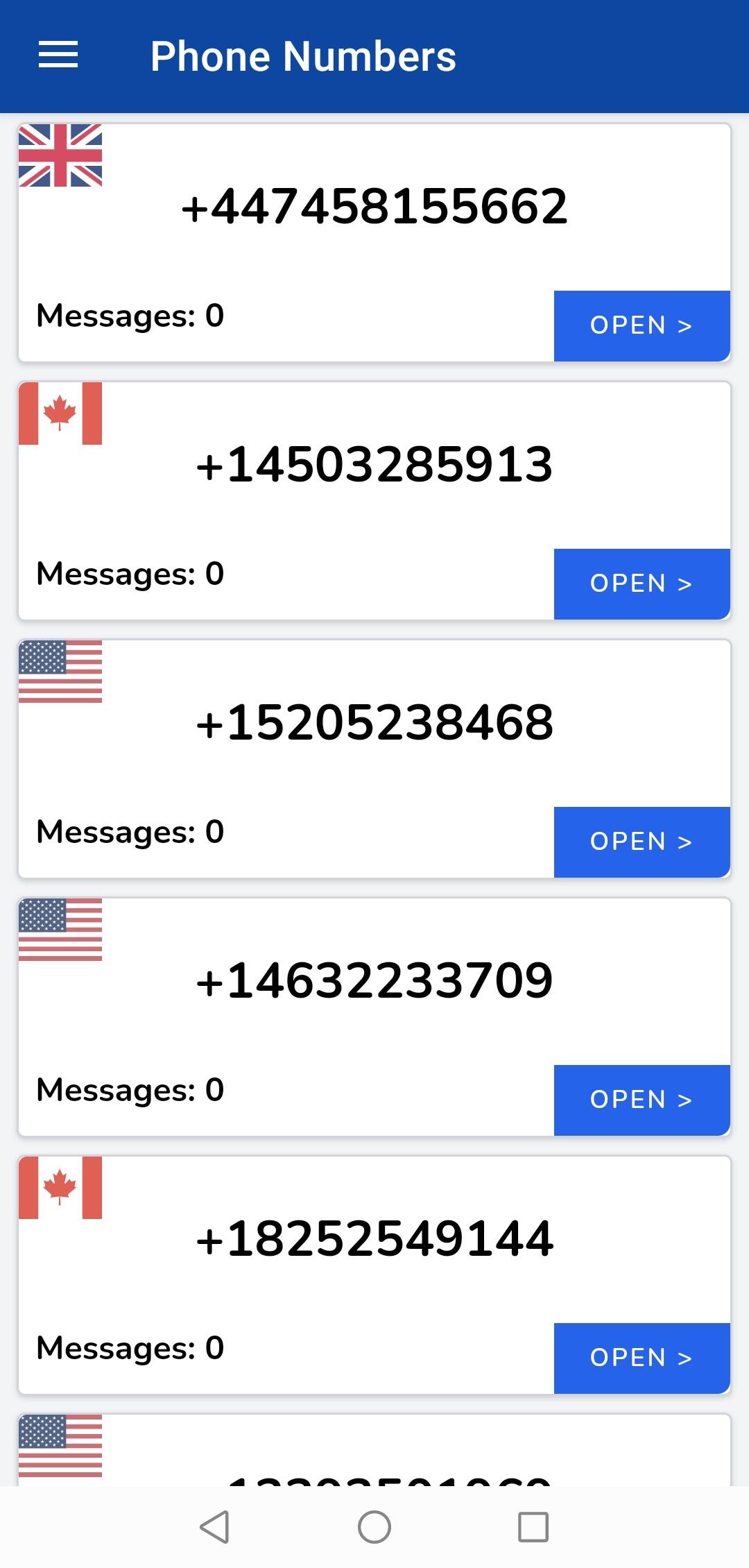
Get Free temporary phone numbers to use online instead of your real phone number. Pick from variety of available and constaintly changing phone numbers around the world to use it easily and safely in any website or app you don't trust or you want to test for the first time before using your real details..
The App provide a variety of FREE phone numbers from different locations to use online, in order to help people hide their phone numbers in online activities and receive OTP (One Time Password) Verification codes while they sign-up to/use online services, apps and websites they may not trust.
You can use our App to get a temporary phone number in order to test Apps and Websites to make sure they are safe before using your real phone number.
= Hide your Personal Phone Number =
Today, Many websites, apps and services require phone number verification for you to start using them which may risk your phone number to be published or shared with third-parties and used to spam you with unwanted advertisements and ads. for this reason you can use Receive SMS 24 to hide your own phone number by providing one of our phone numbers listed and gain access to the website, app or service you want without being at the risk of providing sensitive information about you to untrusted or foggy parties.
= Fast & Instant SMS receive =
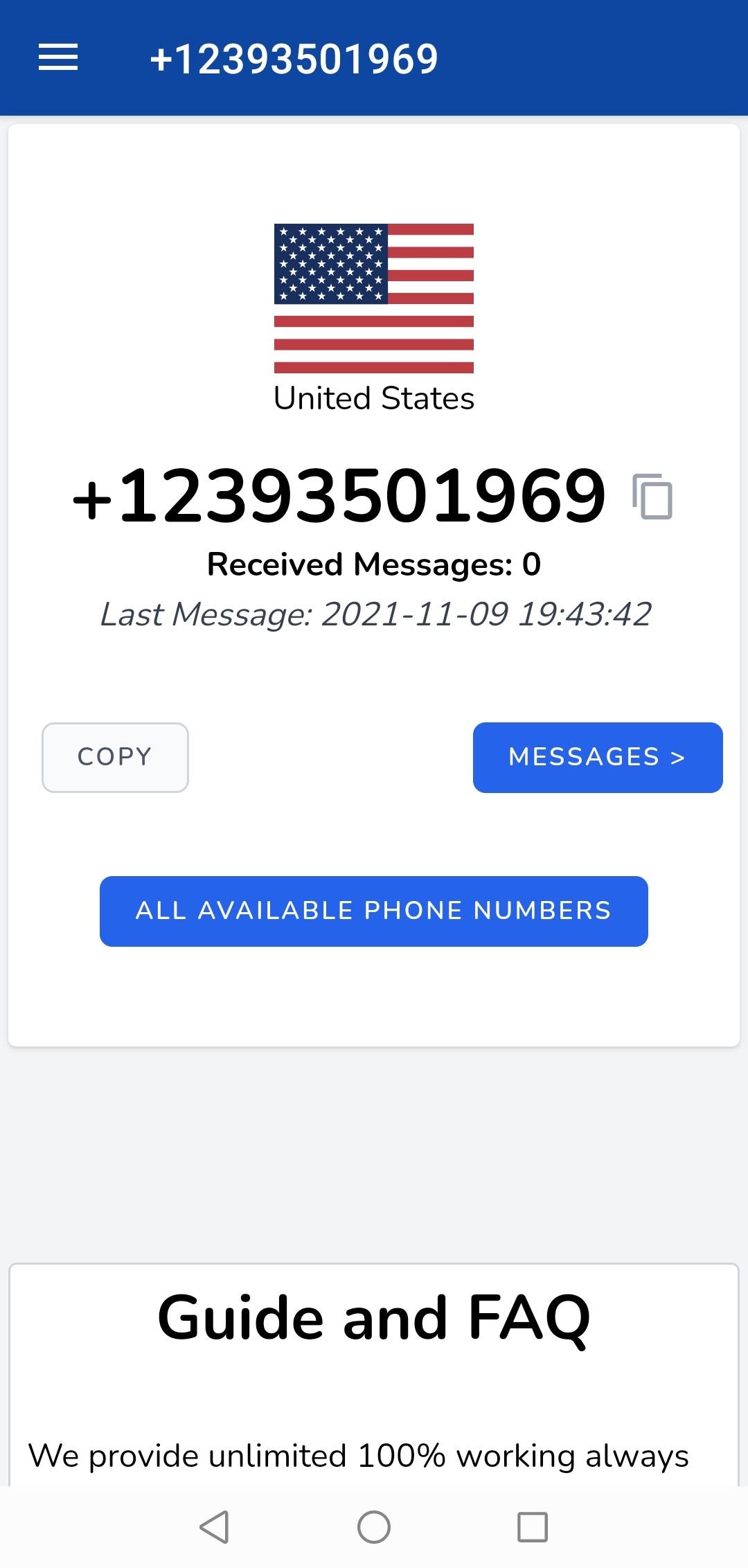
As soon as the service, website or app send you the SMS it'll be available almost instantly and you can check the SMS content easily.
Preview
Tags
CommunicationsInformation
Developer
VectorWaves
Latest Version
1.14
Last Updated
2025-08-25
Category
Communications
Available on
Google Play
Show More
How to play SMS Receive, Temp Phone Number with GameLoop on PC
1. Download GameLoop from the official website, then run the exe file to install GameLoop
2. Open GameLoop and search for “SMS Receive, Temp Phone Number” , find SMS Receive, Temp Phone Number in the search results and click “Install”
3. Enjoy playing SMS Receive, Temp Phone Number on GameLoop
Minimum requirements
OS
Windows 8.1 64-bit or Windows 10 64-bit
GPU
GTX 1050
CPU
i3-8300
Memory
8GB RAM
Storage
1GB available space
Recommended requirements
OS
Windows 8.1 64-bit or Windows 10 64-bit
GPU
GTX 1050
CPU
i3-9320
Memory
16GB RAM
Storage
1GB available space