
Nekogram PC
猫耳工坊
Download Nekogram on PC With GameLoop Emulator
Nekogram sa PC
Ang Nekogram, na nagmumula sa developer na 猫耳工坊, ay tumatakbo sa Android systerm sa nakaraan.
Ngayon, maaari mong laruin ang Nekogram sa PC gamit ang GameLoop nang maayos.
I-download ito sa GameLoop library o mga resulta ng paghahanap. Hindi na tumitingin sa baterya o nakakadismaya na mga tawag sa maling oras.
I-enjoy lang ang Nekogram PC sa malaking screen nang libre!
Nekogram Panimula
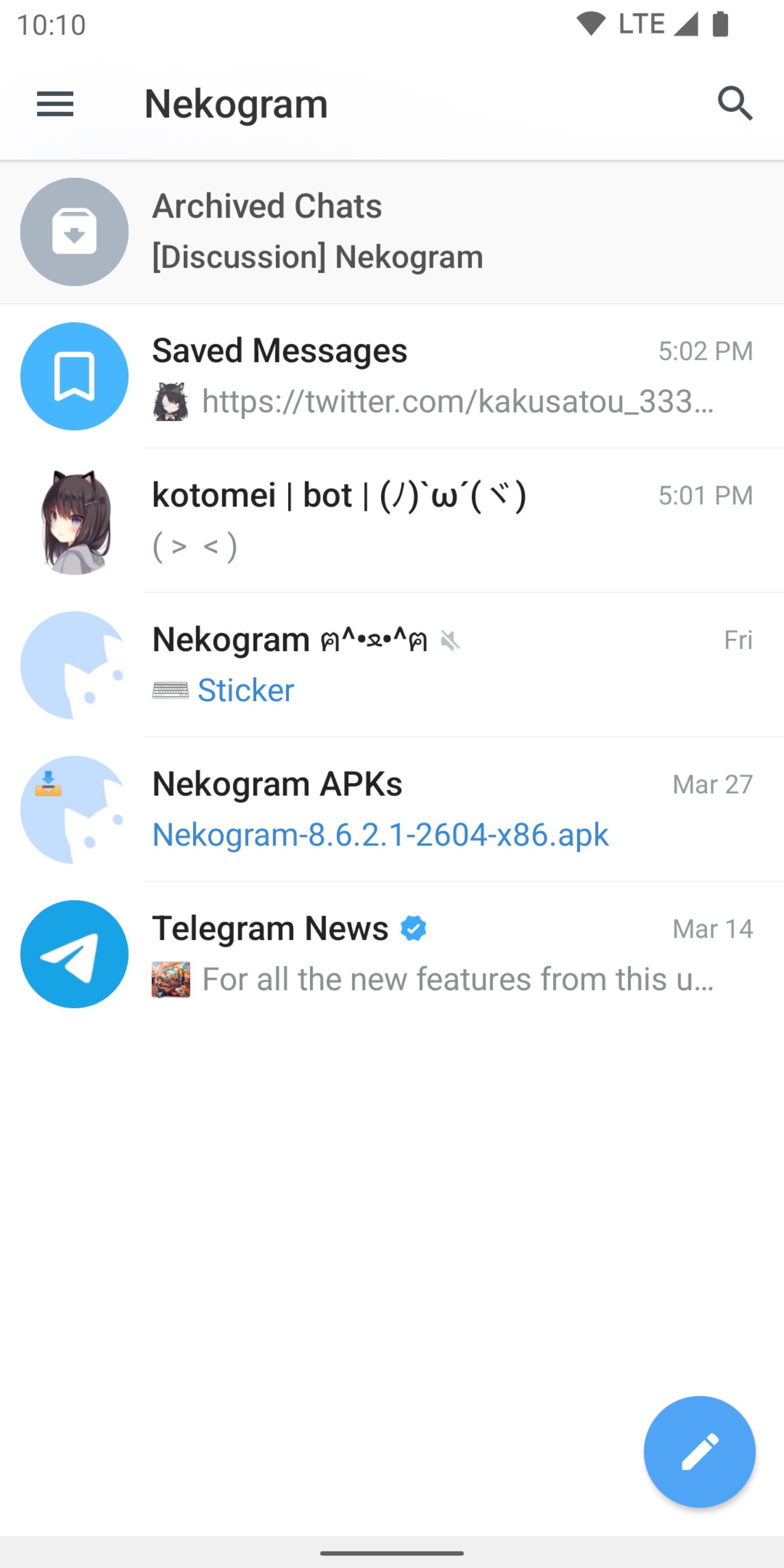
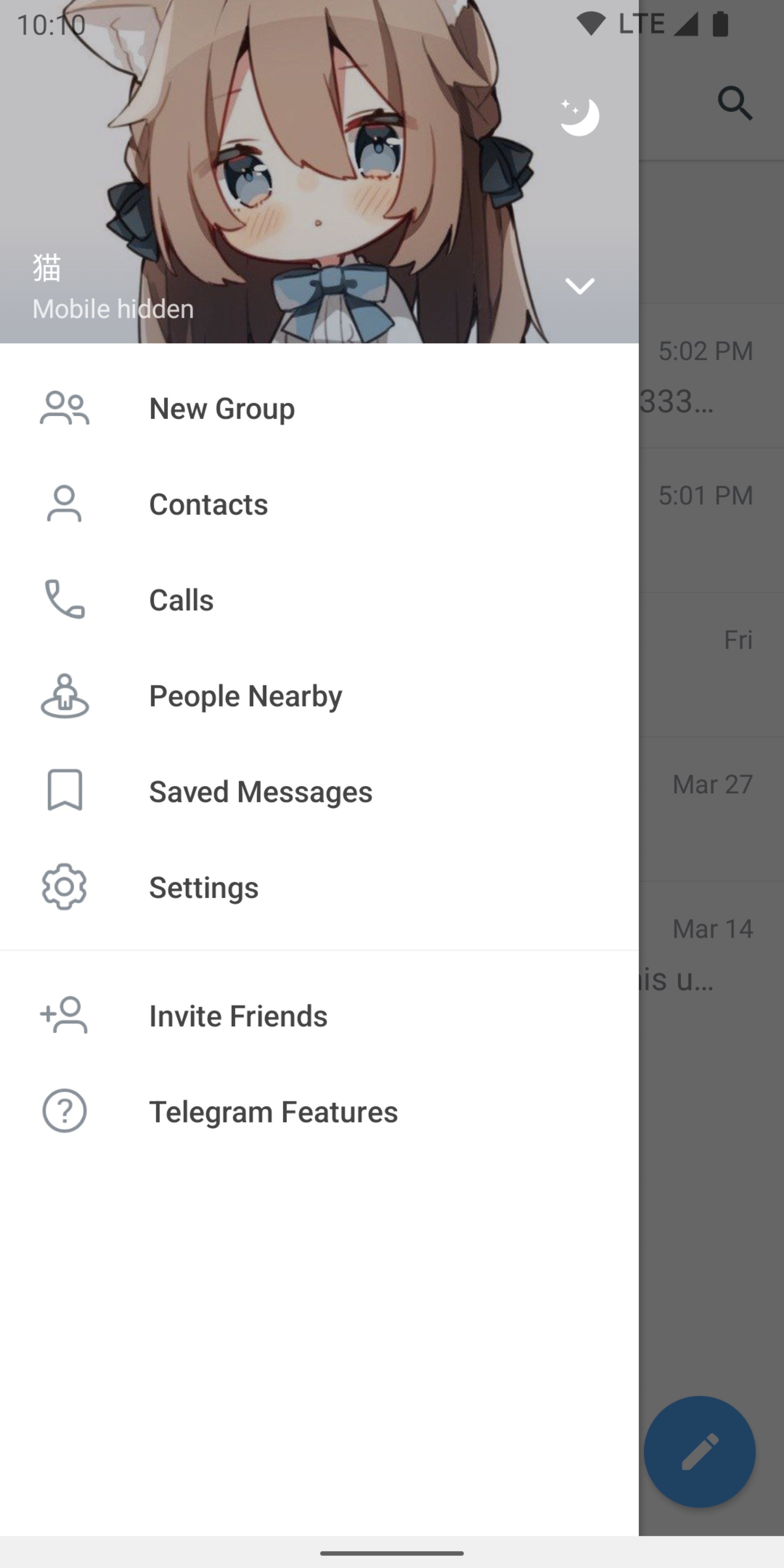
Nekogram is a third-party Telegram client with not many but useful modifications.
Appearance
Use your avatar as drawer header background, use system emojis, let the status bar be transparent, and more.
Chats
Set sticker size, let folders be shown on the forward page, and pause video automatically when switched to the background.
Translator
Translate messages and articles, with multiple translation engines to choose from.
More
The above is only a small part of the features, for more features, please download and check it out.
Official Channel
https://t.me/nekoupdates
Pure instant messaging — simple, fast, secure, and synced across all your devices.
FAST: the fastest messaging app on the market, connecting people via a unique, distributed network of data centers around the globe.
SYNCED: You can access your messages from all your phones, tablets and computers at once.
UNLIMITED: You can send media and files, without any limits on their type and size. Your entire chat history will require no disk space on your device, and will be securely stored in cloud for as long as you need it.
POWERFUL: You can create group chats with up to 200,000 members, share large videos, documents of any type (.DOCX, .MP3, .ZIP, etc.) up to 2 GB each, and even set up bots for specific tasks.
FUN: Powerful photo and video editing tools, animated stickers and emoji, fully customizable themes to change the appearance of your app, and an open sticker/GIF platform to cater to all your expressive needs.
SIMPLE: While providing an unprecedented array of features, we take great care to keep the interface clean.
CALLING: You can do voice and video calls.
Preview
Tags
CommunicationsInformation
Developer
猫耳工坊
Latest Version
12.4.1
Last Updated
2026-02-19
Category
Communications
Available on
Google Play
Show More
How to play Nekogram with GameLoop on PC
1. Download GameLoop from the official website, then run the exe file to install GameLoop
2. Open GameLoop and search for “Nekogram” , find Nekogram in the search results and click “Install”
3. Enjoy playing Nekogram on GameLoop
Minimum requirements
OS
Windows 8.1 64-bit or Windows 10 64-bit
GPU
GTX 1050
CPU
i3-8300
Memory
8GB RAM
Storage
1GB available space
Recommended requirements
OS
Windows 8.1 64-bit or Windows 10 64-bit
GPU
GTX 1050
CPU
i3-9320
Memory
16GB RAM
Storage
1GB available space