
myFraSec PC
FraSec Fraport Security Services GmbH
Download myFraSec on PC With GameLoop Emulator
myFraSec sa PC
Ang myFraSec, na nagmumula sa developer na FraSec Fraport Security Services GmbH, ay tumatakbo sa Android systerm sa nakaraan.
Ngayon, maaari mong laruin ang myFraSec sa PC gamit ang GameLoop nang maayos.
I-download ito sa GameLoop library o mga resulta ng paghahanap. Hindi na tumitingin sa baterya o nakakadismaya na mga tawag sa maling oras.
I-enjoy lang ang myFraSec PC sa malaking screen nang libre!
myFraSec Panimula
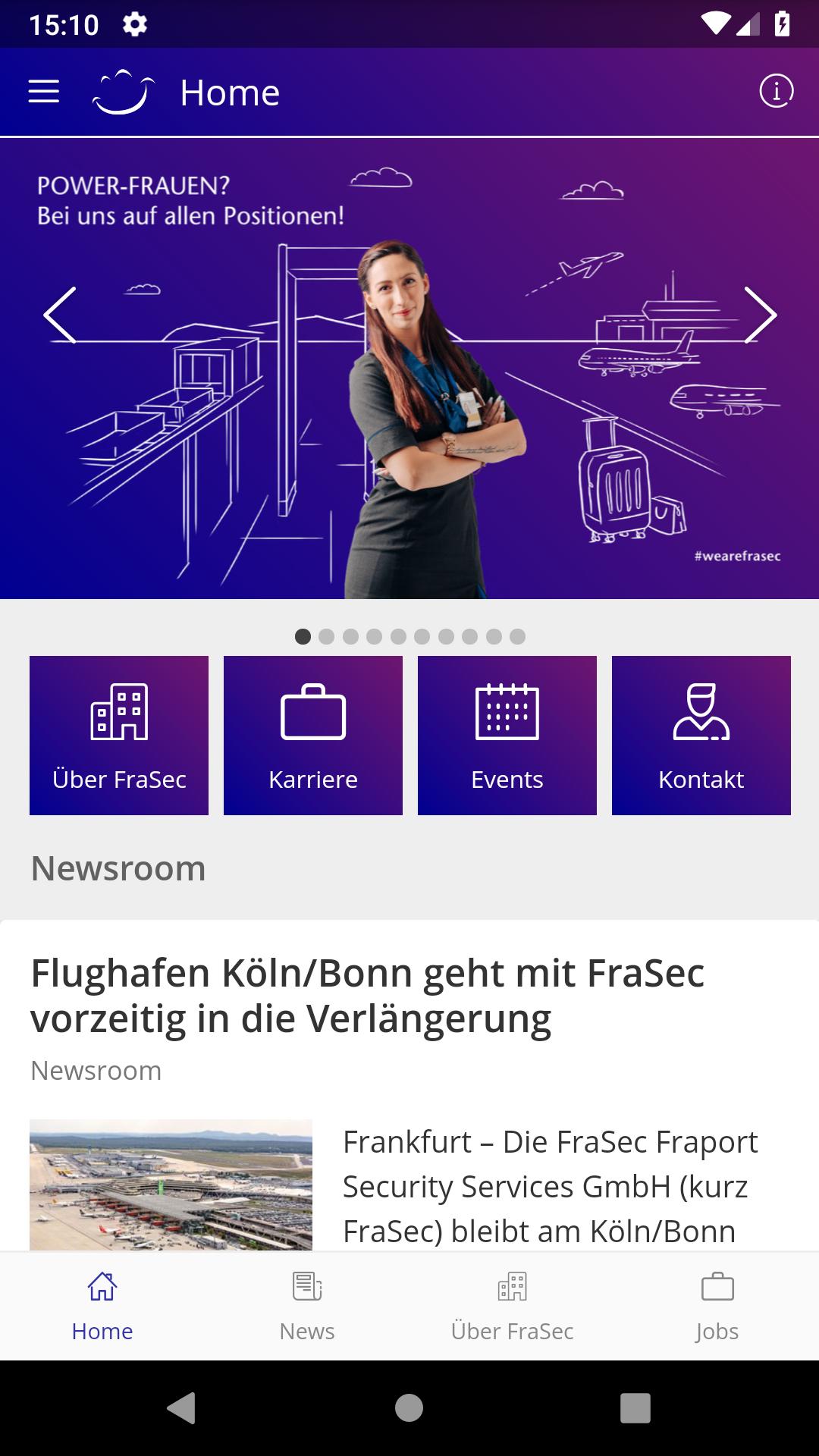
The "myFraSec" app is the central communication app of FraSec Fraport Security Services GmbH - one of the largest and most important security companies at German airports. As a wholly owned subsidiary of Fraport AG, FraSec sets high standards in the areas of aviation and airport security and services with around 4,200 employees.
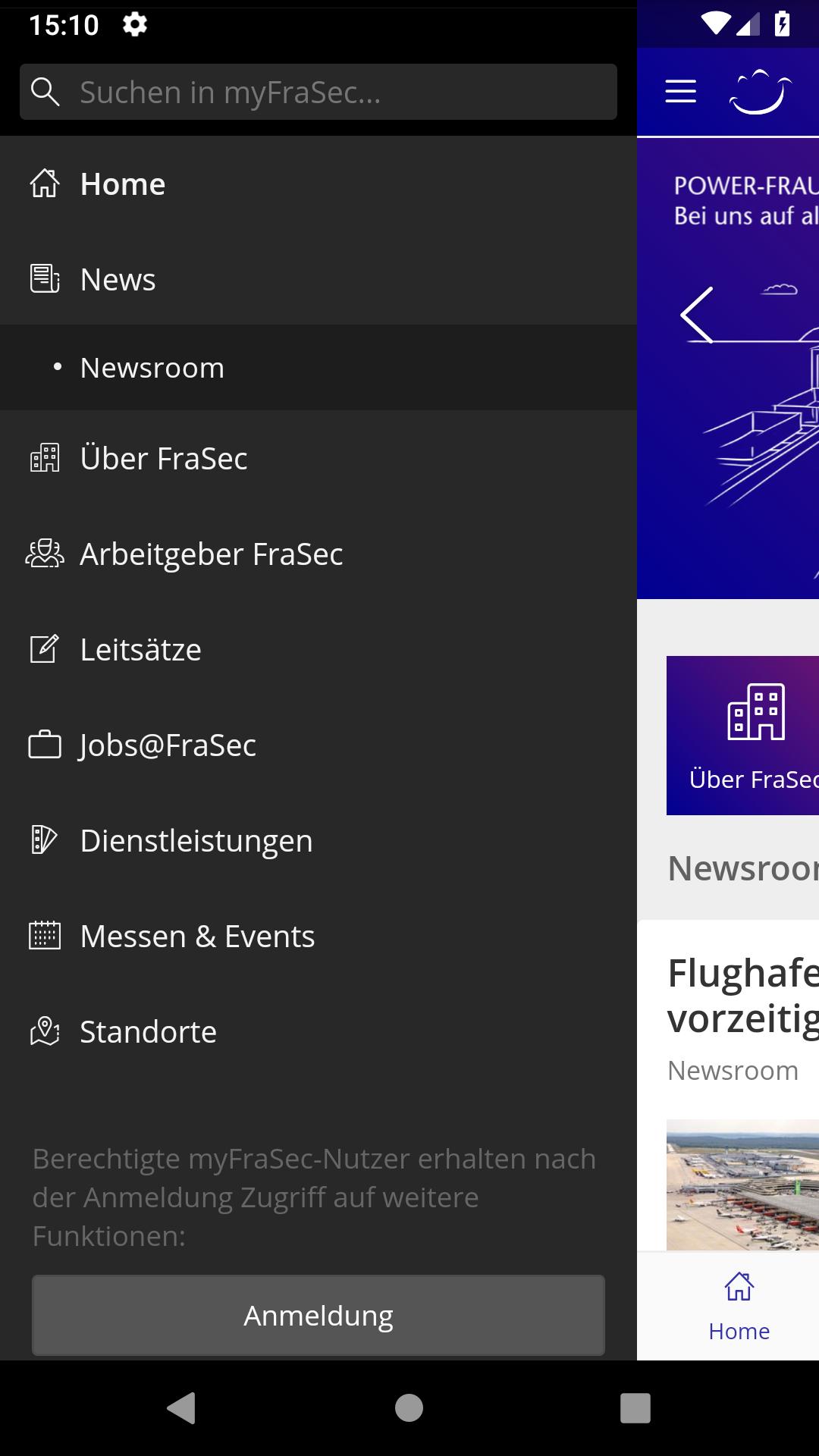
The "myFraSec" app offers interested users, partners and media representatives a comprehensive overview of current company news, helpful information about FraSec and the various company locations as well as exclusive insight into the exciting fields of activity in the field of "aviation security".
Become part of a strong team: In addition to current vacancies and direct access to the FraSec career portal, the app also gives you an optimal overview of upcoming trade fair appearances and events.
Questions or suggestions? Via "Contact" you can easily contact "myFraSec" with us. Here we go!
Preview
Tags
CommunicationsInformation
Developer
FraSec Fraport Security Services GmbH
Latest Version
2025.3.315346669
Last Updated
2025-08-29
Category
Communications
Available on
Google Play
Show More
How to play myFraSec with GameLoop on PC
1. Download GameLoop from the official website, then run the exe file to install GameLoop
2. Open GameLoop and search for “myFraSec” , find myFraSec in the search results and click “Install”
3. Enjoy playing myFraSec on GameLoop
Minimum requirements
OS
Windows 8.1 64-bit or Windows 10 64-bit
GPU
GTX 1050
CPU
i3-8300
Memory
8GB RAM
Storage
1GB available space
Recommended requirements
OS
Windows 8.1 64-bit or Windows 10 64-bit
GPU
GTX 1050
CPU
i3-9320
Memory
16GB RAM
Storage
1GB available space