
modulus VoIP SoftPhone PC
modulus SA
Download modulus VoIP SoftPhone on PC With GameLoop Emulator
modulus VoIP SoftPhone sa PC
Ang modulus VoIP SoftPhone, na nagmumula sa developer na modulus SA, ay tumatakbo sa Android systerm sa nakaraan.
Ngayon, maaari mong laruin ang modulus VoIP SoftPhone sa PC gamit ang GameLoop nang maayos.
I-download ito sa GameLoop library o mga resulta ng paghahanap. Hindi na tumitingin sa baterya o nakakadismaya na mga tawag sa maling oras.
I-enjoy lang ang modulus VoIP SoftPhone PC sa malaking screen nang libre!
modulus VoIP SoftPhone Panimula
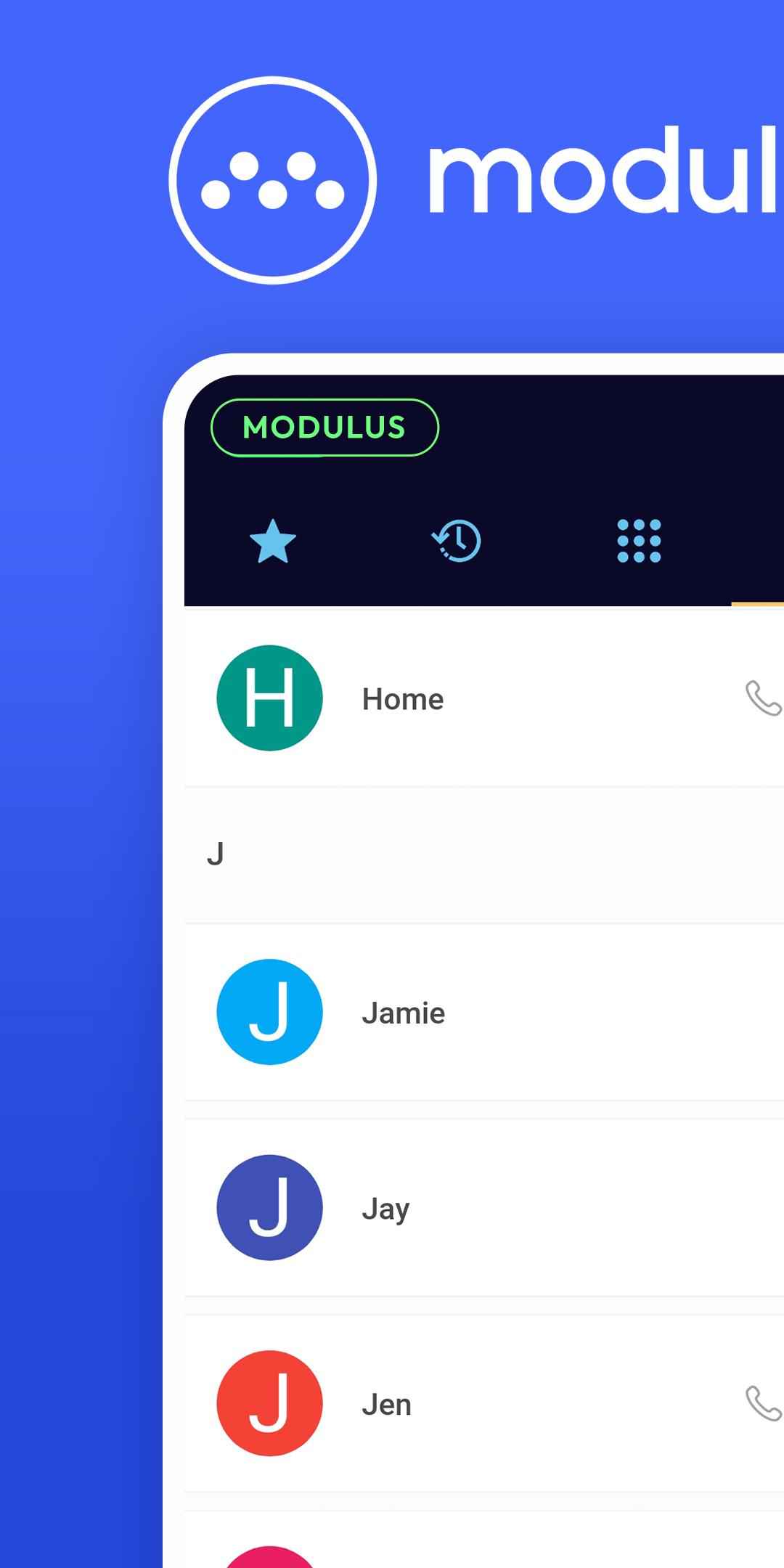
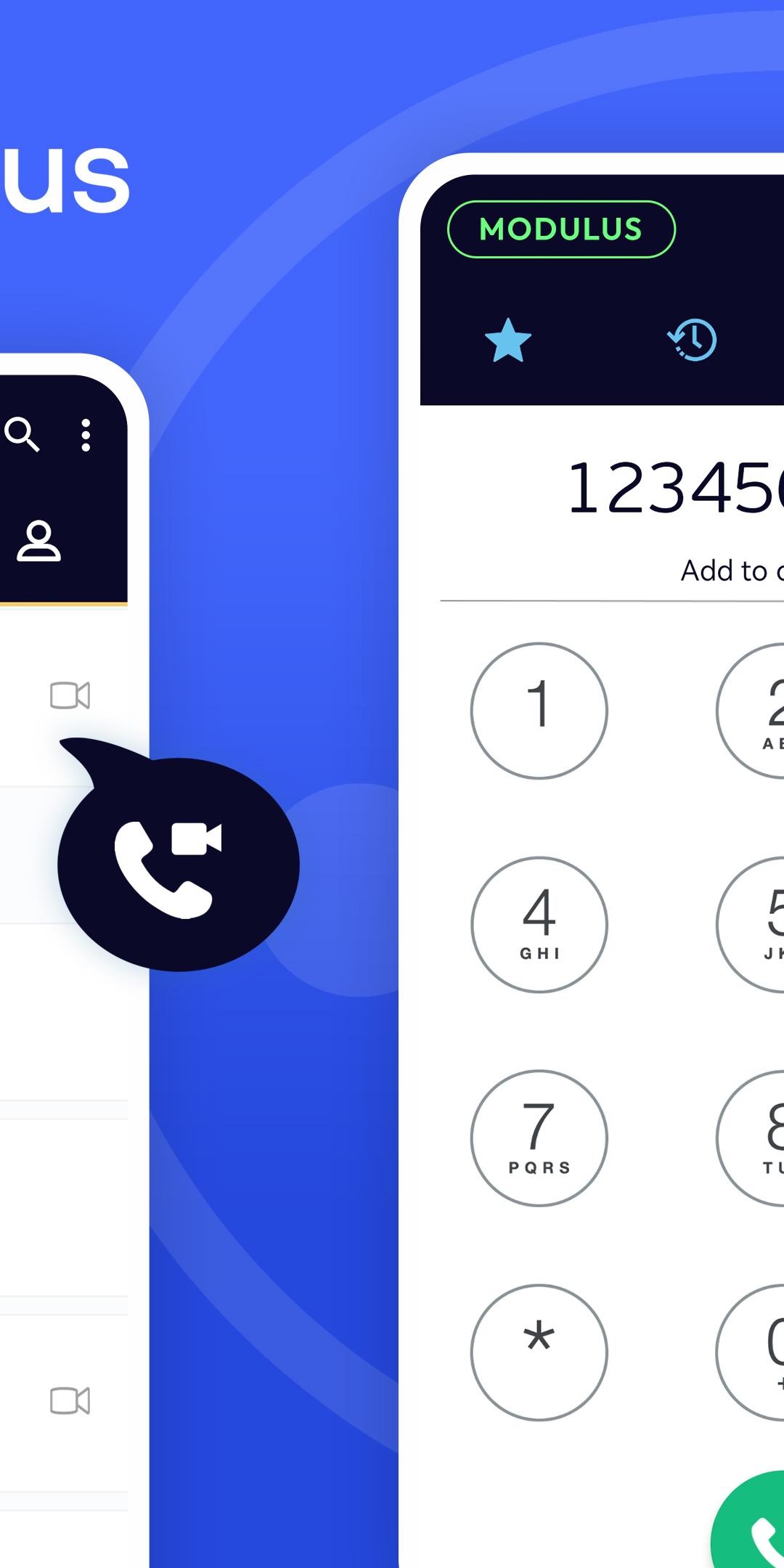
Modulus VoIP SoftPhone is an intuitive SIP SoftPhone app that offers additional features and possibilities to modulus subscribers.
With this app, Modulus customers can unlock additional features & benefits such as live balance monitoring through the app, easy call transfer and call forwarding, high-quality audio, free technical support and the fastest set-up process that they have ever experienced.
How can I configure the modulus VoIP softphone app for Android devices?
You can find all the instructions on how to configure the app in the following link → https://www.modulus.gr/helpdesk/configurations/modulus-voip-softphone-android/
What do I get with the modulus VoIP softphone app?
- Live Account Balance Monitoring. Check your balance anytime and never rerun out of balance.
- Full Compatibility with modulus services. You will never have to worry if the modulus softphone app will work well with modulus services.
- Free Technical Support. You can have free technical support for the modulus VoIP SoftPhone app anytime and utterly free of charge.
- High-quality audio. Experience crystal clear communications. We support Opus, G.722, G.729, G.711, iLBC, and GSM audio formats.
- Easy Call Transfers. With the modulus VoIP softphone app, you can easily transfer a live call to another number.
- Easy Call Forwarding. Call forwarding was never easier. Go to the settings, specify the number you wish to forward calls to and you are set!
- Call History & Favorite Contacts. Check your call history anytime and save your favourite contacts in a dedicated tab.
- 2-Step Set-Up Process. Forget complex configuration processes. In only 2-steps, the modulus softphone app is up and running.
- Integrated voicemail. Miss an important call? Modulus softphone app comes with a reliable voicemail feature.
- Reduce your battery drain. Leverage the power of push notifications to stay notified and reduce your battery drain.
- Military-grade encryption. We use a powerful encryption stack that uses SRTP, TLS, and ZRTP to keep your company's data safe.
- Multi-device compatibility. Modulus VoIP SoftPhone app is compatible with any modern mobile operating system.
- Constant Updates & New Features. The next updates will give the possibility to its users to access their my.modulus.gr accounts through the app and to watch live the cost of each call.
Preview
Tags
CommunicationsInformation
Developer
modulus SA
Latest Version
1.0
Last Updated
2023-08-29
Category
Communications
Available on
Google Play
Show More
How to play modulus VoIP SoftPhone with GameLoop on PC
1. Download GameLoop from the official website, then run the exe file to install GameLoop
2. Open GameLoop and search for “modulus VoIP SoftPhone” , find modulus VoIP SoftPhone in the search results and click “Install”
3. Enjoy playing modulus VoIP SoftPhone on GameLoop
Minimum requirements
OS
Windows 8.1 64-bit or Windows 10 64-bit
GPU
GTX 1050
CPU
i3-8300
Memory
8GB RAM
Storage
1GB available space
Recommended requirements
OS
Windows 8.1 64-bit or Windows 10 64-bit
GPU
GTX 1050
CPU
i3-9320
Memory
16GB RAM
Storage
1GB available space