HOLO - Augmented Reality PC
ZAAK ZURICH
Download HOLO - Augmented Reality on PC With GameLoop Emulator
HOLO - Augmented Reality sa PC
Ang HOLO - Augmented Reality, na nagmumula sa developer na ZAAK ZURICH, ay tumatakbo sa Android systerm sa nakaraan.
Ngayon, maaari mong laruin ang HOLO - Augmented Reality sa PC gamit ang GameLoop nang maayos.
I-download ito sa GameLoop library o mga resulta ng paghahanap. Hindi na tumitingin sa baterya o nakakadismaya na mga tawag sa maling oras.
I-enjoy lang ang HOLO - Augmented Reality PC sa malaking screen nang libre!
HOLO - Augmented Reality Panimula
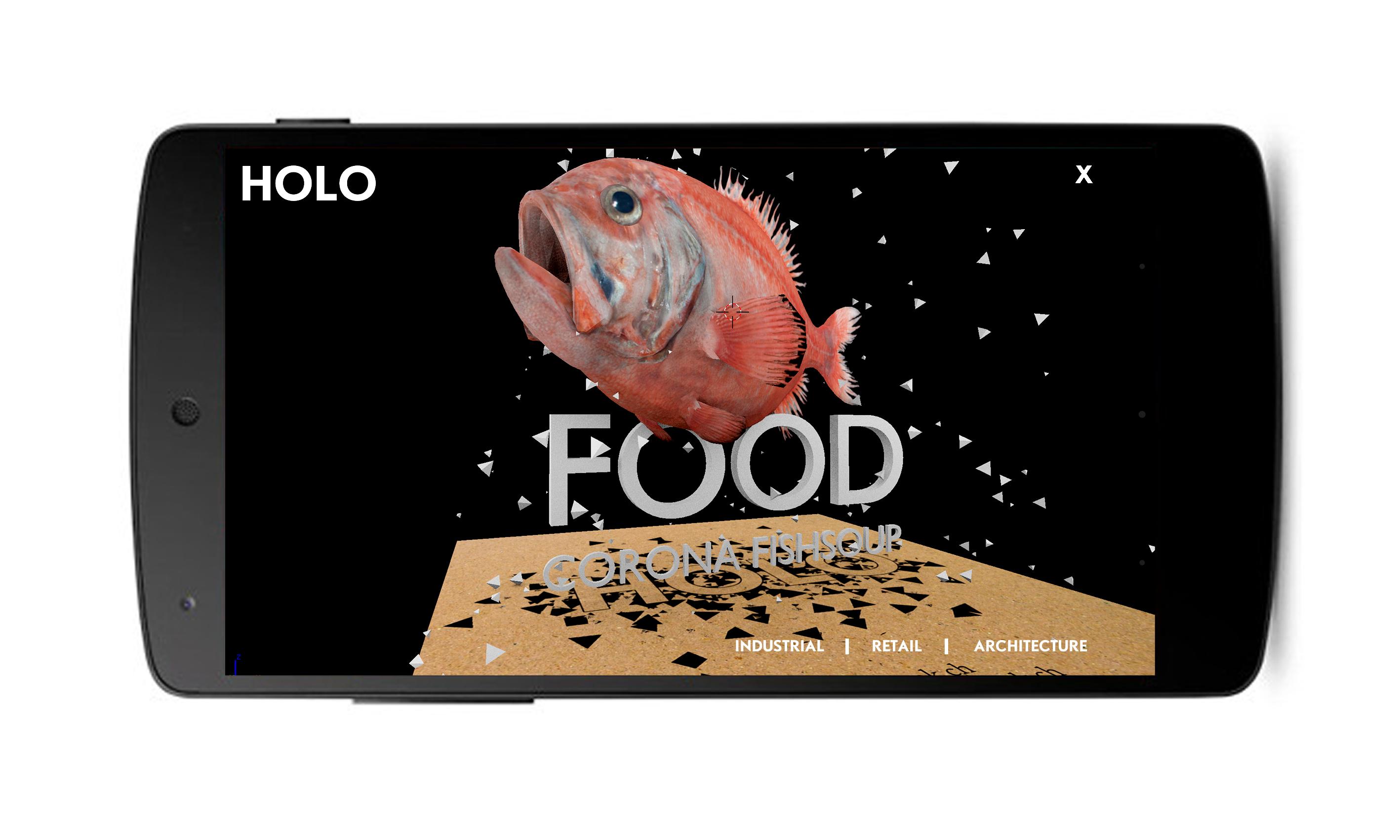
HOLO | Augmented Reality Showcase by ZAAK ZURICH
HOW TO?
1. Download + print the marker
http://holo.zaak.ch/marker.html
2. Press START in the main menu
and point your devive over the
marker. Try to keep at least 25%
of the marker in focus. To
initialize the tracking - it‘s best
when you have the full marker in
view
3. Enjoy!
NAVIGATION
Use the menu to switch between
the areas. Try to click or drag the
objects. You can spin the marker
itself or you can move arround it.
A FEW CASES FOR
YOUR INSPIRATION:
- ARCHITECTURE
- EXHIBITIONS
- PRESENTATIONS
- EVENTS
- TOURISM
- RETAIL
- GAMES
- AUTOMOTIVE
- MACHINES
- EDUCATION
- MAGAZINES
- PRINT CAMPAIGNS
- CORPORATE DESIGN
- MANUALS
These are just a few possible
application options. We‘d love
to help you realizing your vision!
We offer creative, conceptual,
programming and consulting
services.
Feel free to directly contact us
using the TALK function in the
app's main menu.
Preview

Information
Developer
ZAAK ZURICH
Latest Version
4.0
Last Updated
2014-09-09
Category
Communications
Available on
Google Play
Show More
How to play HOLO - Augmented Reality with GameLoop on PC
1. Download GameLoop from the official website, then run the exe file to install GameLoop
2. Open GameLoop and search for “HOLO - Augmented Reality” , find HOLO - Augmented Reality in the search results and click “Install”
3. Enjoy playing HOLO - Augmented Reality on GameLoop
Minimum requirements
OS
Windows 8.1 64-bit or Windows 10 64-bit
GPU
GTX 1050
CPU
i3-8300
Memory
8GB RAM
Storage
1GB available space
Recommended requirements
OS
Windows 8.1 64-bit or Windows 10 64-bit
GPU
GTX 1050
CPU
i3-9320
Memory
16GB RAM
Storage
1GB available space