
Good Browser PC
Fast Infosolutions
Download Good Browser on PC With GameLoop Emulator
Good Browser sa PC
Ang Good Browser, na nagmumula sa developer na Fast Infosolutions, ay tumatakbo sa Android systerm sa nakaraan.
Ngayon, maaari mong laruin ang Good Browser sa PC gamit ang GameLoop nang maayos.
I-download ito sa GameLoop library o mga resulta ng paghahanap. Hindi na tumitingin sa baterya o nakakadismaya na mga tawag sa maling oras.
I-enjoy lang ang Good Browser PC sa malaking screen nang libre!
Good Browser Panimula
Why we call it a good browser?
This browser has everything that is required or needed and nothing that is unwanted. Here are few of the features -
1. Light 1.7 MB
4. Very fast
5. Good Browser has all the features - bookmark, history, screenshot, etc..
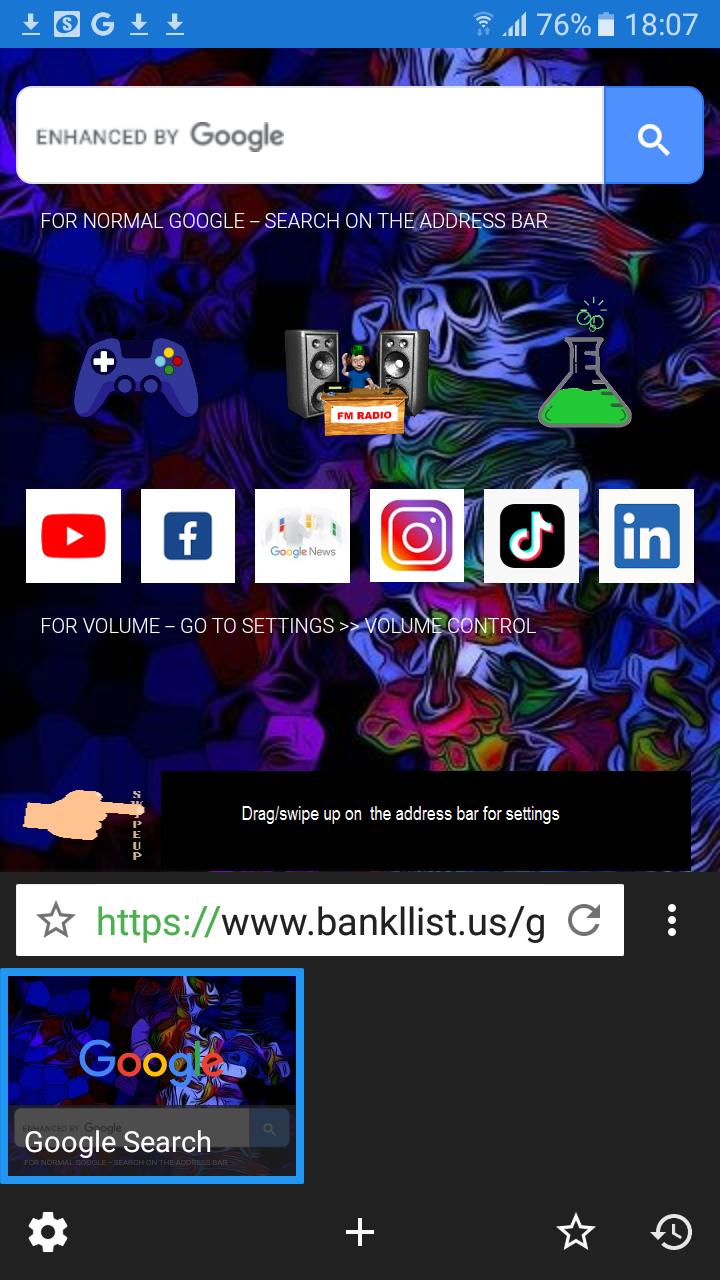
6. It has URL and search bar in the bottom which ease your fingers
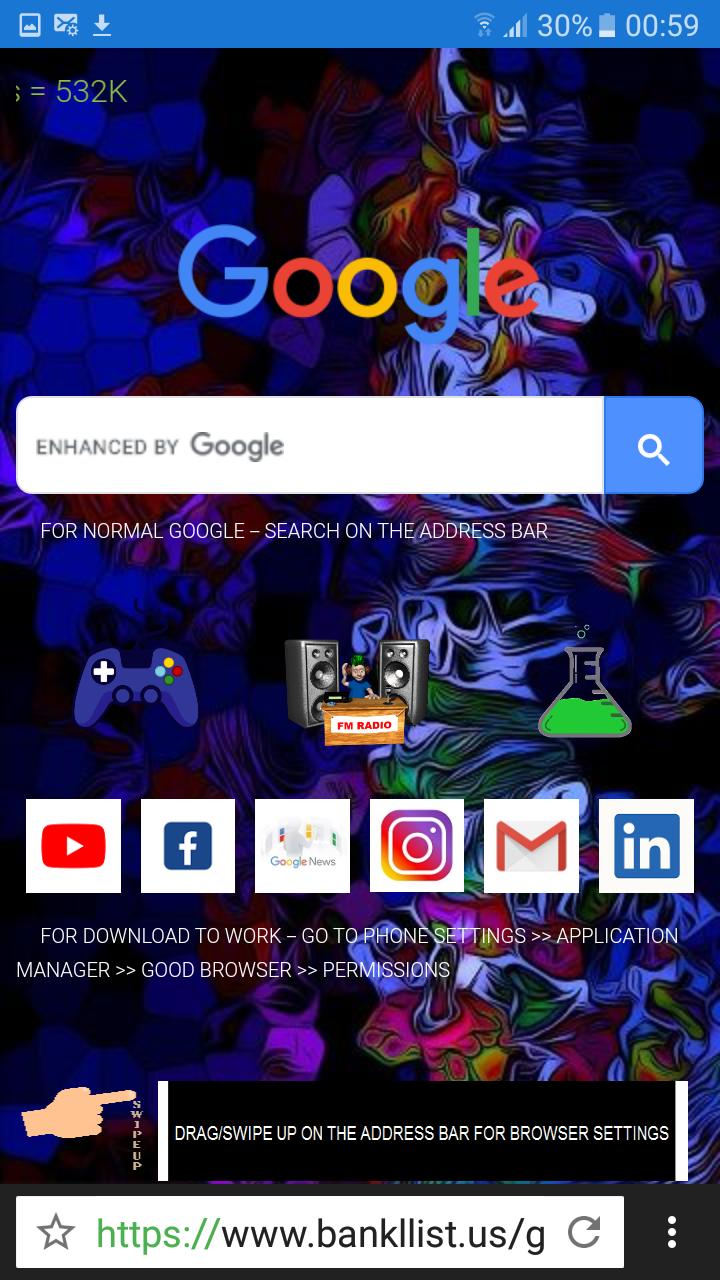
7. Customize Home Page with your favorite websites
8. Search bar position is changeable.
Settings :
1. Search Engine - You can choose any of the listed search engines Google, Bing, Baidu, etc.
2. Notification Priority - High or low
3, Omnibox Position - Top or Bottom
4. Omnibox Control - By swiping you can change the tabs
5. Volume Control - Switch tabs, scroll web page and system default
6. Images - Enable or disable
7. Cookies - Enable or disable
8. JavaScript - Allow or disallow
9. Location - Allow or disallow
10. Multiple Windows/Tabs
11. Import Bookmarks
12. Export Bookmarks.
The best thing about Good Browser is, it is very simple ans easy to use browser.
We will appreciate if you can leave your valuable comments, advice and suggestion to make good browser world's best browser.
Preview
Tags
CommunicationsInformation
Developer
Fast Infosolutions
Latest Version
4.2
Last Updated
2022-05-08
Category
Communications
Available on
Google Play
Show More
How to play Good Browser with GameLoop on PC
1. Download GameLoop from the official website, then run the exe file to install GameLoop
2. Open GameLoop and search for “Good Browser” , find Good Browser in the search results and click “Install”
3. Enjoy playing Good Browser on GameLoop
Minimum requirements
OS
Windows 8.1 64-bit or Windows 10 64-bit
GPU
GTX 1050
CPU
i3-8300
Memory
8GB RAM
Storage
1GB available space
Recommended requirements
OS
Windows 8.1 64-bit or Windows 10 64-bit
GPU
GTX 1050
CPU
i3-9320
Memory
16GB RAM
Storage
1GB available space