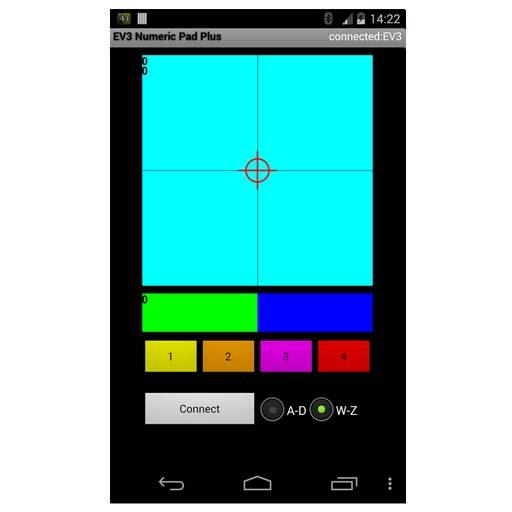
EV3 Numeric Pad+ PC
Ferdinand Stueckler
Download EV3 Numeric Pad+ on PC With GameLoop Emulator
EV3 Numeric Pad+ sa PC
Ang EV3 Numeric Pad+, na nagmumula sa developer na Ferdinand Stueckler, ay tumatakbo sa Android systerm sa nakaraan.
Ngayon, maaari mong laruin ang EV3 Numeric Pad+ sa PC gamit ang GameLoop nang maayos.
I-download ito sa GameLoop library o mga resulta ng paghahanap. Hindi na tumitingin sa baterya o nakakadismaya na mga tawag sa maling oras.
I-enjoy lang ang EV3 Numeric Pad+ PC sa malaking screen nang libre!
EV3 Numeric Pad+ Panimula
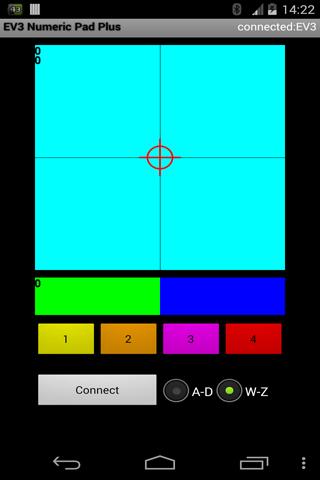
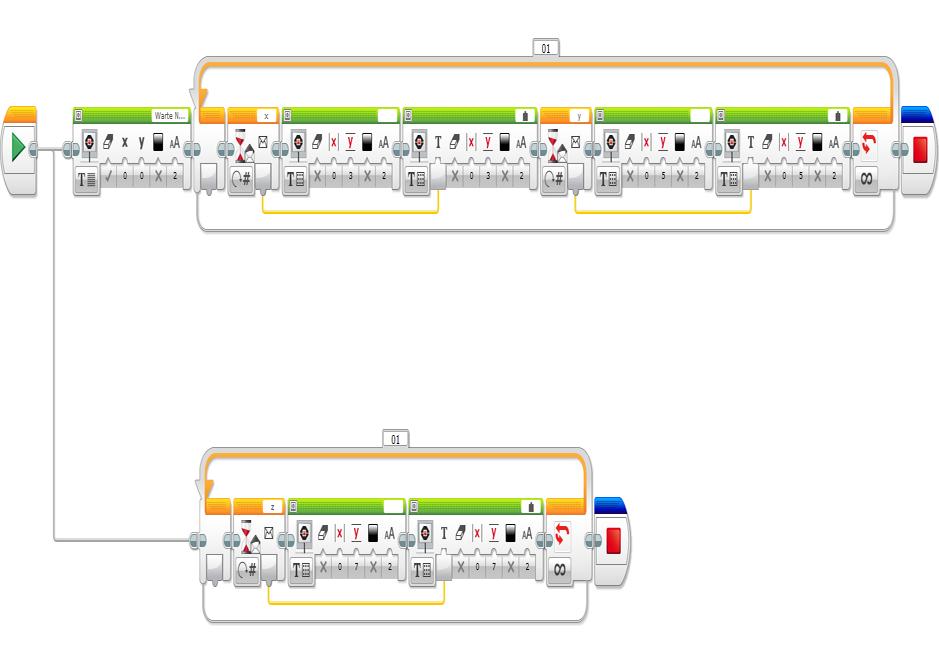
Numeric values will be sent to an EV3 bluetooth mailbox and can be used in the LEGO Mindstorms software:
- First 2D Coordinate -> Mailbox x (or a)
- Second 2D Coordinate -> Mailbox y (or b)
- 1D Coordinate -> Mailbox z (or c)
- Buttons 1-4 -> Mailbox w (or d)
- ABCD: Activate Mailbox a,b,c,d
- WXYZ: Activate Mailbox w,x,y,z
Range of values for coordinates : -100 ... 100
Range of values for buttons: 1 ... 4
Requirements:
- Lego Mindstorms EV3 Brick
- Program for the EV3 Brick (developed by yourself)
- Android 2.1 or higher
Tested with Nexus 4 and Nexus 7
Changes V1,1
- Tablet modifications
Preview
Tags
CommunicationsInformation
Developer
Ferdinand Stueckler
Latest Version
1.1
Last Updated
2014-09-28
Category
Communications
Available on
Google Play
Show More
How to play EV3 Numeric Pad+ with GameLoop on PC
1. Download GameLoop from the official website, then run the exe file to install GameLoop
2. Open GameLoop and search for “EV3 Numeric Pad+” , find EV3 Numeric Pad+ in the search results and click “Install”
3. Enjoy playing EV3 Numeric Pad+ on GameLoop
Minimum requirements
OS
Windows 8.1 64-bit or Windows 10 64-bit
GPU
GTX 1050
CPU
i3-8300
Memory
8GB RAM
Storage
1GB available space
Recommended requirements
OS
Windows 8.1 64-bit or Windows 10 64-bit
GPU
GTX 1050
CPU
i3-9320
Memory
16GB RAM
Storage
1GB available space