
My 2nd Line Text Call Number PC
AutoBizLine, Inc.
Download My 2nd Line Text Call Number on PC With GameLoop Emulator
My 2nd Line Text Call Number sa PC
Ang My 2nd Line Text Call Number, na nagmumula sa developer na AutoBizLine, Inc., ay tumatakbo sa Android systerm sa nakaraan.
Ngayon, maaari mong laruin ang My 2nd Line Text Call Number sa PC gamit ang GameLoop nang maayos.
I-download ito sa GameLoop library o mga resulta ng paghahanap. Hindi na tumitingin sa baterya o nakakadismaya na mga tawag sa maling oras.
I-enjoy lang ang My 2nd Line Text Call Number PC sa malaking screen nang libre!
My 2nd Line Text Call Number Panimula
★★ A Second Line Phone Number ★★
You can purchase a second phone number with the MySecondLine app on your mobile phone.
Get started for just $8.99 / month with a USA/Canada local number.
The pricing is the most affordable and the best rate in the market for such a quality app.
Here are the benefits:
★★ Get a USA/Canada local number: starts at $8.99 only ★★
You can try the app for $8.99 only to get started! Enjoy an ad-free experience after purchase. The cost is fully transparent. It is super easy to get started.
You will unblock many advanced features below in the premium version and get a dedicated phone number!
★★ A separate second phone number ★★
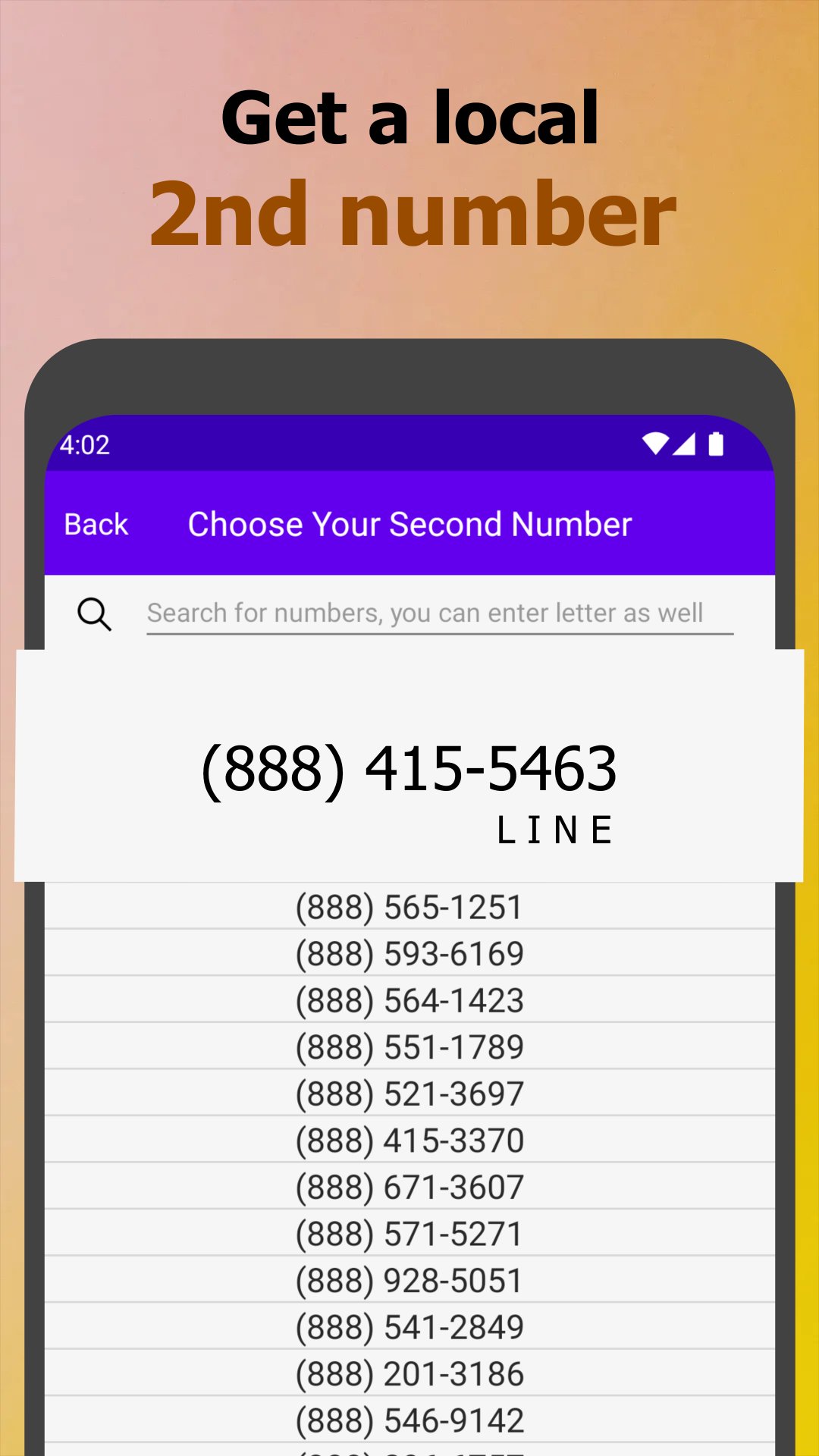
You can purchase a dedicated phone number from MySecondLine. You can choose a local area code while keeping yourself anonymous and private. You can also find the number based on letters related to your business, e.g., 212-Buy-Book, or 917-Go-Sales. The phone number is a memorable and great way to promote your business.
Besides that, we also provide:
- Toll-free numbers like 800, 888, and 855 in the US/Canada.
- International phone numbers from 60+ countries (GB, Israel, Hong Kong, Germany, etc.)
- You can import and transfer your current USA number to us
★★ Easy texting and quality phone calls (to the US/Canada) ★★
It offers easy texting and quality phone calls in the premium version.
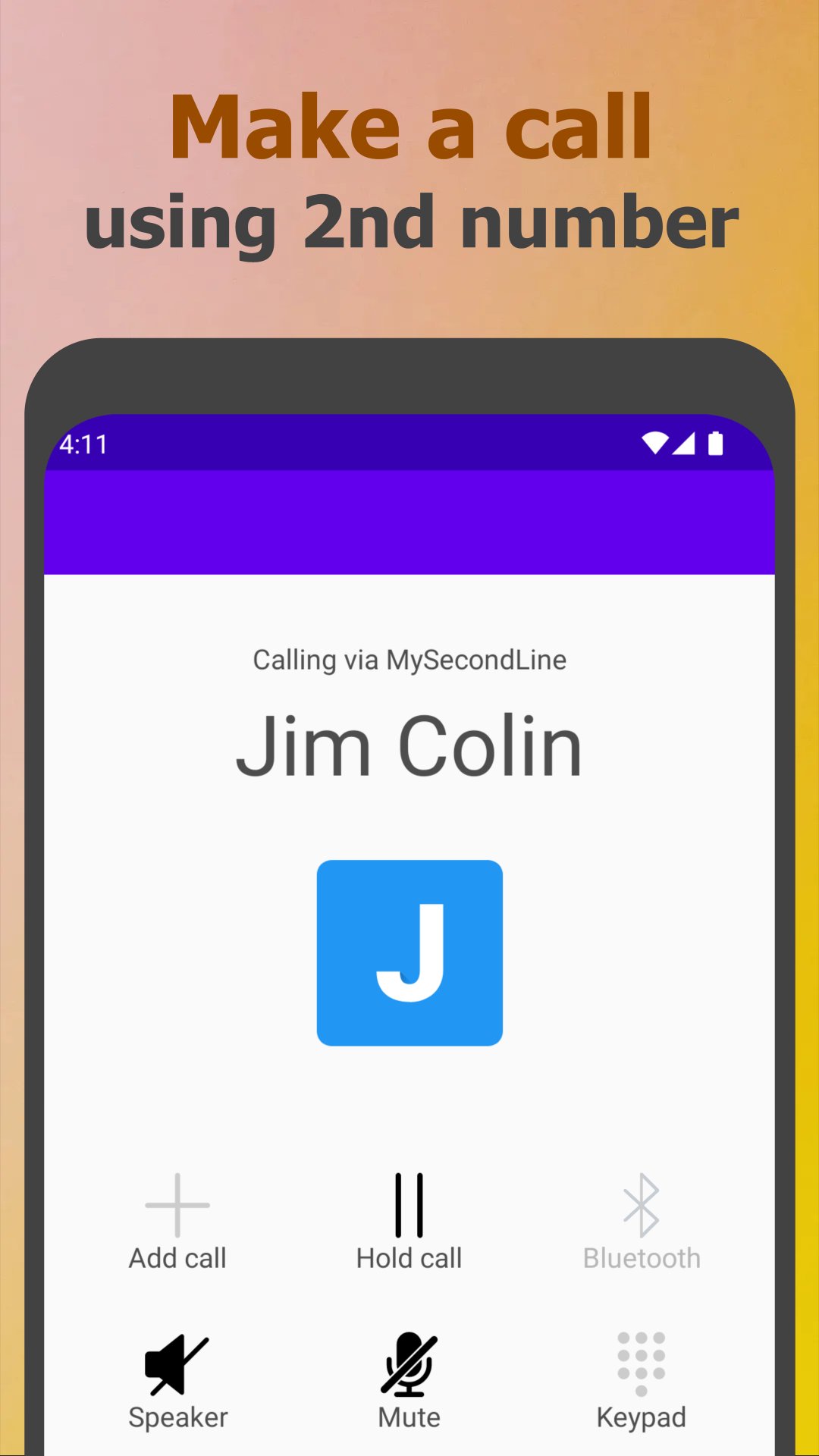
You can text your contacts. And you can receive messages from all over the world. It's also easy to make and receive calls just like your mobile phone. You will enjoy the best communication quality in the app with your mobile networks or Wi-Fi.
Note: For the US/Canada, you can upgrade with a small fee to enable international calls and messages in the settings.
Note: you can upgrade to enable an eSim data plan when you travel around.
★★ Private personal communications ★★
Get a second phone number for many personal usages such as:
- Stay safe and anonymous when you give out your number
- A fake number to avoid unwanted spam messages and calls
- A temporary number for dating, shopping, etc
- Website registration to receive SMS and still keep privacy
★★ Professional business team number ★★
MySecondLine is more than a second line for you and your business.
You can manage the work number with your team: more productive, happier customers!
You can also upgrade to get an AI chatbot to engage and get more customers!
★★ Great features and the best texting & calling app ★★
- Customizable text tone, ringtone & vibration
- Voicemail transcription: transcript of your voicemail
- Caller ID: show the incoming call's phone number and contact name
- Greeting: record your sounds to greet customers
- Auto-reply: automatically message reply when you are busy
- Great support service: contact us if you have any questions
- Upgrade to send picture messages
★★ Premium and advanced features with extra charges ★★
- Change your second phone number with a one-time fee
- Upgrade to receive verification codes from major websites
- Upgrade to text or call 150+ international countries
- Upgrade to choose toll-free phone numbers
- Team number: manage the number with your team together
- Call schedule: set schedule for different time slots for different members
- Call recording: record the phone call conversation for training
- Call forwarding: forward incoming calls to external numbers
- Virtual receptionist: automated answers for calls and press x to redirect
- Get phone numbers from 60+ countries
- eSIM/SIM Card: upgrade to get a SIM card or eSIM to enable data for you
- WhatsApp ChatBot: upgrade to register WhatsApp business ChatBot
★★ Download the app and get started ★★
Privacy Policy
https://mysecondline.com/privacy-policy/
Terms of Use
https://mysecondline.com/terms-of-use/
Preview
Tags
CommunicationsInformation
Developer
AutoBizLine, Inc.
Latest Version
1.3.04
Last Updated
2026-03-06
Category
Communications
Available on
Google Play
Show More
How to play My 2nd Line Text Call Number with GameLoop on PC
1. Download GameLoop from the official website, then run the exe file to install GameLoop
2. Open GameLoop and search for “My 2nd Line Text Call Number” , find My 2nd Line Text Call Number in the search results and click “Install”
3. Enjoy playing My 2nd Line Text Call Number on GameLoop
Minimum requirements
OS
Windows 8.1 64-bit or Windows 10 64-bit
GPU
GTX 1050
CPU
i3-8300
Memory
8GB RAM
Storage
1GB available space
Recommended requirements
OS
Windows 8.1 64-bit or Windows 10 64-bit
GPU
GTX 1050
CPU
i3-9320
Memory
16GB RAM
Storage
1GB available space