
Auto Reply for WhatsApp & Face PC
LogApps
Download Auto Reply for WhatsApp & Face on PC With GameLoop Emulator
Auto Reply for WhatsApp & Face sa PC
Ang Auto Reply for WhatsApp & Face, na nagmumula sa developer na LogApps, ay tumatakbo sa Android systerm sa nakaraan.
Ngayon, maaari mong laruin ang Auto Reply for WhatsApp & Face sa PC gamit ang GameLoop nang maayos.
I-download ito sa GameLoop library o mga resulta ng paghahanap. Hindi na tumitingin sa baterya o nakakadismaya na mga tawag sa maling oras.
I-enjoy lang ang Auto Reply for WhatsApp & Face PC sa malaking screen nang libre!
Auto Reply for WhatsApp & Face Panimula
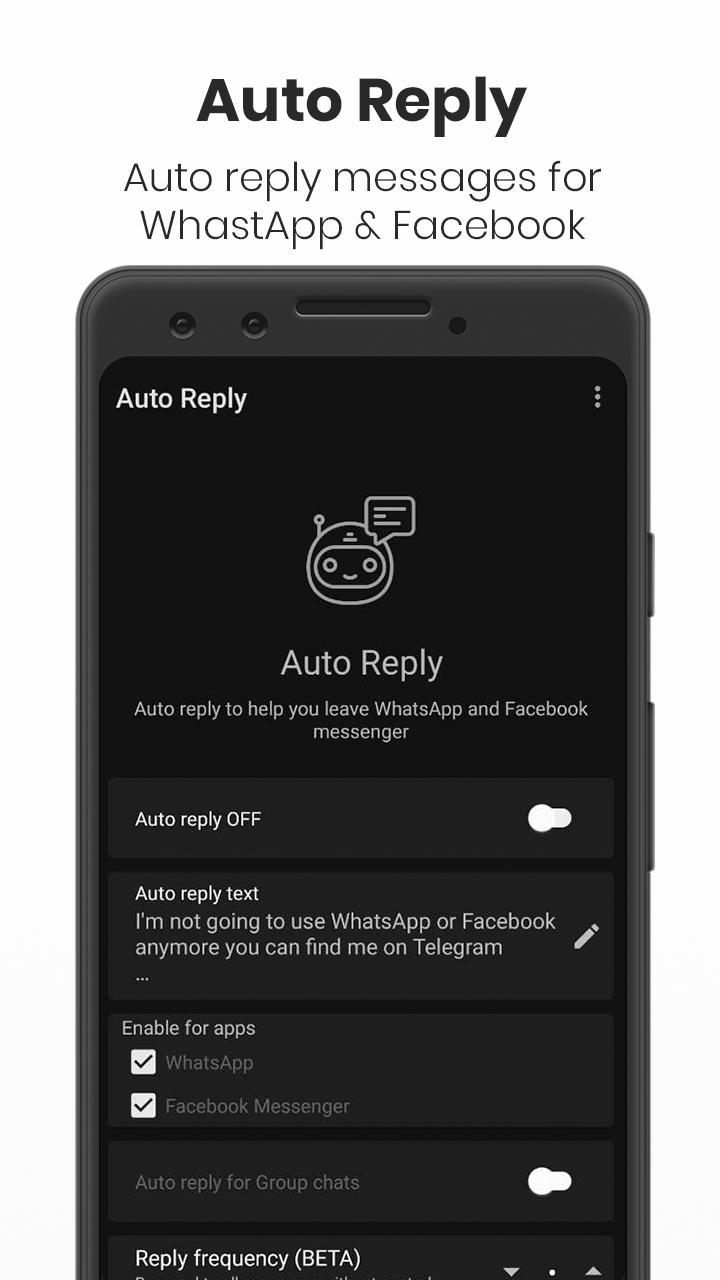
Auto Reply sends an automated reply to everyone contacting you on WhatsApp or Facebook Messenger. This is especially useful if you are planning to migrate away from those services but can also be used as a simple vacation responder.
Features:
• Auto reply to every incoming message or set a reply frequency
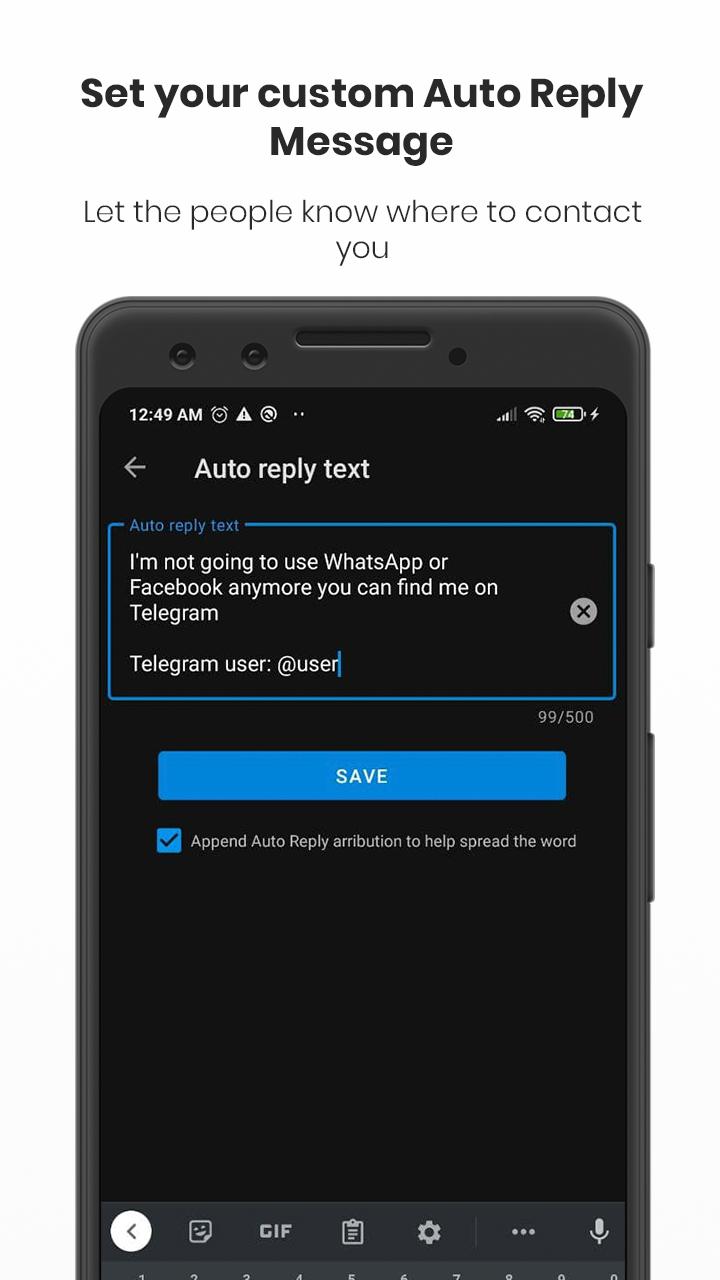
• Set your own auto reply message
• Auto reply to group chats
• Respects your privacy
• No Tracking
• Free
WhatsApp's recent privacy policy changes have triggered a huge migration to more privacy friendly apps like Signal and others. But most of us find it difficult to delete WhatsApp because everyone else uses it. Auto Reply tries to make your migration easier by letting your friends automatically know that you are moved to another app. Just set an auto reply message something like “I am not using WhatsApp anymore. Please use Signal or Telegram…” and let it do the work for you.
Getting started:
Auto Reply relies on WhatsApp or Facebook Messenger notifications for auto reply to work. Most users usually have notifications enabled so should work without additional configuration but otherwise please make sure notifications are enabled and WhatsApp fingerprint lock is disabled for this app to work.
Note: This is not guaranteed to work on all devices. This uses lesser known Android features which most devices support but some might not. Please let us know if it does not work for your device via Github or email davidg.admob@gmail.com
This app is developed by person like you (not by a company) who spend their time and resources improving the app for almost no financial gain. We are continuously working to make it better but it is still a new app and so forgive us if it has any missing features or issues.
This app is not associated with any company including WhatsApp, Facebook, Signal, Telegram.
Preview
Tags
CommunicationsInformation
Developer
LogApps
Latest Version
1.0
Last Updated
2021-05-17
Category
Communications
Available on
Google Play
Show More
How to play Auto Reply for WhatsApp & Face with GameLoop on PC
1. Download GameLoop from the official website, then run the exe file to install GameLoop
2. Open GameLoop and search for “Auto Reply for WhatsApp & Face” , find Auto Reply for WhatsApp & Face in the search results and click “Install”
3. Enjoy playing Auto Reply for WhatsApp & Face on GameLoop
Minimum requirements
OS
Windows 8.1 64-bit or Windows 10 64-bit
GPU
GTX 1050
CPU
i3-8300
Memory
8GB RAM
Storage
1GB available space
Recommended requirements
OS
Windows 8.1 64-bit or Windows 10 64-bit
GPU
GTX 1050
CPU
i3-9320
Memory
16GB RAM
Storage
1GB available space