4G Only: Force 4G LTE Switcher PC
GooTrans Inc.
Download 4G Only: Force 4G LTE Switcher on PC With GameLoop Emulator
4G Only: Force 4G LTE Switcher sa PC
Ang 4G Only: Force 4G LTE Switcher, na nagmumula sa developer na GooTrans Inc., ay tumatakbo sa Android systerm sa nakaraan.
Ngayon, maaari mong laruin ang 4G Only: Force 4G LTE Switcher sa PC gamit ang GameLoop nang maayos.
I-download ito sa GameLoop library o mga resulta ng paghahanap. Hindi na tumitingin sa baterya o nakakadismaya na mga tawag sa maling oras.
I-enjoy lang ang 4G Only: Force 4G LTE Switcher PC sa malaking screen nang libre!
4G Only: Force 4G LTE Switcher Panimula
Have you ever found yourself in a situation where you desperately needed a stable and fast network connection?
Introducing the Volte 4G Only app, a reliable tool for managing your network settings efficiently. This Force 4G LTE switcher app effortlessly switches your device to 4G LTE Mode, helping you stay connected on 4G LTE mode for better consistency. Helps reduce frequent network switching by letting you set 4G LTE only mode. Experience the features of the 4G Only LTE mode, which helps maintain LTE mode for consistent browsing and streaming. A useful 4G LTE switcher, handy for gamers, streamers, and users who download frequently. This Force 4G LTE network tool helps optimize your 4G network settings for improved stability.
Notable Features of 4G Only: Force 4G LTE Switcher app:
Dual Mode Volte 4G Only app:
Effortlessly switch your device to 4G LTE mode to help you get a more consistent and reliable connection.
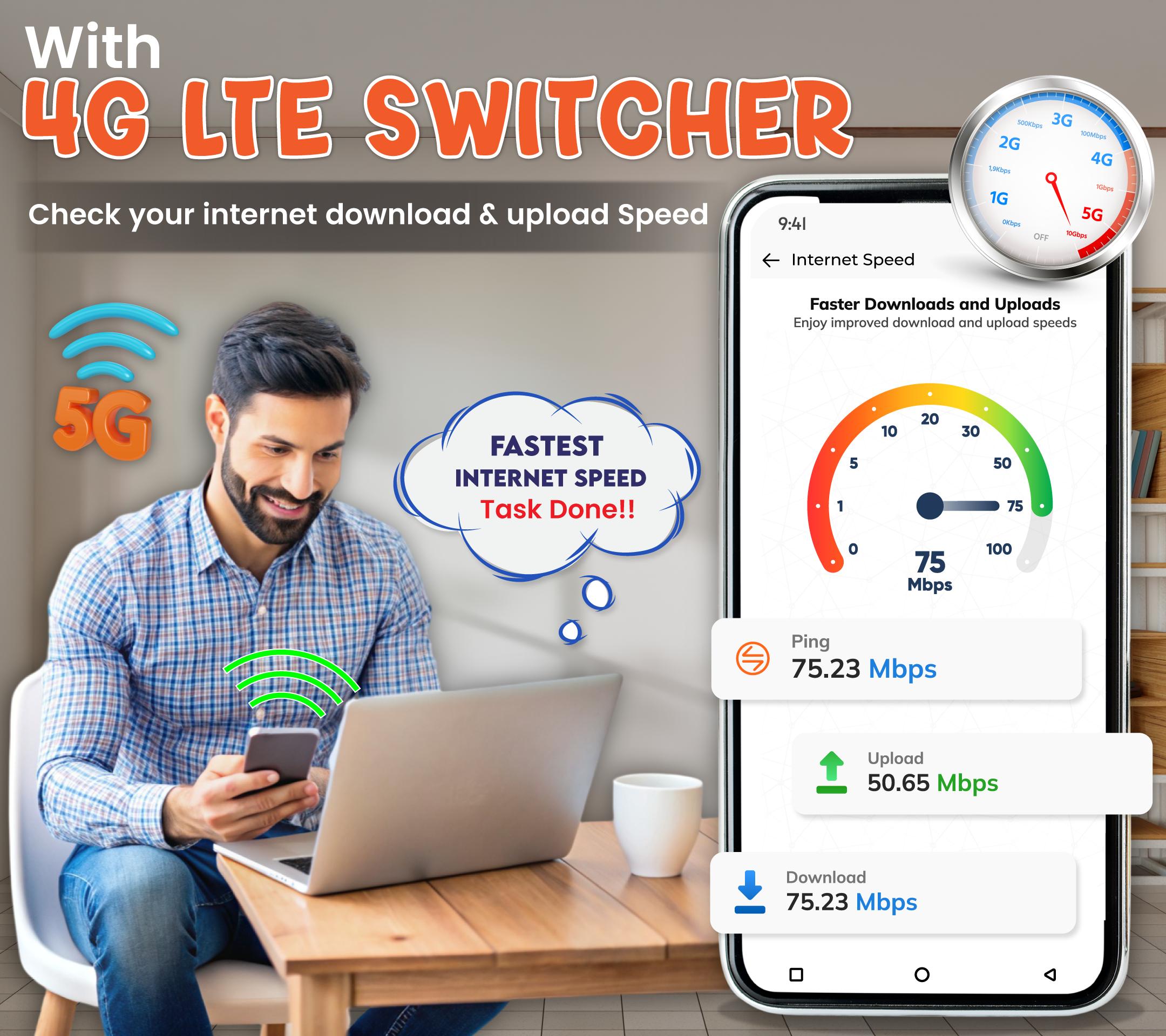
Speed Tester to measure speed:
Test and measure the speed of your network. The Volte 4G Only app allows you to gauge the performance and quality of your internet connection
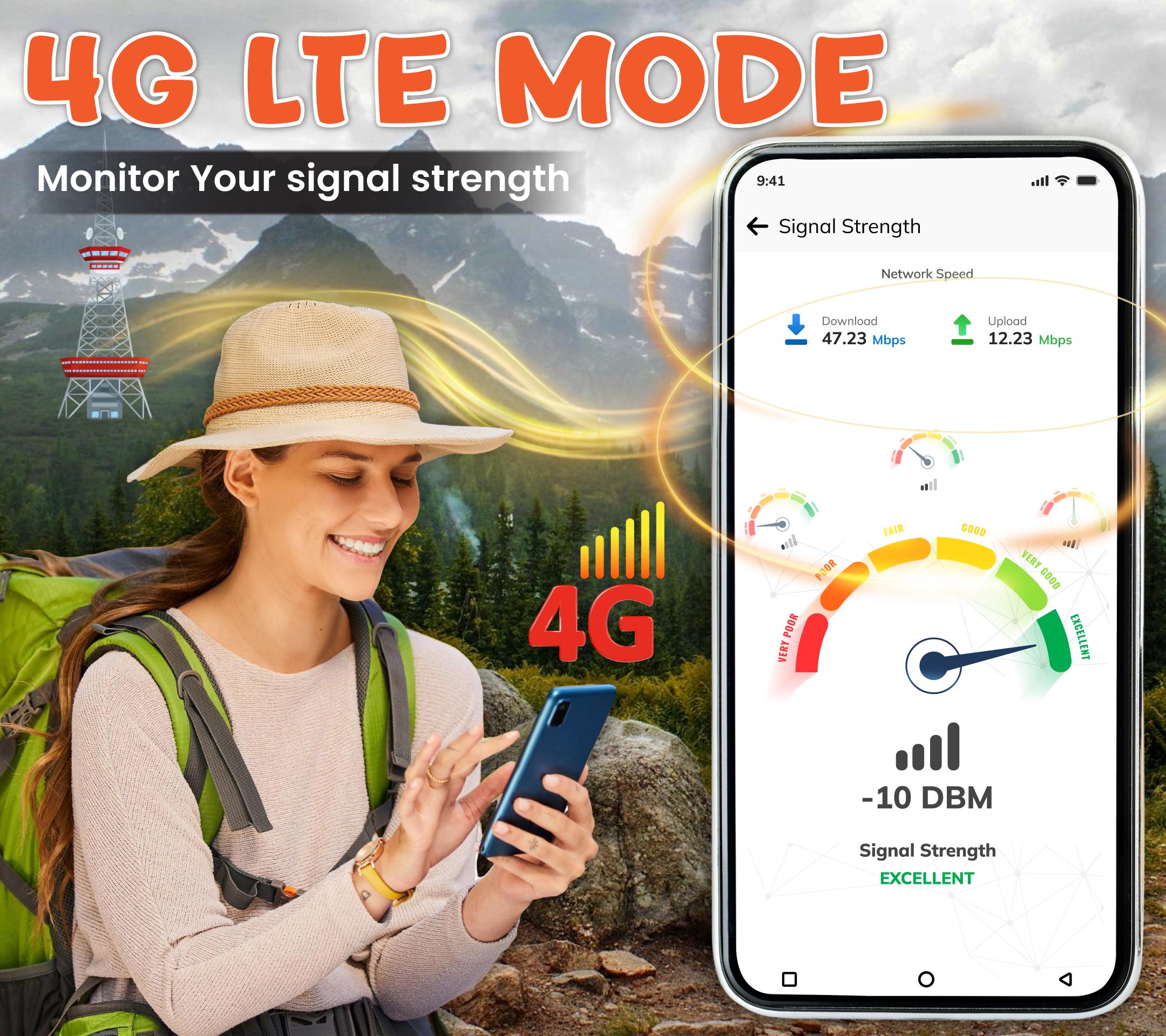
Monitor your Signal Strength
Analyze the signal strength of your Volte 4G network, by which you can find optimal locations for a stable connection.
SIM Information:
Access information about your SIM card, providing you with relevant details and insights about your SIM connection through the Volte 4G Only app - Force LTE Switcher.
Dark and Light Mode of Volte 4G Only app:
Enjoy the flexibility of choosing between dark and light modes enhancing your app experience based on visual preferences.
𝐕𝐏𝐍 𝐔𝐬𝐚𝐠𝐞 𝐃𝐢𝐬𝐜𝐥𝐨𝐬𝐮𝐫𝐞:
Our app is designed to enhance the gaming experience. One of the core features uses Android VpnService to locally block internet access during gameplay, helping users focus on their game without interruptions. This VPN runs entirely on the device and does not transmit any data outside. It is essential for improving game performance by preventing background network activity.
Install this "4G Only: Force 4G LTE Switcher app" and efficiently manage your network settings when you have a poor network connection.
Preview
Tags
CommunicationsToolsInformation
Developer
GooTrans Inc.
Latest Version
2.1.8
Last Updated
2025-09-24
Category
Communications
Available on
Google Play
Show More
How to play 4G Only: Force 4G LTE Switcher with GameLoop on PC
1. Download GameLoop from the official website, then run the exe file to install GameLoop
2. Open GameLoop and search for “4G Only: Force 4G LTE Switcher” , find 4G Only: Force 4G LTE Switcher in the search results and click “Install”
3. Enjoy playing 4G Only: Force 4G LTE Switcher on GameLoop
Minimum requirements
OS
Windows 8.1 64-bit or Windows 10 64-bit
GPU
GTX 1050
CPU
i3-8300
Memory
8GB RAM
Storage
1GB available space
Recommended requirements
OS
Windows 8.1 64-bit or Windows 10 64-bit
GPU
GTX 1050
CPU
i3-9320
Memory
16GB RAM
Storage
1GB available space