Match Puzzle : Tile Connect PC
puzzlegame-six fish
Download Match Puzzle : Tile Connect on PC With GameLoop Emulator
Match Puzzle : Tile Connect sa PC
Ang Match Puzzle : Tile Connect, na nagmumula sa developer na puzzlegame-six fish, ay tumatakbo sa Android systerm sa nakaraan.
Ngayon, maaari mong laruin ang Match Puzzle : Tile Connect sa PC gamit ang GameLoop nang maayos.
I-download ito sa GameLoop library o mga resulta ng paghahanap. Hindi na tumitingin sa baterya o nakakadismaya na mga tawag sa maling oras.
I-enjoy lang ang Match Puzzle : Tile Connect PC sa malaking screen nang libre!
Match Puzzle : Tile Connect Panimula
🧩 **WHY PLAY THIS GAME?**
• 1000+ Levels of zen match puzzles
• Scientifically designed brain training
• Stress-relief gameplay with ASMR sound effects
🎮 **HOW TO PLAY**
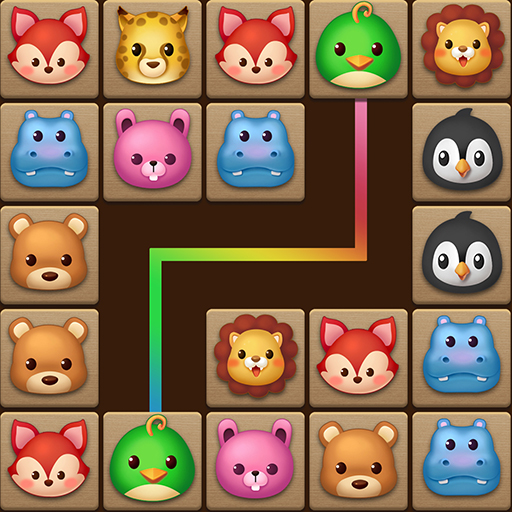
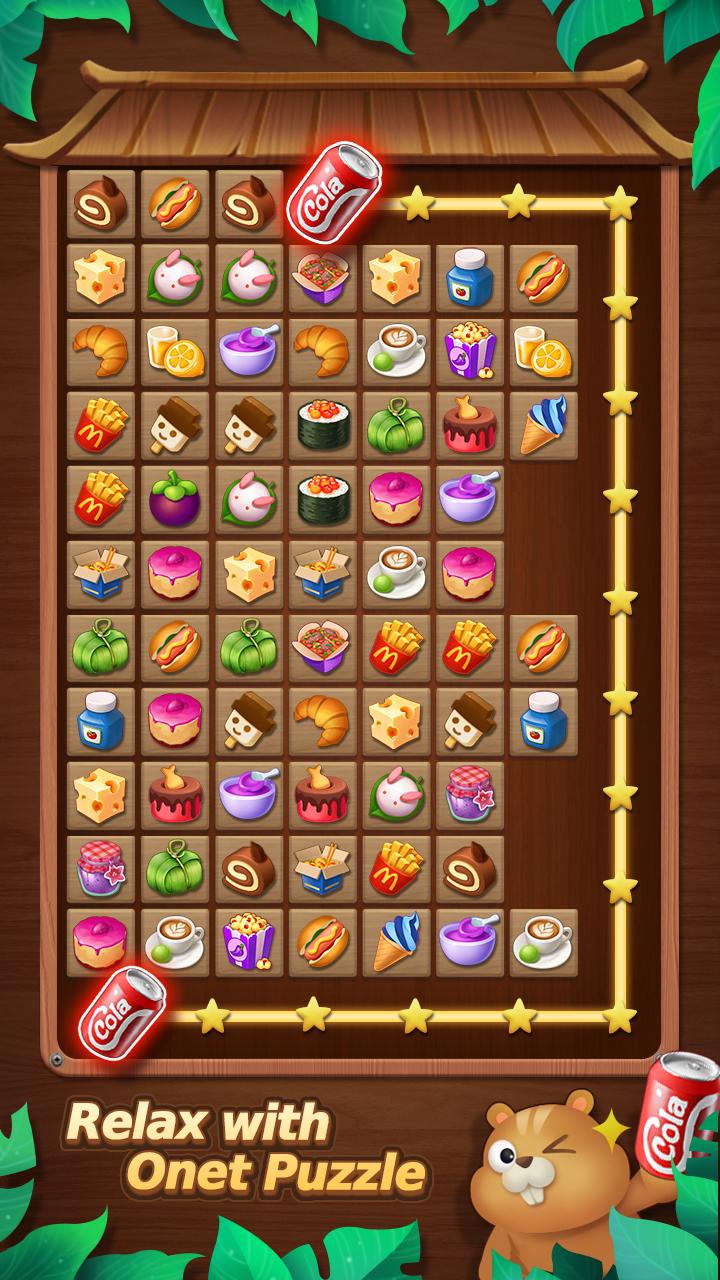
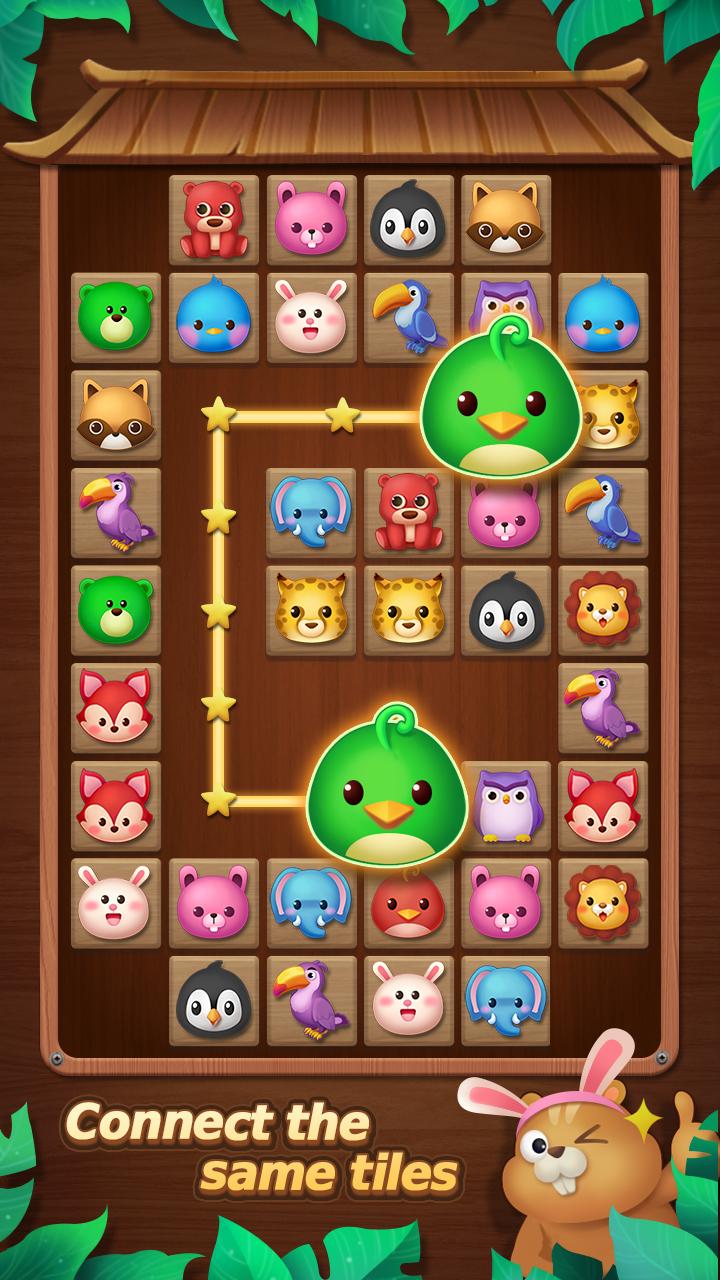
① Tap identical tiles to connect & clear
② Use boosters for tricky levels (Free daily!)
③ Unlock gorgeous backgrounds as rewards
🌟 **KEY FEATURES**
✅ OFFLINE PLAY: No WiFi needed
✅ Suitable for all ages!
✅ RELAXATION MODE: No time limits
✅ FREE UPDATES: New puzzles every week
💡 **PRO TIPS**
• Morning play boosts focus
• Evening sessions reduce anxiety
• Track progress with brain age test
📢 A must-have puzzle game for tile-matching enthusiasts!
Preview
Tags
CasualInformation
Developer
puzzlegame-six fish
Latest Version
3.3
Last Updated
2025-11-02
Category
Casual
Available on
Google Play
Show More
How to play Match Puzzle : Tile Connect with GameLoop on PC
1. Download GameLoop from the official website, then run the exe file to install GameLoop
2. Open GameLoop and search for “Match Puzzle : Tile Connect” , find Match Puzzle : Tile Connect in the search results and click “Install”
3. Enjoy playing Match Puzzle : Tile Connect on GameLoop
Minimum requirements
OS
Windows 8.1 64-bit or Windows 10 64-bit
GPU
GTX 1050
CPU
i3-8300
Memory
8GB RAM
Storage
1GB available space
Recommended requirements
OS
Windows 8.1 64-bit or Windows 10 64-bit
GPU
GTX 1050
CPU
i3-9320
Memory
16GB RAM
Storage
1GB available space