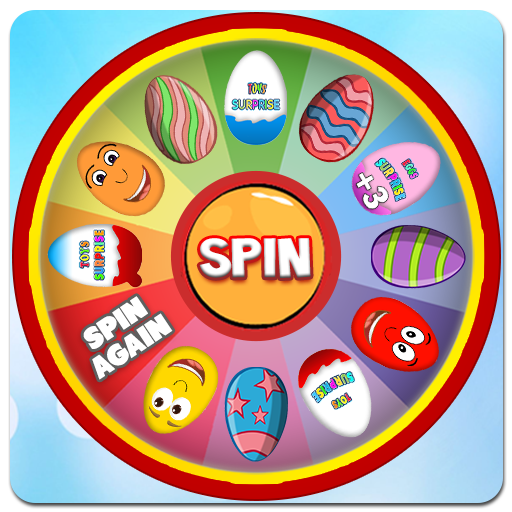
Surprise Eggs Kids Game PC
DaDo
Download Surprise Eggs Kids Game on PC With GameLoop Emulator
Surprise Eggs Kids Game sa PC
Ang Surprise Eggs Kids Game, na nagmumula sa developer na DaDo, ay tumatakbo sa Android systerm sa nakaraan.
Ngayon, maaari mong laruin ang Surprise Eggs Kids Game sa PC gamit ang GameLoop nang maayos.
I-download ito sa GameLoop library o mga resulta ng paghahanap. Hindi na tumitingin sa baterya o nakakadismaya na mga tawag sa maling oras.
I-enjoy lang ang Surprise Eggs Kids Game PC sa malaking screen nang libre!
Surprise Eggs Kids Game Panimula
Surprise Eggs is a Kids Game application for children from 1 year of age and older!
What's hidden inside the eggs? Knock an egg until it's striped and find out what the big surprise is hidden in each egg! Be careful, this game is very addictive!
Surprise Eggs is the best application for entertaining small children and is the ultimate surprise eggs virtual simulator. If you have kids who like to open surprise eggs, this is the perfect app for them.
Surprise Eggs is entertaining game for children combining a chocolate egg, surprise, toy and fun.
Little ladies & little boys will be happy to see the favorite princesses and superheroes from the popular cartoon:
☆☆☆ How can i play Surprise Eggs ☆☆☆
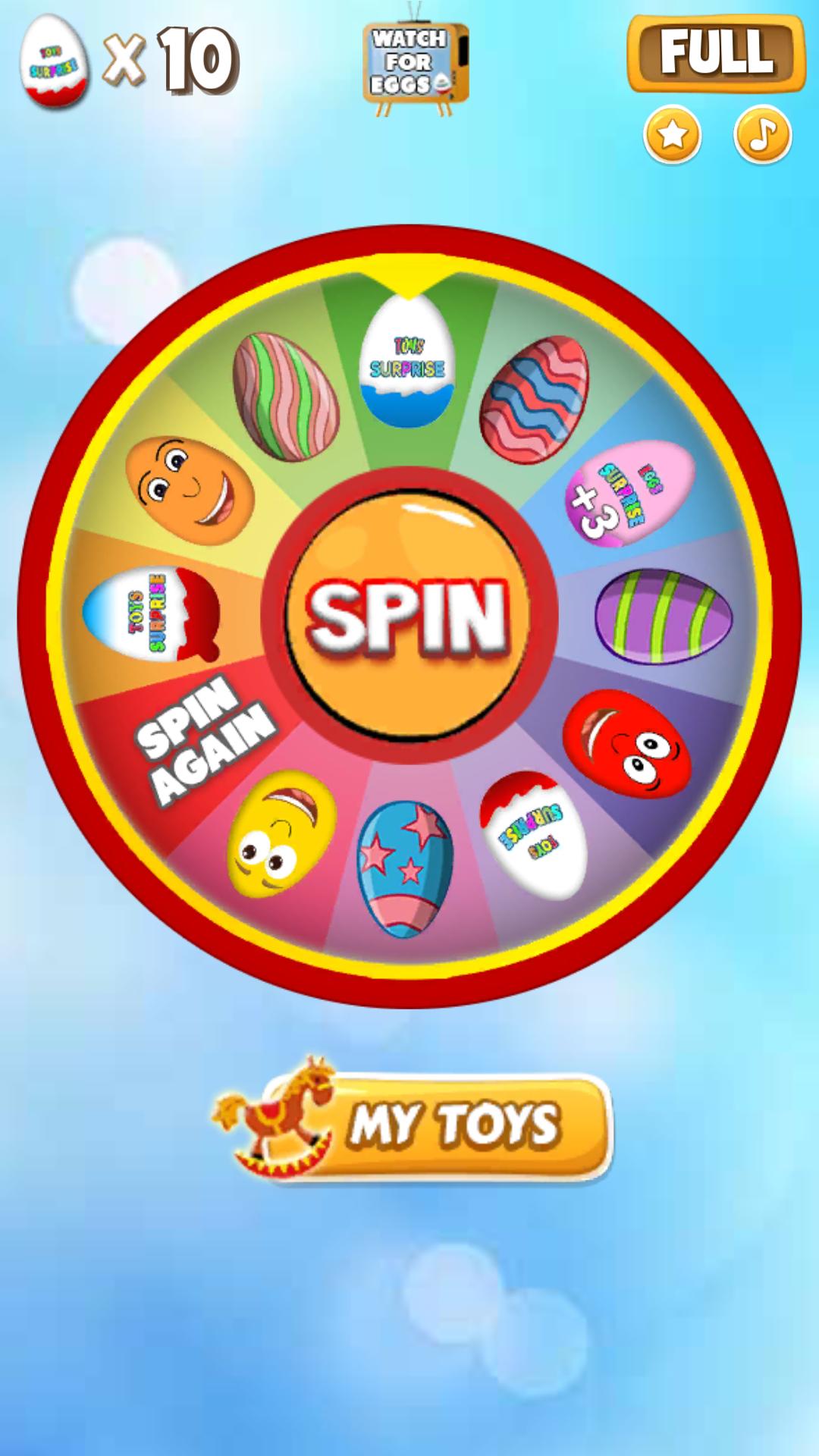
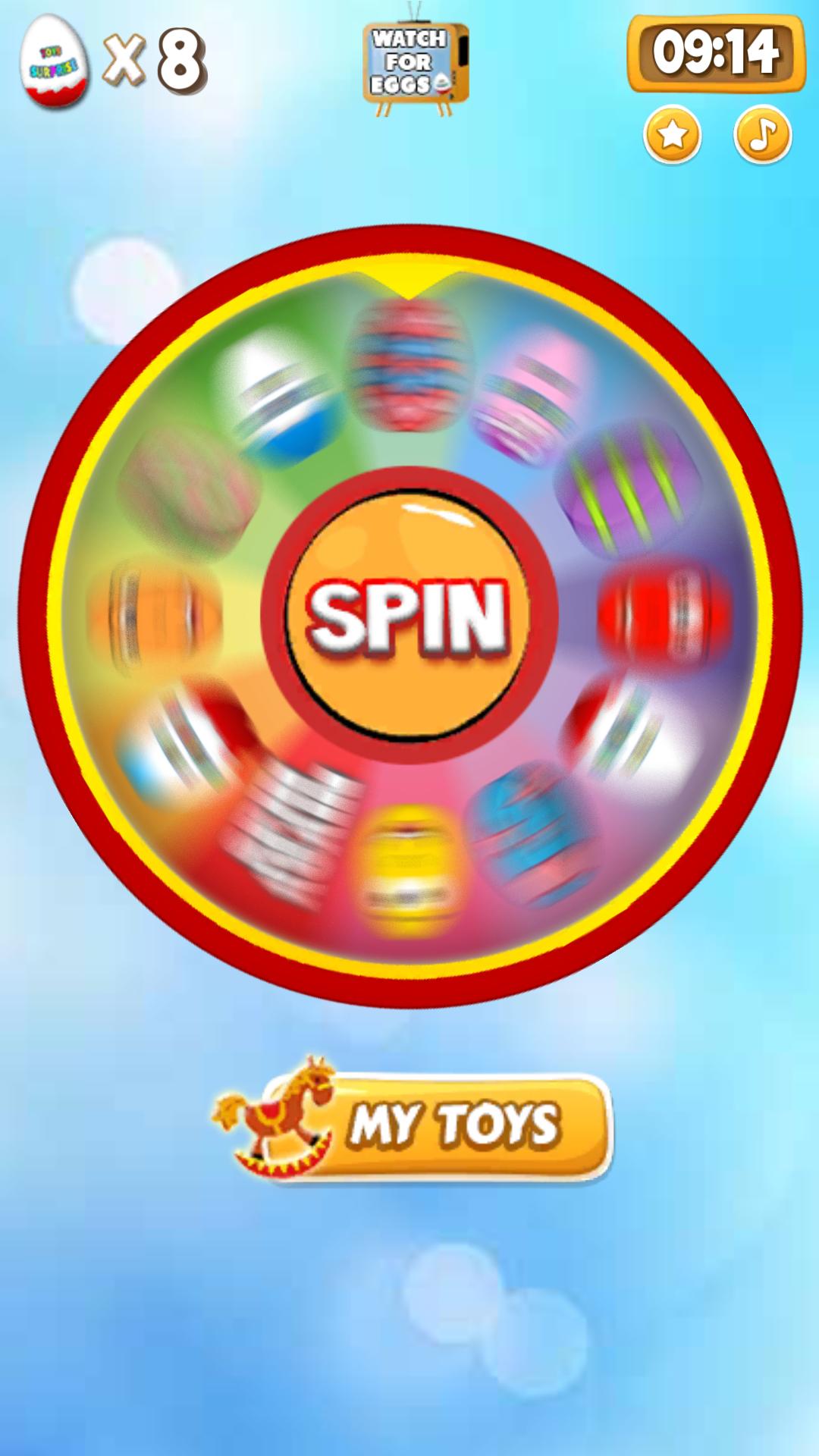
● It's very simple, you have to click on "SPIN" to Spin the Wheel of surprise eggs
● You have to use your fingers to scrape the paper from the eggs or break the chocolate
● Tap the capsule to get the surprise
● Collect more than 60+ toys: teddy bear, cars, robots, balls, plush toys...
A lot of different toys and surprises to keep your little ones occupied for a long time.
Come join the fun and play exciting Surprise Eggs adventure!
We hope that this fun and educational game for the youngest will be one of your favorite! :)
If you like Baby blocks - Toddler games, please review it. Your feedback will be used in future updates.
Preview
Tags
SimulationSingle playerOfflineInformation
Developer
DaDo
Latest Version
1.6
Last Updated
2023-07-18
Category
Casual
Available on
Google Play
Show More
How to play Surprise Eggs Kids Game with GameLoop on PC
1. Download GameLoop from the official website, then run the exe file to install GameLoop
2. Open GameLoop and search for “Surprise Eggs Kids Game” , find Surprise Eggs Kids Game in the search results and click “Install”
3. Enjoy playing Surprise Eggs Kids Game on GameLoop
Minimum requirements
OS
Windows 8.1 64-bit or Windows 10 64-bit
GPU
GTX 1050
CPU
i3-8300
Memory
8GB RAM
Storage
1GB available space
Recommended requirements
OS
Windows 8.1 64-bit or Windows 10 64-bit
GPU
GTX 1050
CPU
i3-9320
Memory
16GB RAM
Storage
1GB available space