Onet Puzzle: Tile Connect PC
NOGAME
Download Onet Puzzle: Tile Connect on PC With GameLoop Emulator
Onet Puzzle: Tile Connect sa PC
Ang Onet Puzzle: Tile Connect, na nagmumula sa developer na NOGAME, ay tumatakbo sa Android systerm sa nakaraan.
Ngayon, maaari mong laruin ang Onet Puzzle: Tile Connect sa PC gamit ang GameLoop nang maayos.
I-download ito sa GameLoop library o mga resulta ng paghahanap. Hindi na tumitingin sa baterya o nakakadismaya na mga tawag sa maling oras.
I-enjoy lang ang Onet Puzzle: Tile Connect PC sa malaking screen nang libre!
Onet Puzzle: Tile Connect Panimula
Welcome to Onet Puzzle: Tile Connect, your ultimate matching puzzle game!
Step into the nostalgic world of Onet Puzzle, a game that brings back the cherished memories of classic PC games like Minesweeper, Solitaire, and Spider. Onet Puzzle: Tile Connect takes the beloved Onet master game to new heights with 60 unique gravity and transition levels, offering endless fun and challenges for all ages. Whether you remember the original (Onet Connect Animal Kwai PC), this game is sure to captivate you with its simple yet addictive Tile Match gameplay.
How to Play Onet Puzzle: Tile Puzzle Game?
- Select Mode and Board Size: Begin by choosing your preferred mode and board puzzle size to start your tile matching journey.
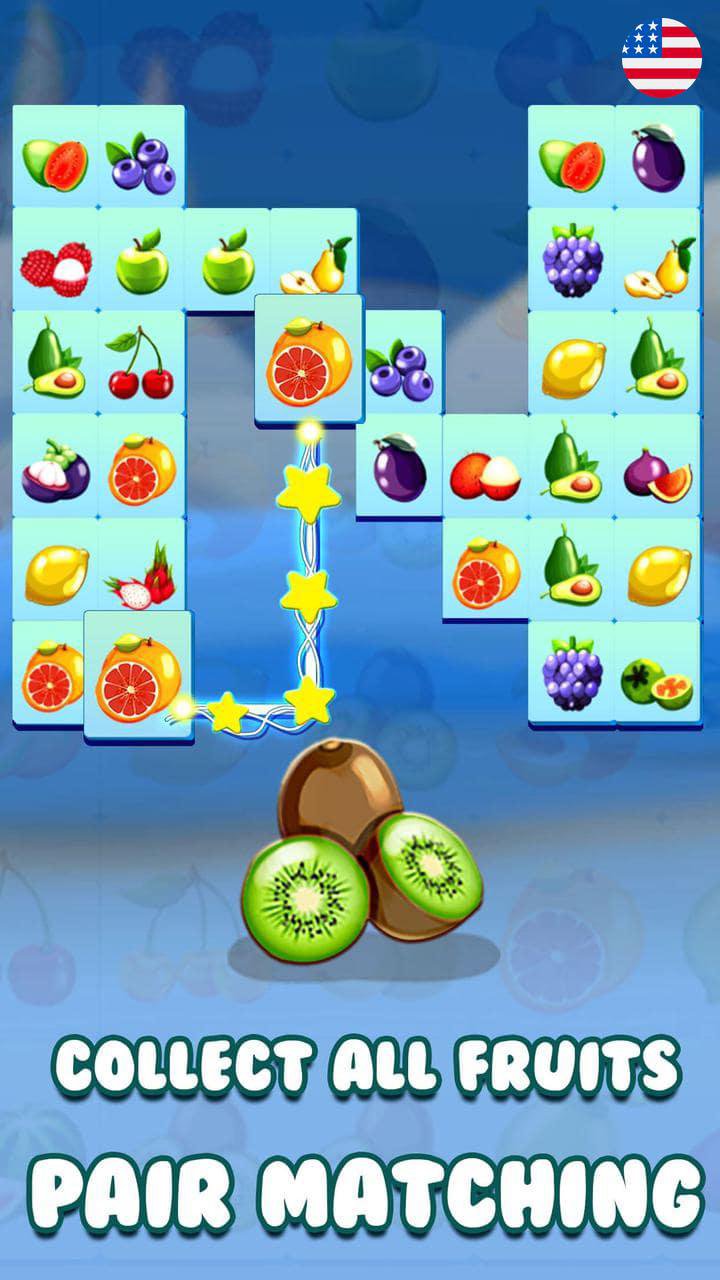
- Match Pairs: Find and pair matching puzzle (One to One). Tap on a pair of identical tiles connect to link them (Onet Pair Match). If they can be connected by a line with no more than two 90-degree angles, they will disappear.
- Complete the Level: Clear the board within the time limit to advance to the next level. Use HINTS and SHUFFLE options if you get stuck. HINTS will highlight a possible match, while SHUFFLE will mix up the tiles for a fresh start.
- Progress Through Levels: With 60 levels to conquer, each one more challenging than the last, you’ll never run out of puzzles to solve.
Board Sizes and Difficulty Levels
- Easy to Hard: Onet (Onnect) offers various board sizes ranging from Easy to Hard. The larger the board, the more challenging the game.
- Multiple Gravity Modes: Experience different gravity settings that change how tiles move. Tiles can move down, up, left, right, or in combined directions when gaps appear.
Features of Onet Puzzle: Tile Connect (Match Tile)
- Varied Gameplay: Enjoy dozens of unique gravity transitions and tile movements, making each level a new experience.
- Helpful Power-ups: Utilize HINTS, SHUFFLE, and AUTO COMPLETE to assist you in tricky levels.
- Rewards and Lives: Earn rewards for completing levels, including additional HINTS and SHUFFLES. You start with 5 lives, which regenerate over time.
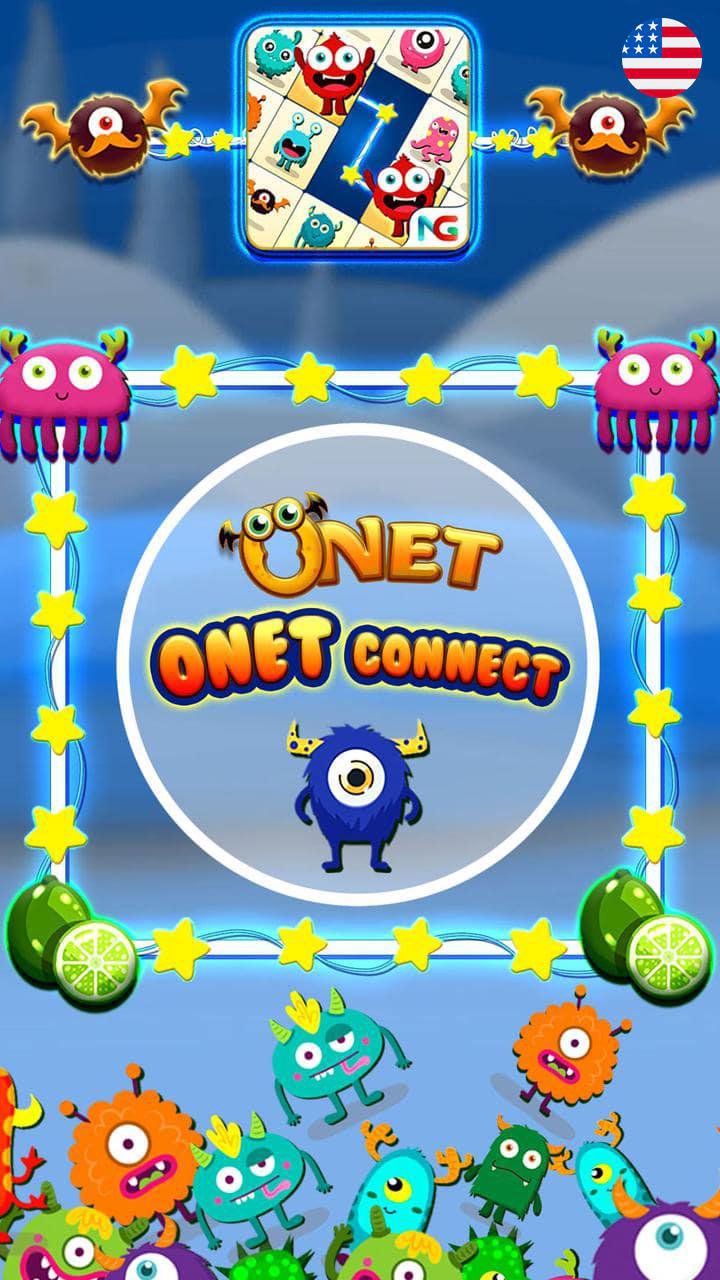
- Engaging Visuals: (Magic Onet) Vibrant graphics and fun animations bring the game to life, featuring 40 adorable monsters and 40 delicious fruits to match.
FAQs
- What is Onet Puzzle: Tile Connect? - It's a tile-matching puzzle game where you link pairs of identical tiles to clear the board.
- What makes Onet Puzzle unique? - With 60 levels and various gravity modes, Onet Puzzle offers a fresh twist on the classic Tile Matching game.
- What happens if I run out of hints or lives in Match Puzzle Game? - You can earn more hints and lives by completing levels or watching ads.
- Can I play Onet Puzzle offline? - Yes, Onet Puzzle: Tile Connect can be played offline, making it perfect for on-the-go gaming.
Tips for Success
- Look for Long Paths: On connect game try you should to match tiles that are far apart to create more open space on the board.
- Plan Ahead in Connect Puzzle: Consider future moves before making a match to avoid getting stuck.
- Use Power-ups Wisely: Save your HINTS and SHUFFLES for levels that are particularly challenging.
Question & Answer
- What are the best tile connect games? - Onet Puzzle: Tile Connect stands out with its variety of levels, engaging gameplay, and adorable graphics. But you can try: Onet Animal, Animal Connect Legend, Onet Fruit, Onet Connect Cake, Onet Connect Classic, Onet Link, Onet Deluxe Edition, ...
- How can I improve my Onet Puzzle skills? - Practice regularly, plan your moves, and make good use of power-ups to enhance your Connect Tile gameplay.
- What makes Onet Puzzle different from other matching games? - Its unique gravity modes and dynamic tile movements offer a refreshing challenge beyond the standard pair matching game.
Download Onet Puzzle: Tile Connect now and start your matching adventure! Enjoy relaxing fun, challenge yourself to become a Tile King or Connect Master, and see how many levels you can conquer!
Preview
Tags
PuzzlePair matchingSingle playerStylizedOfflineInformation
Developer
NOGAME
Latest Version
1.2.5
Last Updated
2026-06-11
Category
Casual
Available on
Google Play
Show More
How to play Onet Puzzle: Tile Connect with GameLoop on PC
1. Download GameLoop from the official website, then run the exe file to install GameLoop
2. Open GameLoop and search for “Onet Puzzle: Tile Connect” , find Onet Puzzle: Tile Connect in the search results and click “Install”
3. Enjoy playing Onet Puzzle: Tile Connect on GameLoop
Minimum requirements
OS
Windows 8.1 64-bit or Windows 10 64-bit
GPU
GTX 1050
CPU
i3-8300
Memory
8GB RAM
Storage
1GB available space
Recommended requirements
OS
Windows 8.1 64-bit or Windows 10 64-bit
GPU
GTX 1050
CPU
i3-9320
Memory
16GB RAM
Storage
1GB available space