
Ice Popsicle Candy Maker: Ice PC
Toon Kids Studio
Download Ice Popsicle Candy Maker: Ice on PC With GameLoop Emulator
Ice Popsicle Candy Maker: Ice sa PC
Ang Ice Popsicle Candy Maker: Ice , na nagmumula sa developer na Toon Kids Studio, ay tumatakbo sa Android systerm sa nakaraan.
Ngayon, maaari mong laruin ang Ice Popsicle Candy Maker: Ice sa PC gamit ang GameLoop nang maayos.
I-download ito sa GameLoop library o mga resulta ng paghahanap. Hindi na tumitingin sa baterya o nakakadismaya na mga tawag sa maling oras.
I-enjoy lang ang Ice Popsicle Candy Maker: Ice PC sa malaking screen nang libre!
Ice Popsicle Candy Maker: Ice Panimula
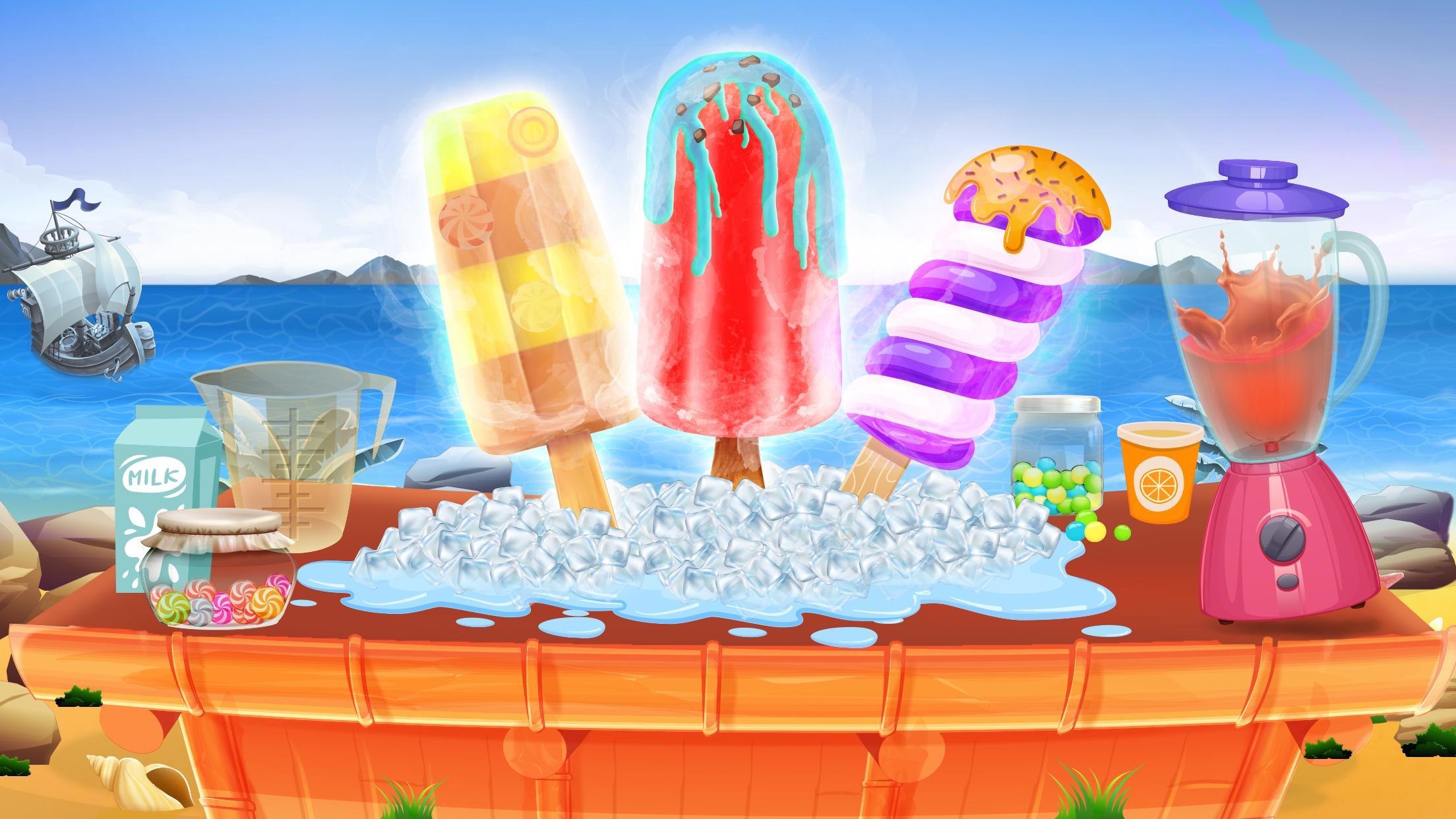
Ice popsicle candy maker game is an amazing frozen dessert cooking games. Little kids, baby and toddles really love to eat ice popsicle and ice cream pop. Well in this cooking games for girls they will get to know that how to cook, bake and serve ice cream to customers in the ice cream shop. Make multiple delicious flavors of sundae, ice cream cone and ice candy to fulfill customers demand for most delicious and mouthwatering treats. Now play this ice popsicle candy maker games and have virtual experience of making ice cream in ice cream parlor’s kitchen.
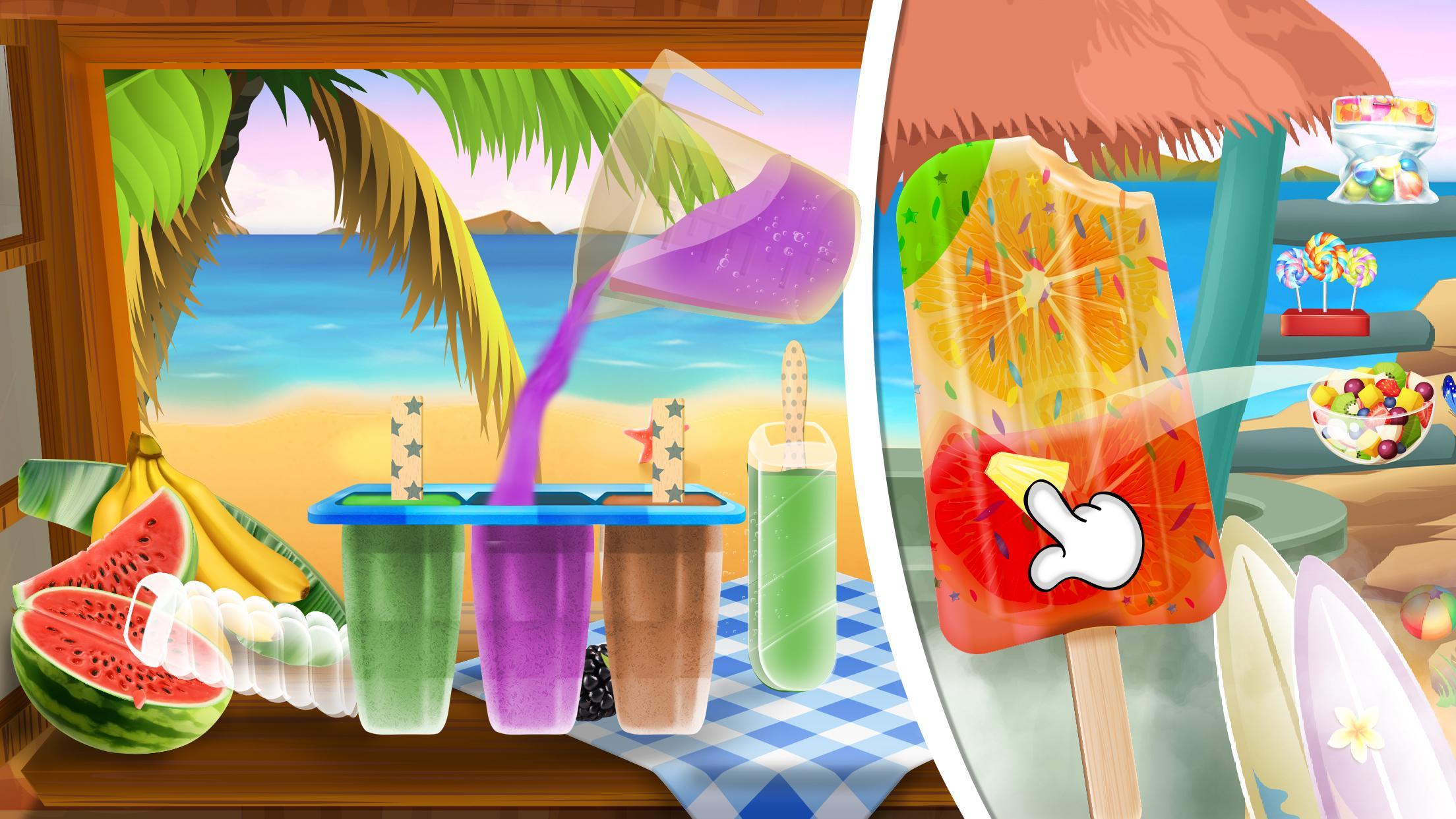
Ice popsicle making process start from cutting fresh fruits, put them in juicer machine and take out fruit juice. Add the juice in different shape molds and place ice cream stick in the molds. Freeze the molds in the freezer and leave it for some time. The frozen ice pop candy is ready for topping and decoration. For cooking ice cream bar add fruits in the milk with cream and sugar. Grind it well and bake it for some time on the stove. Pour the baked liquid in the molds and freeze it in the refrigerator. Little chef! enjoy using all the tools and accessories from kitchen shelves.
Crazy little chef! Rush in the kitchen to do all food making activities in dash, don’t scrambles while making dishes with awesome recipes from world class cookbook. In this best ice cream maker games after completing the dessert making process you will start the decoration and topping process. Decor and top up the ice candy bars with sprinkles, candy, jelly and multiple fruit syrups. You can also add different colors and shaped ice cream sticks. After completing the ice popsicle cooking process in the kitchen serve the order on the counter.
Prepare the best ice cream cones, ice lolly candies and frozen pops with amazing recipes and be the best chef in the town. Ice popsicle candy maker games also have some awesome mini games like slicing fruits and repairing freezer like pro repairman. Now download this fun cooking game and have entertaining time pass.
Ice Popsicle Candy Maker Features:
- Cook Ice Popsicle & Ice Cream
- Fun mini games for entertainment
- Real cooking challenge in the kitchen.
- A lot of toppings and decoration options.
- Make Multiple shapes of ice lolly.
- Cream flavors like orange, strawberry, vanilla, mango, blueberry, chocolate & banana.
Preview
Tags
CasualInformation
Developer
Toon Kids Studio
Latest Version
1.0.5
Last Updated
2021-10-05
Category
Casual
Available on
Google Play
Show More
How to play Ice Popsicle Candy Maker: Ice with GameLoop on PC
1. Download GameLoop from the official website, then run the exe file to install GameLoop
2. Open GameLoop and search for “Ice Popsicle Candy Maker: Ice ” , find Ice Popsicle Candy Maker: Ice in the search results and click “Install”
3. Enjoy playing Ice Popsicle Candy Maker: Ice on GameLoop
Minimum requirements
OS
Windows 8.1 64-bit or Windows 10 64-bit
GPU
GTX 1050
CPU
i3-8300
Memory
8GB RAM
Storage
1GB available space
Recommended requirements
OS
Windows 8.1 64-bit or Windows 10 64-bit
GPU
GTX 1050
CPU
i3-9320
Memory
16GB RAM
Storage
1GB available space