
Hide n Seek 3D Realms PC
Isaac Vanderpuye
Download Hide n Seek 3D Realms on PC With GameLoop Emulator
Hide n Seek 3D Realms sa PC
Ang Hide n Seek 3D Realms, na nagmumula sa developer na Isaac Vanderpuye, ay tumatakbo sa Android systerm sa nakaraan.
Ngayon, maaari mong laruin ang Hide n Seek 3D Realms sa PC gamit ang GameLoop nang maayos.
I-download ito sa GameLoop library o mga resulta ng paghahanap. Hindi na tumitingin sa baterya o nakakadismaya na mga tawag sa maling oras.
I-enjoy lang ang Hide n Seek 3D Realms PC sa malaking screen nang libre!
Hide n Seek 3D Realms Panimula
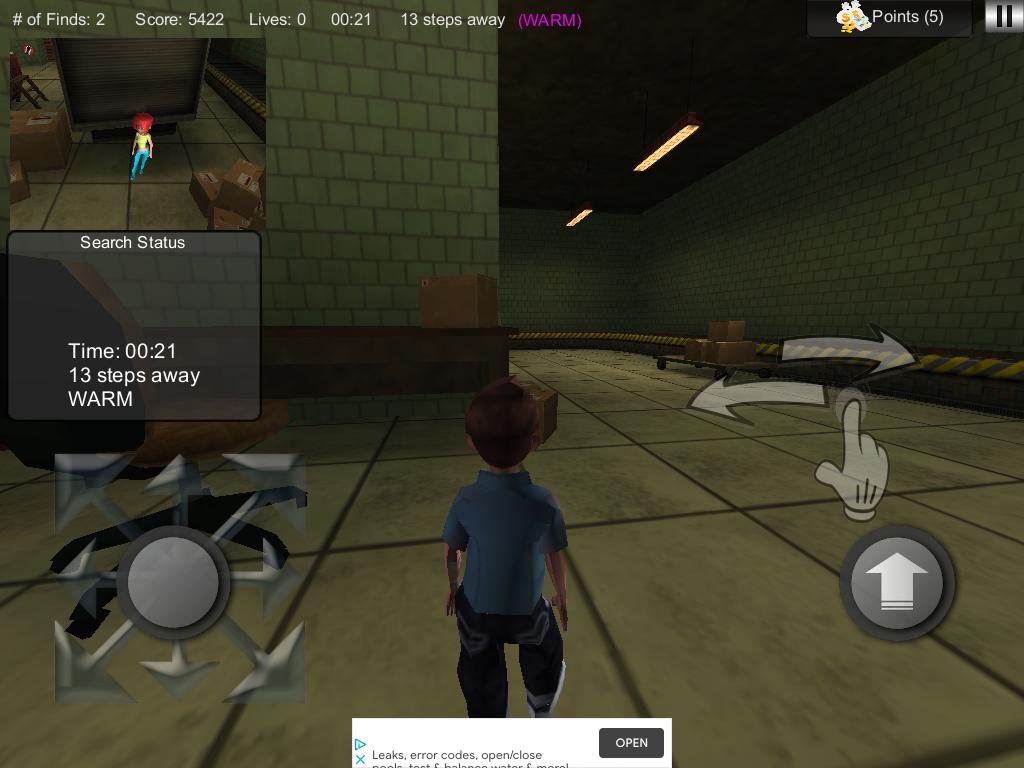
The classic game of 'Hide & Seek' in a 3D environment and across multiple worlds.
Your favourite game you played as a child with your friends has been reinvented and revolutionized with iKeman Consulting’s hit game! The update for “Hide and Seek 3D” has been released, adding many new features that make it even more enjoyable than when it was first put out.
In this game you play as Seeker Samson, a young boy with hopes of being the best seeker in the world! Your goal is to find Hider Holly, who will be zooming all around the world to find the best hiding spot. It won’t be easy though. If you don’t find Hider Holly in enough time, then she will be crowned as the winner. Get as many points as you can by finding Holly and climb your way up the leaderboards to #1!
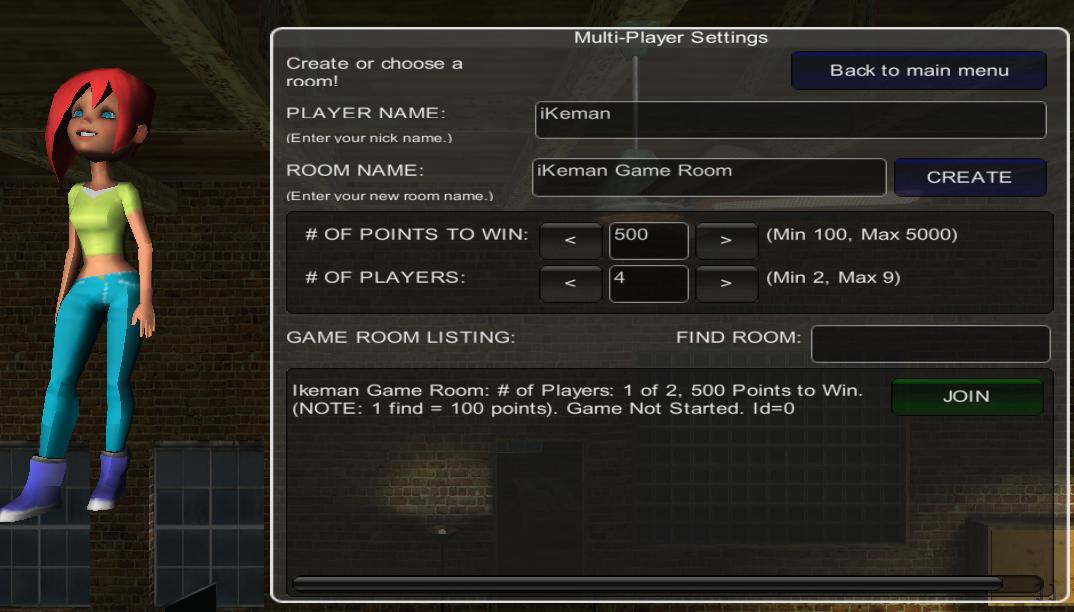
In the Hide and Seek update, we have added a new mode: Multiplayer mode! After all, hide and seek is a game that you have to play with your friends! Anyone with a device is able to create a room and invite up to 8 friends with the game to play against, whether it be on iOS or Android.
Your goal in multiplayer mode is to find Hider Holly and achieve points faster than the other seekers can. Whoever gets to a specified amount of points first is the winner, and earns bragging rights as the best detective! Each find for Hider Holly awards you 100 points, so it is important to rack up those finds quickly. However, strange red orbs also exist and are scattered all around the map. Running into them will give you a small number of points, but obtaining a great deal of these orbs can allow for another possible way to grab a victory!
Deny the other seekers from victory! Also hanging about the map are green orbs, and picking the orb up gives you rockets. Having a rocket in your possession and pressing the shoot button will send a giant missile hurling towards your opponent! Aim precisely and hit your rival, and they will lose some of their hard-earned points, along with leaving them stunned for a few seconds! Watch out! Your opponents can do the exact same thing to you too. Always keep on the move and swiftly dodge their attacks to keep your points.
A bunch of other well-seasoned detectives have arrived to challenge Seeker Samson for the title of best seeker! Multiplayer mode also introduces 12 new, exciting characters for you to play as alongside the original Seeker Samson, including players like Explorer Ethan, Investigator Isaiah, Captain Christina, Monitor Michelle, and many more. These characters add more personality to the game and let players have more individuality with their unique styles. Rumour has it that some characters may even be able to show off some fresh dance moves if you double-tap your screen???
Download the app today and compete with your friends to see who will reign triumphant as the best seeker in the world!
CONTROLS: Move the joystick on the left of your screen to move left, right, forwards, and backwards. Press the jump button on the right side of your screen to jump. Press the shoot button beside the jump button to shoot rockets at other players (Multiplayer Only). Swipe the area above the jump button and the shoot button left and right to move the camera around. Inverted controls are also available, in which the joystick and buttons would be reversed.
Preview
Tags
CasualInformation
Developer
Isaac Vanderpuye
Latest Version
6.2
Last Updated
2021-01-27
Category
Casual
Available on
Google Play
Show More
How to play Hide n Seek 3D Realms with GameLoop on PC
1. Download GameLoop from the official website, then run the exe file to install GameLoop
2. Open GameLoop and search for “Hide n Seek 3D Realms” , find Hide n Seek 3D Realms in the search results and click “Install”
3. Enjoy playing Hide n Seek 3D Realms on GameLoop
Minimum requirements
OS
Windows 8.1 64-bit or Windows 10 64-bit
GPU
GTX 1050
CPU
i3-8300
Memory
8GB RAM
Storage
1GB available space
Recommended requirements
OS
Windows 8.1 64-bit or Windows 10 64-bit
GPU
GTX 1050
CPU
i3-9320
Memory
16GB RAM
Storage
1GB available space