
Brain Surgery Simulator 3D PC
Happy Baby Games - Free Preschool Educational Apps
Download Brain Surgery Simulator 3D on PC With GameLoop Emulator
Brain Surgery Simulator 3D sa PC
Ang Brain Surgery Simulator 3D, na nagmumula sa developer na Happy Baby Games - Free Preschool Educational Apps, ay tumatakbo sa Android systerm sa nakaraan.
Ngayon, maaari mong laruin ang Brain Surgery Simulator 3D sa PC gamit ang GameLoop nang maayos.
I-download ito sa GameLoop library o mga resulta ng paghahanap. Hindi na tumitingin sa baterya o nakakadismaya na mga tawag sa maling oras.
I-enjoy lang ang Brain Surgery Simulator 3D PC sa malaking screen nang libre!
Brain Surgery Simulator 3D Panimula
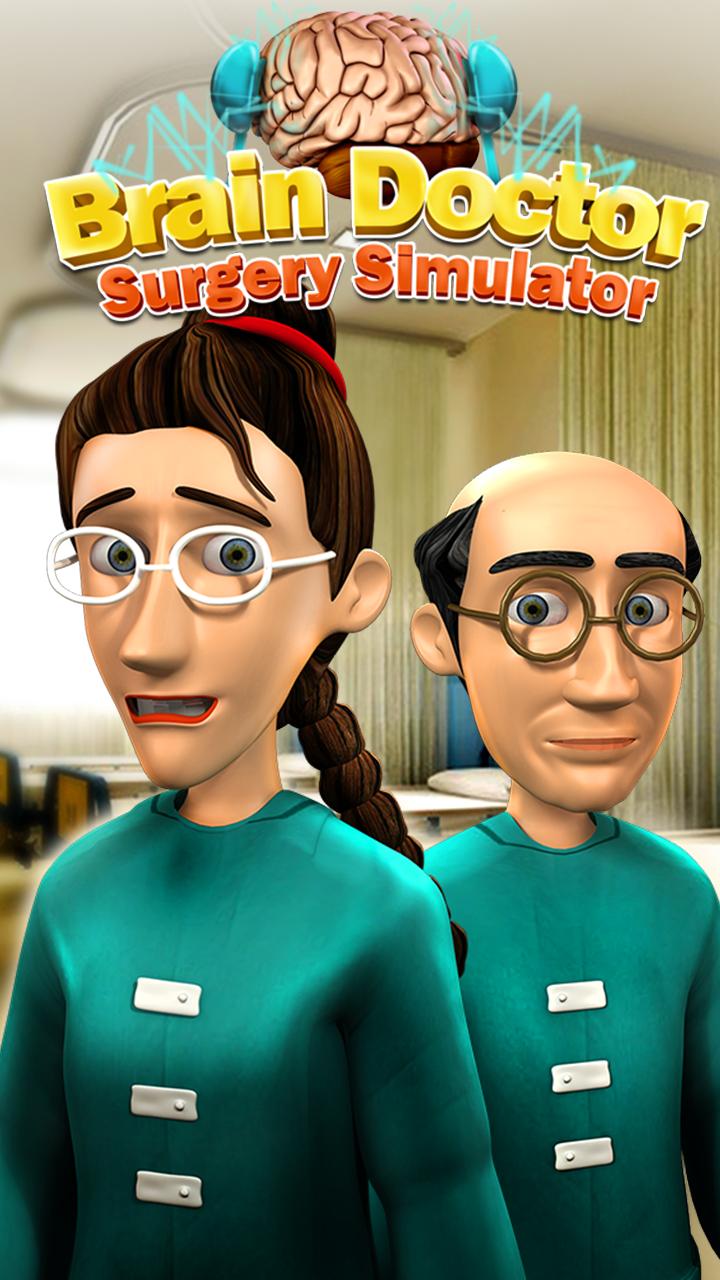
Brain Dr Surgery Simulator is a truly innovative concept of crazy doctor kids games that your children would surely love. The patients are waiting to get their brain surgeries done. Give them proper treatments with lots of medical equipments in this surgery simulator educational game for kids. Solve patient brain problems, treat injury & use many tools to cure them.
The ambulance is here. Here comes a new patient to get his brain surgery done from Brain surgeon. The Ambulance doctor has noted down the symptoms and diseases that he already has on his way to the hospital. This patient is suffering from a brain disease that can affect his arms, finger and leg movements. Brain controls our heart, eye, ear, nose, tongue, kidney, liver, lungs, stomach and all parts of the body. Prevent him into getting to a frozen state. To avoid any other damage, prepare for the surgery simulation now. You are going to be the brain doctor surgeon to perform the surgery. Call the Heart doctor, kidney doctor, lung doctor, anesthetist and all other surgeons on duty to keep a check on the patient’s organs while you carry out the surgery simulation.
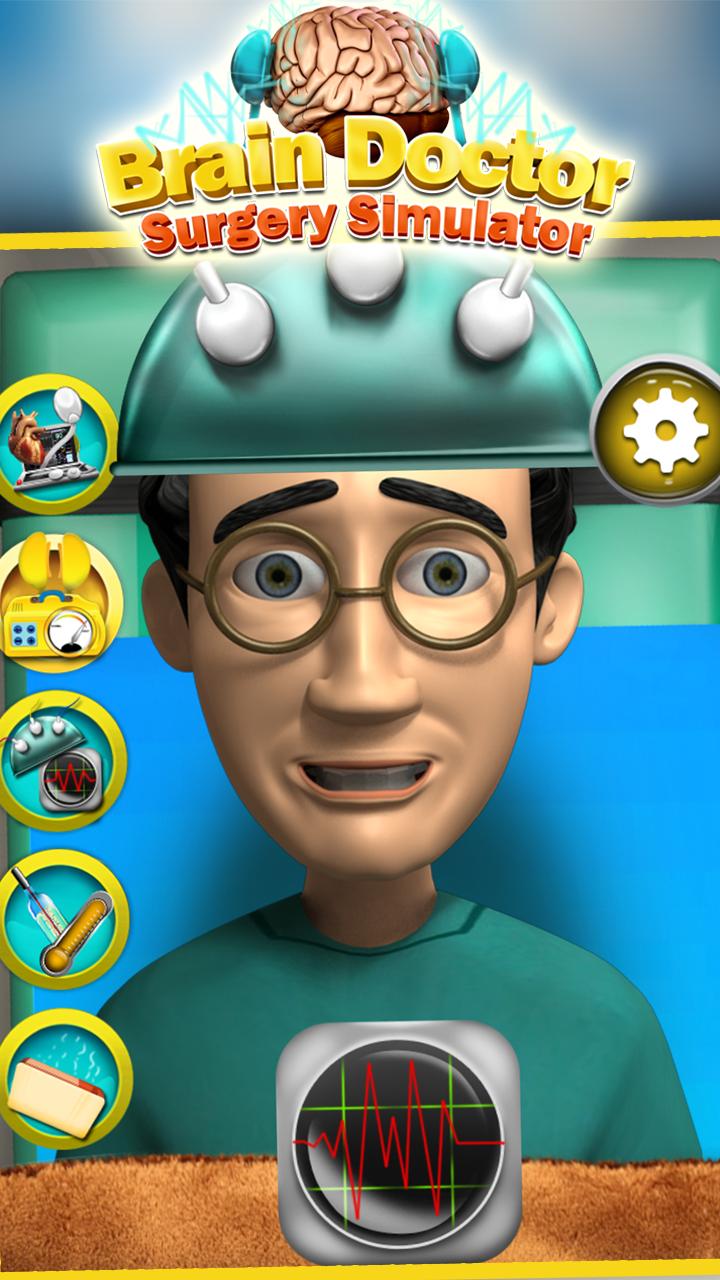
Take the patient to Operation Theater. Keep checking the heartbeat. Check temperature with a thermometer. Monitor blood pressure. Clean the blood with water spray. Give anesthesia with an injection before the operation. Once you are done with the operation, apply plaster and give him medicine so that he can heal quickly.
Brain Dr Surgery Simulator features:
√ Fun treatments & real surgeries
√ Amazing graphics and crazy game play
√ Realistic Brain Surgery Simulation
√ Use medical tools like scalpel, electric shock, injection, dropper, cooling shower, tweezers, cream, band-aid and syrup
√ Check temperature with a thermometer
√ Zoom in with a camera
√ You’ve got brain teasers (hints) showing on screen for treatment
Brain Dr Surgery Simulator has so much fun options to try crazy surgery simulator at clinic. Kill those germs causing pain and diseases. There is a biggest rush of patients waiting outside your clinic to get treated. Treat Crazy Father & Nerdy Mommy in your virtual Crazy Hospital.
Doctor games have never been this awesome. Become the real doctor and crazy surgeon to perform the surgery simulator on your patients. Test your skills, become a professional surgeon, treat patients with painful expressions and make them healthy and happy again.
Preview
Information
Developer
Happy Baby Games - Free Preschool Educational Apps
Latest Version
1.14
Last Updated
2017-02-21
Category
Casual
Available on
Google Play
Show More
How to play Brain Surgery Simulator 3D with GameLoop on PC
1. Download GameLoop from the official website, then run the exe file to install GameLoop
2. Open GameLoop and search for “Brain Surgery Simulator 3D” , find Brain Surgery Simulator 3D in the search results and click “Install”
3. Enjoy playing Brain Surgery Simulator 3D on GameLoop
Minimum requirements
OS
Windows 8.1 64-bit or Windows 10 64-bit
GPU
GTX 1050
CPU
i3-8300
Memory
8GB RAM
Storage
1GB available space
Recommended requirements
OS
Windows 8.1 64-bit or Windows 10 64-bit
GPU
GTX 1050
CPU
i3-9320
Memory
16GB RAM
Storage
1GB available space