
Color Match PC
Supersonic Studios LTD
Download Color Match on PC With GameLoop Emulator
Color Match sa PC
Ang Color Match, na nagmumula sa developer na Supersonic Studios LTD, ay tumatakbo sa Android systerm sa nakaraan.
Ngayon, maaari mong laruin ang Color Match sa PC gamit ang GameLoop nang maayos.
I-download ito sa GameLoop library o mga resulta ng paghahanap. Hindi na tumitingin sa baterya o nakakadismaya na mga tawag sa maling oras.
I-enjoy lang ang Color Match PC sa malaking screen nang libre!
Color Match Panimula
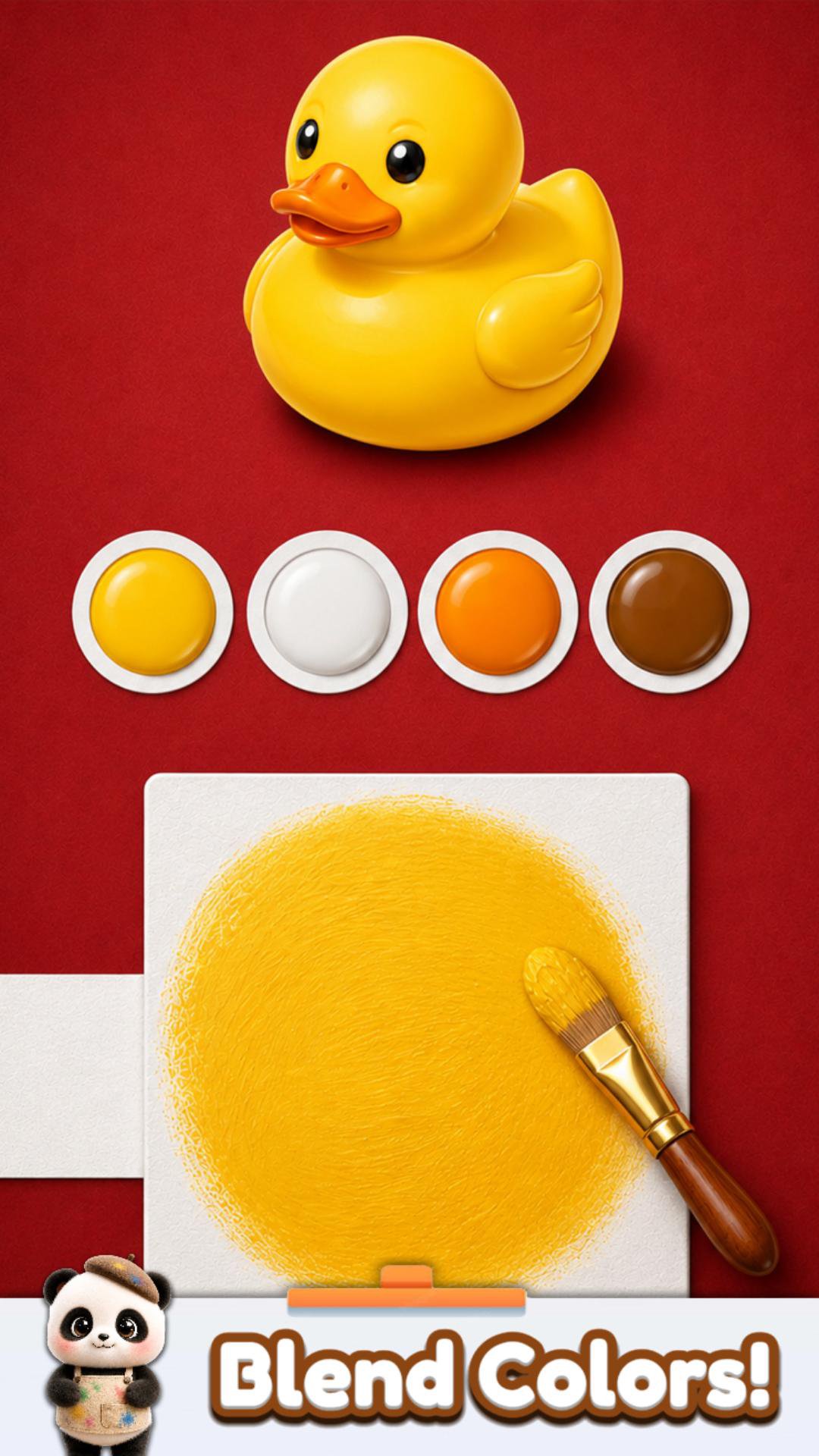
Mix colors, match the target, and paint 3D objects in Color Match!
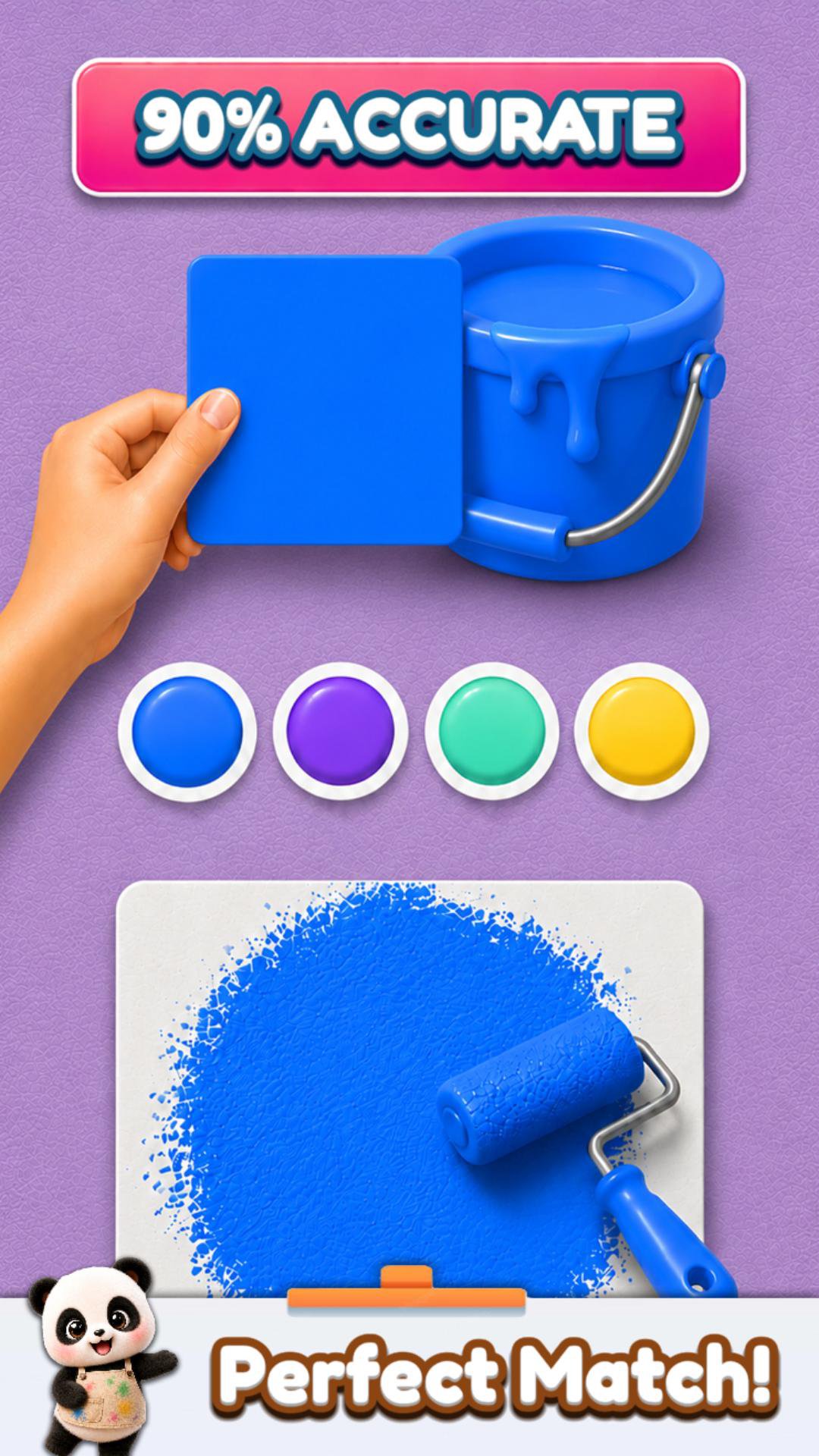
Test your eye for color as you blend paints on paper and try to recreate the exact shade of each object. When your mix looks right, paint the 3D model and see how close you got.
Explore colorful rooms and collections:
• Garden fruits and vegetables
• Kitchen treats and desserts
• Garage cars and tools
• Sports items and balls
• Animals, aquarium objects, furniture, electronics, cosmetics, and more
What you can do:
• Mix colors and discover new shades
• Paint 3D objects with your custom color
• Compare your result with the target object
• Sell painted objects at auction
• Display your creations in themed rooms
• Unlock new brushes and challenges
• Hunt for items in special collection events
• Keep playing through hundreds of creative levels
Color Match is easy to play and satisfying to master. Every object is a small color puzzle: look carefully, blend the right paint, apply it, and improve your match.
Ready to find the perfect shade? Start mixing, painting, and matching colors today!
Preview
Tags
CasualInformation
Developer
Supersonic Studios LTD
Latest Version
3.91
Last Updated
2026-09-25
Category
Casual
Show More
How to play Color Match with GameLoop on PC
1. Download GameLoop from the official website, then run the exe file to install GameLoop
2. Open GameLoop and search for “Color Match” , find Color Match in the search results and click “Install”
3. Enjoy playing Color Match on GameLoop
Minimum requirements
OS
Windows 8.1 64-bit or Windows 10 64-bit
GPU
GTX 1050
CPU
i3-8300
Memory
8GB RAM
Storage
1GB available space
Recommended requirements
OS
Windows 8.1 64-bit or Windows 10 64-bit
GPU
GTX 1050
CPU
i3-9320
Memory
16GB RAM
Storage
1GB available space