
Doodle Coloring!™ Draw Color PC
EquiComp Solutions
Download Doodle Coloring!™ Draw Color on PC With GameLoop Emulator
Doodle Coloring!™ Draw Color sa PC
Ang Doodle Coloring!™ Draw Color, na nagmumula sa developer na EquiComp Solutions, ay tumatakbo sa Android systerm sa nakaraan.
Ngayon, maaari mong laruin ang Doodle Coloring!™ Draw Color sa PC gamit ang GameLoop nang maayos.
I-download ito sa GameLoop library o mga resulta ng paghahanap. Hindi na tumitingin sa baterya o nakakadismaya na mga tawag sa maling oras.
I-enjoy lang ang Doodle Coloring!™ Draw Color PC sa malaking screen nang libre!
Doodle Coloring!™ Draw Color Panimula
Doodle Color!™ - Kids Coloring Your Photos app is simple & fun for kids of all ages! No upper limit ;)
(for Android™ 2.0 or above)
Kids Coloring Features explained:
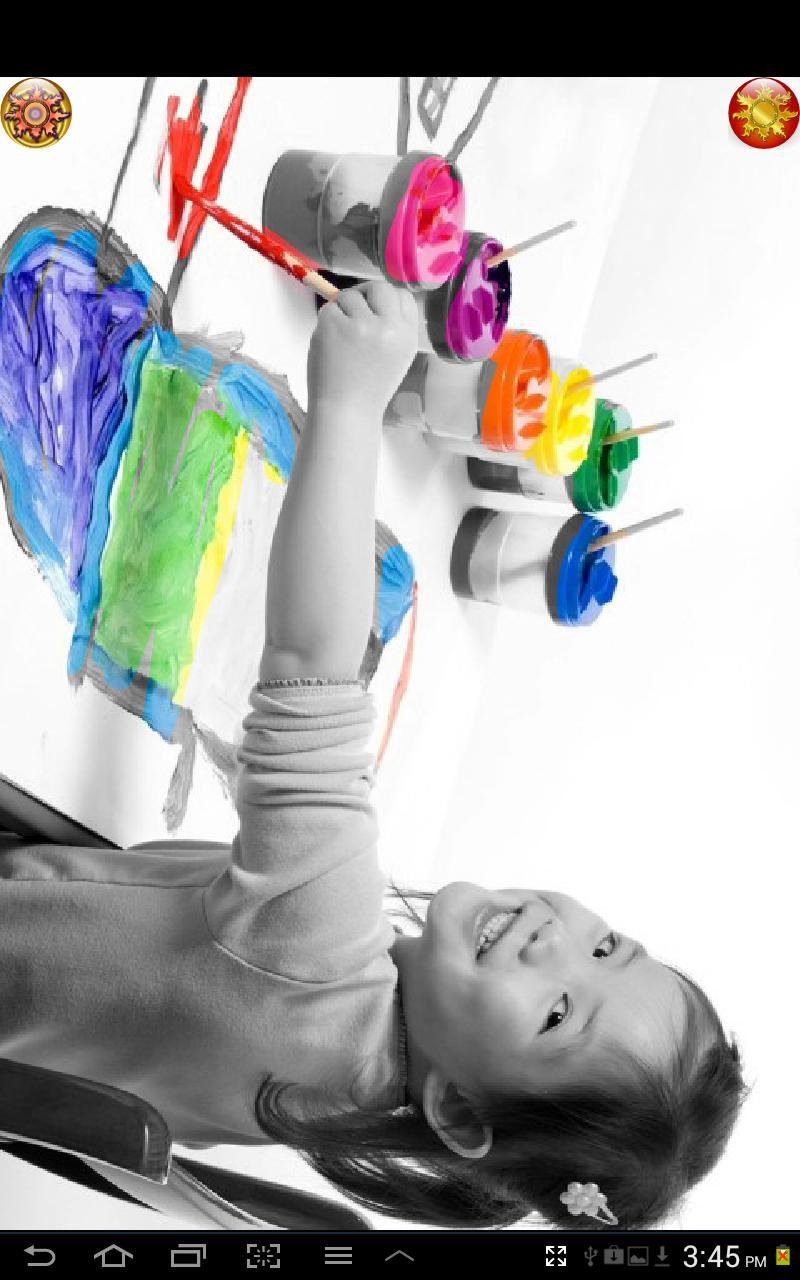
★ Simple photo color up method for kids, lets kids easily do color splash effect of object or person they trace/color in the middle of an otherwise black and white photo.
★ Kids can draw colors on any pictures in your gallery that you screen and select for them using "Add Pictures": meaning they can even color Instagram® pics located on your device/sdcard; the app scans for photos and lets you choose which ones to let the kids see and paint colors back in on. Images are loaded in black & white and colors will reappear wherever the kids doodle with their fingers.
★ Save! Kids' artwork can be saved to your gallery. The original photo is not edited, it remains untouched, just a snapshot of your kids' coloring is saved to a new file.
★ Multi-Touch! Kids can draw with more than one finger, depending on your phone/tablet's support for multitouch.
★ Sound Effects! They can be turned off by turning media audio volume control all the way down on device.
★ Solid color scratch & reveal mode button included, users report its popular with younger kids and even toddlers, especially with the sound effects volume control turned up! This button simply calls a random solid color and when kids draw, they scratch away the solid color revealing a picture.
★ Brush size: There are three paint brush size options, small brush, medium brush, and large brush.
★ Easy for kids to use, even younger kids who can't trace well yet or draw within the lines, yet fun for even adults!
A more complex feature full version for grown-ups will be released soon! (See doodlecolor.com for info.)
If you prefer to let kids color on provided content other than your own photos, try our Doodle Scratch!™ Kids Color Draw app instead. Also, please try our Doodle Toy!™ Kids Draw Paint drawing app which is popular with children and adults alike! For more mature kids, teenagers, or adults, please try our Doodle Gram!™ Photo Collage SMS app :)
If you have any feature requests, comments, or suggestions please email us at kidsversion@doodlecolor.com
Or contact us online at http://kids.doodlecolor.com
or http://www.doodlecolor.com/kidsversion.html
Legal disclaimer:
* All trademarks and copyrights referenced are the sole property of their respective owners. Android™ is a trademark of Google® Inc.
* This app and its creators are in no way related to, endorsed by, or affiliated with Instagram® Inc.
Preview

Tags
CasualInformation
Developer
EquiComp Solutions
Latest Version
3.3
Last Updated
2019-10-31
Category
Casual
Available on
Google Play
Show More
How to play Doodle Coloring!™ Draw Color with GameLoop on PC
1. Download GameLoop from the official website, then run the exe file to install GameLoop
2. Open GameLoop and search for “Doodle Coloring!™ Draw Color” , find Doodle Coloring!™ Draw Color in the search results and click “Install”
3. Enjoy playing Doodle Coloring!™ Draw Color on GameLoop
Minimum requirements
OS
Windows 8.1 64-bit or Windows 10 64-bit
GPU
GTX 1050
CPU
i3-8300
Memory
8GB RAM
Storage
1GB available space
Recommended requirements
OS
Windows 8.1 64-bit or Windows 10 64-bit
GPU
GTX 1050
CPU
i3-9320
Memory
16GB RAM
Storage
1GB available space