Block Story PC
QuietFire
Download Block Story on PC With GameLoop Emulator
Block Story sa PC
Ang Block Story, na nagmumula sa developer na QuietFire, ay tumatakbo sa Android systerm sa nakaraan.
Ngayon, maaari mong laruin ang Block Story sa PC gamit ang GameLoop nang maayos.
I-download ito sa GameLoop library o mga resulta ng paghahanap. Hindi na tumitingin sa baterya o nakakadismaya na mga tawag sa maling oras.
I-enjoy lang ang Block Story PC sa malaking screen nang libre!
Block Story Panimula
This is a simple operation to eliminate the game.
It’s as simple as clicking and double-clicking on the operation.
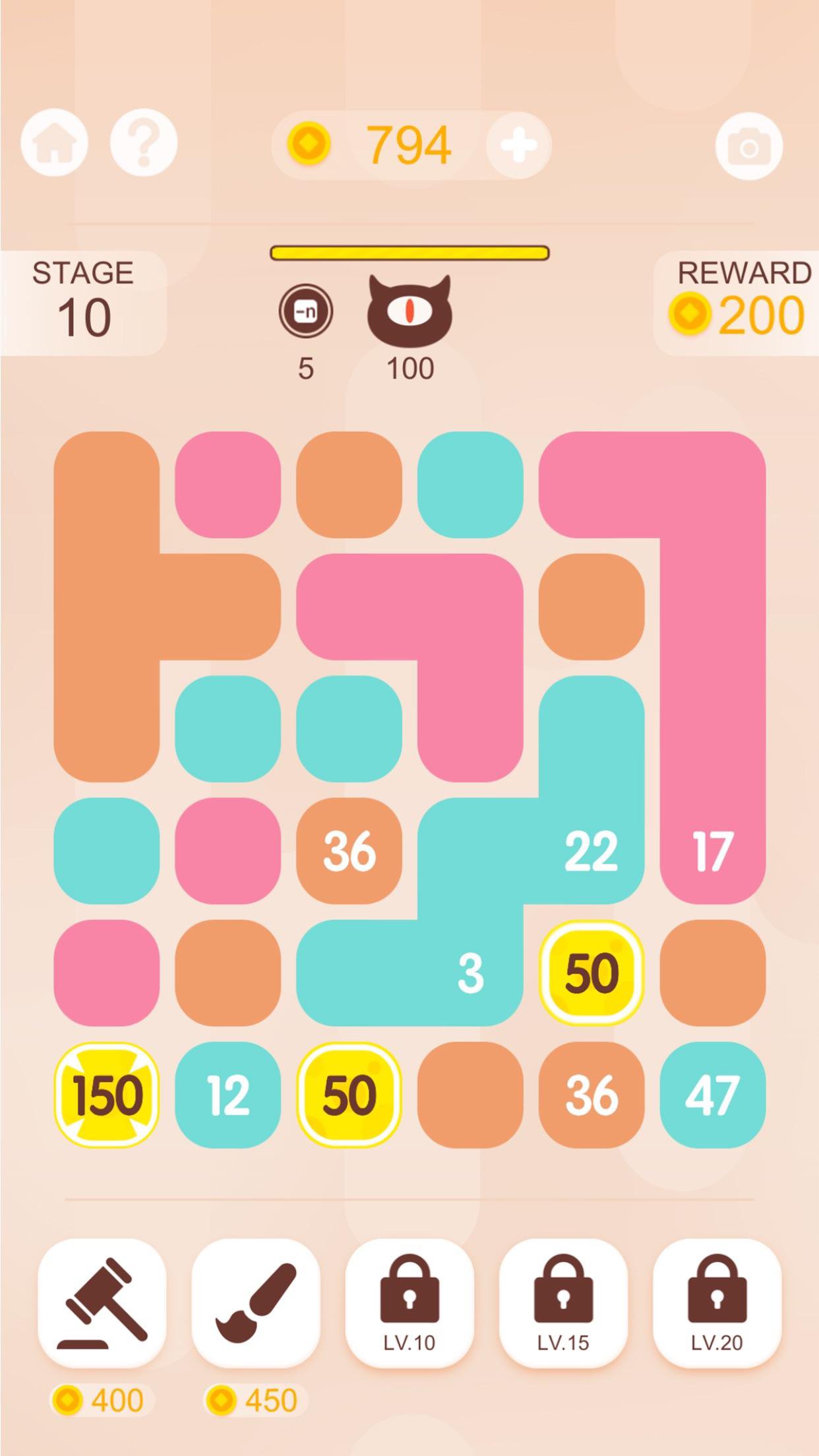
Click to aggregate the connected patches to become higher-value patches.
Double click is used to detonate the explosive block
There are 5 explosion blocks in the game, the corresponding numbers are 50, 100, 150, 200, 250+
The ability of each explosive block is different.
50 explosion block is a small bomb that will eliminate 3*3 range of color blocks
The 100 blast block corresponds to the cross type elimination, that is, the row in which the blast block is located.
150 explosion block pairs randomly eliminate a common color block
200 explosion blocks will eliminate 3 rows and 3 columns, is an upgraded version of 100 explosion blocks
The explosion block of 250 and above is the same ability to clear all the color blocks
In addition to the explosion color block, there are 5 kinds of props to choose from.
Item 1: Eliminate a color block you specify
Item 2: Change the 4 color blocks of the normal color block you specified to the same color as the color block you specified. Of course, it is invalid for the explosion block.
Item 3: Aggregate all the common color blocks you specify
Item 4: Randomly dye three lines to become the same color, of course, this is also invalid for the explosive block.
Item 5: Clear all color blocks
Of course, there are also obstacles in the game. It will only appear in the challenge mode until 2000 points, and it will appear after the 20 levels in the level mode.
In addition to the obstacle block, there is a cute little monster waiting for you, every 10 levels will appear. Be careful of the 2 skills of the little monster, the first skill is to change the value of the color block to 1. The second skill Is to turn the color block into a barrier.
The cute little monster is waiting for you in the game.
Preview
Tags
CasualInformation
Developer
QuietFire
Latest Version
2.1
Last Updated
2025-10-13
Category
Casual
Available on
Google Play
Show More
How to play Block Story with GameLoop on PC
1. Download GameLoop from the official website, then run the exe file to install GameLoop
2. Open GameLoop and search for “Block Story” , find Block Story in the search results and click “Install”
3. Enjoy playing Block Story on GameLoop
Minimum requirements
OS
Windows 8.1 64-bit or Windows 10 64-bit
GPU
GTX 1050
CPU
i3-8300
Memory
8GB RAM
Storage
1GB available space
Recommended requirements
OS
Windows 8.1 64-bit or Windows 10 64-bit
GPU
GTX 1050
CPU
i3-9320
Memory
16GB RAM
Storage
1GB available space