Romi Lite PC
Patrick Roy
Download Romi Lite on PC With GameLoop Emulator
Romi Lite sa PC
Ang Romi Lite, na nagmumula sa developer na Patrick Roy, ay tumatakbo sa Android systerm sa nakaraan.
Ngayon, maaari mong laruin ang Romi Lite sa PC gamit ang GameLoop nang maayos.
I-download ito sa GameLoop library o mga resulta ng paghahanap. Hindi na tumitingin sa baterya o nakakadismaya na mga tawag sa maling oras.
I-enjoy lang ang Romi Lite PC sa malaking screen nang libre!
Romi Lite Panimula
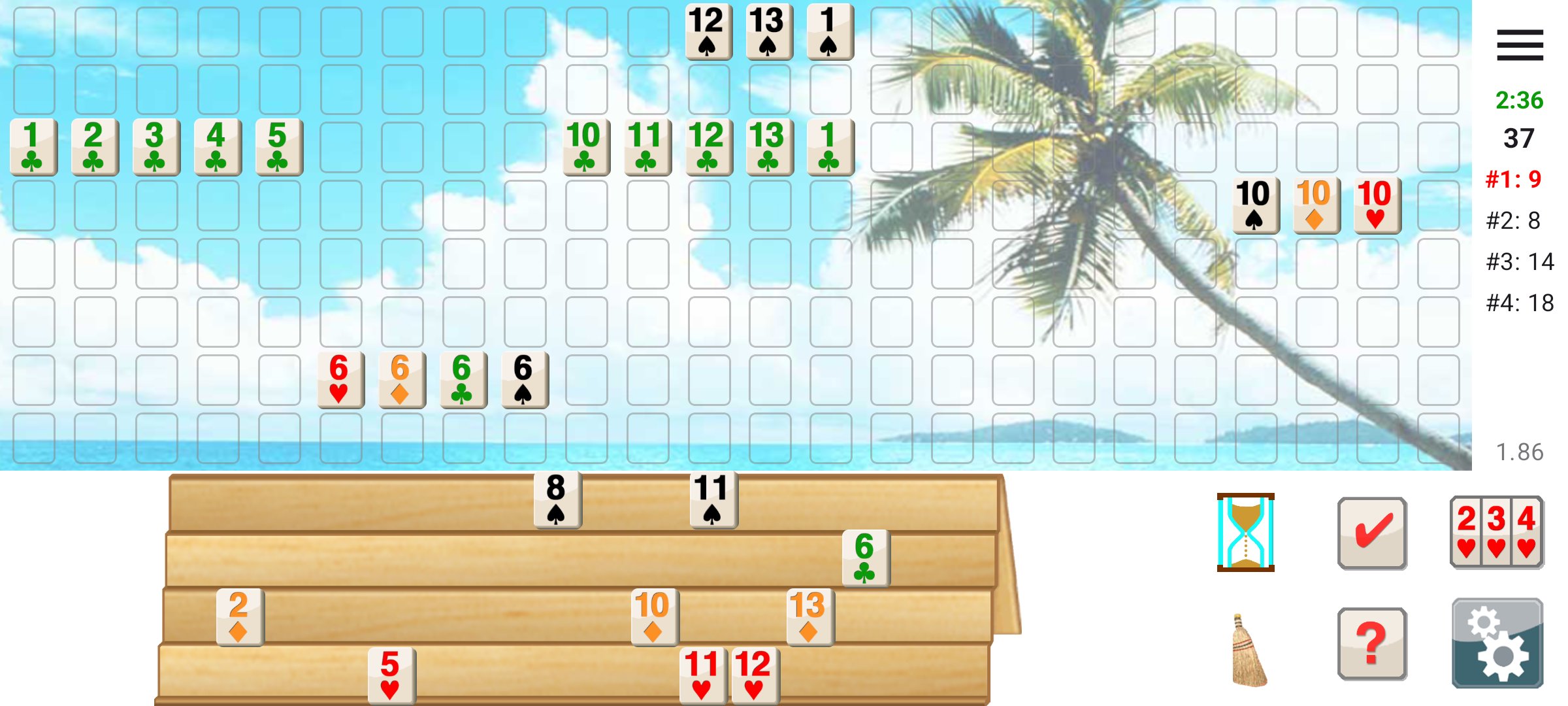
Romi lets you play Rummy Tile (RummyCube, Rummikub, Rami) games against the computer at three different levels. Romi is played with two sets of 52 cards and with two wild cards. The purpose of this game is to form groups of three or more cards, which contain either consecutive cards of the same suit or cards of the same number value but of differing suits.
**What's New in 2.00:**
- Local multiplayer: play with 2-4 players on nearby Android devices
- Automatic reconnection if connection is lost during a game
- PIN protection for multiplayer lobbies
- Pause functionality during multiplayer games
- Option for the winner to start the next game
**Pass and Play mode:**
Play with friends on a single device! In Settings, uncheck the boxes next to player names to make them human-controlled. Pass the device after each turn.
**About Romi Lite:**
Remove advertisements by purchasing the full version of Romi.
Preview
Tags
CardInformation
Developer
Patrick Roy
Latest Version
2.00
Last Updated
2026-01-10
Category
Card
Available on
Google Play
Show More
How to play Romi Lite with GameLoop on PC
1. Download GameLoop from the official website, then run the exe file to install GameLoop
2. Open GameLoop and search for “Romi Lite” , find Romi Lite in the search results and click “Install”
3. Enjoy playing Romi Lite on GameLoop
Minimum requirements
OS
Windows 8.1 64-bit or Windows 10 64-bit
GPU
GTX 1050
CPU
i3-8300
Memory
8GB RAM
Storage
1GB available space
Recommended requirements
OS
Windows 8.1 64-bit or Windows 10 64-bit
GPU
GTX 1050
CPU
i3-9320
Memory
16GB RAM
Storage
1GB available space