
Microsoft Solitaire Collection PC
Microsoft Corporation
Download Microsoft Solitaire Collection on PC With GameLoop Emulator
Microsoft Solitaire Collection sa PC
Ang Microsoft Solitaire Collection, na nagmumula sa developer na Microsoft Corporation, ay tumatakbo sa Android systerm sa nakaraan.
Ngayon, maaari mong laruin ang Microsoft Solitaire Collection sa PC gamit ang GameLoop nang maayos.
I-download ito sa GameLoop library o mga resulta ng paghahanap. Hindi na tumitingin sa baterya o nakakadismaya na mga tawag sa maling oras.
I-enjoy lang ang Microsoft Solitaire Collection PC sa malaking screen nang libre!
Microsoft Solitaire Collection Panimula
Join millions of players worldwide in the most played Solitaire game in history - now featuring MORE great games to play!
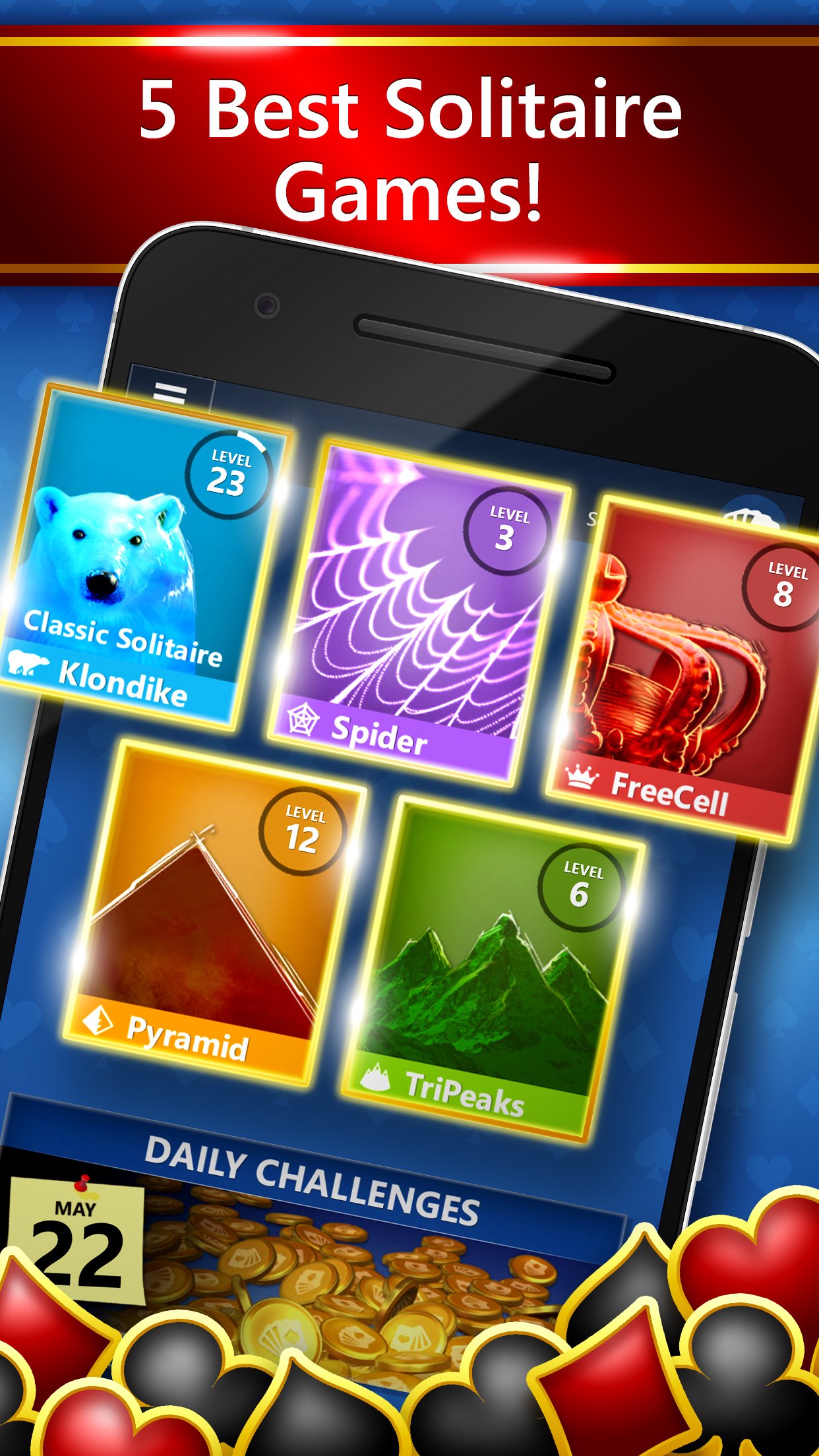
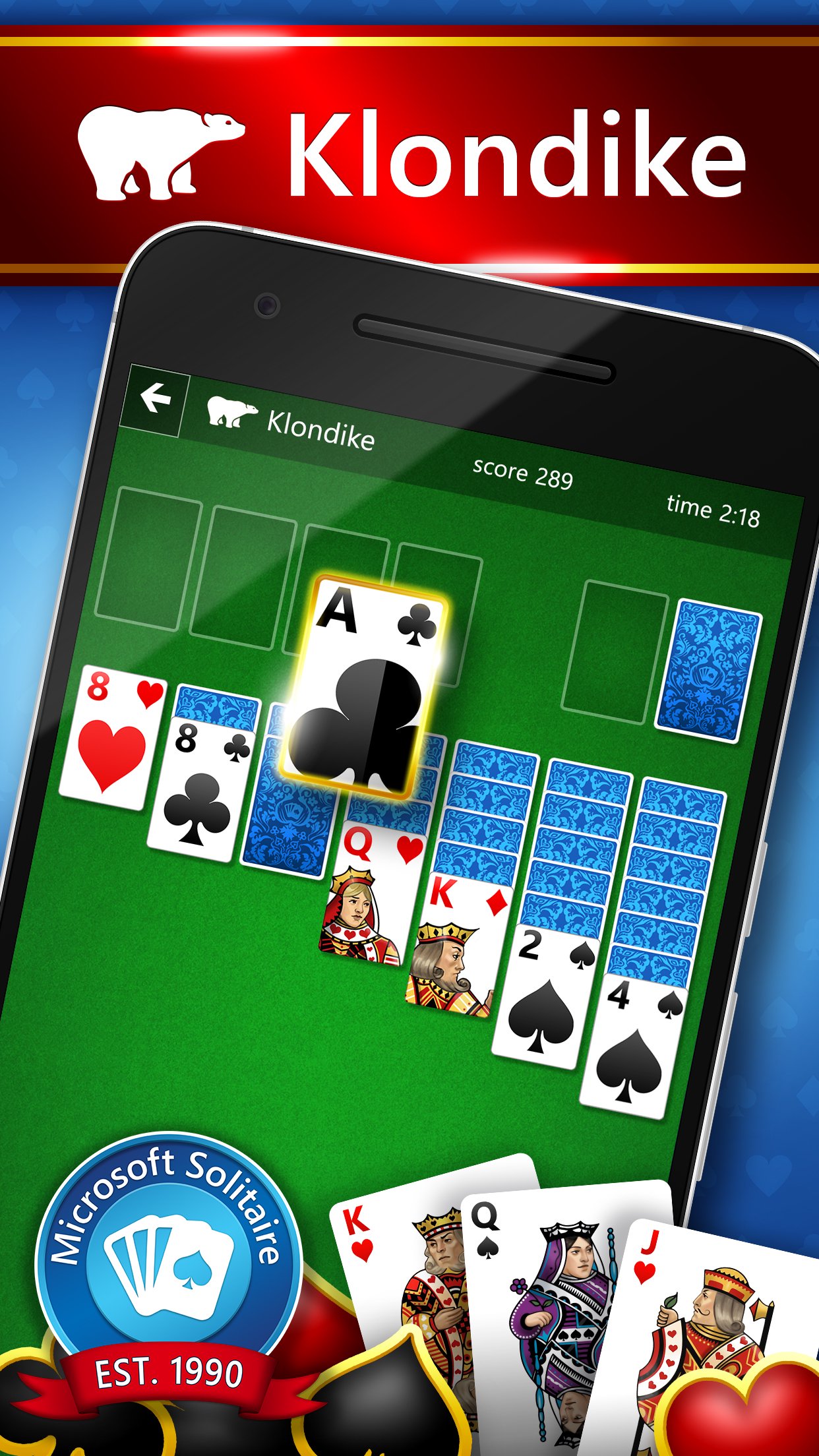
Enjoy classic Solitaire game modes everyone loves - Klondike Solitaire, Spider Solitaire, FreeCell Solitaire, TriPeaks Solitaire & Pyramid Solitaire. Keep your mind sharp increasing your Difficulty, completing Daily Challenges, playing Weekly Rewards, or climbing the leaderboard in Events.
Celebrate WINS by leveling up with XP, collecting Trophies, Achievements & MORE! Plus, discover other great match-3, arcade and puzzle games ready to play anytime - Microsoft Bubble, Jewel, Gravity Blocks, Gem Drop & Mahjong 3D.
Sign in with a Microsoft or Xbox Account to save your progress, collect awards and play across devices. With so much to play, Microsoft Solitaire Collection is the perfect app for anyone.
Features:
• 5 favorite Solitaire game modes
• 5 NEW Challenges every day
• Choose your Difficulty
• Weekly Rewards, Events & Achievements
• MORE great games ready to play inside!
For more information visit: https://aka.ms/microsoftsolitaire_support
© Microsoft 2026. All Rights Reserved.
Microsoft, Microsoft Casual Games, Solitaire, and the Solitaire logos are trademarks of the Microsoft group of companies. All other trademarks are the property of their respective owners. Acceptance of Microsoft Services Agreement and Privacy Statement are required to play (https://www.microsoft.com/en-us/servicesagreement, https://www.microsoft.com/en-us/privacy/privacystatement). Microsoft account registration required for cross-platform play. Game offers in-app purchases. Persistent internet connection required. Features, online services and system requirements may vary by country and are subject to change or retirement over time.
Preview
Tags
SolitaireCasualSingle playerOfflineRealisticTripeaksMiscellaneousCardsInformation
Developer
Microsoft Corporation
Latest Version
4.25.5142.1
Last Updated
2026-06-09
Category
Card
Available on
Google Play
Show More
How to play Microsoft Solitaire Collection with GameLoop on PC
1. Download GameLoop from the official website, then run the exe file to install GameLoop
2. Open GameLoop and search for “Microsoft Solitaire Collection” , find Microsoft Solitaire Collection in the search results and click “Install”
3. Enjoy playing Microsoft Solitaire Collection on GameLoop
Minimum requirements
OS
Windows 8.1 64-bit or Windows 10 64-bit
GPU
GTX 1050
CPU
i3-8300
Memory
8GB RAM
Storage
1GB available space
Recommended requirements
OS
Windows 8.1 64-bit or Windows 10 64-bit
GPU
GTX 1050
CPU
i3-9320
Memory
16GB RAM
Storage
1GB available space